Showing posts with label development. Show all posts

Monday, 30 December 2024

Cosplaying Catgirl Characters Complete

Monsters Loot Swag; Final Playable Character

 As the year 2024 comes to completion, so has the list of playable characters for Monsters Loot Swag. Schiavona is the 8th playable cosplaying catgirl character and fourth and final character who has to be unlocked via achievements. She is a close range, melee based character, with fairly average physical statistics, but is very heavy on inflicting damage.

Cue video of her in action:

All that remains for work to complete the development of Monsters Loot Swag, is now the final level with boss character, and few art related pieces such as an intro containing plot, as if 8 playable cosplaying catgirls battling 8 waifu level bosses needs such flippery as plot!

Airship Dragoon has been on Steam for 10 years

Airship Dragoon got two updates at the beginning of December, the first was due to a new Steamworks SDK which had broken some of the 10 year old code for Steam integration, and the second was because, whilst testing the first update on Steam to make sure it actually worked ... I found a bug from 12 years ago ...

Thankfully, 12 years ago me ... who may still have been in his late 30s ... had left a code comment incase something happened that was not supposed to happen - and during this test of the new Steamworks code ... it happened.

The ancient code comment made it relatively simple to track the "something happened that was not supposed to happen" down to a specific function were pathfinding was sent if it completely failed - something so rare I had never had it happen, not anyone report it in the last decade, but I had not added an escape of any kind to this failure state, and so quickly scripted an emergency "move elsewere" command, so not to get stuck.

Rounding out the year work-wise, I finally filed my tax return with His Majesty's Robbers And Crooks (HMRC), something which the gubbermint has gone out of their way to make ever increasingly difficult. Their oh-so-helpful system active attempts to stop me from paying them money and every year I send feedback telling them that their crappy website has been broken for the last 7+ years and tell them how to fix it, every single year.

I ran out of characters typing into the complaint box


For 7+ years they have not done this
 

As it's Decemeber, and the time of eat, drink and get indegestion, I bought the biggest steak at a reasonable price that I could get.

Hello Vitamin B12!
 

Suitable Protective Clothing For Roasting Such A Beast

Went For Medium-Rare For Fear Of Some Folks Freaking Out If It Was Still "Bloody As Hell"

As Monsters Loot Swag comes to the end of it's development cycle, I naturally have one eye on the next project. Previously I had posted some of my test work on a third-person melee combat system. As my previous two projects have taken so long, I had been wondering about how best to make a short form game that could be expanded on if it received due interest from players.

I noticed that there had been quite a lot of complaints on the new Stalker game, about how it's open world design had broken it's previous a-life simulation, and I thought that maybe going down that route could be interesting - both in gameplay but also in coding the concept.

So, something along the lines of a 4km square map (not too big), with bands of enemy warriors from different areas or periods (Saxon, Norse, Magyar, Venetian, Chivalric, Landsknecht, etc) wandering about, picking fights, fleeing greater enemy forces, with a smattering of random loot and treasure chests, maybe some wild life plodding about.

I had a brief test to see the ballpark range of having lots of Ai players visible, having them invisible, not rendering but still having to update physics each engine tick. This was done in debug mode whilst running an IDE so naturally the framerate was terrible, but it did quickly prove what I had suspected, which is rendering 200 skinned meshes is a lot more overhead than just processing the physics for 200 Ai players.


 In a player build test without the overhead of debugging, the framerate was 500fps empty, 80fps with 200 characters rendering, and 350fps with 200 characters not rendering but still updating their physics. Not that I would ever consider having 200 Ai players battling it out right in front of the player's camera.

It will be interesting to see what sort of load I put on my processor and gpu if I remove the Ai players when they are nowhere near the player and turn them into scriptable objects who would then approximate their actions using RNG as they move around the map, out of the player/client camera fustrum and view range.

Anyhow, that is all for a later date. I hope you have had a Merry Christmas, and here's to Space Year 2025! 

Happy New Year!


Saturday, 30 November 2024

New Playable Character STARSHIP


New Playable Character STARSHIP brings the 1950s sci-fi vibe

Monsters Loot Swag got a new update on Steam, with the seventh playable character - and third unlockable - STARSHIP, who arrives with a cheesy 1950s sci-fi vibe. Duck Dodgers eat your heart out.

Starship is a high mobility and range-based character, and the only Monsters Loot Swag character who can truly run-and-gun without needing to slow down and aim to shoot.

And here she is in action.


And whilst we're talking about sci-fi cheese ... feel free to sing-a-long with ex-Pan's People cum Hot Gossip dancers, which I had on 45 speed vinyl ... which was a thing when I was a kid. I pity the younglings these days who will never know such joys as Gen-X took for granted.


 They don't make them like that anymore ...

Lord and Protector Gaben released a new Steamworks SDK build, which streamlined how player stats and achievements were obtained by the game app, with all player statistics now loading via the Steam Client before the game is even launched. Naturally thsi broke all my code which communicated with Valve's servers, so that had to be fixed ... especially for Airship Dragoon which meant hunting through C++ which I had written over 10 years ago ... whew lad.

10 years later and Airship Dragoon has achieved "Mostly Positive" reviews

And it wouldn't be a devblog without complaining about the weather! Err Nerr Snerr!


It didn't last long, just long enough for me to almost go arse-over-tit on an icy path, before a tropical storm came in and rained winter off again.

Monsters Loot Swag and Airship Dragoon are both on sale in the Steam Autumn Sale right now.

Next up, probably the final playable character for Monsters Loot Swag, after which I only have the last level to make and a few extra bits to tidy up before full release next year.

Thursday, 30 September 2021

One Year Of Aeronauticals

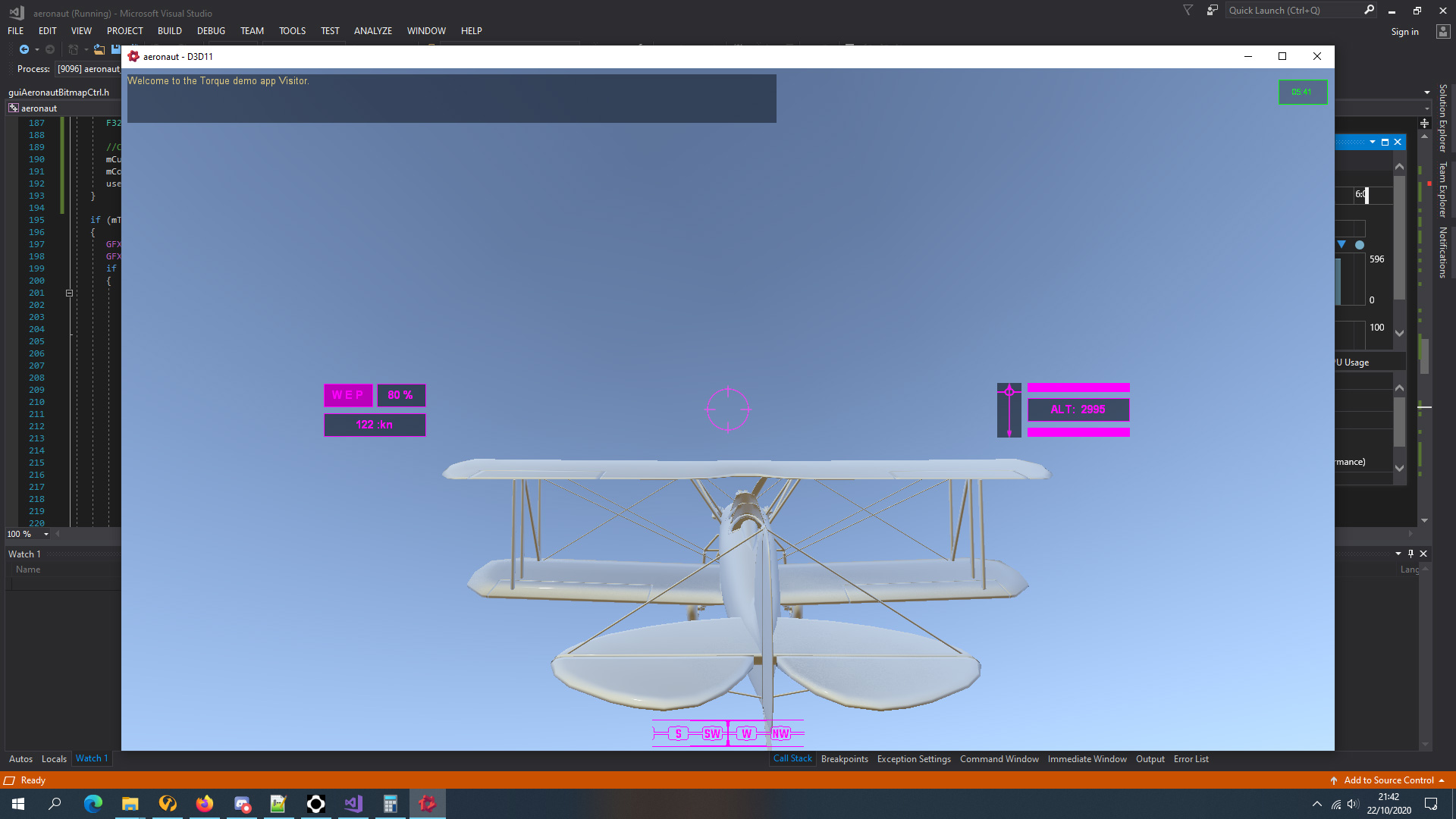
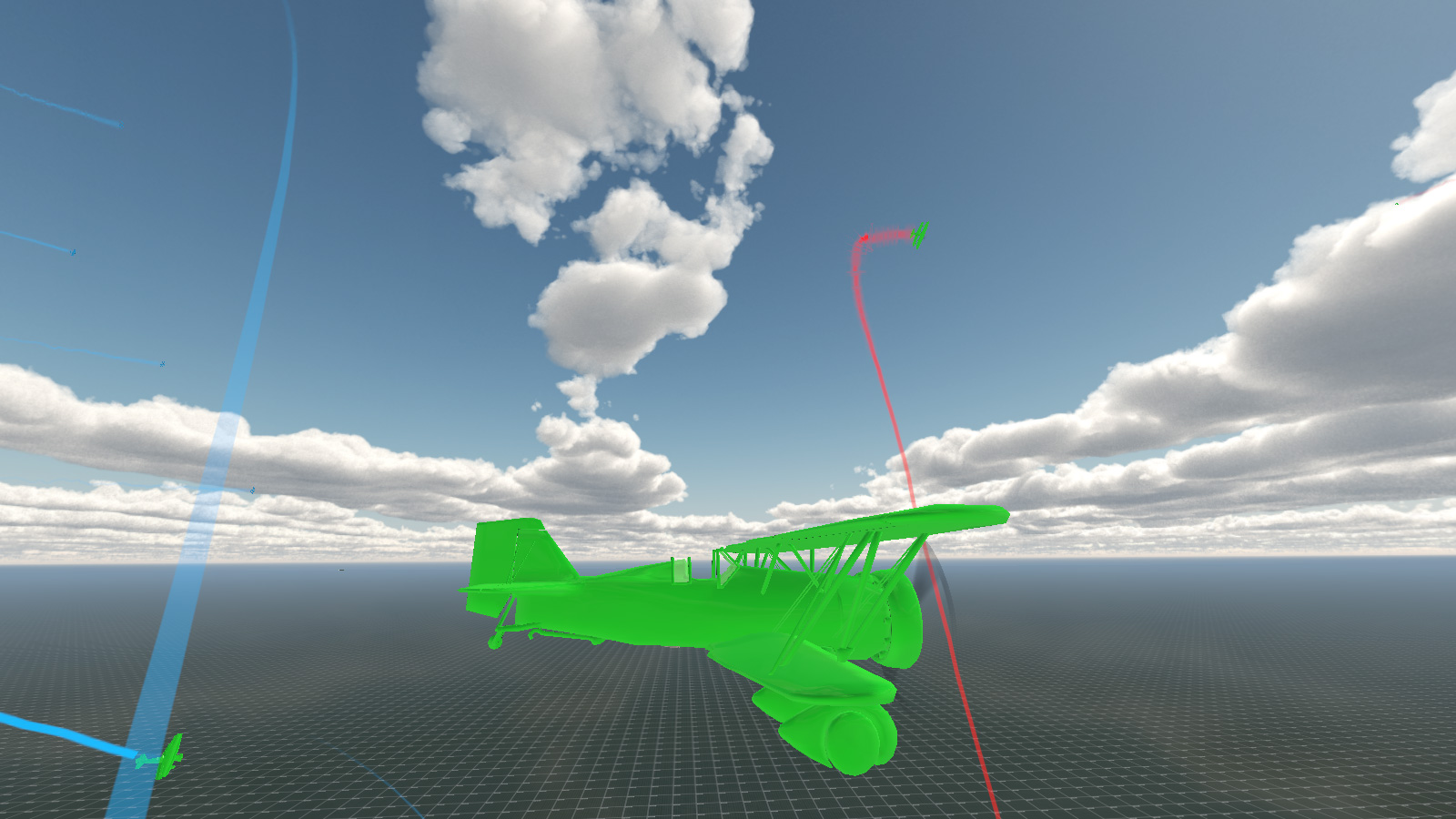
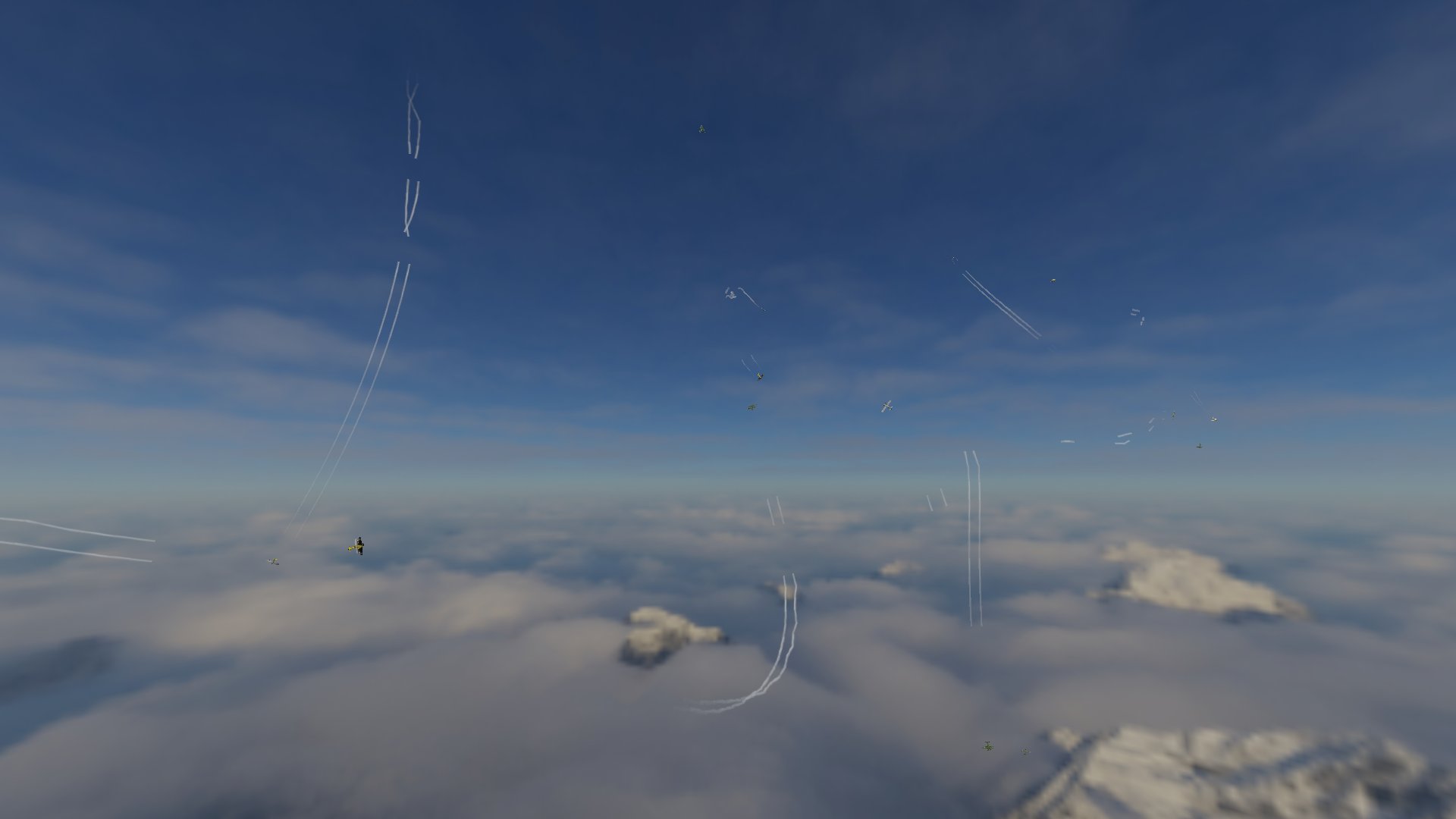
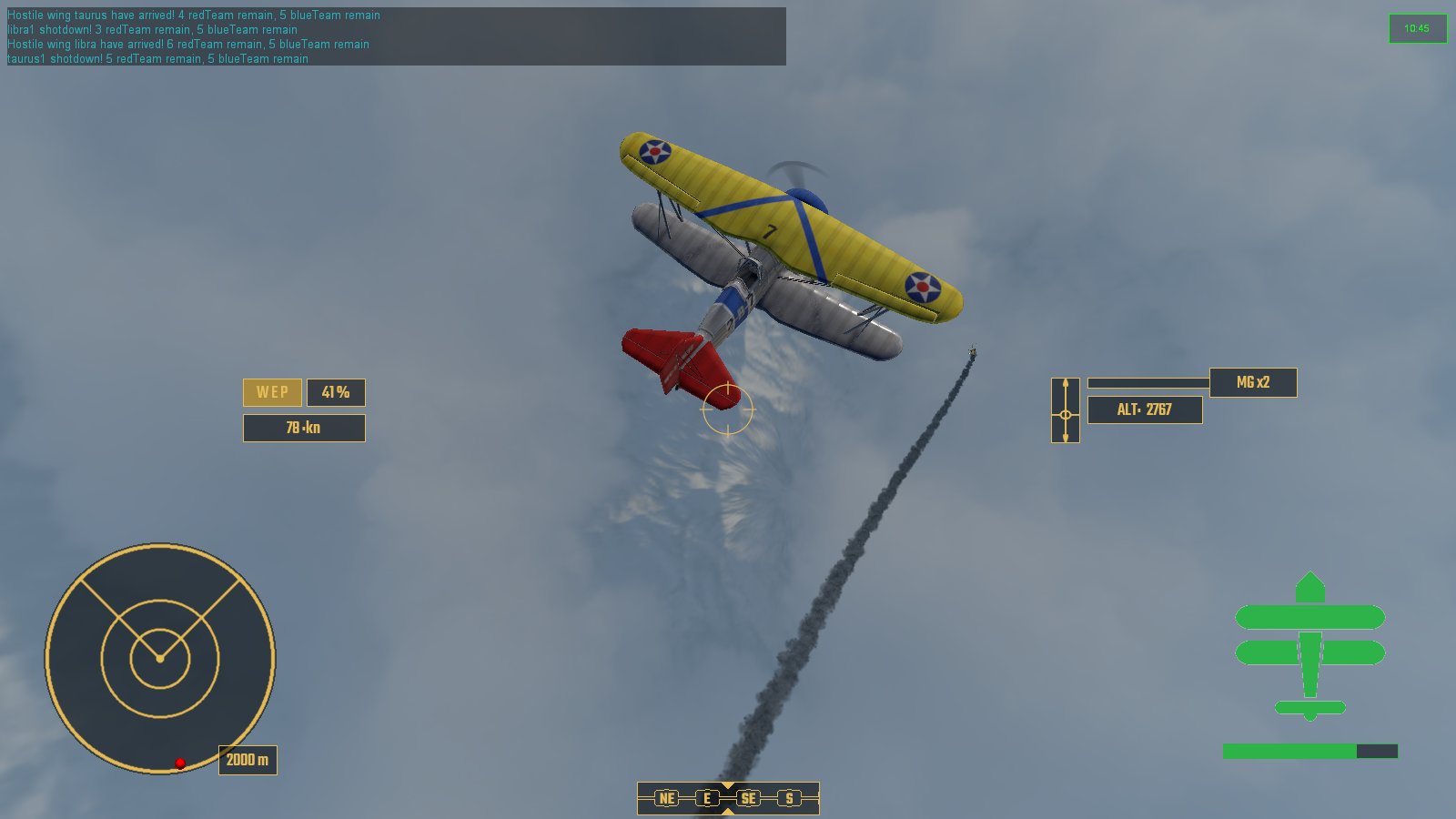
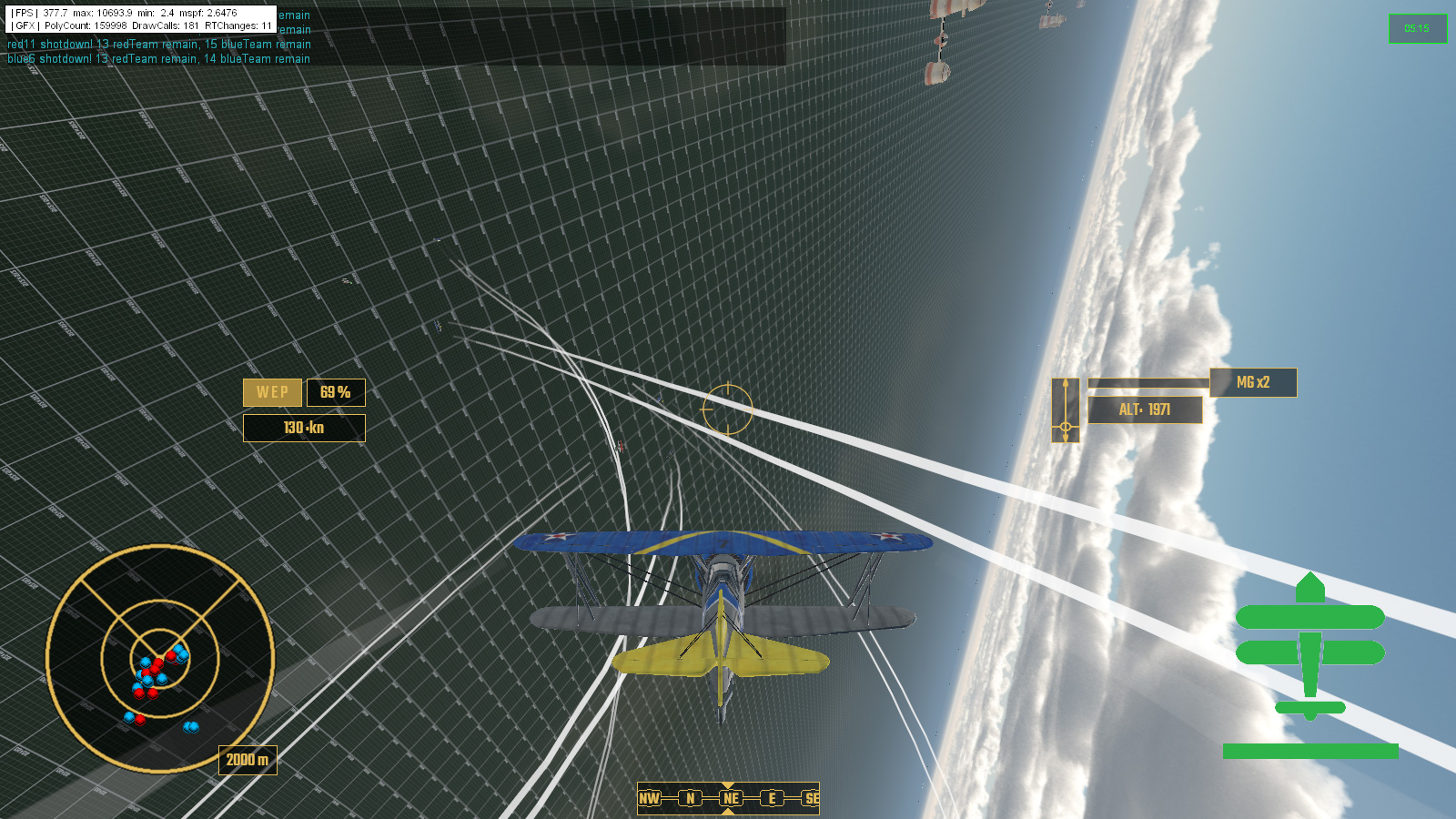
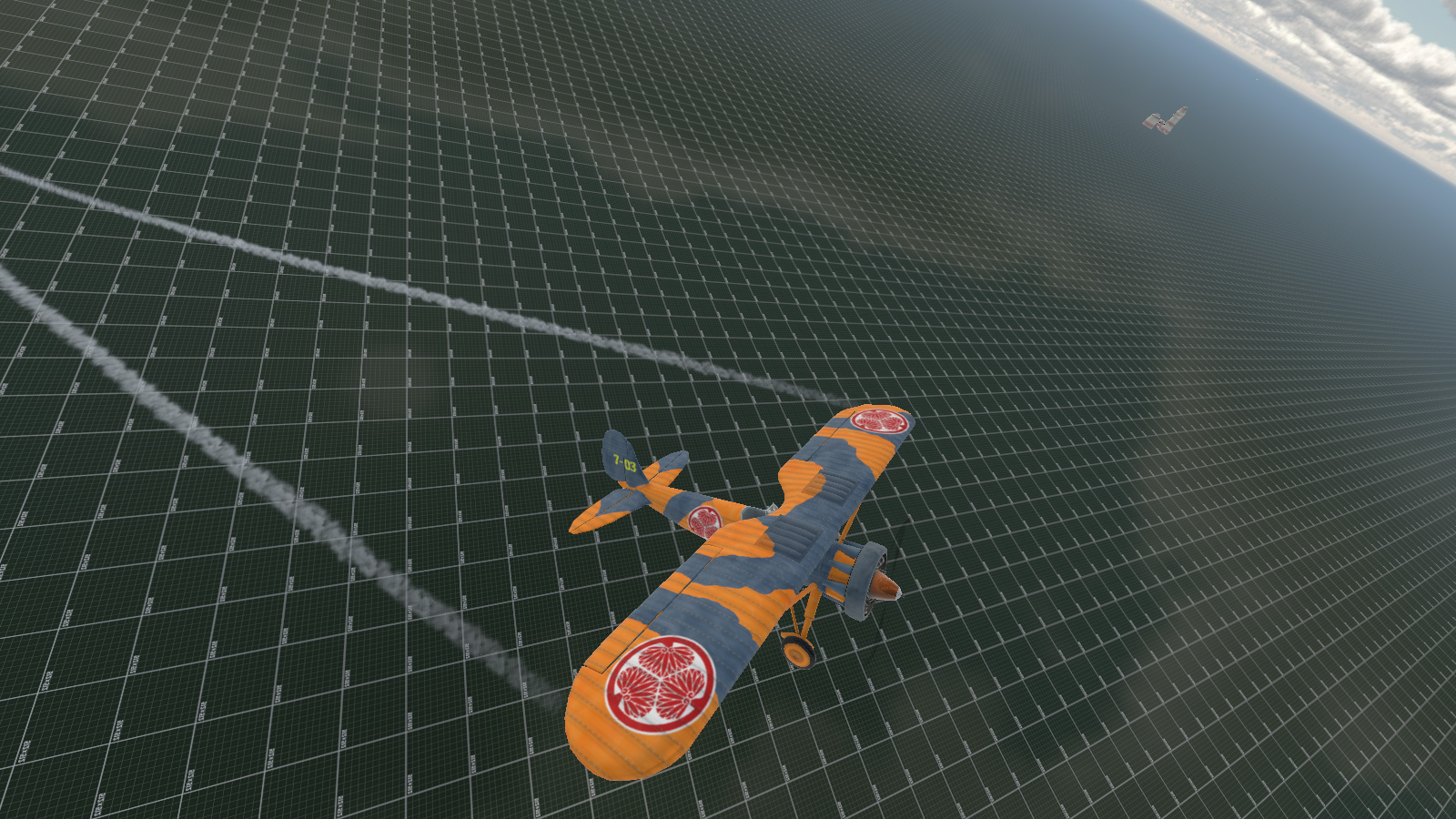
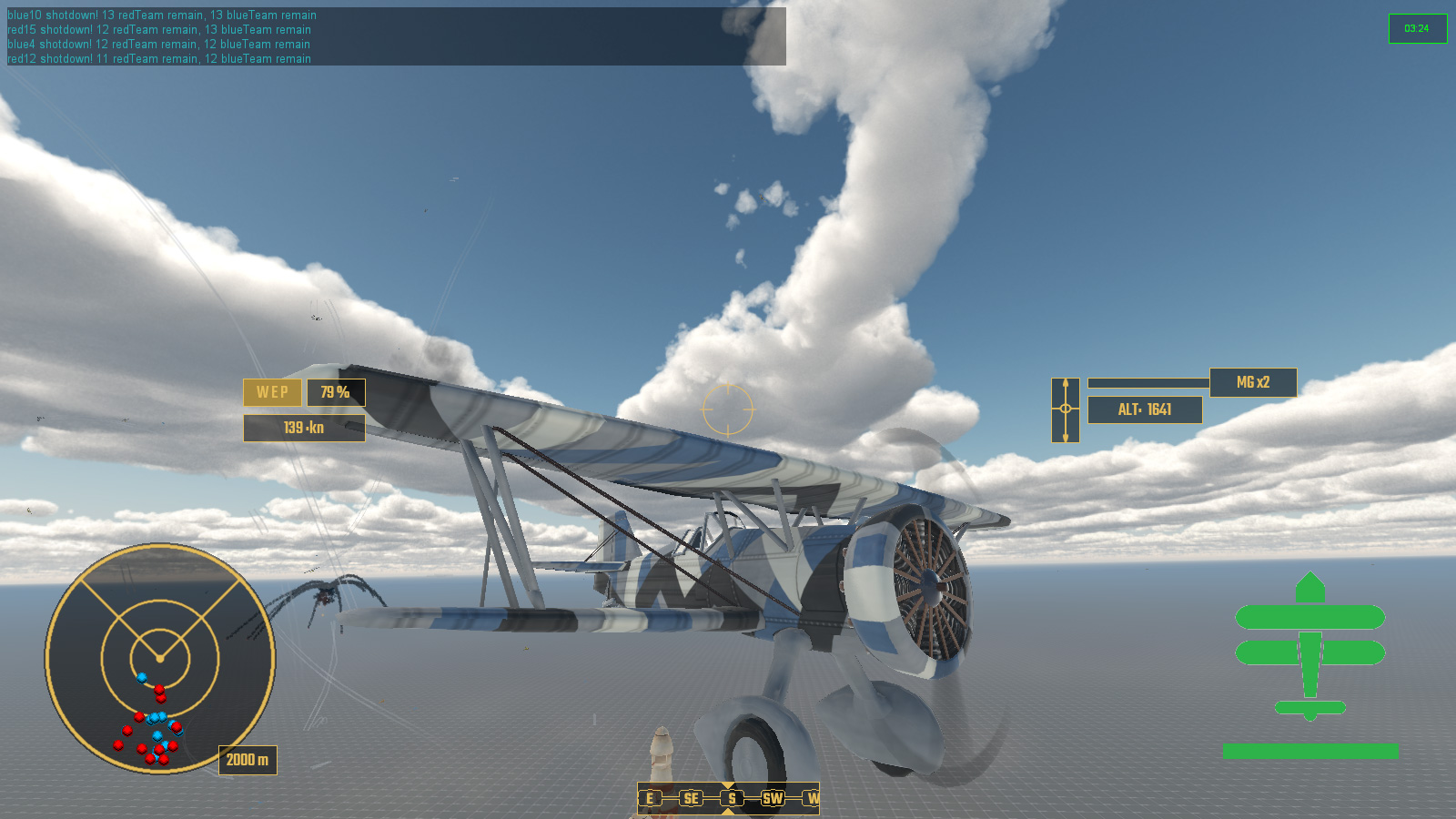
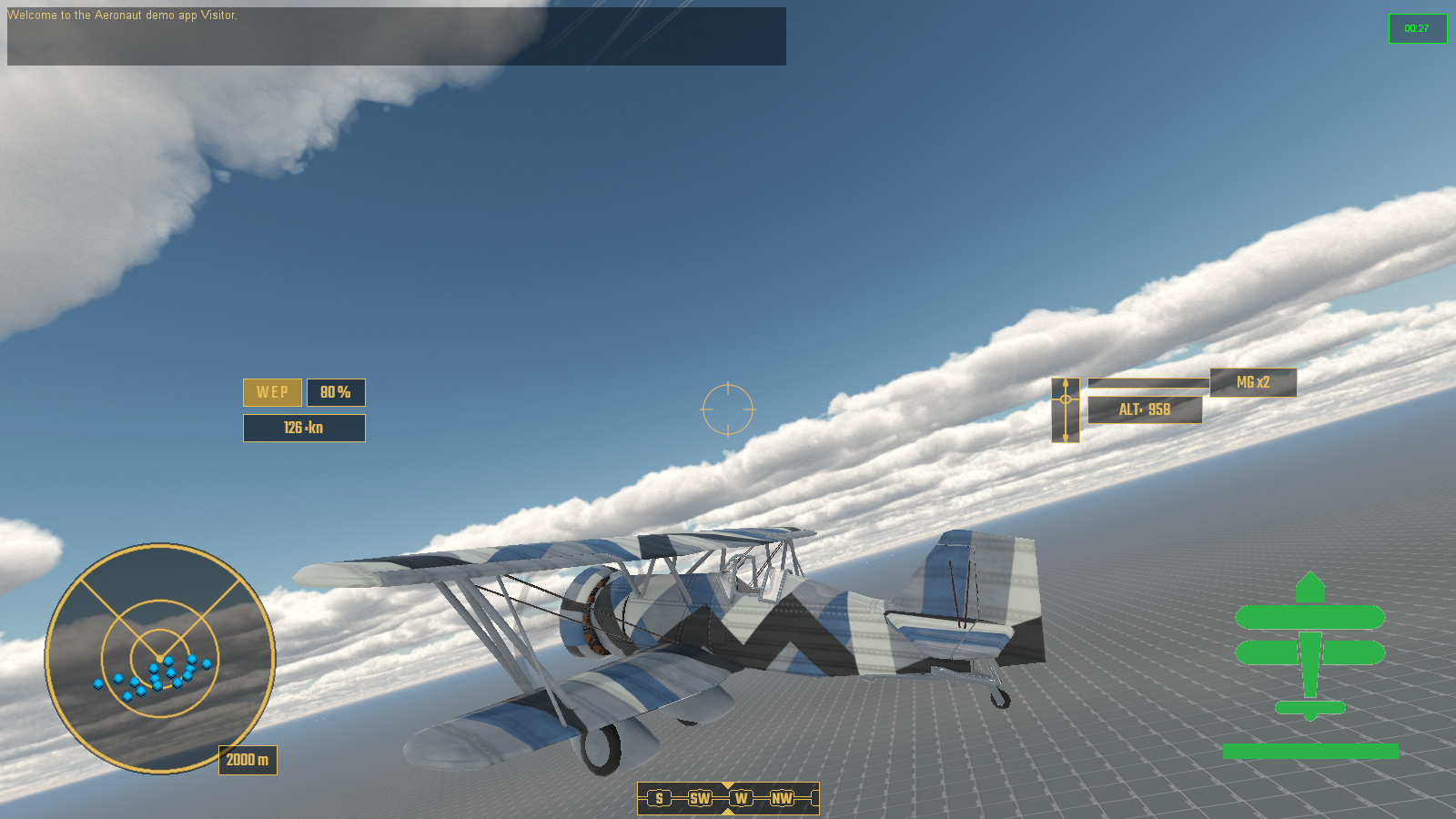
 So it has been an ENTIRE YEAR (from 1st October 2020) of working on my aeronaut/aeronauticals/dogfighter game that was loosely inspired by Ace Combat with 1930s aircraft and a lot more tightly inspired by Descent: The Great War space combat simulator but with gravity.

How it started (after a month or so anyhow) ...

And, how it's going ...

 
So ... that's been a bit of a change then ...
 
First up, I've created a brand new class of object, aeronautVehicle, that derives off vehicle class, which derives off rigidShape which is the thing that controls the physics, and shapeBase class ... which everything and it's dog seems to derive off if you want it be any form of a dynamic object.
 
This meant that I had to work out how an aircraft actually flew worked. Obviously this would be incredibly boring so instead I worked out how an exciting arcade style flight model worked basing it on ideas and physics values that I mostly pulled out of my bum.
 
Actually that's not entirely true, I did detailed research for months previously, basing everything on real world values and compiled lengthy text files on how the whole thing would work; eg: hitpoints were based on empty aircraft weight divided by length per area element (wings, tail, etc); and thrust was based off maximum take-off weight divided by kilo-watts of power per engine (or something like that) with modifiers for total aircraft area versus air friction... eg: fat aircraft would lose speed faster than smaller ones, etc, etc.

Similarly gun damage was based off calibre, calibre per 10mm modifier, number of guns, and some other stuff, with more guns increasing both damage and overheat timing.

The real problem was creating an Ai system to fly the aircraft against the player. Not only did they not have to crash into anything --- which ended up being much harder than you'd think --- they also needed to act as if they were a real pilot, so I ended up making 12 (?) evasive maneuvers that they could pull when neccessary. Stalling ended up being a huge issue depending on speed and attitude of the aircraft and tightness of a turn. I ended up creating a class of super-Ai pilots who I never stood a chance against, and had to dial the whole OP back, discovering that the margin between genius Ai flyer and absolute idiot was very small.

Damageable elements reduced performance of the aircraft's speed, turning, rudder, etc, and the whole thing had to modeled in 3D and textures to give the player good visual feedback as to what is happening to their aircraft.

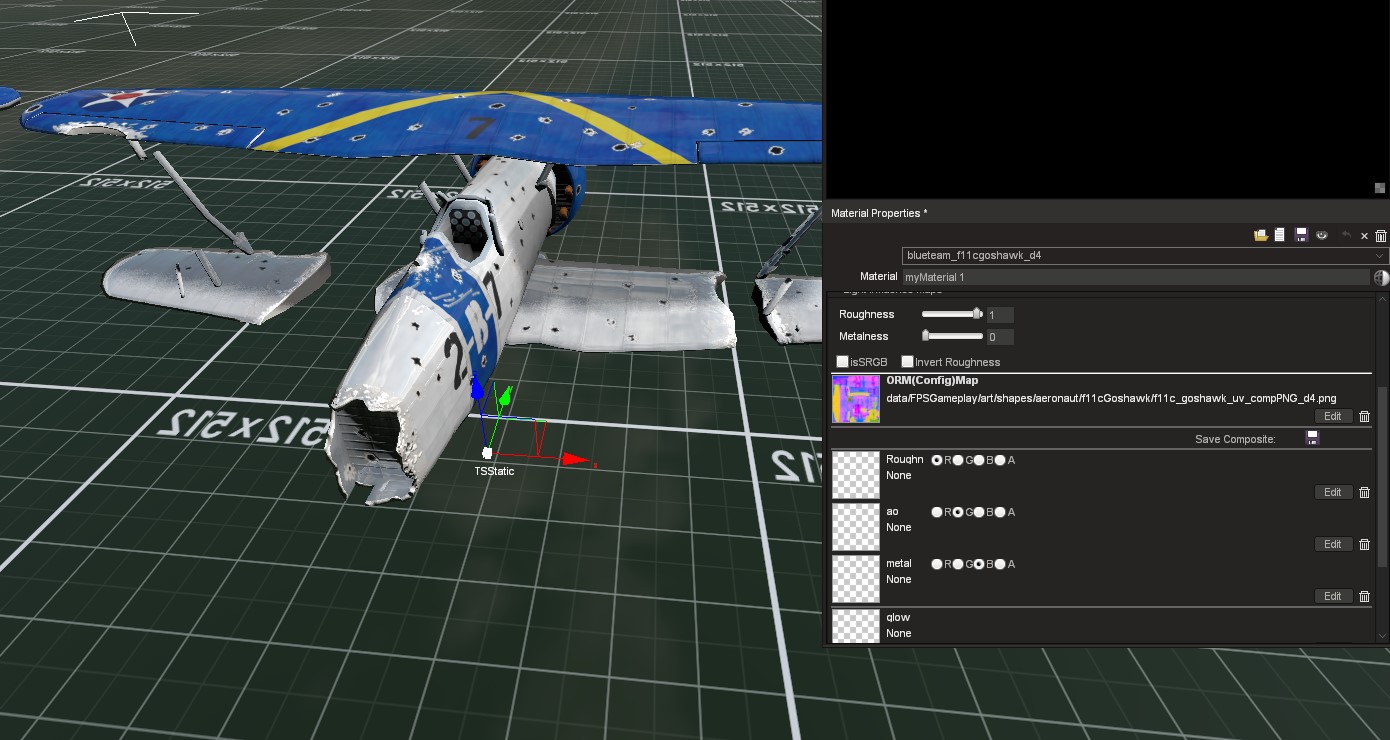
PBR was a thing ... a thing which I did not know what ORM stood for and so ended up putting the rough and occlusion maps into the wrong channels because that is how they are set out in the materials editor.

My grasp of networking certainly improved, I had managed to create a co-op mode - based on seperate instances on the same box because I only have the one machine - and I soon realized that I wasn't supposed to just fill the whole of pack/unpack with all of the read/write data because much of that was on the server anyway. Trailing definately need to be on both or either Ai/players would trail and the others wouldn't depending on how they were handling their aircraft. Huge amounts of pack/unpack were commented out and the weird jittering my AI aircraft had been doing in debug mode stopped.

I created a crude lobby system were the level loaded without the mission starting except a briefing to give the player the details of the mission via a seperate file and to choose their aircraft and paint schemes. The player would then wait in this psuedo-lobby for other clients to connect or start a co-op multiplayer mission alone and newly connected players could drop in and out. Debriefing required a bit more voodoo as shifting large amounts of player-mission contextual descriptors - that's text - required some fancy thinking to avoid abusing huge numbers of server to client calls - something that I had been very keen on working smoothly and with the least possible amount of bandwidth.

 Creating missions was a series of timed and triggered events based on what the player and Ai pilots were doing. This required lots of scripting due to the lack of physical triggers which a player could walk into on a more normal character based game of the types I had previously demoed or developed.

And so that is kinda of it. After a year of development I have a fully functioning dogfighting game that plays halfway between an arcade shooter and simulator with a mission complete with playable roster of aircraft, briefing, debriefing and drop in and drop out online co-op mode. So naturally it's time to relegate this to the backburner and go return to my previous game project (and really tidy up it's networking) as I want something that can at least be released for Early Access early(ish) next year and Freespace-style dogfighter will require the most work whilst topdown catgirl mayhem is around halfway complete but needs "fluff" adding for the player's ease of life for the first few levels.

Monday, 31 May 2021

One Spell Pony Says Explosion

 This month I have mostly been dealing with explosions.

And vapour trails and general special effect type stuff.

And I found out that the PBR I had been using had broken metalness which was fixed on a newer engine version, so I had to redo all my PBR maps again, after having to redo all my PBR maps again last month because I had Occlusion and Roughness in the wrong RGB channels ... but back to those explosions.

Right back at the beginning of Unnamed Victoriana South China Seas Dieselpunk Dogfighter I created a system of damaging individual aircraft parts, thus degrading performance related attributes like turning, speed, etc. Now I neeeded to actually make it look like something was happening when this actually happened. I threw in a small explosion with a nice little puff of dark smoke to let everyone see that a damage limit had been reached. When this happened a mesh element would be swapped for a more damaged version so that the player could visibly see their aircraft being steadily shot to pieces.

Here is test to show all the parts of an aircraft that can get blow clean off

 I came up with a somewhat hacky solution of hiding the destroyed area and then spawning the blown off part of that area as a static object, so that I could use the same skin texture as the aircraft and give it a spnning animation, and mount that onto a projectile that was gravity heavy.

And of course if an aircraft takes way too much damage all over rather than having a single part get blown off, it just explodes. Whilst some of the debris is made up of model meshes, most is in fact animated sprites for small metal plates tumbling through the air.

Explosion!

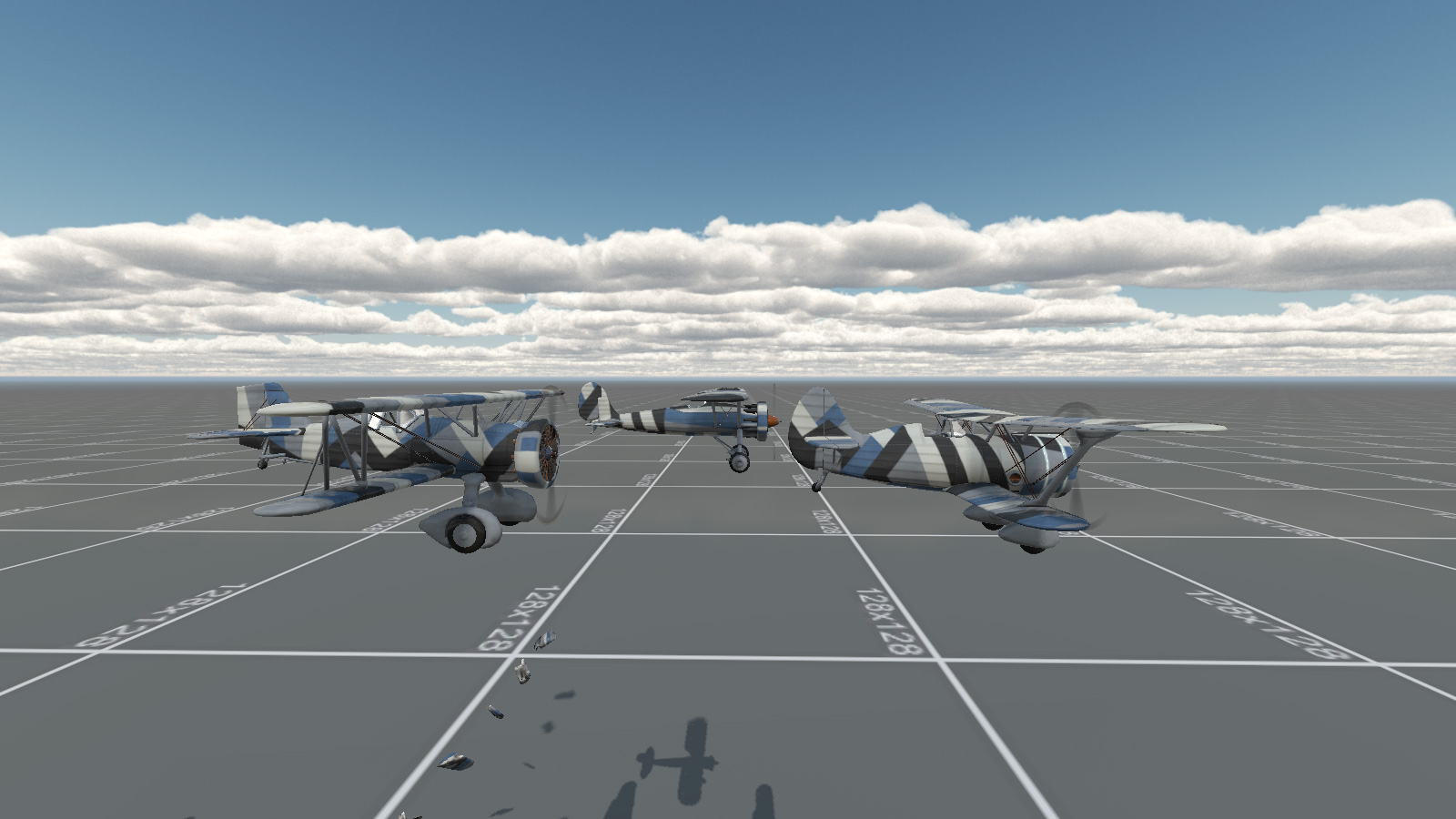
I also made some Dazzle Camouflage skins for the three aircraft types I had previously modeled.

Dazzle Camo; The Rule Of Cool

This brings us to actually sorting out some sort of gameplay mission, and for that I started working on an Event System. I have been thinking of taking a cue from the old space shooter Freespace and FRED, FReepace EDitor, as to how missions are put together. It had a drop down editor for logical arguements which acted as cues for events, thus preventing someone from filling it with absolute gibberish. The premise is quite simple, if x happens do y. Most of this is about spawning new waves of enemies or ships as well as keeping a general tab on mission objectives.

I have come up with a system based on using scriptObjects in the mission for each aircraft or ship or active thingy, all stored in a named folder in the mission editor for ease of finding, which then accumulate to an array on the load game event, waiting for the events to be checked against array list and ticked off one by one. 

The idea is that something occurs - eg1: player connects - the Event System looks to see if anything else needs to be done - eg1: enemy aircraft wing spawn 15 seconds later.

eg2: Enemy are down to 25% numbers, second enemy wing spawns.

eg3: Second enemy wing is destroyed, large enemy formation arrives. Timer starts for player to survive for 120 seconds.

eg4: 120 seconds later, allied wing of reinforcements arrives.

eg5: All enemy destroyed, mission accompished.

And so on and such forth. Minus timers the Event List is entirely passive and is just checked against when something happens that was stored in the array from the aircraft scriptObjects in the editor. This seems to be the best result for low overhead.

So, that was the month that was, and next month we will hopefully have a fully working Event System and actual playable mission which I intend to be a homage based on the first mission of Freespace: The Great War.

Sunday, 31 May 2020

Doing It Wrong

Doing it wrong! The story of my life. An act in 3 parts - hopefully ...

I had forgotten how to make characters.


How did I make this? Absolutely no idea.

I hadn't written anything down. I knew the software involved but the actual steps? No idea. So I started again from scratch, intending to make a better system and this time wrote everything down.

I ended up writing a long thread on how I got a model from makeHuman, into Blender, and ready to import it into open source game engine Torque3D. You can veiw that here.

Now importing a mesh into Blender tends to come with a whole lot of transforms which Torque just doesn't like. The main being facing the wrong direction as in-game, negative Y is forward. So for the last nth years I have been seperating meshes and armatures and editing them so they face the correct way and then aligning them manually. This gets rid of all the wonky transforms and sets everything to a nice default 0, 0, 0. That way I can - hopefully - put any other animation into the armature.

This is all very faffy.

Whilst changing the default pose by using the "apply visual pose as rest pose" I was struck by a sudden thought; wouldn't it be nice if object mode had an apply transforms option? Thus I could pose the model with the correct facings and just apply  each object, armature, mesh, etc with a click to default it all to zero. And guess what? It does have that button already.


Well ... crap. I've been causing myself unfathomable amounts of problems for god knows how many years by manually rotating everything by selecting all the vertexes of each object, turning them, and trying to line everything back up by eye - when all I had to do was click a button.


So ... talking about doing it wrong, there's more.

I've been going about making my game wrong. Or avoiding making it would be more accurate. This is partly - or even mostly -  due to a helpful blogpost by a developer that talks about Steam. Why is it helpful but made me lose focus on actual development? Because of wishlists on Steam and drumming up future sales. He pointed out that his previous and very successful games had a Steam store presence 1.5 years prior to launch which meant that he had managed to accrue 33,000 wishlists. So when he was finally ready to ship, 33K people got an email telling them it was available. Even steam suggests getting at least 50K before release.

I have half my levels completed, all my monsters for each level save the bosses, and complete working game code that makes it all playable even if some pieces are missing. But I don't have anything public facing. I have no cool box art or even working main menu screen. I could have done this previously but I was too fixated on making the actual game work that I never even took into account that I needed to get potential player support early on and that means having a working Steam store page with nice artwork that brings people in, adds backstory and concept. I don't even have a title for my game other than the temporary working one. In fact my previous game; Airship Dragoon had no final title until the month it went on sale.

Here is a link to the full article. Here's another one on wishlists.

So ... doing it wrong ...

Saturday, 31 August 2019

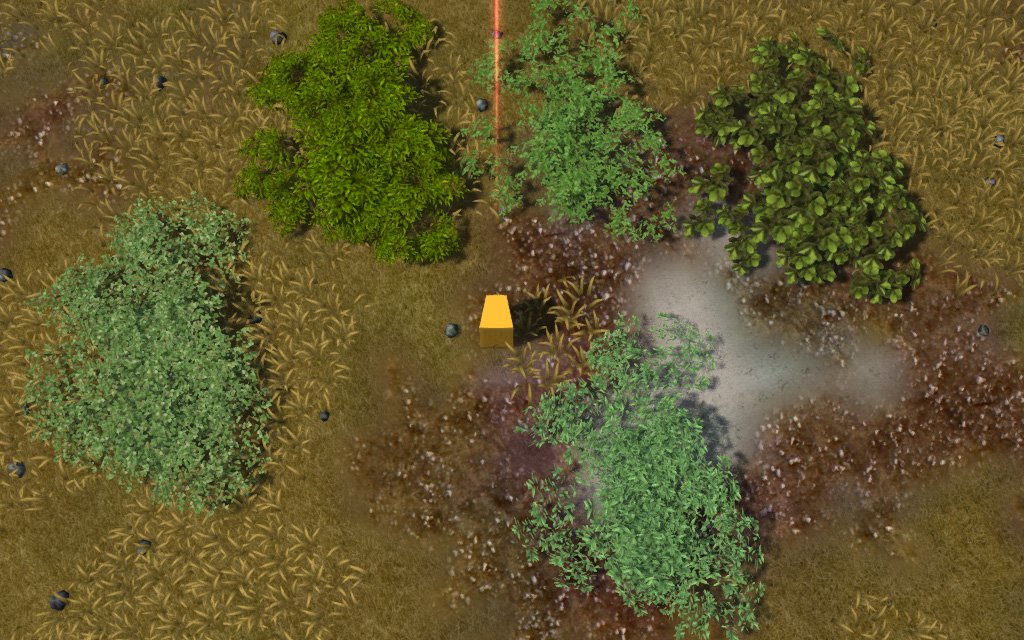
Placeholder Yellow Cube Has Been Retired

Don't mind me, I'm just retiring a yellow cube.


If you want to be pedantic, it's actually a rectangle.


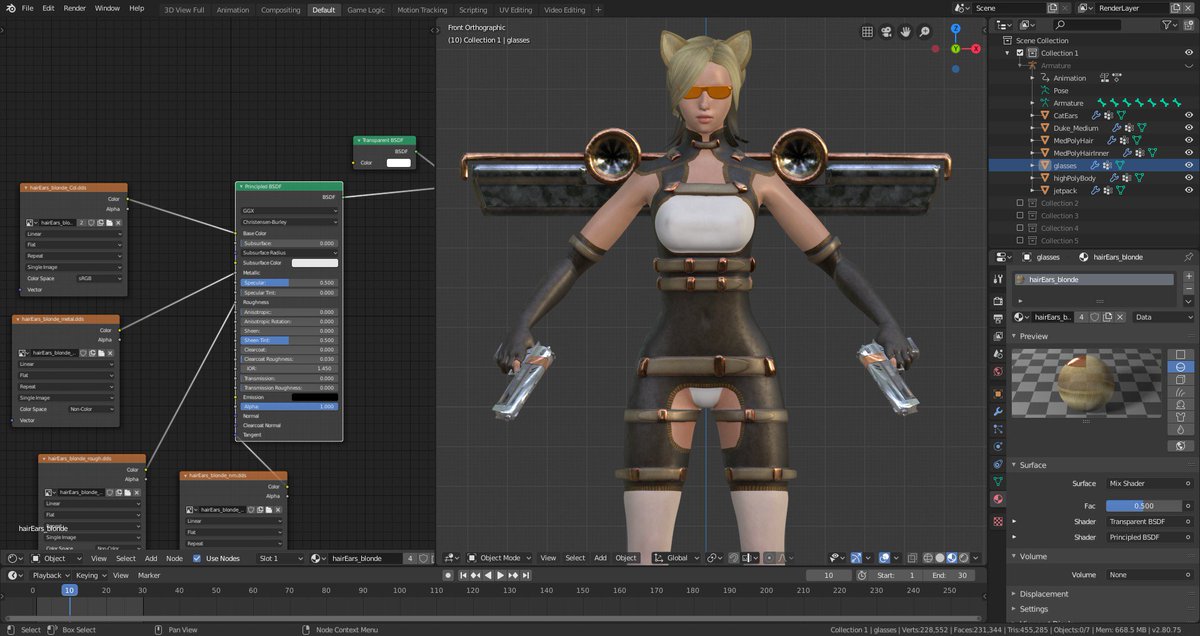
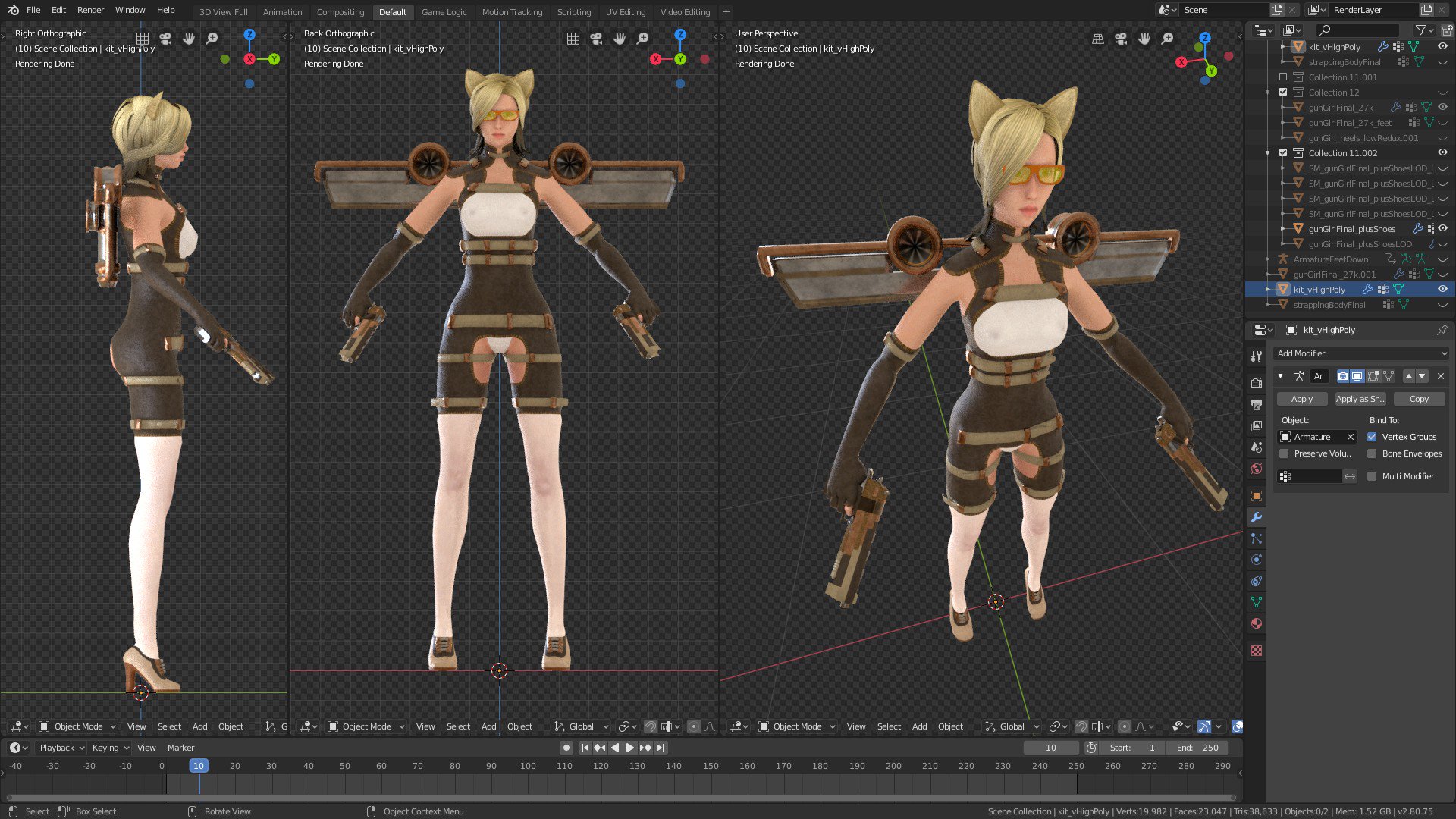
And here's it's replacement going all John Woo/Chow Yung Fat/Revy with dual wielding pistols.

Ooooh looks gamey!

But first to Blender3D 2.8. It's the newest version of Blender3D with a whole host of changes - like inverting mouse buttons for selection ... which is gonna take some getting used to after 15 years of it being the other way ...

However it did have a new addon I wanted to test out, an addon for generating LODs (level of detail) for my high poly mesh by creating retopology of the mesh automatically. What I wasn't expecting was for the new Blender 2.8 to hunt down and retire my older version of 2.78c which was in a totally different directory location.


So it turned out to be time to learn the new Blender whether I really wanted to or not ...

This was going to happen anyway due to the new Blender being all PBR and stuff ... it's just that I wanted to worry about that later, but now I had to worry about that now. The first problem was ... well ... PBR, and the fact that no materials or textures would render without creating some sort of spaghetti of virtual nodes - and this was just to get textures to show up on the model. And of course PBR textures won't render without both roughness and metal values.

Spagbol junction in the left pane, just to make textures visible in the right ...

After a bit of work, et voila!


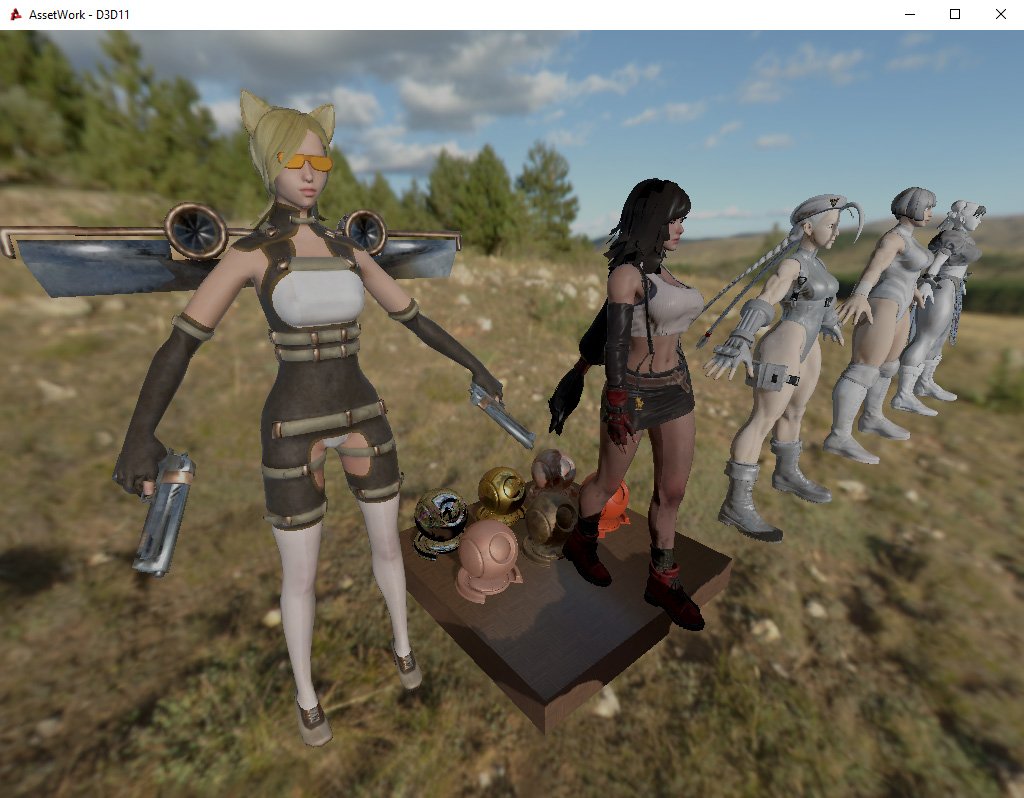
 And how it looks in the latest, PBR friendly version of the open source game engine.

Catchick hanging with the TripleA Thicc Squad in PBR land

Which is when I found out that transparency was broken and filed an issue report on the code repository, github ... by which I mean I whined in the discord server to the power's that be, because github is my mortal enemy for reasons of never having been able to successfully create a working pull request that didn't get rejected ...

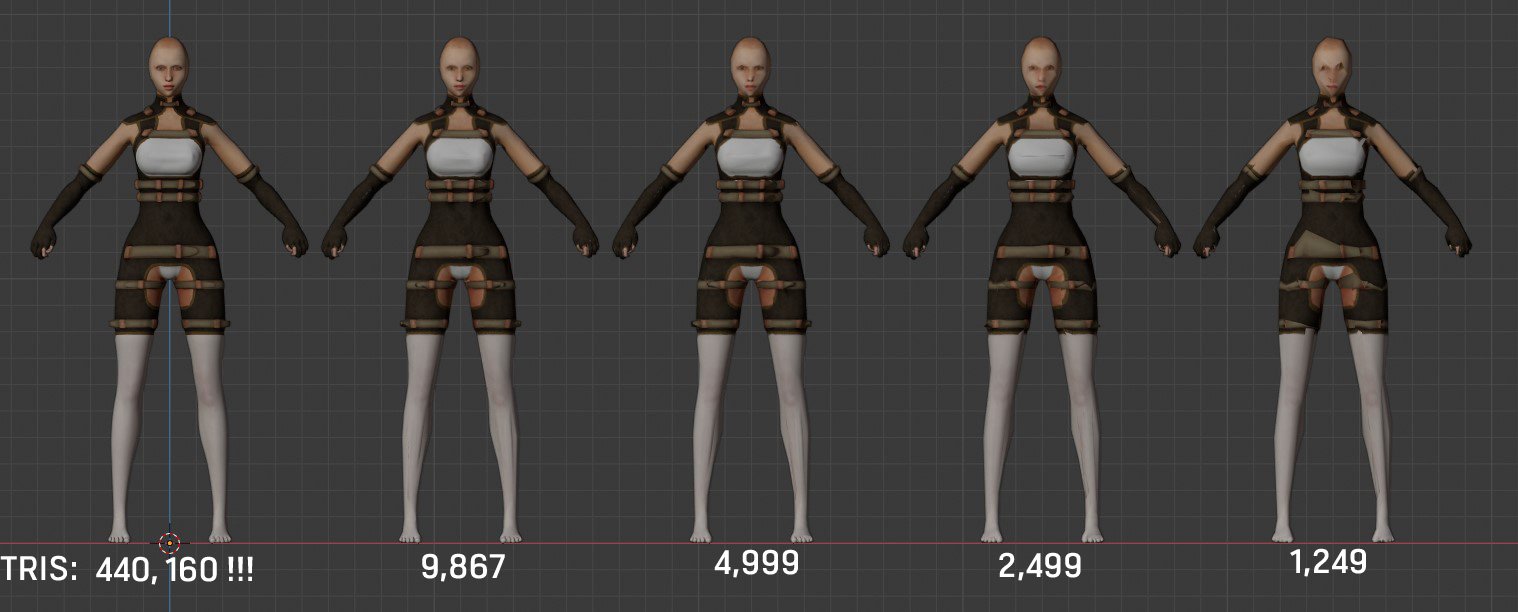
So, back to that auto-retopology LOD generator I wanted to test. It's called Game Asset Generator and is looks like a pretty nice piece of kit. I had a model with around 27K triangles and beefed it up to a completely ridiculous 440K using some catfish-bob subsurfing (or whatever the hell it's called).

From "USE ALL THE TRIANGLES!!!!" to "use a more reasonable number of triangles in one simple click ...

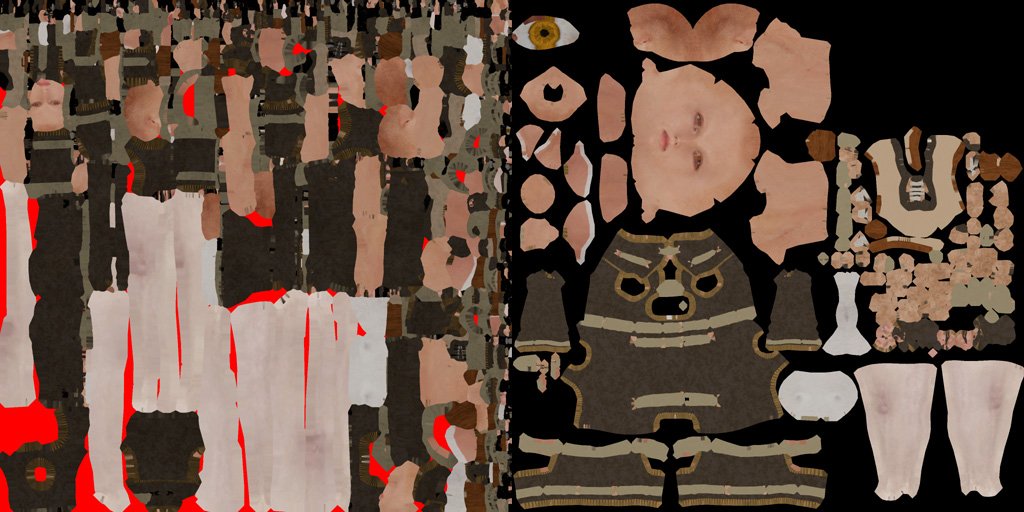
The real down side to it was that it completely mangles the original UV maps into one horrible mess, and these were something which I wanted to try and preserve.

Whisky Tango Foxtrot on the left, as opposed to the original on the right

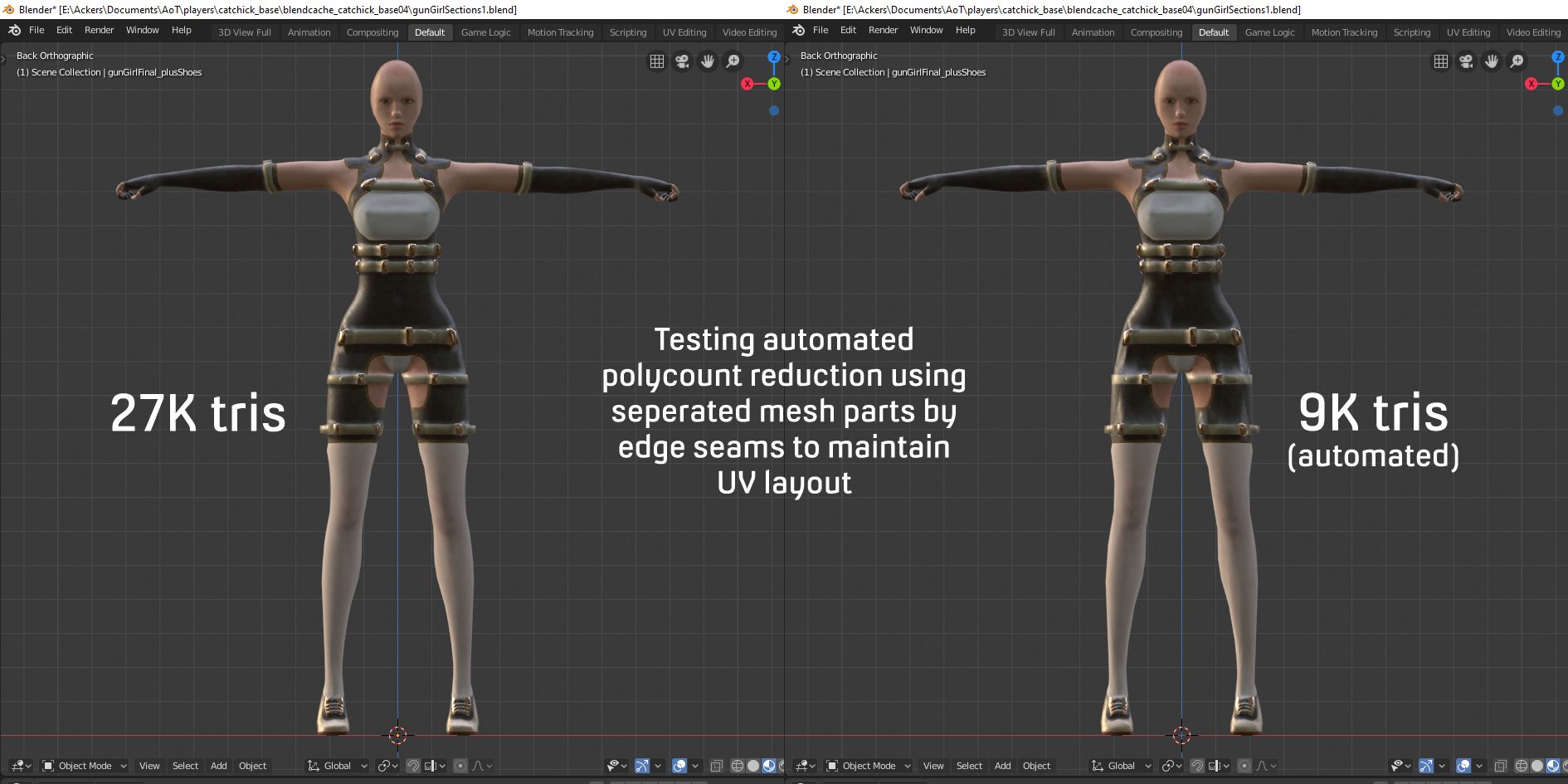
Now this is why people go about the arduous and rather boring process of manually retopology on high resolution meshes. But I want some sort of quick fix and my cake and eating that cake and still having cake, so I set about a cunning plan and broke the model up into separate sections based on the UV island layout, before automagically creating a lower topology. I then checked that the seams were still intact and adding new ones if they were not and recreated an approximation of the UV map, stitched all the parts together again and finally baked the textures from the original high poly mesh. Whew ...


And that all worked quite nicely. It wasn't "quite" as automated as I would have liked, and wasn't "quite" as good at retaining mesh loops as I had hoped for, but it did work. Having said that perhaps taking the extra time to manually retopology the high poly mesh into a lower poly mesh may be worth it ...

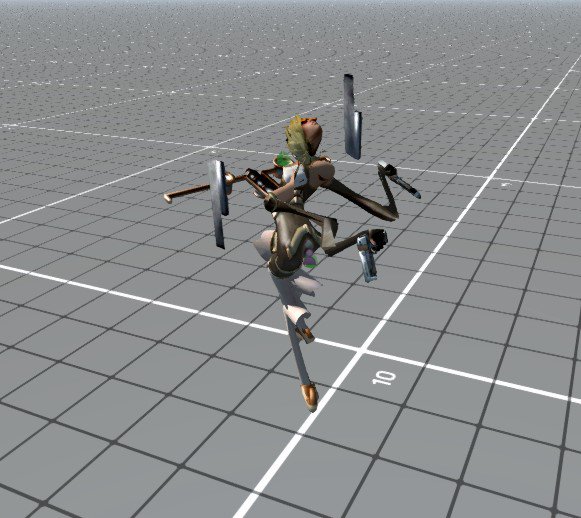
Next up was to rig the whole model with an armature for animation, and export as we would normally via the COLLADA exporter. Except the new Blender3D 2.8's COLLADA exporter has a whole range of new and completely undocumented options. So, in usual fashion I just went and dived in testing what worked and what didn't.

 Nope

Nah

Eventually I got a rigged armature exported. It turned out it didn't like being parented to the actual skeleton directly and could pick it all up via the armature modifier. Now for animations!

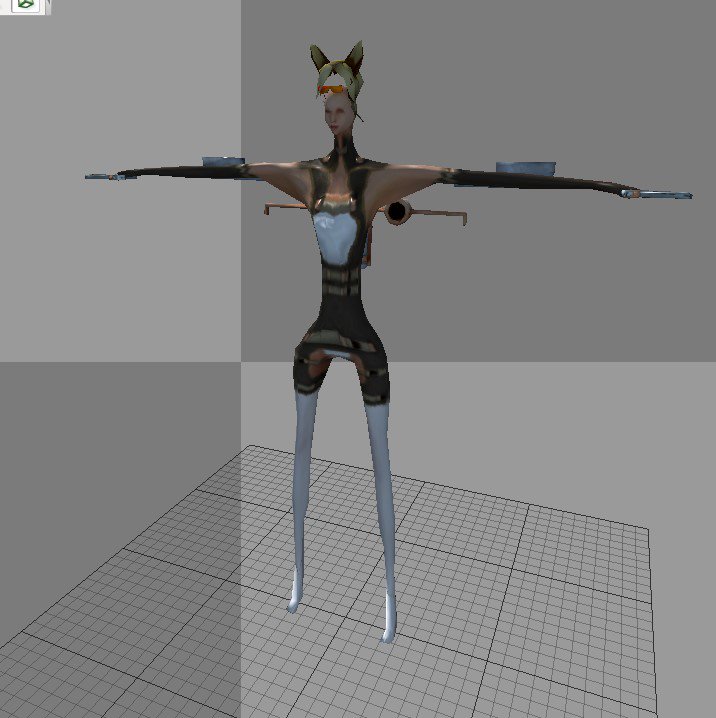
Dancing on ice? Close but no banana as far as a nice clean export goes ...
To successfully export an animated model required making disabling exporting of all actions and relying on keyframes only, whilst keeping bind info and sorting objects by name to prevent a duplicate armature from arriving for no particular reason ...

I wrote a more detailed thread up on the forums here.

And eventually I got a working, and fully animated character out of Blender3D 2.8 and into the game.

Those Taoist charms say no and they mean no

Whilst trying to get the more hardcoded movement-to-attack animations working I came across numerous issues (which is just kinda part of life as an indie dev to be honest, especially when you're a One Man Army). The first was an unexpected naming convention for attack/recoil animation which took a day and a half to solve. This would have been a lot quicker if I had just gone and looked through the source code instead of thinking that something else was wrong.

The second was that the weapon finite state machine (FSM) kept overriding my second fire state with the first. The character has two handguns and I wanted them to fire each in turn for the standard light attack, and then both together in a heavy attack, except only the first light attack would work and occasionally half the animation for the second would attempt to play. It turned out that because I was using a hardcoded "stateFire=true;" setting, on loading it would store the animation, audio and particles for the fire state into memory and reuse it in any other state that had stateFire. However, stateFire does not actually launch any attacks or projectiles as that is all done via each states script, so by disabling stateFire on the second light attack I could prevent it from overriding the state and have the left handgun shoot.

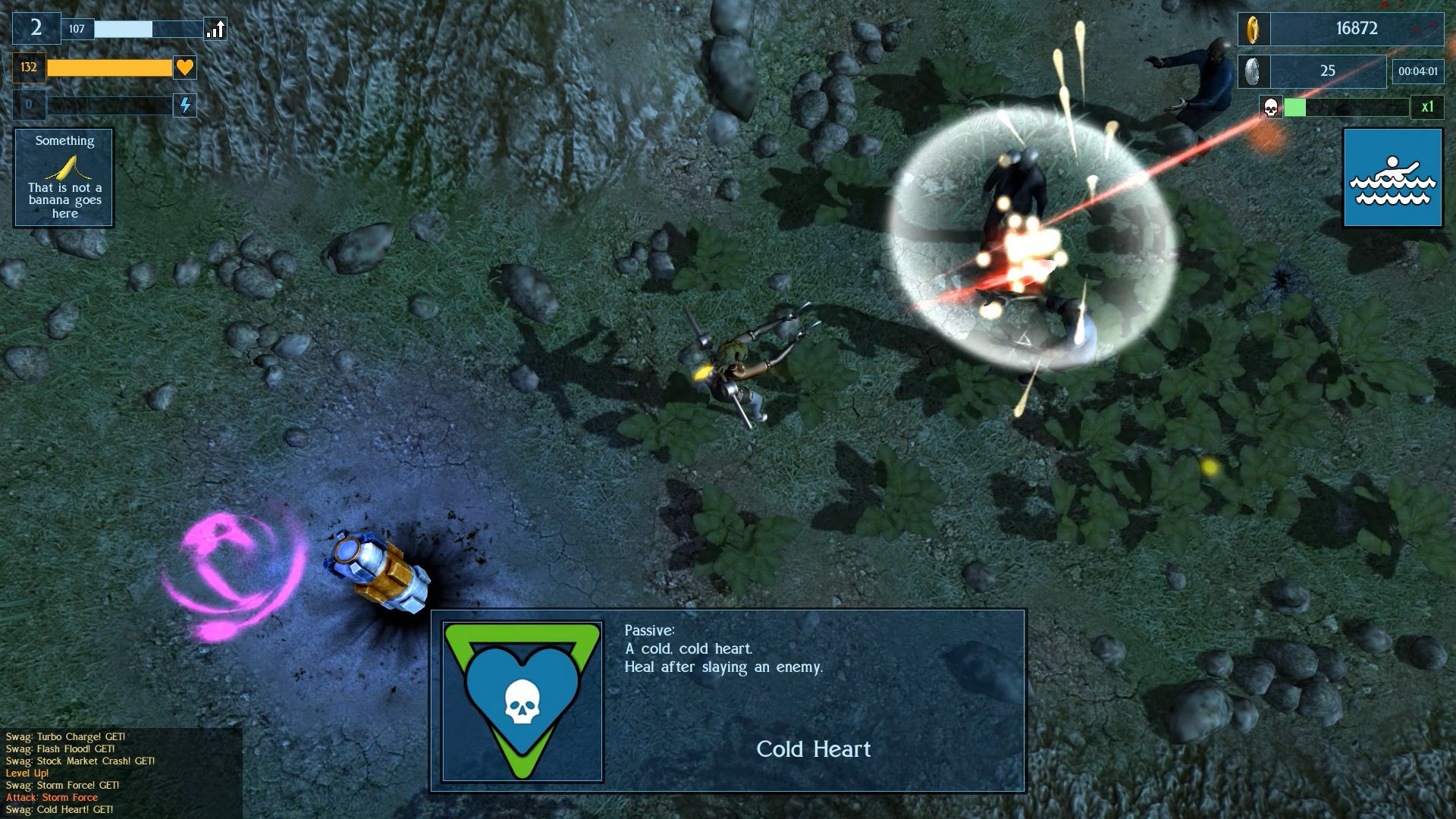
And here is the game in all of it's post-yellow cube glory. This is the old DirectX9 version and not the new PBR one, recorded at a slightly janky 30fps because my upstream internet is bad.


So, that was the month that was ... I learned the new Blender and PBR by accident, pummelled exporting and animation until it worked, and finally replaced placeholder cube with an actual working character. And tomorrow is the first day of meteorological autumn.

Monday, 29 April 2019

Placeholder Game Level Finally Replaced With The Real Thing

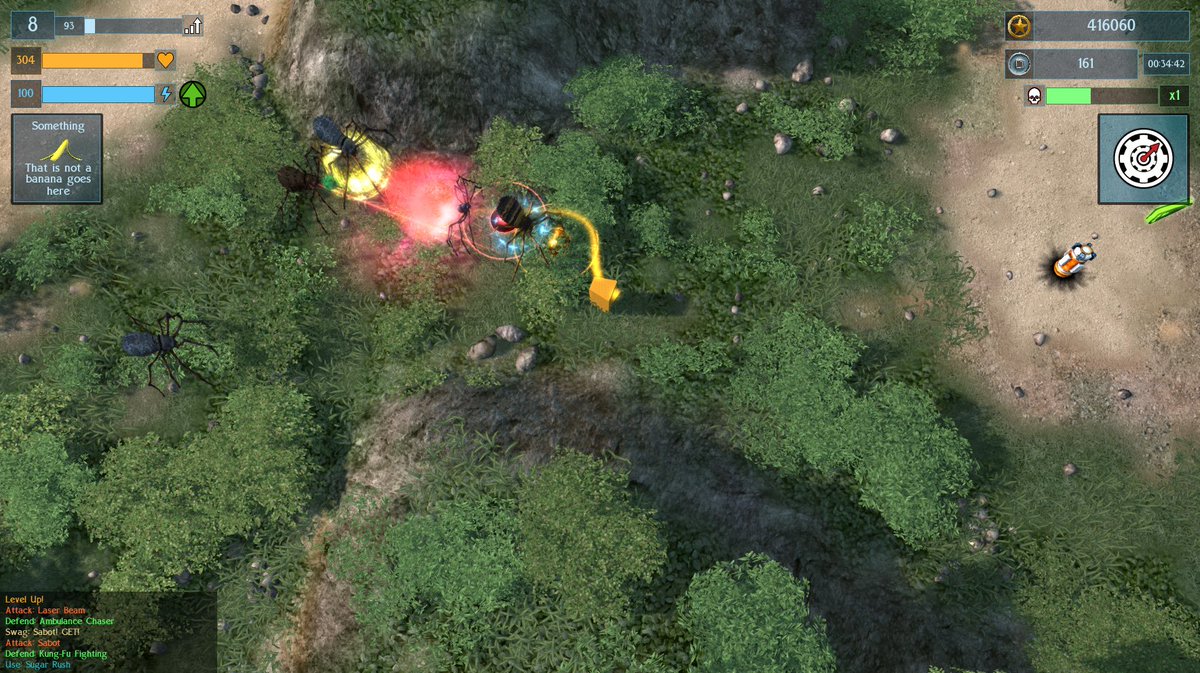
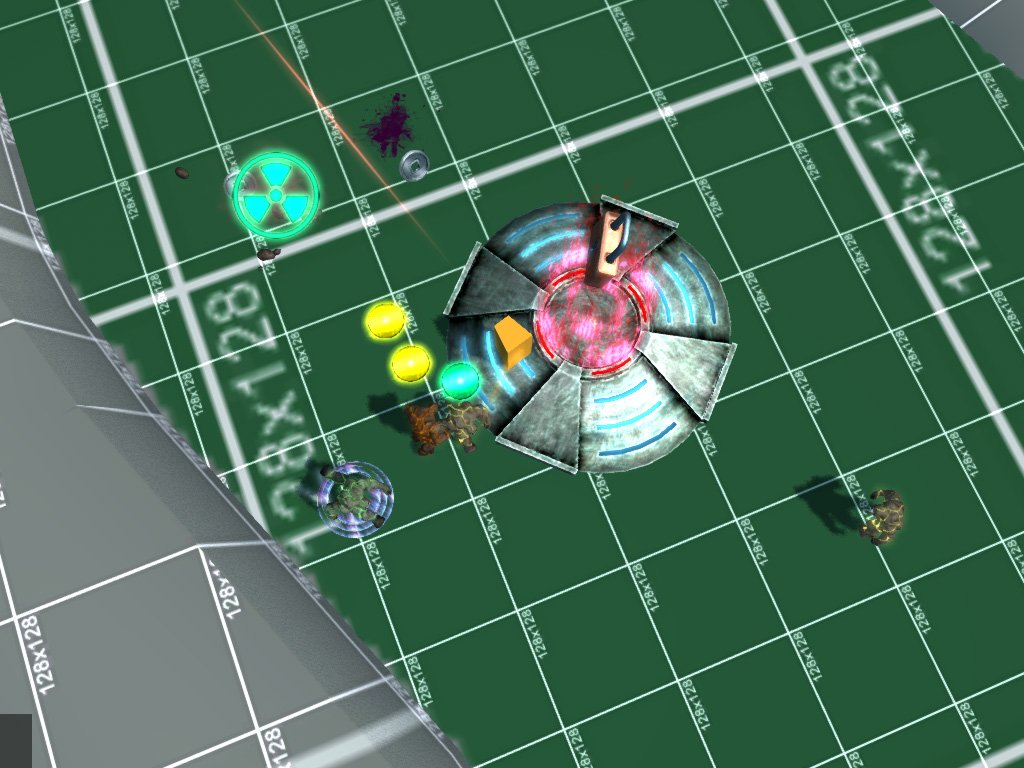
Well, it's been long enough, and in fact seems like forever, that my blank, grid box test level has been on show - but no more! We now have actual game play in actual game play levels!

We also still have Placeholder Player Cube ... but, one thing at a time ...

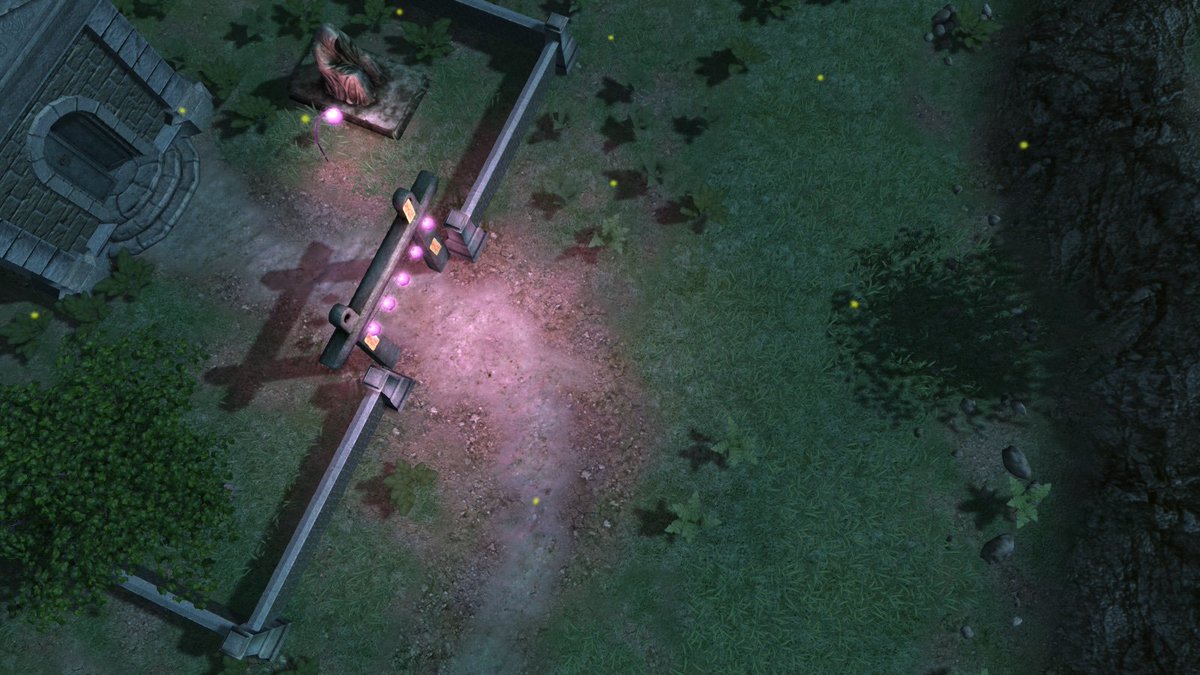
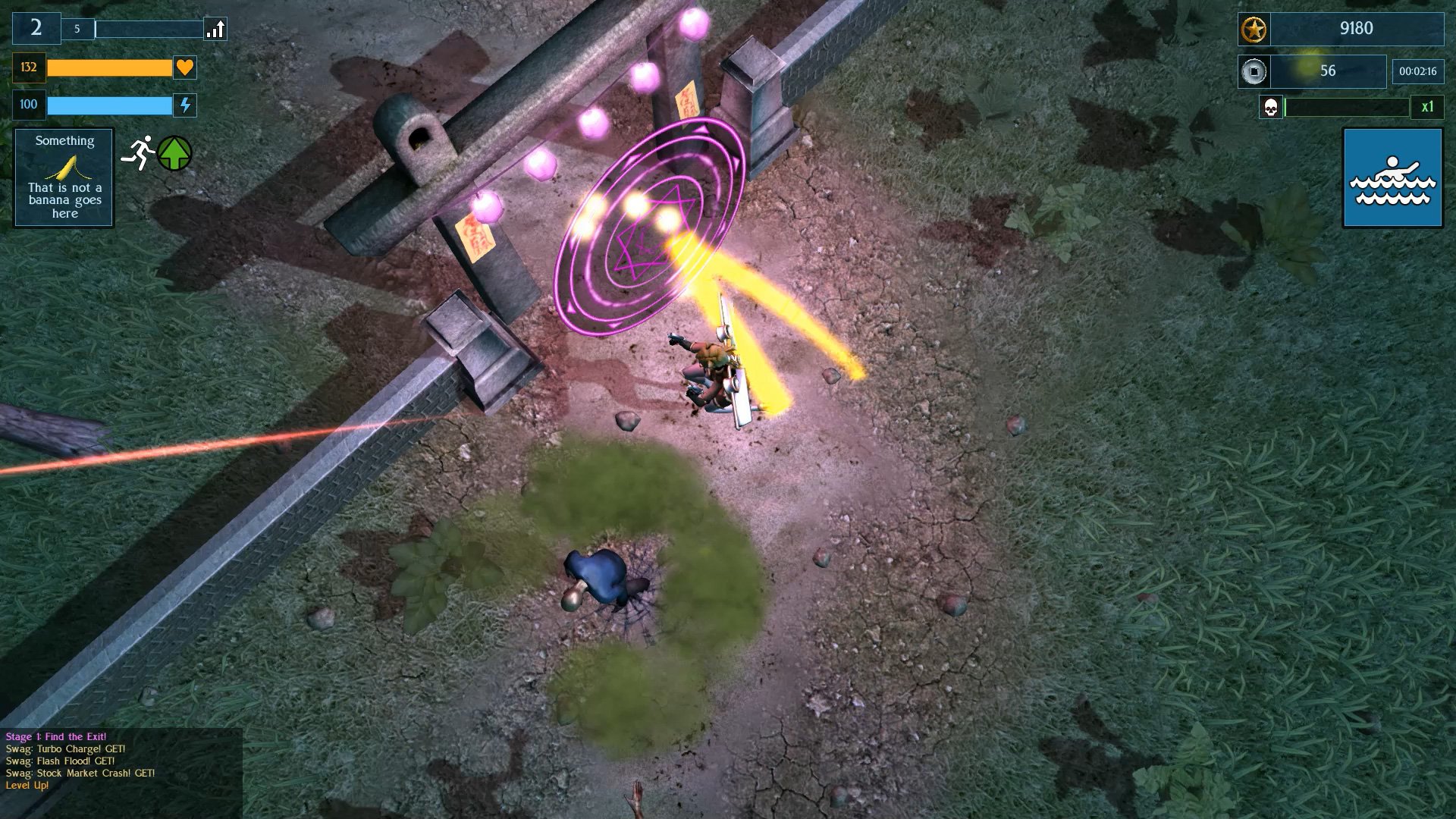
Starting with level 1 the environment is a dark and rather neglected graveyard, where the dead sleep peacefully ... at least until the player turns up and annoys the hell out of them all (DEEPEST LORE).


And here is a rather long video of the whole thing in action, save for the obviously missing parts of an actual player character and level boss, both of which are currently still placeholder cubes.


But now that we are actually into level design, I am moving quite fast and this month have managed to produce a whole 3 finalised levels.

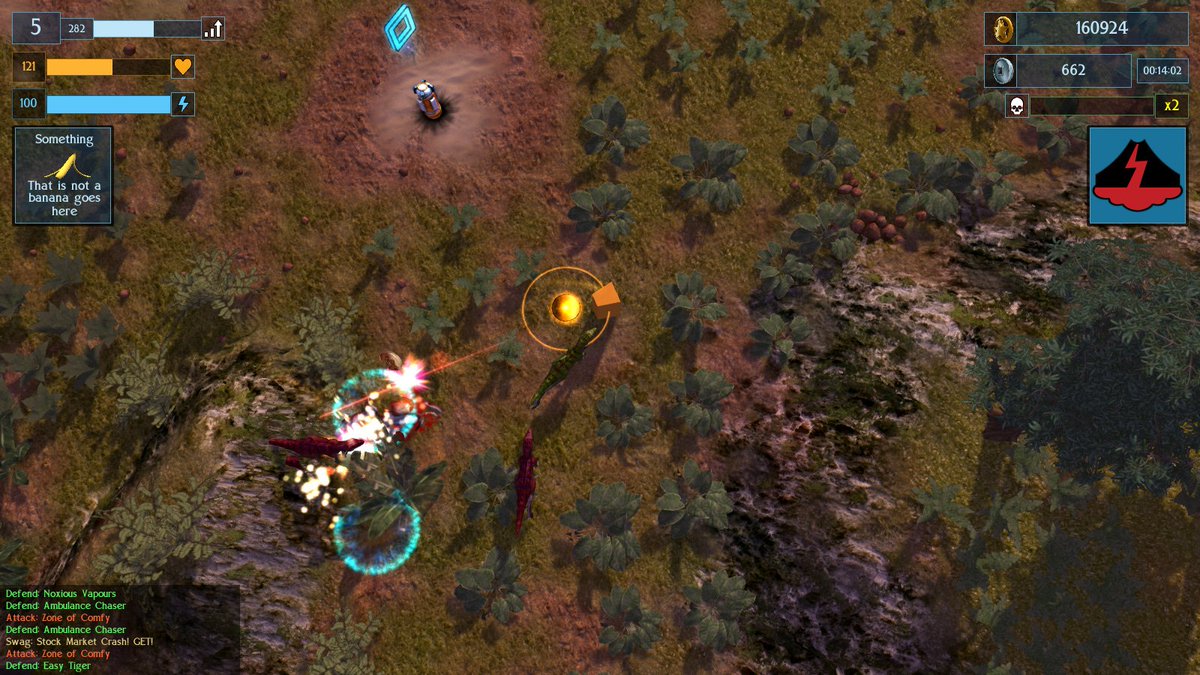
Behold level 2, The Primordial Forest at dawn, home to ancient plants and even more ancient and decidedly angry velociraptors ... so angry some of them shoot fricken laser beams out of their fricken heads.


And here's a slightly shorter 7 minute video of the level in action. I noticed afterwards that my dinosaurs where not exploding properly and should have been throwing more splatters about. However I had a wrongly named datablock and so the extra gore was not showing up. This has since been fixed.


And finally we have level 3; which I based loosely off pictures of Wulingyuan canyon in China, where the canyon has steep sides of light coloured rock with darker, green vegetation hanging on to every conceivable flat area.


And here is a slightly more reasonable 2 and a half minutes of game play.


In the more cramped confines of the canyon level, I noticed that the enemy spawning often grouped up together at one end of the screen. To create a more even distribution of enemy starting points, I wrote a little algorithm to target the player with the least nearby enemies and then find which cardinal direction (north, east, south, west) had the least enemies and spawn new ones there. This helps to prevent the enemy all starting to one side of the player and spreads the distribution of new enemies out more evenly.

So, their we go. Indie game development is painfully slow, especially for the One Man Army, but once ready to start on creating the actual environments, I have managed to complete 3 levels in one month. That's 30% of the levels done.

Next up, more environments to complete before seeing about replacing the placeholder cubes of the player and boss characters.

Thursday, 28 February 2019

Lurgy, Ninja Type Dudes, Parallax, Fat Assed Robots and Cat Ears

Last month was all about tentacles. A swarm of tentacles is a fairly big thing, that acts as a movable barrier which can corner an unwary player and slap the hell out of them. One thing that I noticed was that they can turn on a dime, effortless switching direction, which for a big unit looks rather odd. See video below:

Testing Terrifying Tentacles!

So I went off hunting through the movement and aiming code to make the AI use a system similar to the player for rotations. Initially I spent all my time looking in completely the wrong place ... something which seems to happen a lot ... before finding the correct file class and adding a delay that could be set via the objects datablock. This way, small, nimble enemies can turn faster, and hulking great things like tentacles a lot slower.

 Turn Speed; fast, medium and slow

Of course things couldn't just be simple and I quickly realized that my entire AI attack routine was designed around the length of each enemies attack animation - and very few enemies share that data. So an enemy would turn to face the player head on, then start their attack animation and then ... well the player was miles away and out of range. To prevent this obvious pause in starting their attacks I had to write a little snippet of code that took each AI types turn speed, angle required to turn and time to swing at the player into account to make sure that when they landed their blow, it would be at the optimum moment to actually hit their target.

All whilst I was attempting all of this fancy maths malarkey, I was riddled with the vile pox of the lurgy, with puss and ooze coming out of all corners because it's winter and stuff.
 

Being ill really hampers your ability to into 3D vector math ...

This brings me on to modelling the last standard enemy for the game. I still have all the bosses to do (cries into hanky), but the game's rank and file enemies are not complete. Having come up with a rather interesting shader of floaty goo a bit like a lava lamp, I settled on a spear wielding opponent that looked a bit Ninja-ish and called, for want of a better description, the Shadow Sprite. I added that triple eye motif that I see in a lot of Japanese stuff as a signifier of Buddhist mysticism - like that guy with the flour bag on his head with the triple eye motif on it for ... I don't know ... reasons I guess. Having a spear gives a longer than usual range melee attack but also has a narrower angle. Cue me having to go back create new code dealing with attack radius ... radiuses? radius's? radii?

Shadow Sprite surprise!
With the final mob enemy for level 10 completed I set about testing "extended play" aka "endless mode" and found that the difficulty level ramp up quite nicely so didn't really have to tweak my challenge code. I also added a visual effect for deceased radioactive enemies to make it more obvious to the player that there is danger. Some of the enemies spawn as "elites" of various kinds and radiation is one of these. Now when I radioactive enemy is killed they leave a warning sign that that area will cause damage if the player enters it. This only lasts for three seconds.

"Ra-di-a-tion. Yes, indeed. You hear the most outrageous lies about it. Half-baked goggle-box do-gooders telling everybody it's bad for you. Pernicious nonsense! Everybody could stand a hundred chest X-rays a year! They oughta have 'em, too." - Repo Man, dir. Alex Cox, 1984
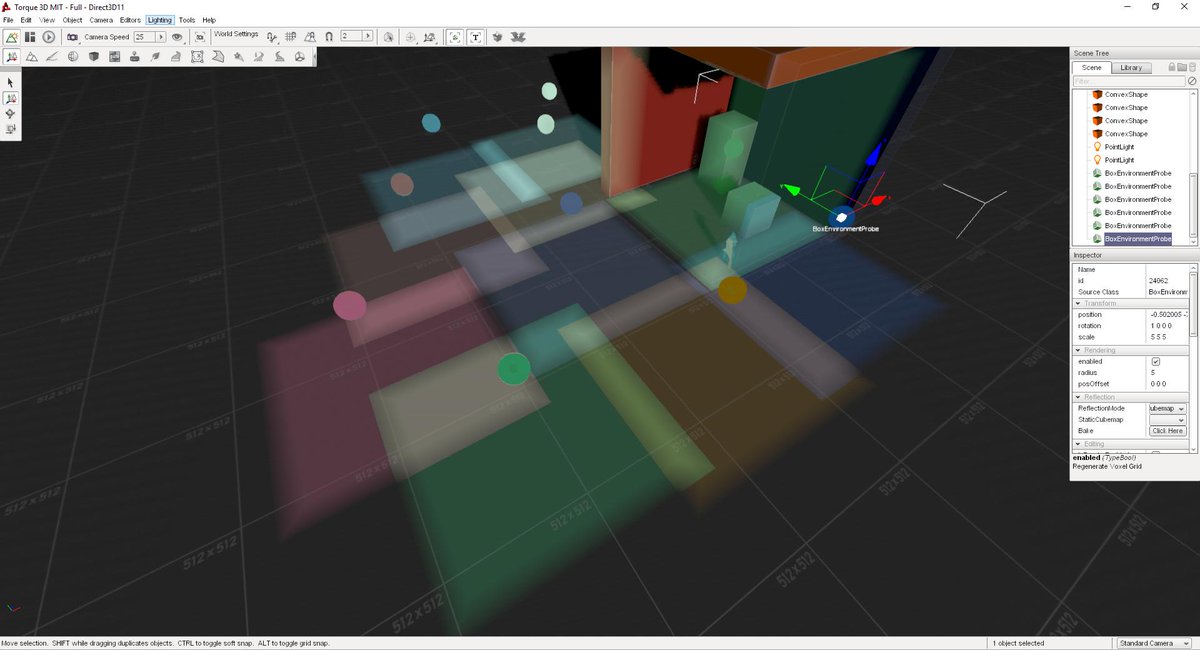
Having a break from modelling I had a look at how the PBR branch on github was doing. Rendering really isn't my thing and material systems probably even less, so I just nodded a lot ...

No idea what's going on but debugging does look pretty

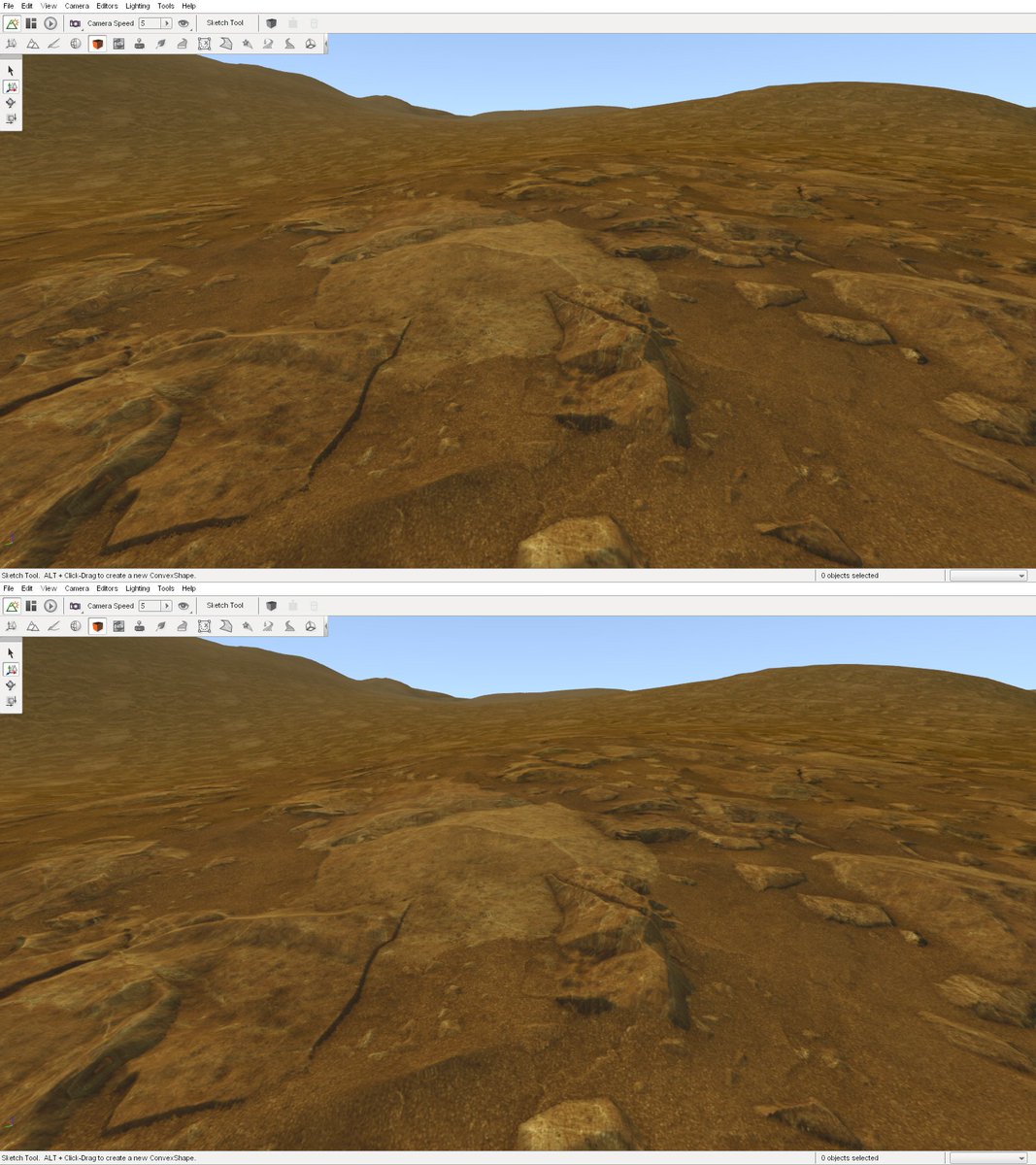
Having spent rather a long time on animation and characters and the like, I went back to trying to remember the work-flow for materials and in particular parallax. I found that a rather enormous 12.7mb 2K normal map texture with a heightmap in the alpha channel didn't seem to have much better quality over half the size which only weighed in at 2.4mb, which is quite the saving for VRAM.

2048px 12.7mb top, 1024px 2.4mb bottom. I can live with that.


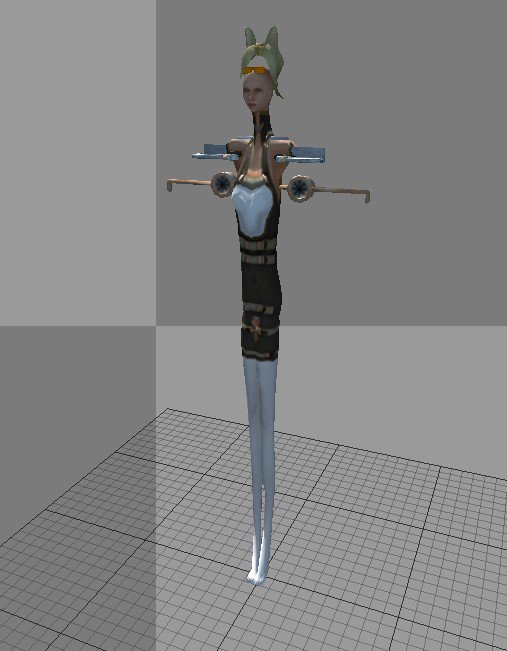
Finally I got round to thinking about the yellow placeholder cube, who has represented the player for nth years of development. Filled with horror at the thought of actually having to paint armature weights and rig a character from scratch I booted up the medically resourced makeHuman with the intention of exporting a basic mesh character to work on in Blender. I quickly found that COLLADA export is not that friendly to bone angles with everything defaulting to just one direction rather than following the skeleton, but FBX preserved the bones correctly.

As a test, I had a play about with the sliders to see if I could make a physical match for the 2B model from Nier Automata. Surprisingly only the pinched waist being beyond the standard sliders from the model silhouette I was working from, and the only maxed out sliders were the butt ... which is kinda understandable, considering this is the robot with the highest polygon count arse in gaming.

 All the polys ...

 When you spend all the VRAM on polygons for the robots butt, and can't afford HD textures on the scenery ...

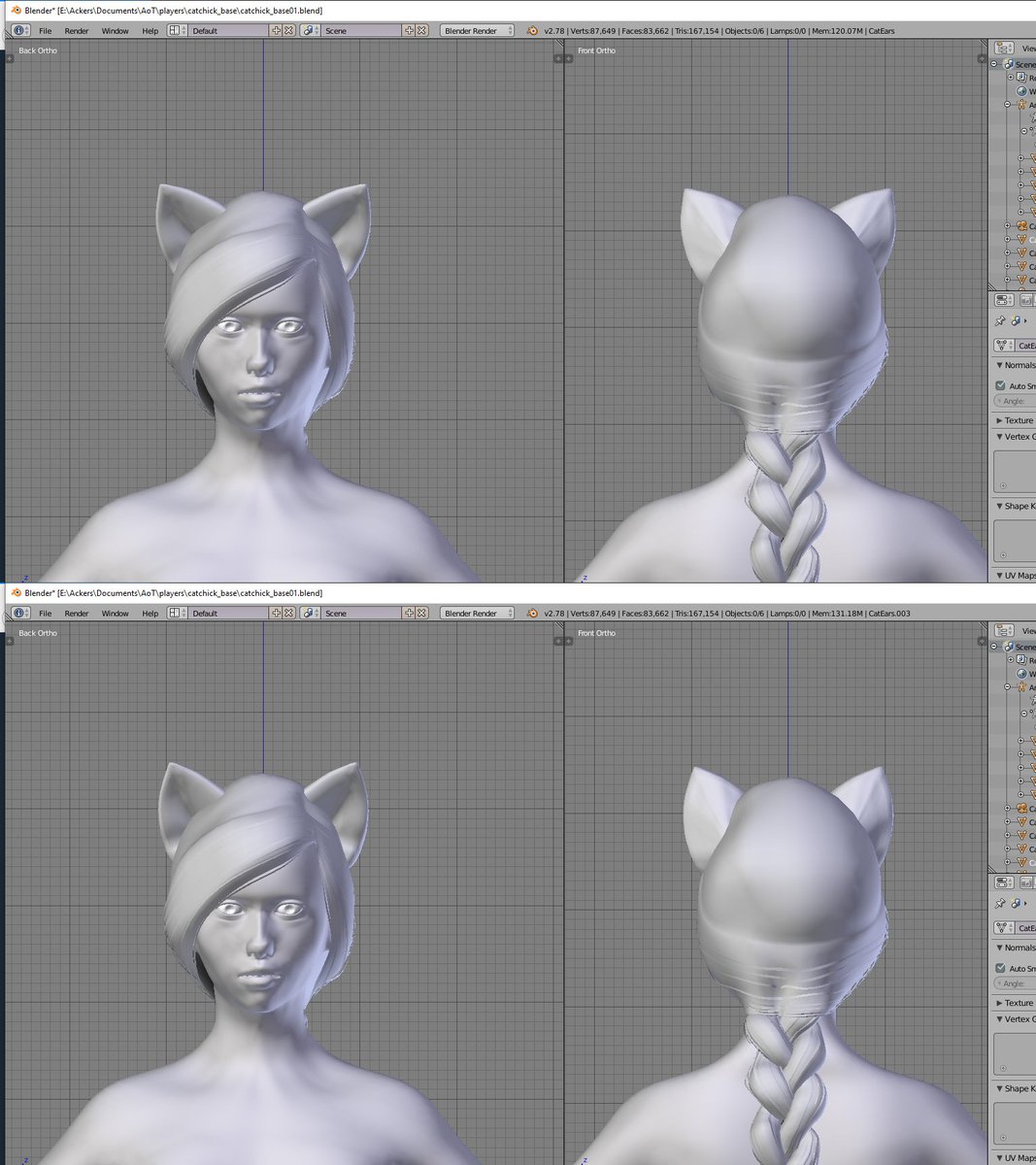
Anyhow, I gave the proportions I wanted to my base mesh, learnt a bit about exporting and then started customising it in Blender. I've started off with a fairly high poly mesh until I decide on what I actually want so that the high and low poly versions will (hopefully) look the same.

I seem to have spent an inordinate amount of time tweaking cat ears into just the right angle even though I am fairly sure it doesn't matter, but hey OCD and all that ...

So, that's a start on a base model for the player. The idea is to have a high poly model for intro and cut scenes, as well as an animated "Doom" style bust view in the GUI where placeholder banana currently is. However I do kind of think that it might be a bit small for an animated character to be pulling faces from. Once I finalise what the character needs to look like from the rather hazy description I have in my head and multiple character types required, I'll start on the low poly version that will actually be in the centre of the screen, under the player's control.

February has ended and it is officially Meteorological Spring.