Showing posts with label aircraft. Show all posts

Thursday, 30 September 2021

One Year Of Aeronauticals

 So it has been an ENTIRE YEAR (from 1st October 2020) of working on my aeronaut/aeronauticals/dogfighter game that was loosely inspired by Ace Combat with 1930s aircraft and a lot more tightly inspired by Descent: The Great War space combat simulator but with gravity.

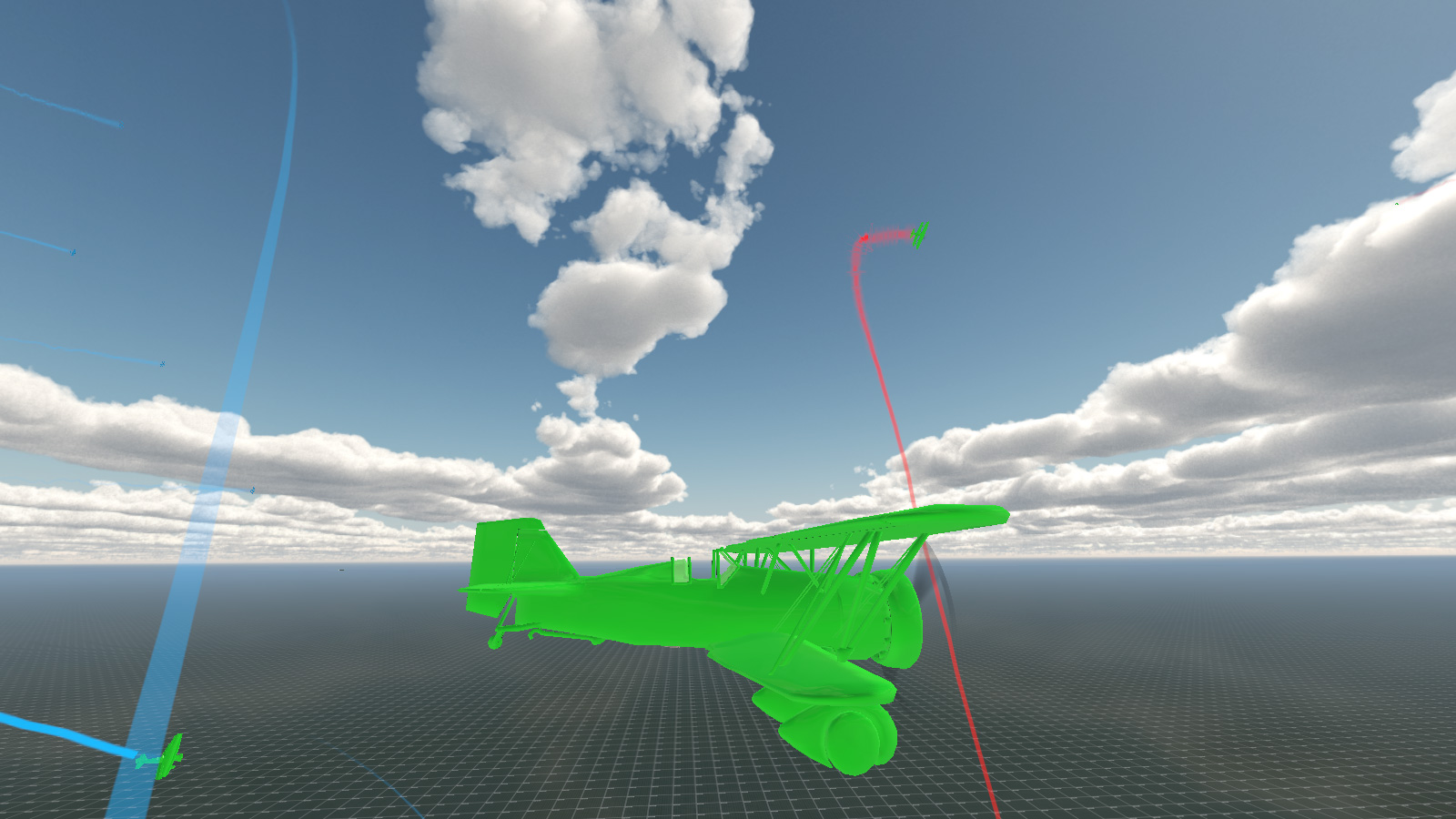
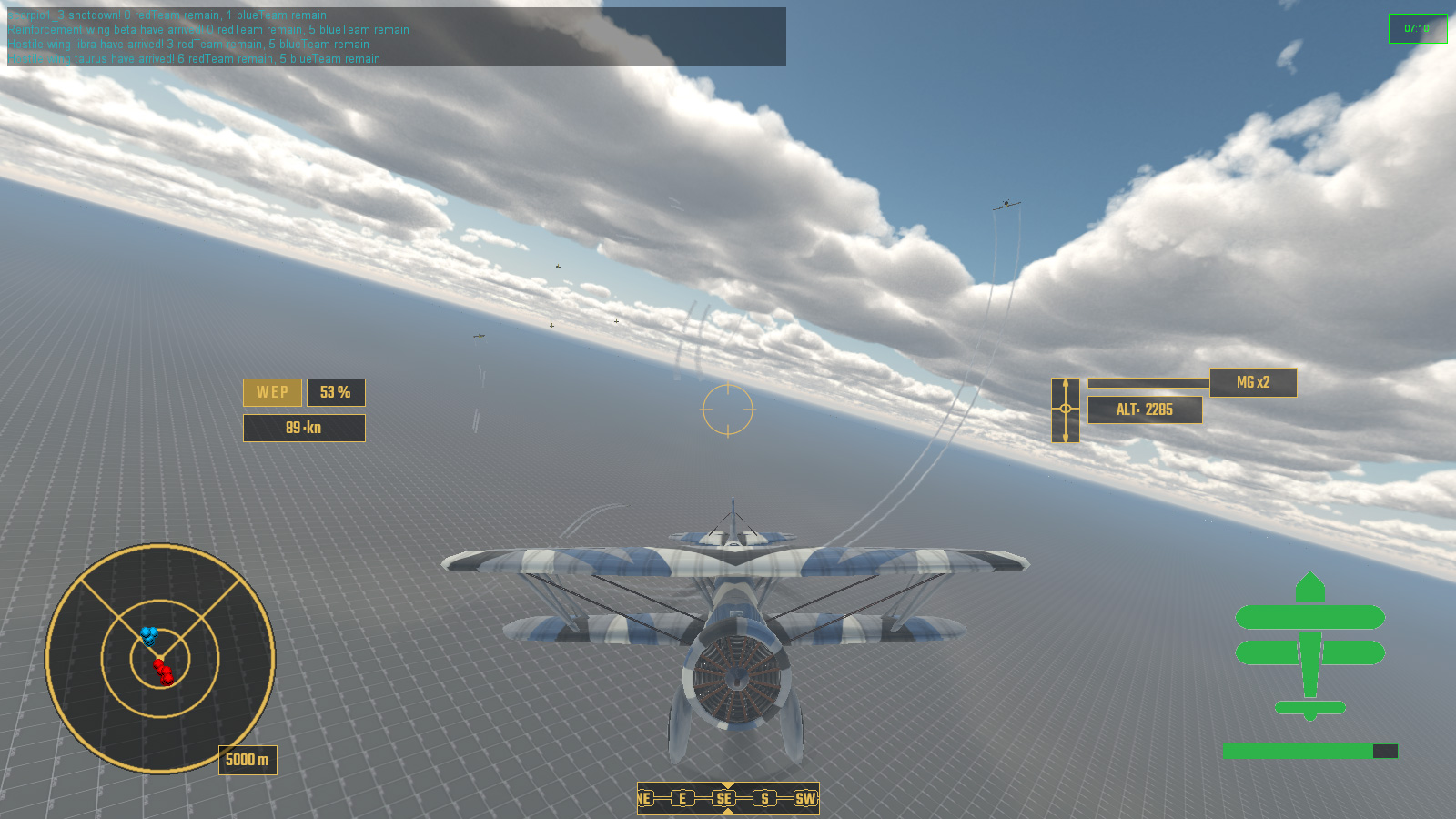
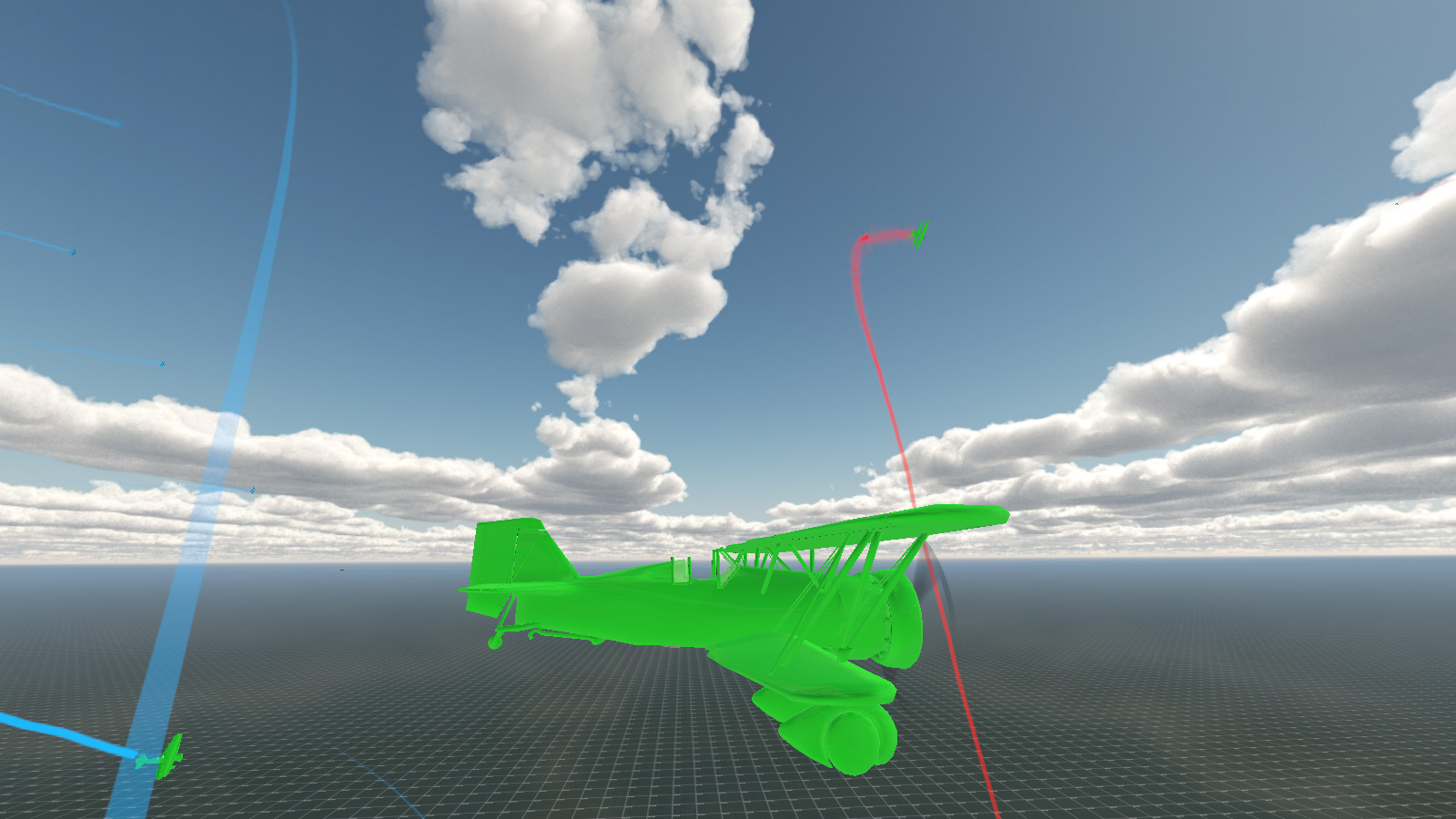
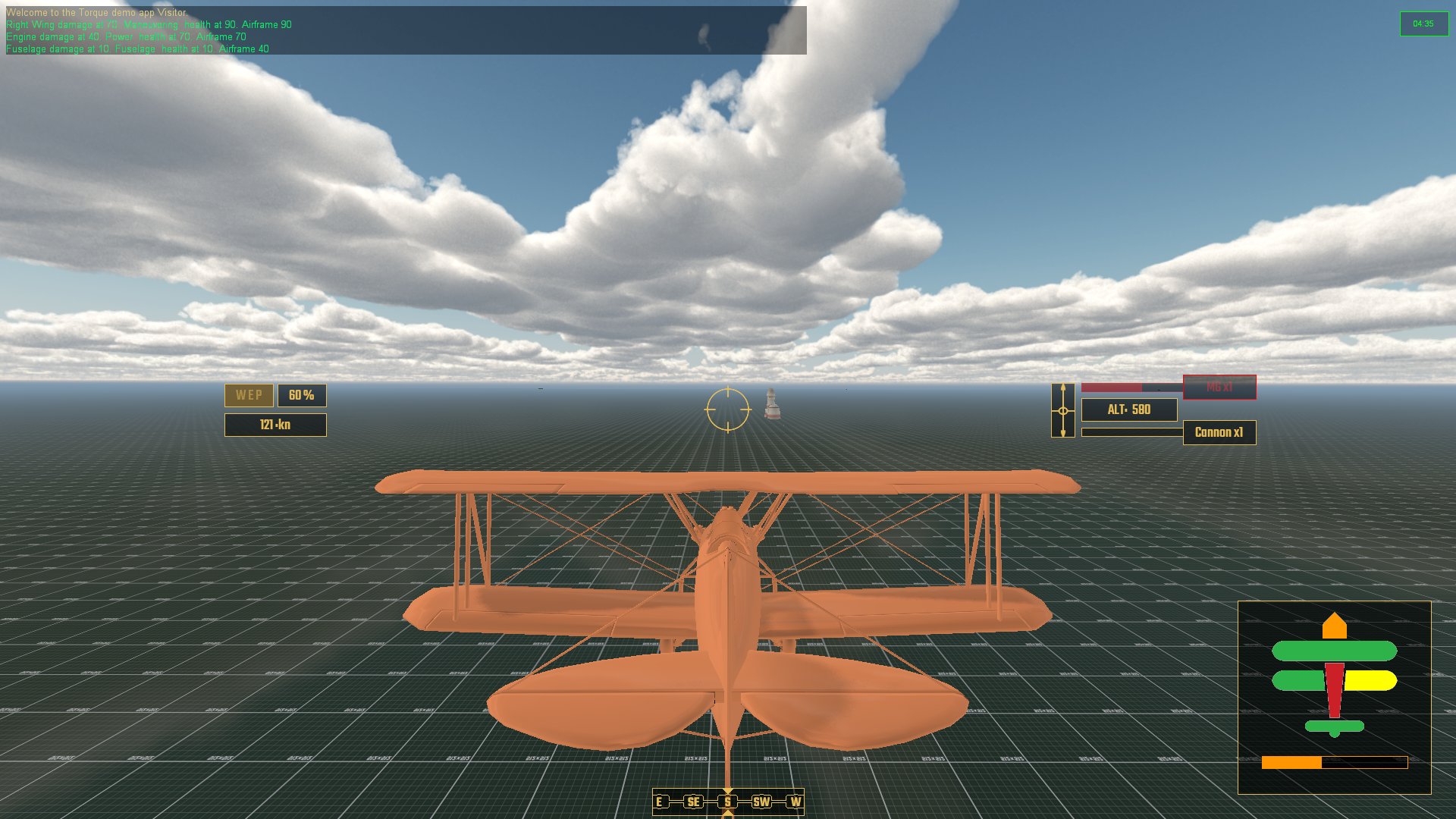
How it started (after a month or so anyhow) ...
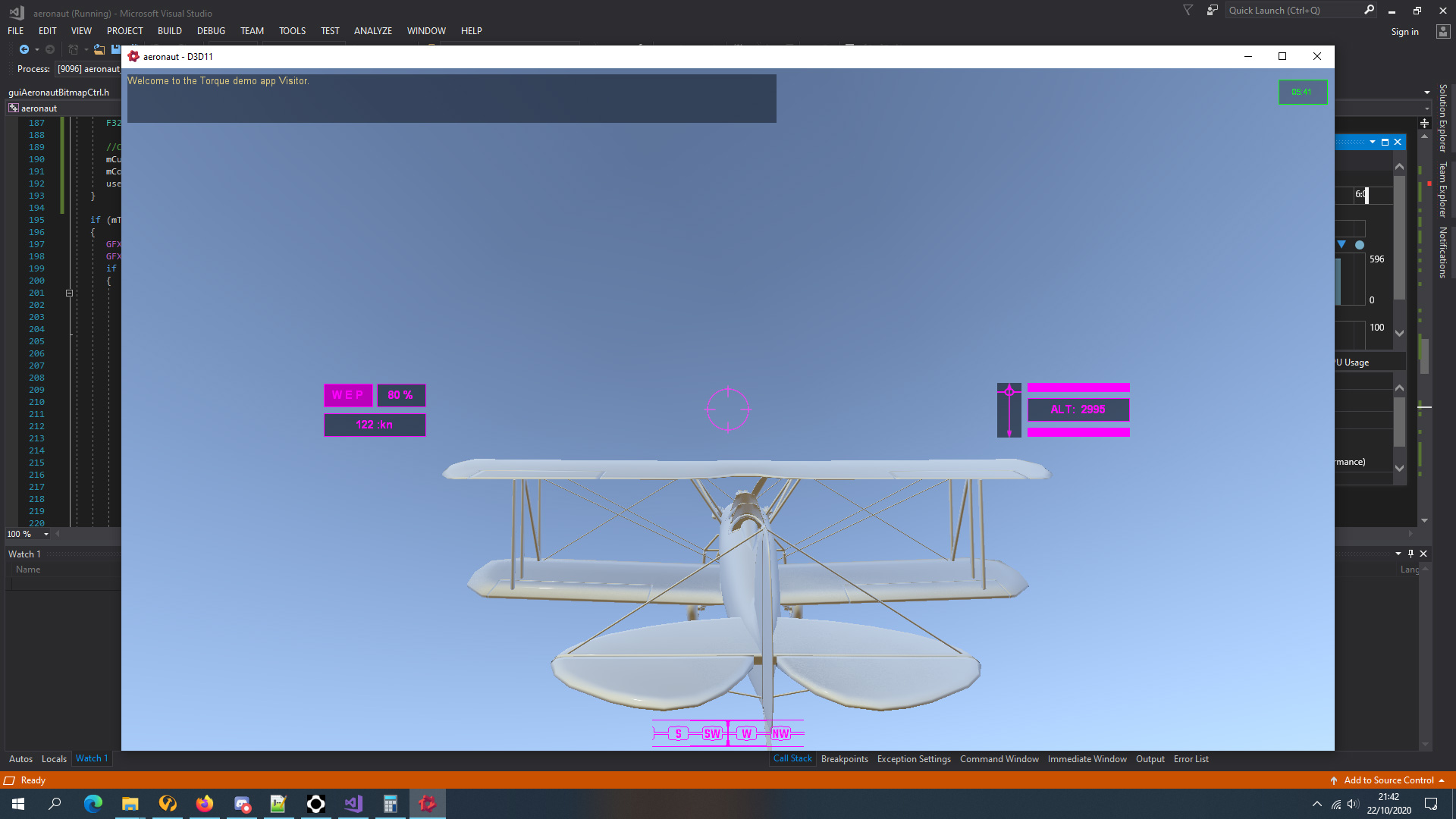
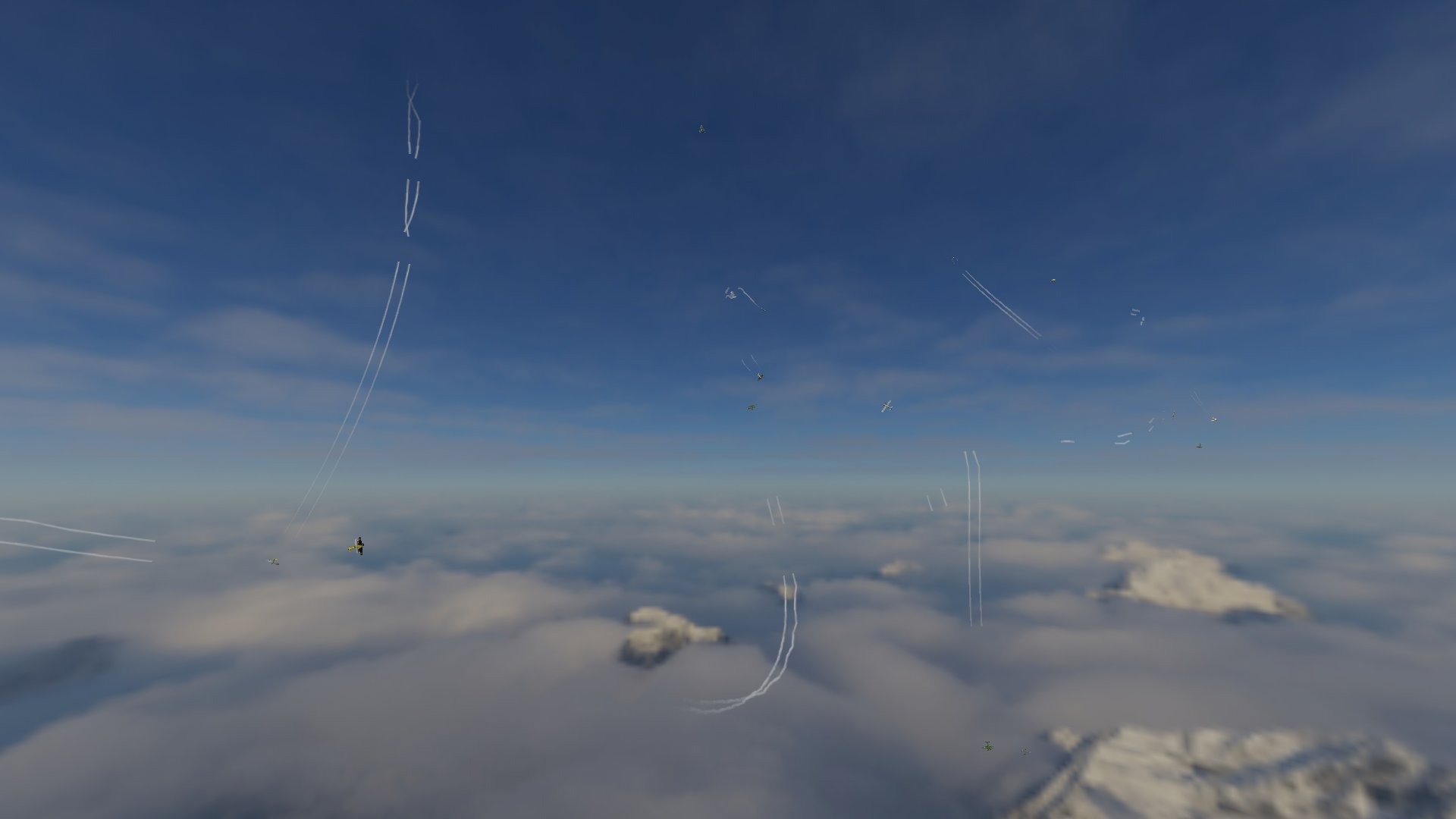
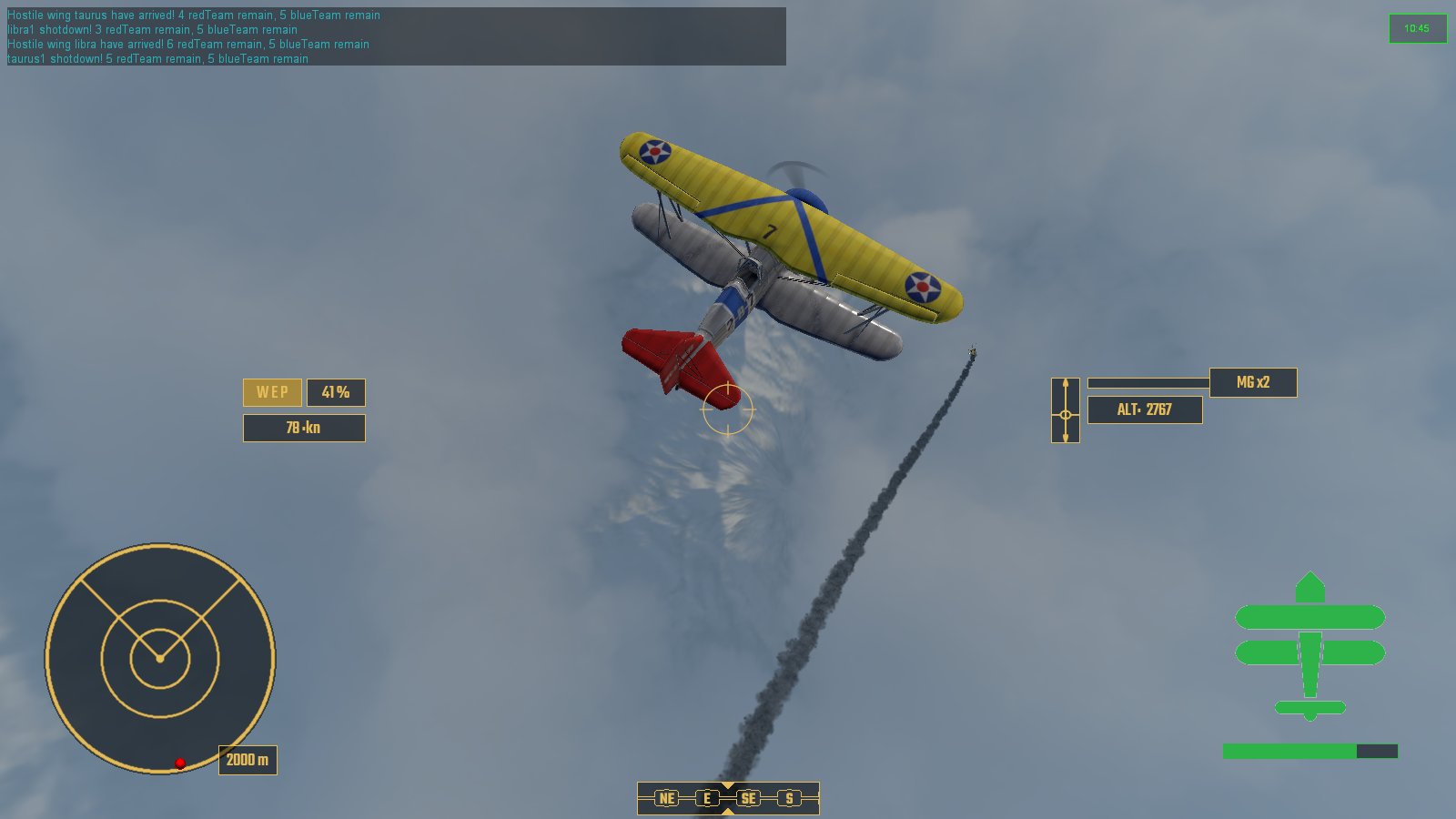
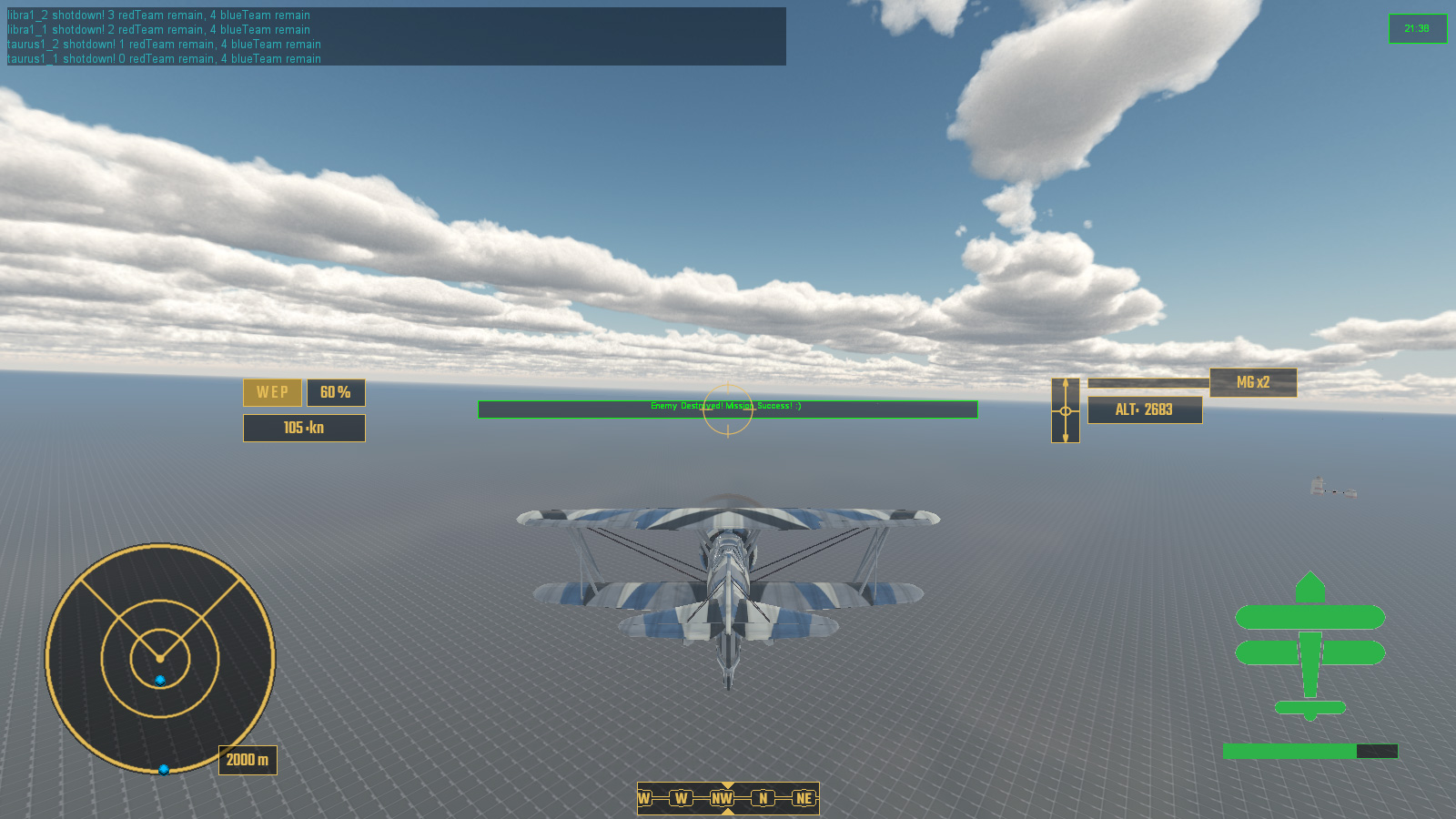
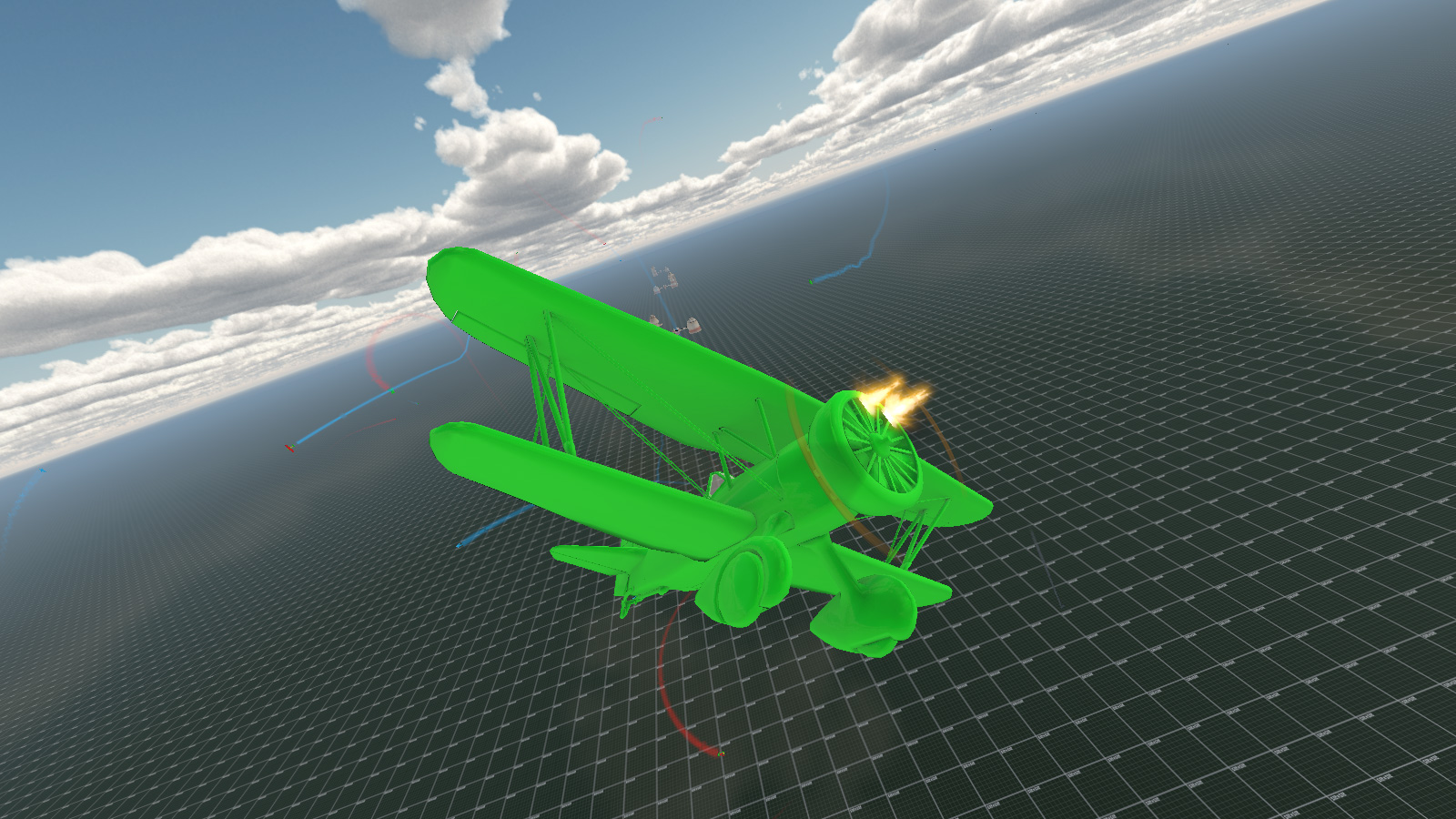
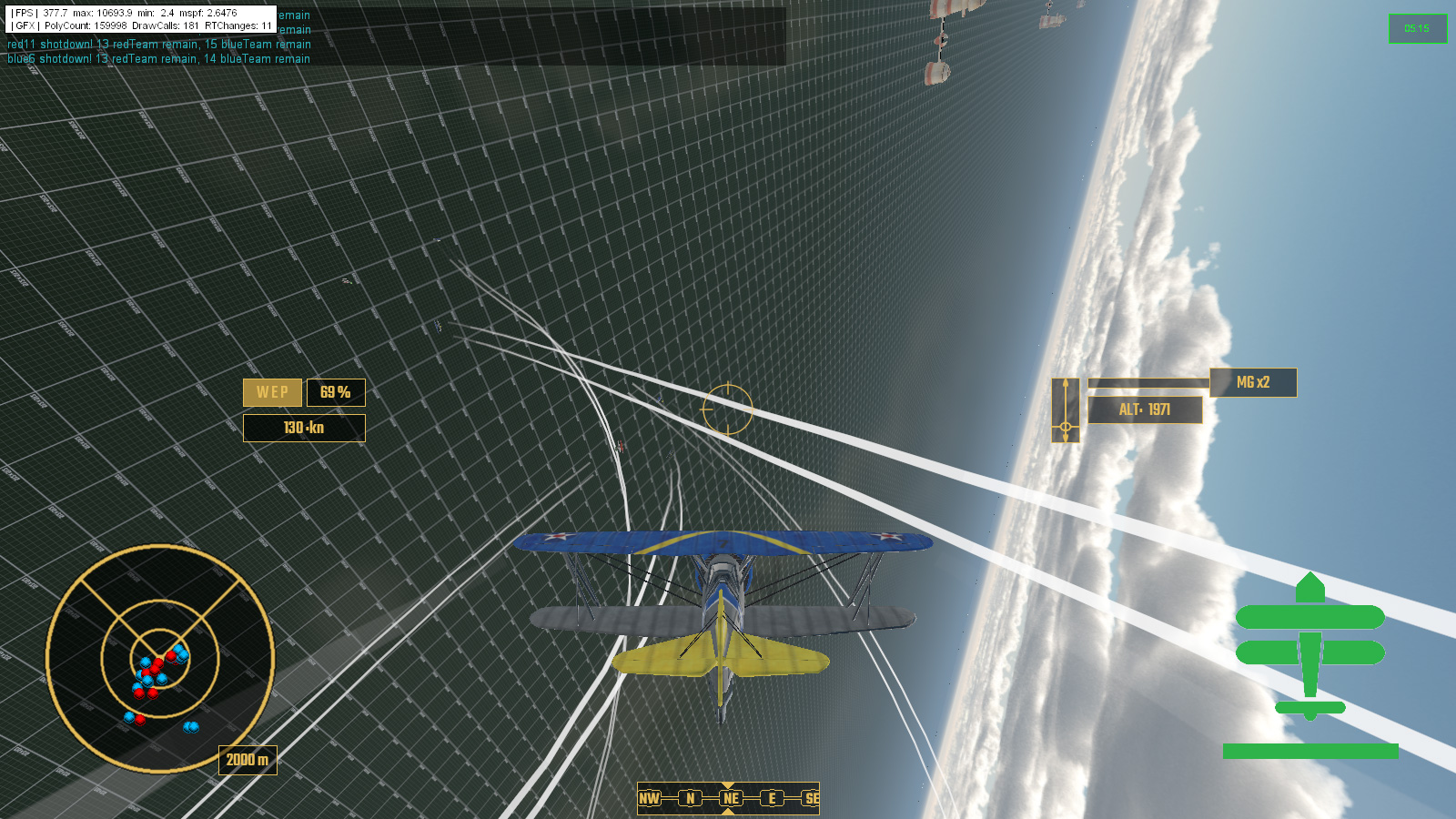
And, how it's going ...

 
So ... that's been a bit of a change then ...
 
First up, I've created a brand new class of object, aeronautVehicle, that derives off vehicle class, which derives off rigidShape which is the thing that controls the physics, and shapeBase class ... which everything and it's dog seems to derive off if you want it be any form of a dynamic object.
 
This meant that I had to work out how an aircraft actually flew worked. Obviously this would be incredibly boring so instead I worked out how an exciting arcade style flight model worked basing it on ideas and physics values that I mostly pulled out of my bum.
 
Actually that's not entirely true, I did detailed research for months previously, basing everything on real world values and compiled lengthy text files on how the whole thing would work; eg: hitpoints were based on empty aircraft weight divided by length per area element (wings, tail, etc); and thrust was based off maximum take-off weight divided by kilo-watts of power per engine (or something like that) with modifiers for total aircraft area versus air friction... eg: fat aircraft would lose speed faster than smaller ones, etc, etc.

Similarly gun damage was based off calibre, calibre per 10mm modifier, number of guns, and some other stuff, with more guns increasing both damage and overheat timing.

The real problem was creating an Ai system to fly the aircraft against the player. Not only did they not have to crash into anything --- which ended up being much harder than you'd think --- they also needed to act as if they were a real pilot, so I ended up making 12 (?) evasive maneuvers that they could pull when neccessary. Stalling ended up being a huge issue depending on speed and attitude of the aircraft and tightness of a turn. I ended up creating a class of super-Ai pilots who I never stood a chance against, and had to dial the whole OP back, discovering that the margin between genius Ai flyer and absolute idiot was very small.

Damageable elements reduced performance of the aircraft's speed, turning, rudder, etc, and the whole thing had to modeled in 3D and textures to give the player good visual feedback as to what is happening to their aircraft.

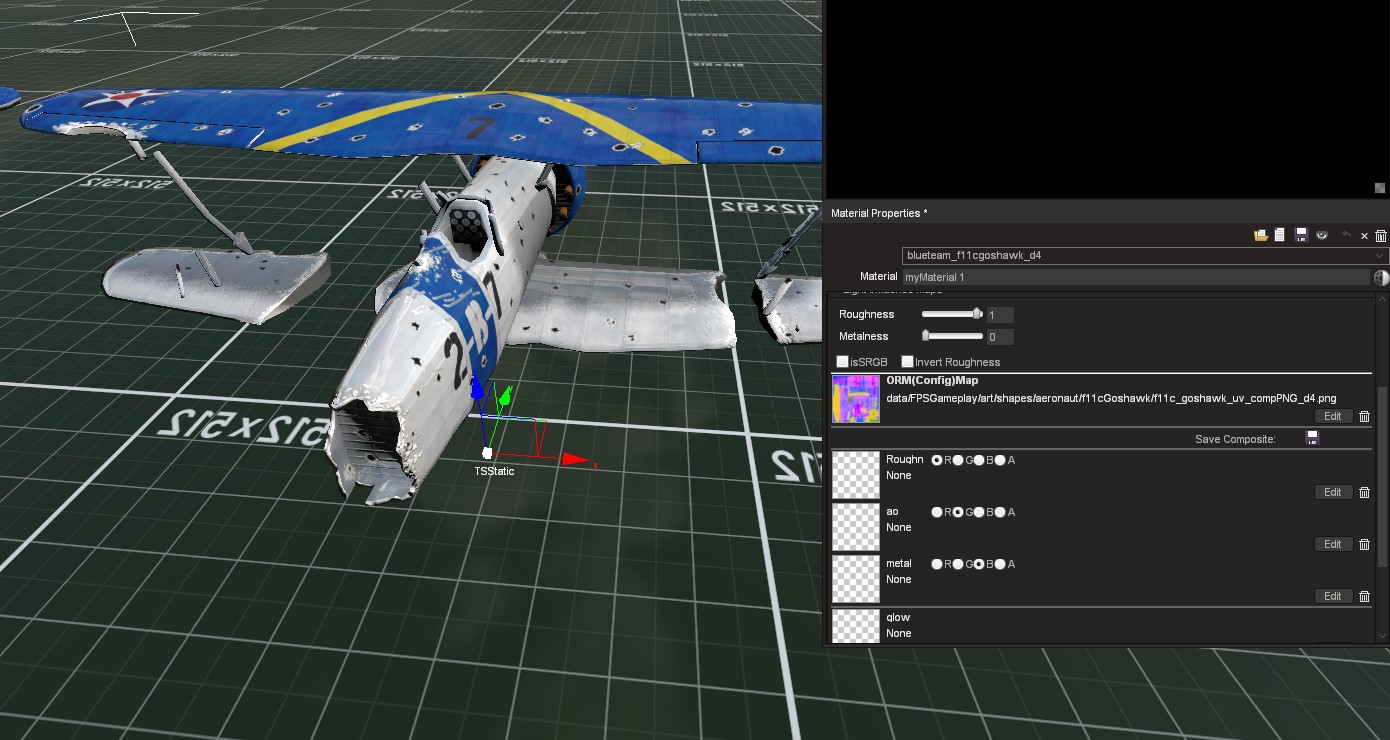
PBR was a thing ... a thing which I did not know what ORM stood for and so ended up putting the rough and occlusion maps into the wrong channels because that is how they are set out in the materials editor.

My grasp of networking certainly improved, I had managed to create a co-op mode - based on seperate instances on the same box because I only have the one machine - and I soon realized that I wasn't supposed to just fill the whole of pack/unpack with all of the read/write data because much of that was on the server anyway. Trailing definately need to be on both or either Ai/players would trail and the others wouldn't depending on how they were handling their aircraft. Huge amounts of pack/unpack were commented out and the weird jittering my AI aircraft had been doing in debug mode stopped.
I created a crude lobby system were the level loaded without the mission starting except a briefing to give the player the details of the mission via a seperate file and to choose their aircraft and paint schemes. The player would then wait in this psuedo-lobby for other clients to connect or start a co-op multiplayer mission alone and newly connected players could drop in and out. Debriefing required a bit more voodoo as shifting large amounts of player-mission contextual descriptors - that's text - required some fancy thinking to avoid abusing huge numbers of server to client calls - something that I had been very keen on working smoothly and with the least possible amount of bandwidth.

 Creating missions was a series of timed and triggered events based on what the player and Ai pilots were doing. This required lots of scripting due to the lack of physical triggers which a player could walk into on a more normal character based game of the types I had previously demoed or developed.

And so that is kinda of it. After a year of development I have a fully functioning dogfighting game that plays halfway between an arcade shooter and simulator with a mission complete with playable roster of aircraft, briefing, debriefing and drop in and drop out online co-op mode. So naturally it's time to relegate this to the backburner and go return to my previous game project (and really tidy up it's networking) as I want something that can at least be released for Early Access early(ish) next year and Freespace-style dogfighter will require the most work whilst topdown catgirl mayhem is around halfway complete but needs "fluff" adding for the player's ease of life for the first few levels.

Tuesday, 31 August 2021

Takes Two To Tango With A Brief Debrief

Having mostly been a single player player ... stops, rereads that, nah we're good ... the concept of networking multiple clients wasn't something that I had particularly much experience with. This was most obvious when reviewing my C++ code and seeing that I had literally packed/unpacked everything of my custom aeronautVehicle class regardless of whether it required it or not. On further inspection only rigidBody attitude and whether it should be emitting vapour or not really needed to passed around every frame the engine updated. This could probably explain the jitteriness of Ai and other client aircraft movements.

Debugging ... (don't @ me!)

After quite a bit of faffing around I not only managed to get 4 player Co-Op mode working but had it so that other remote human clients could arrive after the mission had started, and replace the allied AI who had already spawned in their place. The Ai would smoothly disengage, move away and fade out before being deleted, hopefully out of view of other players.

Any later joining client would have to pick the remaining available flights/callsigns that human players were permitted at the briefing screen. Initially I had listed each and every callsign individually, but once I had the whole system up and running, I decided it would be better to simply list available wings and the number of taken and free roles within them. This would cut down on the possibility of scrolling through vast numbers of disabled buttons.

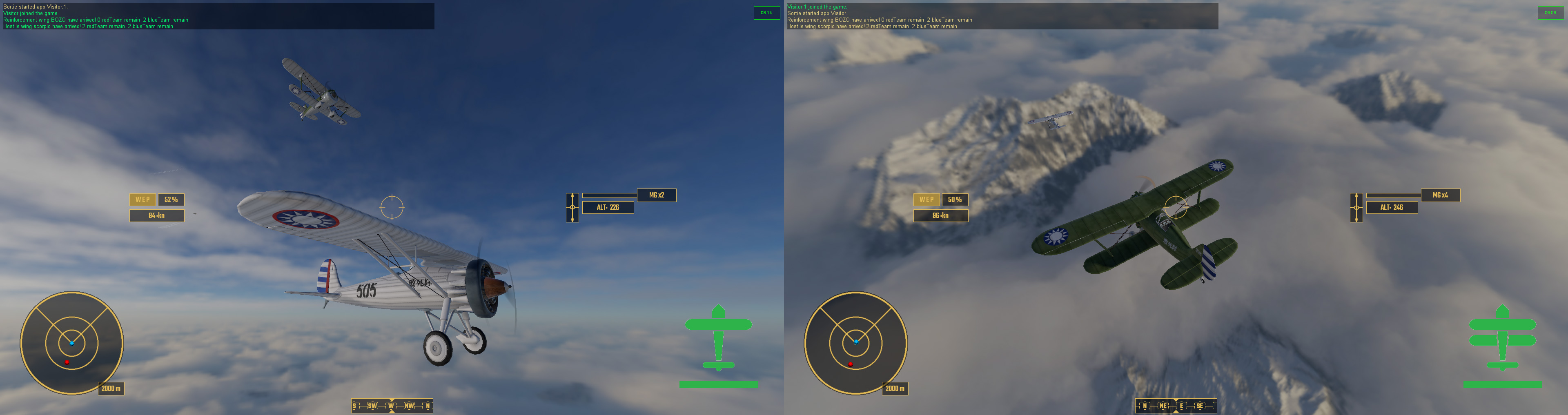
Co-Op Mode! Player 1 and 2 look at each other during a flypast.

The briefing screen also acted as a rather rudimentary lobby. Players could arrive and choose their flight roles, aircraft and paint job, and then wait for the server to fill. Once two or more players had arrived and selected their aircraft and were ready to sortie, a countdown timer would start and automatically trigger the mission so they weren't waiting around for ever. A lone player, waiting on the server on their own could start the mission with Ai wingmen, and future arriving players could drop in and drop out as replacement, as explained above.

One of the things which had proven to be an issue with the networking was briefing. Sending huge amounts of text over a client connection seems like rather a bad thing and I have been desperate not to abuse seven shades out of the commandToClient. This is the reason that I haven't got a large and indepth mission briefing description working yet. I am considering creating it as a seperate GUI file and sending that directly to the player in the same way mission download should work. I do however have a quick description of mission objectives created, pulling them directly out of the mission file.

Lies, Damn Lies And Statistics

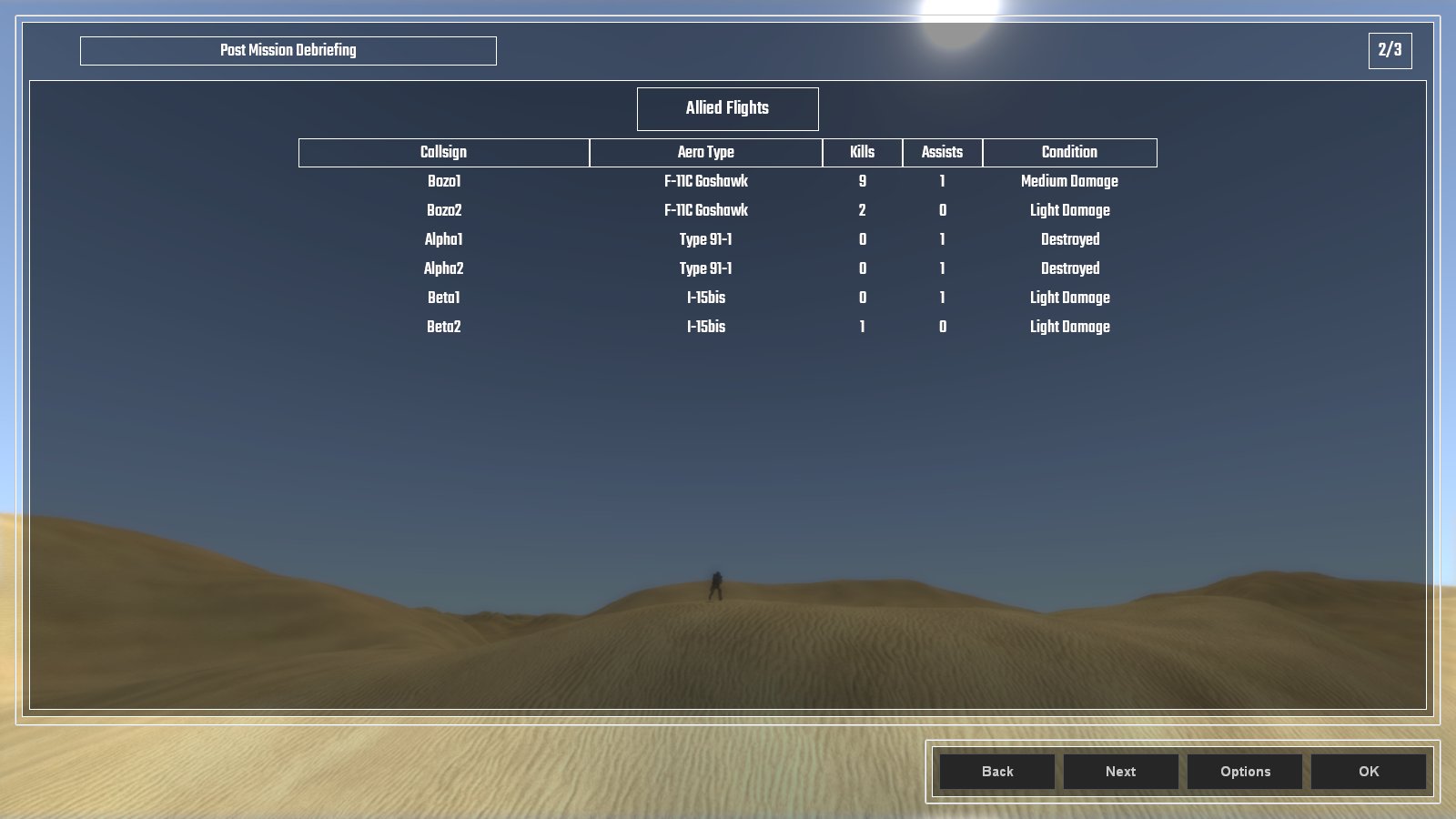
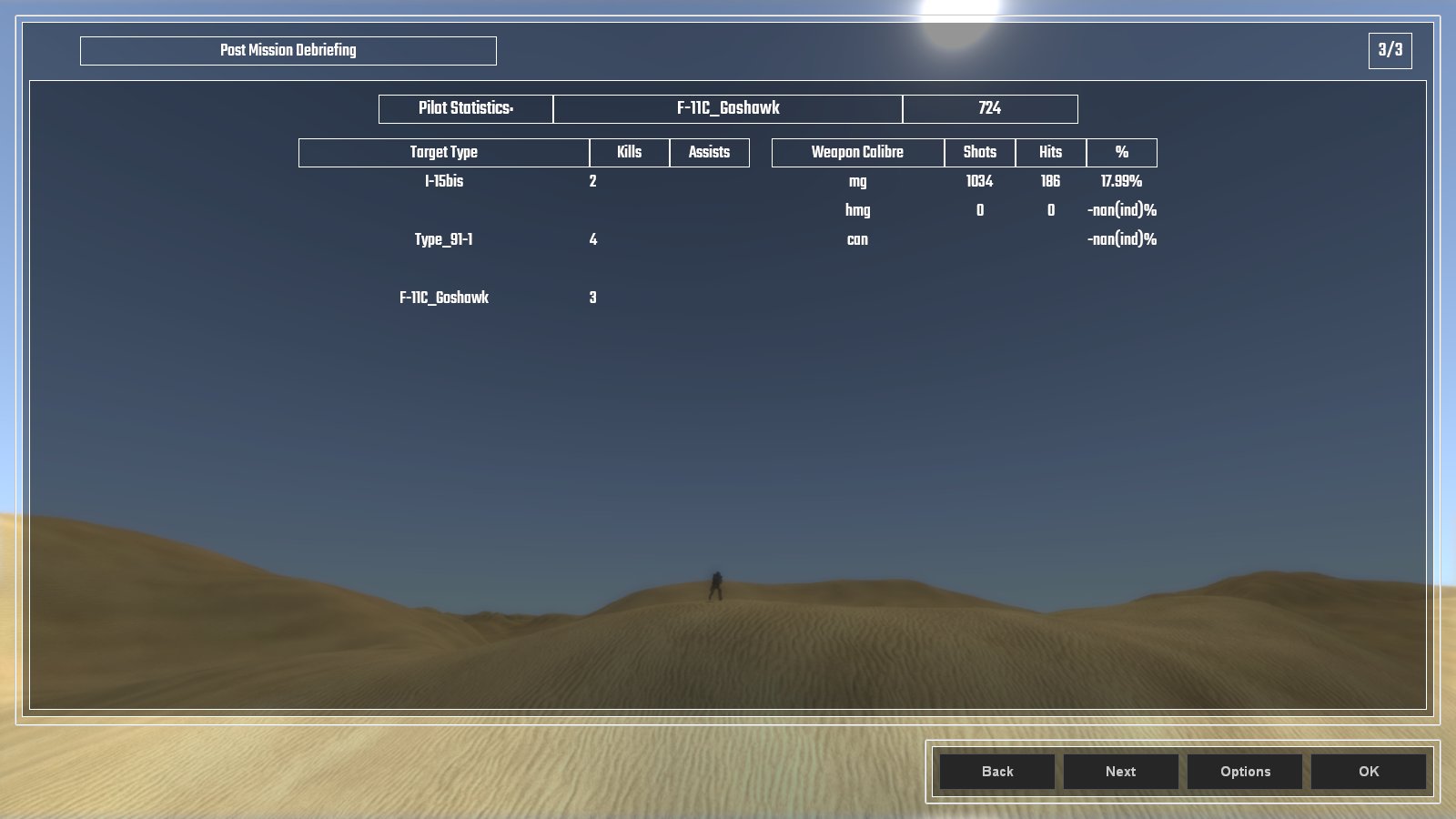
 The post mission debriefing screen lists all the statistics that pertain to the player. All allied aircraft are listed as well as their victories, recorded as kills and assists, and their final state which descibes their damage. Added to this is the individual client's performance which ... when I iron out the bugs ... will list the types of kills and assists they scored as well as how accurate they were with their weapons. Right now ... it's a tad buggy ...

More Lies And Bugs Than Statistics ...

Here's a video of the old way I selected playable flights with the multiple buttons at the beginning, and shows how the briefing screen works for aircraft and paint scheme choice.


And so that was the month that was. August, it was wet and cold and not much of an end to summer. The summer fan is dismantled and stored for next year, and the Autumn duvet is already on the bed for maximum comfy.


Wednesday, 30 June 2021

Events Dear Boy, Events

 So this month I have been coding a "Mission Events System" loosely based on how Descent: Freespace did it.

Chief amongst this creating a system that read all of the spawnPoint data which held all the info for various events, and anything inside the mission's own custom event file, then tried to organize all of that into something which wasn't gibberish.

I can give you a quick rundown ...

   //this is where the mission relevant data is started
   //all missions related events are controlled from here
   //before we spawn the player we need to load the MissionEventFile (MEF) and all it's functions
   //to do this we need to find out how many players we have
   //treat this number as 1 for single player game and start the mission with the first client joining
   //MissionEventFile holds the missionEventList (arrayObject) and all mission event functions
   //spawnPoints inside the missionEvents folder are for spawning and events
      //spawnStart;
         //1 timed or immediate spawn from player arrival; 1 = spawn immediately
      //spawnNear;
         //object that we should spawn near, if spawnDistance > 0; this overrides our spawnPoint location; defaults to player
      //spawnDistance;
         //distance from spawnNear object in kilometers;
      //dataBlock; <<<<< spawnDatablock
         //literally datablock name for player; eg: F11Goshawk, etc. Never AiF11Goshawk though, Ai gets added later
      //dataType; <<<<< spawnClass
         //type of datablock; eg: aeronautVehicle, etc. Never AiAeronautVehicle though, Ai gets added later
      //startingThrust;
         //starting engine setting as F32, default 0.6
      //team;
         //0 greenFor(neutral); 1 blueFor(ally); 2 redFor(enemy); 3 yellowFor(aggressor);
      //skillLevel;
         //Ai skillLevel 1-10; modified with difficulty
      //callsign;
         //name for vehicle or wing of aircraft based on wingNum and isWing number;
         //eg: solitary isWing0 "bob"
         //eg: isWing 2, wingNum 3 "bob3_2"
      //isWing;
         //0 = no not a wing only 1 vehicle or was a wing which has already been reduced to 0
         //1+ = is a wing, this number goes down everytime the wing is destroyed
         //wings respawn with wingDelayMin/Max time when reduced to wingMin number of remaining aircraft
         //a new arrayObject is created for the wing and all aircraft are added to this from that wing
         //eg: callsign "bob", arrayObject "bob_wing"
      //wingNum;
         //number of aircraft in the wing
      //spawnedNum;
         //number of the aircraft spawned in a wing, ++ until > wingNum then back to 1; this is set by scripts not editor
      //wingDelayMin;
         //minimum number in seconds for the wing to wait before spawning another wing and reducing isWing value by 1
      //wingDelayMax;
         //maximum number in seconds for the wing to wait before spawning another wing and reducing isWing value by 1
      //wingMin;
         //number of surviving aircraft when a new wing will spawn with wingDelayMin/Max. Default is 0, but best set to 1;
      //mainTask;
         //mainTask; 0 do waypoints; 1 dogfight anything; 2 strike target; 3 escort;
      //mainTaskTgt;
         //object for mainTask, can be vehicle, arrayObject list of targets, waypoint or path
      //eventTrigger#;
         //type of event to happen
            //onArrive - has spawned
            //onDepart - has departed
            //onDamagePercent - damage has gone below threshold
            //onDestroyed - uses callback onDisabled and onDestroyed for second check
            //onWaypoint - has moved to waypoint position
            //onPathComplete - has completed the total path
      //eventObject#;
         //object id; eg: onWaypoint = waypoint id; default blank/0/"" is spawnDatablock's object
      //eventDelay#;
         //delay in seconds from the eventTrigger# being completed
      //eventResult#;
         //result of the eventTrigger# occuring
            //script name; function to be activated from missionEventFile (MEF)
      //eventTarget#;
         //target of the event to do something, specifically used for spawn;
         //if no target then it should refer to a local wing or aircraft
         //eg: scorpio wing now spawns in 10 seconds due to eventTrigger1 "onWaypoint", eventObject1 "player", eventResult1 "spawn", eventDelay1 10, eventTarget1 scorpio wing
So that's my own comment notes in the file, though some of that has since been changed ... probably.

Part of this is "wings"; groups of aircraft that spawn together and can respawn in "waves" when their number has been depleted to a certain amount.

Contextual Messaging about Events in the top left

And what are events without victory and defeat conditions? Not very interesting that's what.

Events - hurray you didn't bugger it all up!

So with all of this in place it was time to create something which looked like a proper game mission. And here it is!

Here's a quick overview of what happens:

  • Victory Condition: All enemy are destroyed
  • Failure Condition: All allied reinforcements are destroyed
  • Player Spawns Event
  • First enemy wing SCORPIO spawns with a delay in response
  • Enemy wing SCORPIO is destroyed
  • Allied wing of reinforcements spawn in response to SCORPIO onDestroyed
  • Enemy wing LIBRA spawns after delay of reinforcements arriving. Also enemy wing TAURUS spawns with an even longer delay, near reinforcements.
  • After losing 3 out of 4 reinforcements I go and help out the last one before completing the mission.

In this playthrough the reinforcements were not very effective and got pounced on early by the enemy fighters, in other tests they accounted for some kills and assists.

When the mission is over status of all aircarft is printed to the console, detailing kills, assists, damage and the such. Eventually this will be part of a debriefing screen.


So that is the month that was. Roll on July.


Wednesday, 31 March 2021

Replace The Placeholder Plane

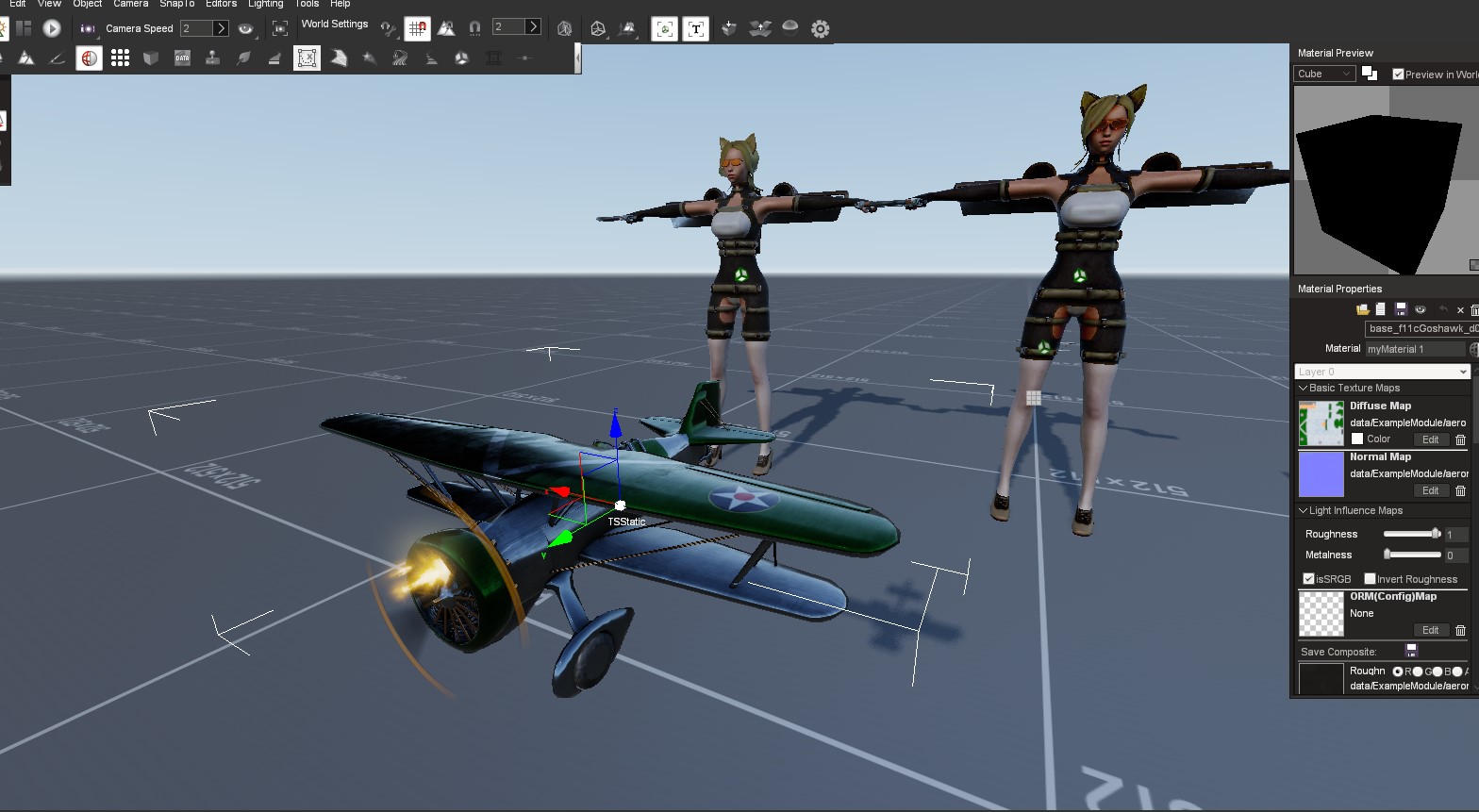
 Placeholder aeroplane, which I downloaded from some modding site that I can't remember, has been replaced by my own aircraft model.

It's an F11C Goshawk biplane, which is now itself a placeholder for all other aircraft which I haven't yet modeled.

I also coded a damageable area system to give the model a visual personification (don't really think that was the word I wanted but hey ...) of the GUI damage system.

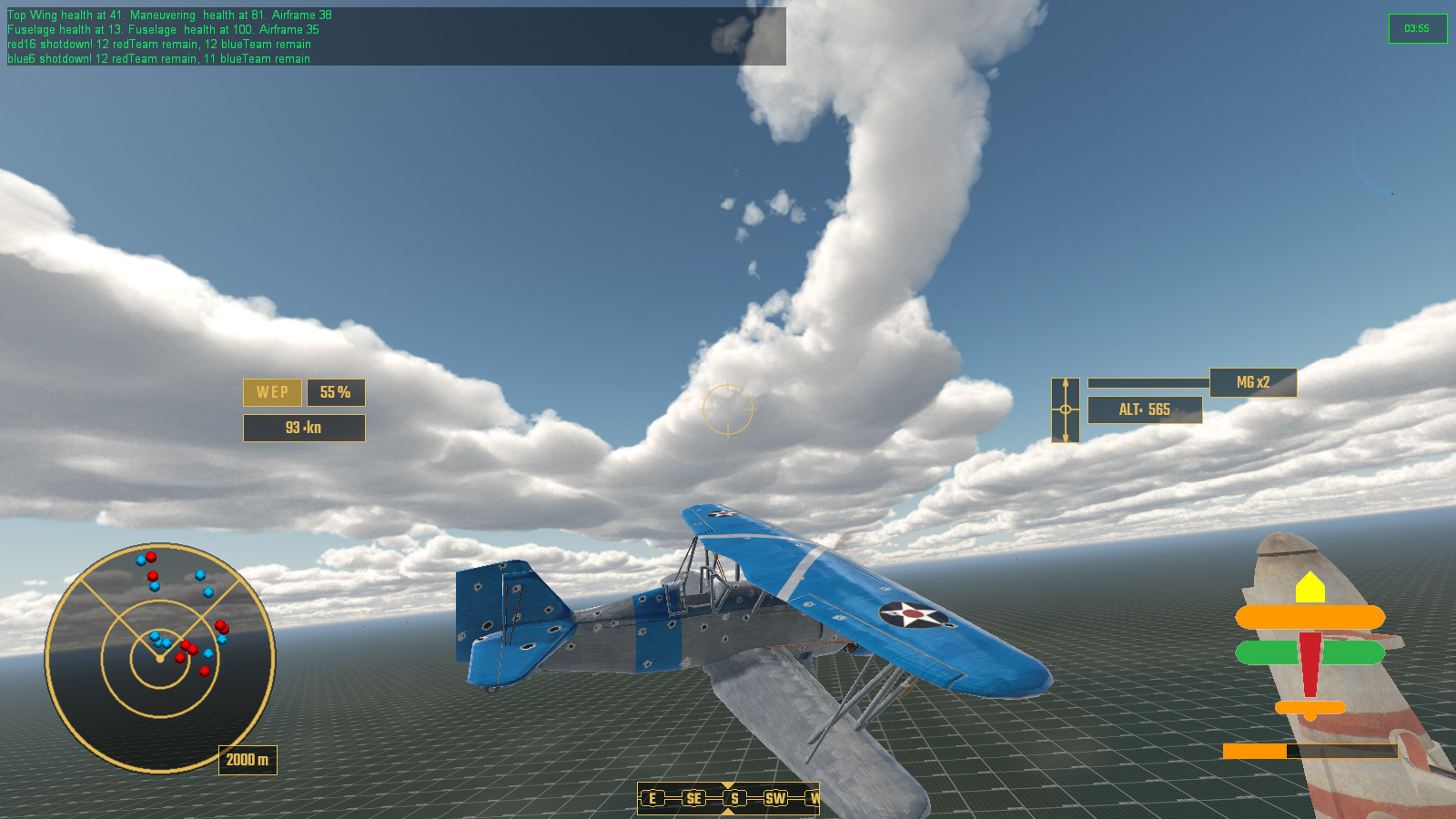
Model now displays damaged areas the same as the HUD damage indicator bottom right

Initially this was just meshes that used the same colour system as the GUI/HUD damage indicator for area based damage so that I could see that it was working. The idea is that the aircraft model is made of multiple meshes, engine, body, tail, wings 1, 2, 3 etc and these meshes are displayed hidden depending on how much damage each individual section has taken. There are 5 levels of damage, the first being undamaged and the last being destroyed. Eventually when an area is completely destroyed it will spawn a debris or rigidShape of the part of the plane which has been shot off. Eg: the top wing will appear to rip off and the aircraft will plummet to the ground.

I also use this show/hide mesh system for the muzzle flashes of weapons. Previously I had simply hidden the meshes inside the model at a hugely shrunk scale, and then animated them into full size.

Next up was to test the PBR and make up some textures. I knocked up a very quick normal map and some metal and roughness maps. Initially they were rather dark, eventually I discovered this was due to too little roughness so that the metal map was rather overwhelming things.

Ignore the catgirls at the back, just comparing PBR ...

After a bit of faffing I got PBR materials working, and thought that the whole looked pretty good actually.

Not bad if I say so myself

After this I proceeded to test the damage system with bullet holes. Here I noticed a fair bit of stretching which could only be remedied by completely redoing the UV mapping.

And here is a test of an AI air battle using the PBR textures. In the end I get my top wing shot off, which disappears as there is currently no debris object for destroyed areas.

So, that was the month that was.

Next up are redoing all the texture maps, albedo - which I never seem to be able to spell correctly, never had this problem when it was called diffuse - normal, metal, roughness , AO and of cause all the accompanying damage meshes and maps. After that, on to more model aircraft.


Sunday, 31 January 2021

Space Year 2021: Stage 1 of 12 Complete! Dogfight!

It's the futuristic space year of 2021 AD, stage 1 (January) of 12 (the Annum) has been completed ... though you might be forgiven for not noticing ... 


Having previously worked out my issues with Ai pilots taking a leading aim on a moving target I have spent all of January getting them to actually dogfight one another. Choose target, go fast to get into shooting range, slow down to follow it and blow it out of the sky. Took a bit of doing but worked nicely. 

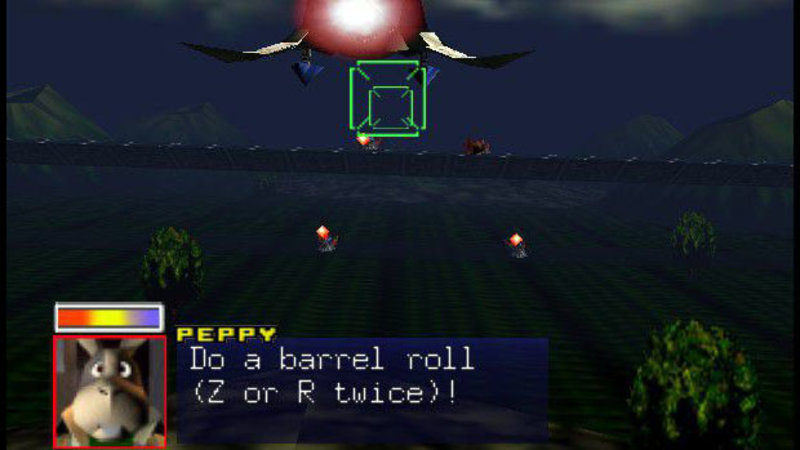
Next up was creating a system of evading when an AI came under attack rather than just sit there and get shot at. Reading through vast tomes of air combat and aerobatics, I managed to come away with ten meaningful emergency maneuvers to try and shake an enemy fighter, and added a barrel roll if none of the others seemed to be an oppropriate match for the defenders circumstances.

 That's not a barrel roll (ノಠ益ಠ)ノ彡┻━┻

This brought some problems itself, that in high-G maneuvers such as a Stall Turn, the Ai had a nasty habit of losing all energy and ... well, stalling ... a lot.

He's written his Artificial Intelligence Pilot Engine Management System? Stall it.

So then I embarked on a complete rewrite of how my Ai would use engine management. Previously it had been a simple case of setting engine percentage with a nose attitude modifier, now it was all about maintaining the desired speed. This massively reduced stalling in tight turns but not completely eradicated. So I added an anti-stall system that would force the Ai to move to a desired rate of knots should their airspeed drop at a rate that would bring them within the losing height at level flight, with a nose attitude modifier. I reused the anti-stall method which I had written for spawning aircraft and getting them up to their starting speed immediately. The maths required a bit of evening out for an object that already had velocity in 3 dimensions and initial attempts had some supersonic thrust propelling the vehicle across the sky like Warp Factor 9 but I ironed these out eventually.

Unedited video of an 8x8 dogfight

Coupled with all of this was the the obvious need for collision avoidance, both from other aircraft and the ground and max ceiling which each aircraft type can go up to before the engine is starved of oxygen and stalls. Dynamic collision avoidance of other moving objects was somewhat of a pain in the maths but I got there eventually with very little happening in the way of head-on collisions during mass heda-on attacks at each other team's formations.

32 aircraft head on attack - no collisions just 2 shot down
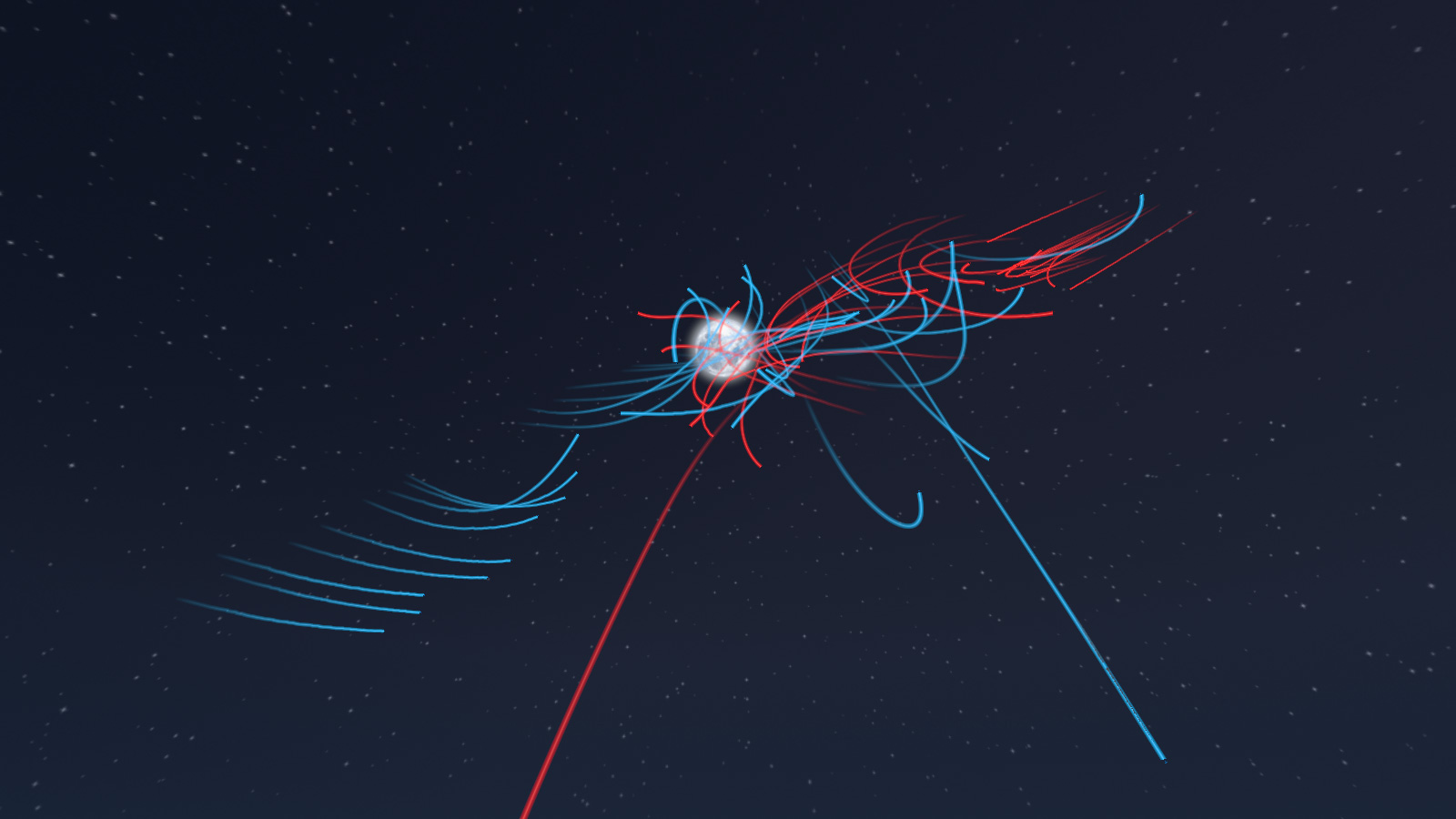
64 aircraft battle moments after the first pass, and why it's called a dogfight I guess

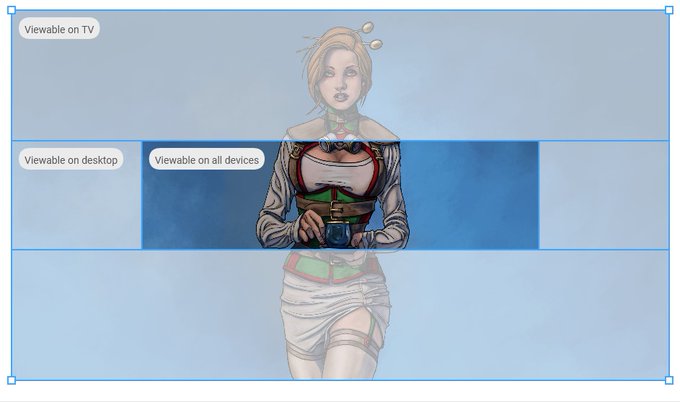
In other news I decided to update the banners on my youtube account, and give them some new artwork. Here I discovered that it doesn't actually let you reposition your artwork and keep scale after upload, so had to edit the image to fit into their stock measurements and orientation.

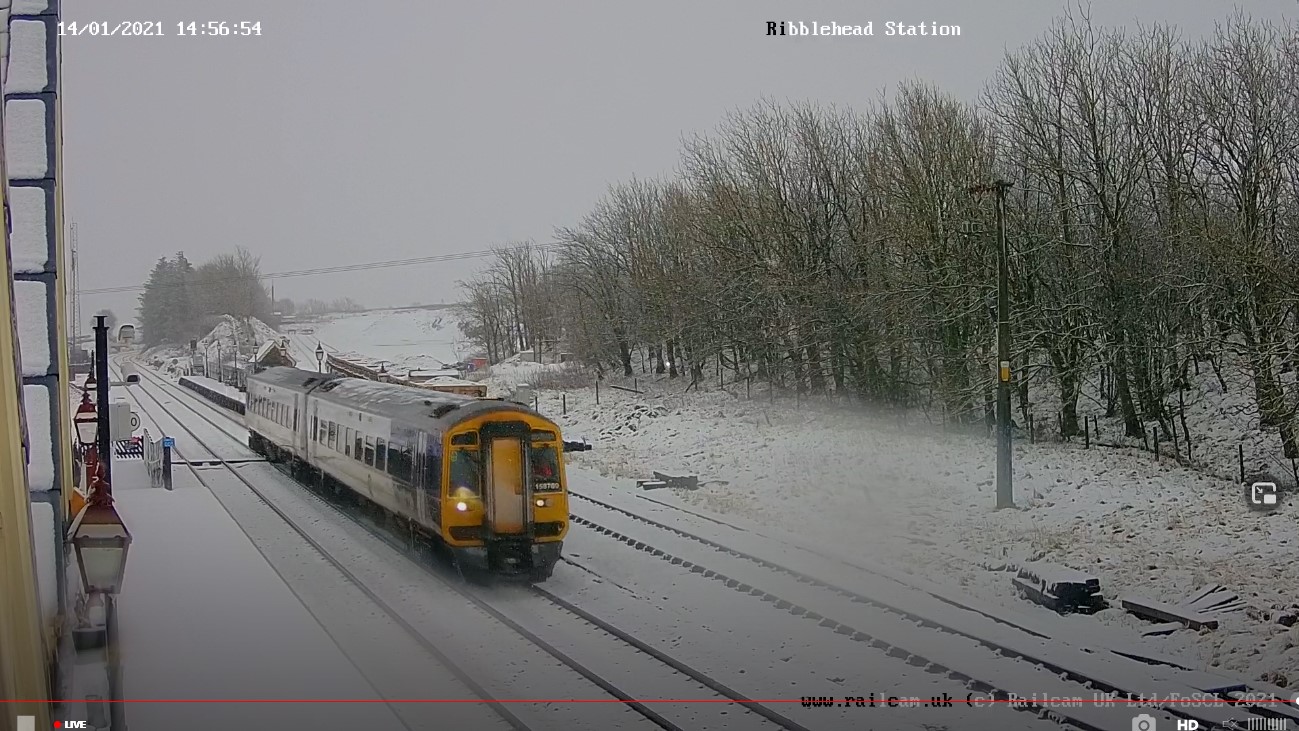
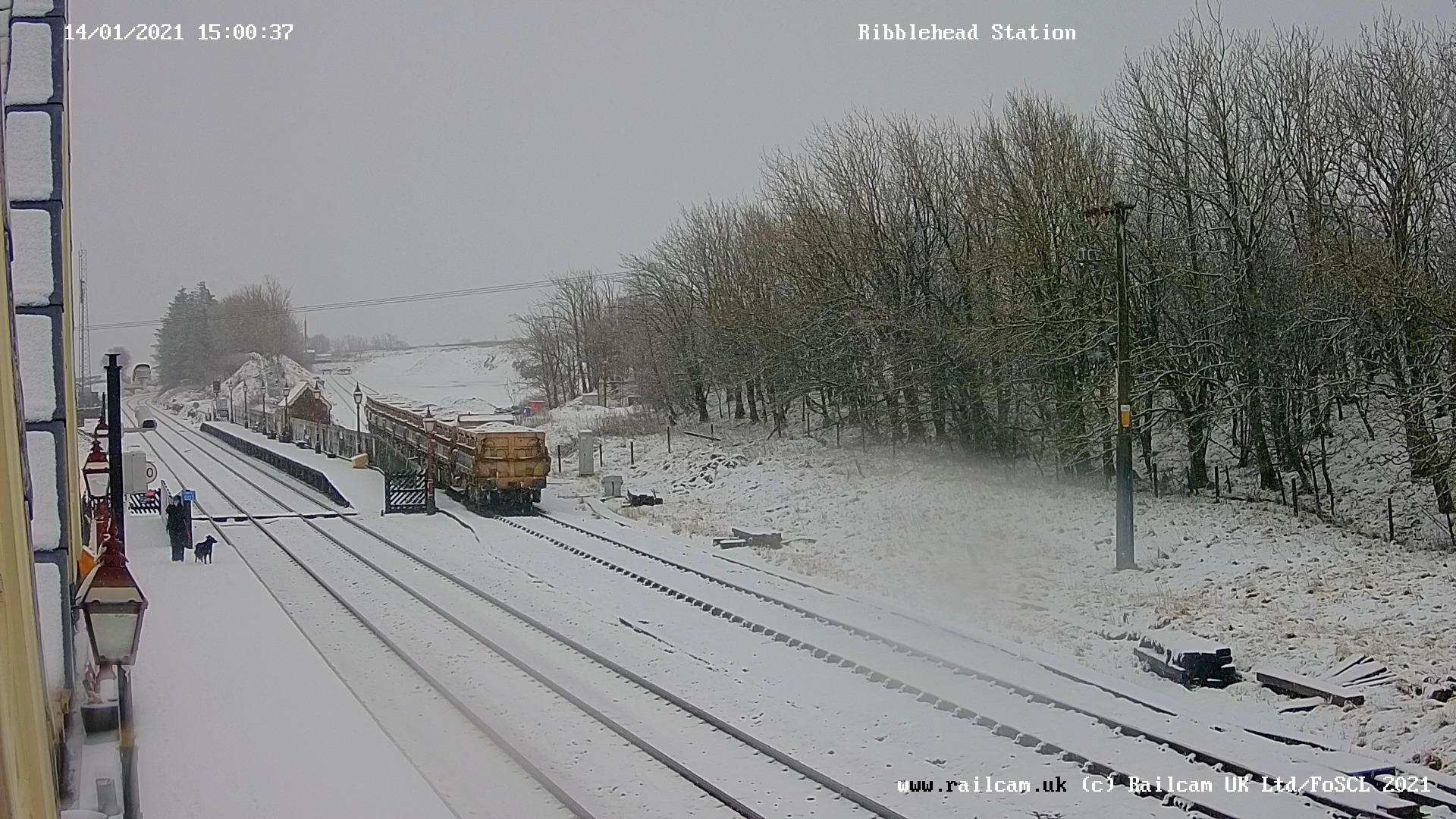
I also spent quite a bit of time viewing train stations webcams on a spare monitor whilst I worked for maximum comfy.


Everywhere seemed to be getting snow ... except me, it just rained here. (๑′°︿°à¹‘)

So, that was January, Year of The Koof Part Deux, pubs are still shut then ... Join me again in next months exciting episode of "why is maths hard?"


Monday, 30 November 2020

Damageable Areas And Wonky Maths

 I had been coding an external camera. Move it horizontally and it would extend out and wrap around so you could view all the way from the front. Vertical worked in the same manner except it stopped directly above or below so the whole scene didn't appear upside down. Then I merged the two together and everything kind of broke. In retrospect this probably due to me fixating over the Y value of the movement  of the camera whilst ignoring both the mvoement distance and actual camera rotation. This appears to have led it to wander off when both x and y values exceed 0.5f.


Having previously coded a hitbox solution for individual areas of the airframe, I had tied all of that together with damageable modifiers for how perfromance of the aircraft would deteriorate. Damaged wings reduce maneuverability, damaged engine losses speed and acceleration, etc, etc. I added a HUD element so that the player could visually see the state of the aircraft with a total airframe health bar for overall damage.

Aircraft systems on the lower right, radar to go lower left

There was a minor conundrum with weapons and their placement on the model. I was considering adding extra variables to weaponImage code so that a gun could fire from up to 3 seperate points from an aircraft with their own particle emitters and fx. In the end I simply added a gun to each of the relevant aresa and had them synchronize to fire alternatively.

Guns go brrrrrr ... and in order

I started to figure out AI and which tasks they should be concentrating on in some sort of order of importance. At the top of all of these is not stalling because falling out of the sky due to making a dumb maneuver at low speed would be considered bad and also rather embarrassing. I'm developing a skill system for AI pilots where lower skill will mean being more reactive and higher skills more proactive. This can be used for simple and obvious things like taking an aiming line ahead of a moving target, to how to respond to and evade an attacker, turning from the role of defender to aggressor, such as pulling up, rolling and reducing speed all together to get the opponent to fly past - and so we are back to not stalling.

Speaking of stalling, I have been contemplating adding a high-G turn or stall turn maneauver, where rapidly losing speed when decelerating boosts maneuverability - with the ever present danger of pushing it too far and stalling.

So next up, code some basic AI that can be able to perform a basic Combat Air Patrol, move to a location and circle that area, do some basic dogfighting with an opponent and the such like. Also need to code a radar. I have a few code examples from this, including the 3D style radar from Elite, but think that I will probably stick with a top-down type like Ace Combat 7.