So I have spent the month gearing up for Steam release ... which ended up with me failing Valve's build review. Part of this was due to the testers not realising that the player hosts games on their own box, whilst they had expected online dedicated servers ... and if their testers had not realized that, then I surmised players would also be likely to make the same mistake, and so I changed the whole multiplayer selection screens to be more obvious, state exactly how online play works and also tell them to unblock port 28000 on their router if they are hosting.
Resubmitting the build review I realised that time was ticking on, and with it taking around a week to get feedback, I moved the date of release back. It is now Thursday 18th August. Thankfully my build passed review once I had made a few more corrections based on Valve's feedback.
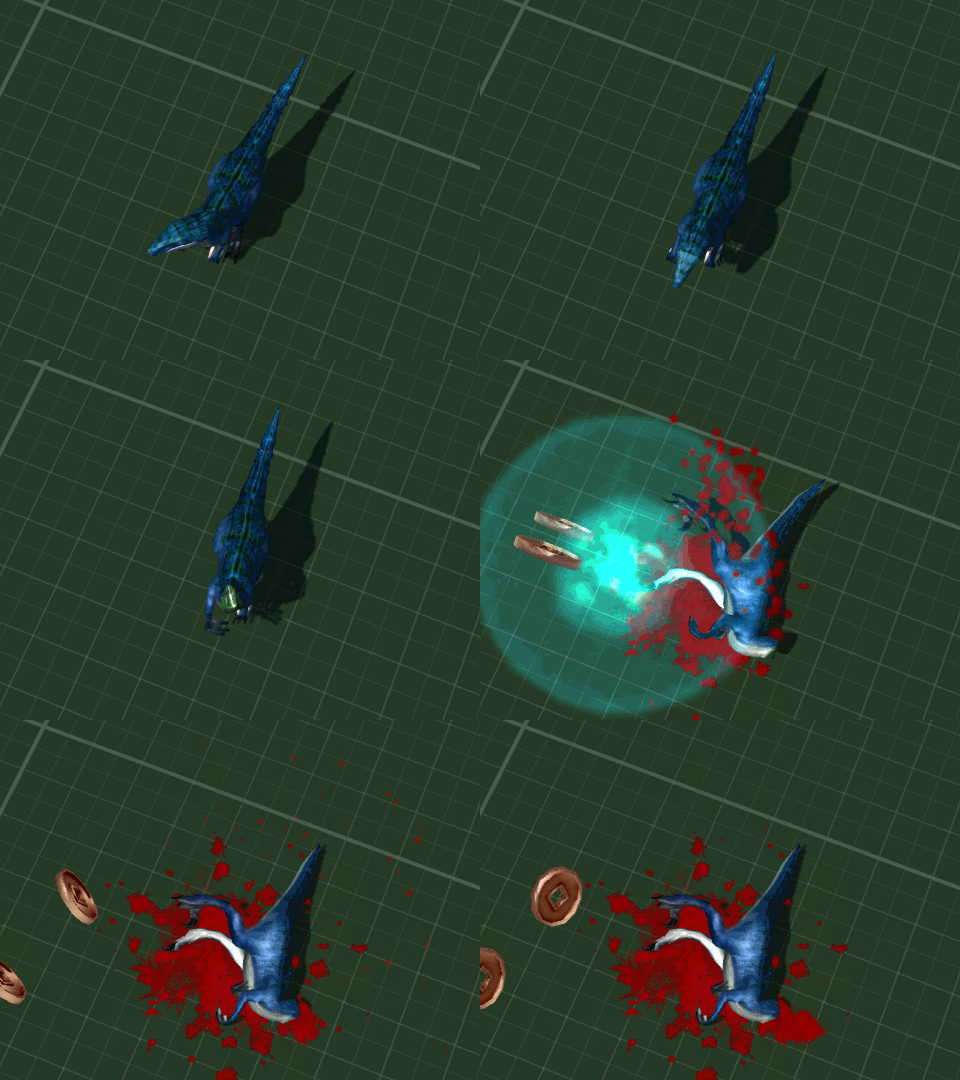
This is the dinosaur the bunny rides
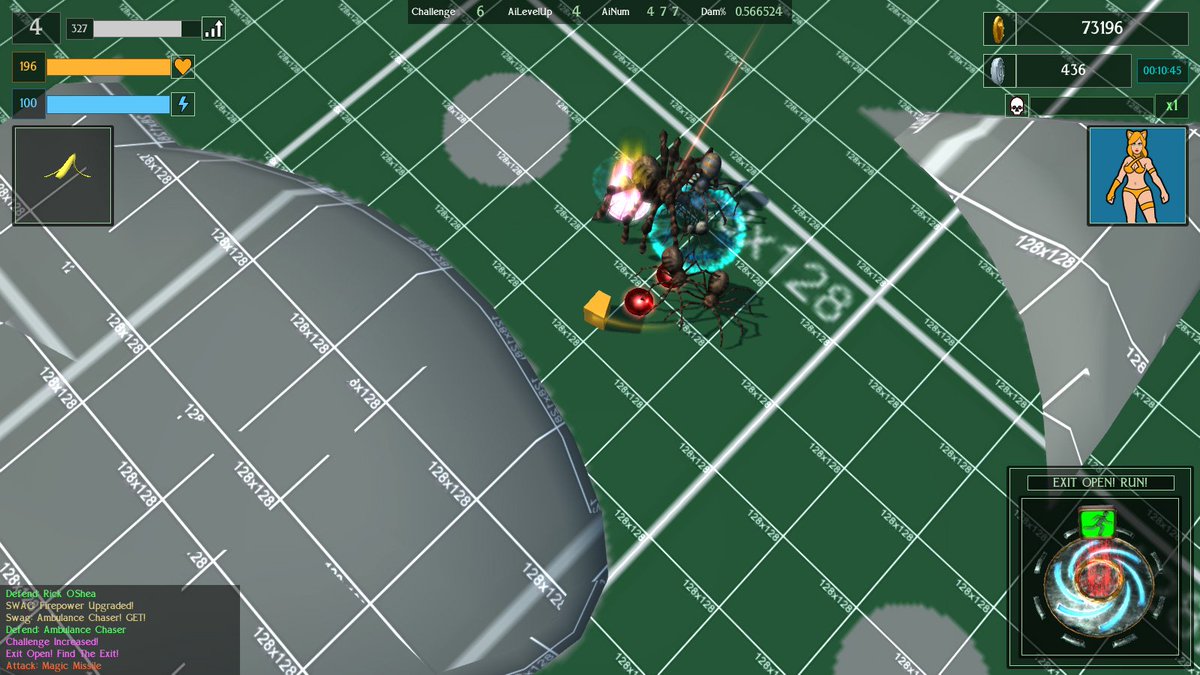
I had been working on boss monsters, level two has a bunny riding a dinosaur, level 3 has a sailor driving a mechanical spider called Mecha-Boris.
You can't stop Mecha-Boris!
Stop Boris was a game with a lightgun and spider when I was a kid. The advert was awesome and it's a shame I can't find it on the internet. Here's someone playing it though.
Due to a deprived childhood I never had Stop Boris and this has led me to become the broken shadow of a man that you see before me. That and the PlayPeople(Mobil) Operating Theatre which I always wanted to finish off my hospital collection. From then on spiders were always known as Borises. The Who had a song called Boris The Spider.
I also got footsteps and dust emitters working, finding some broken code that would lead to a crash to desktop if the emitter was invalid. Probably been there for 10 years. A quick check for nullptr fixed that and it got sent to someone who can actually use github to upload to the engine's master head build.
Insert Coins - now with added insert coins
A tester had mentioned that they had been unaware of how to trigger the exit node to spawn the level boss due to the GUI being transparent and a lot of action happening on screen, so I made the above GUI to make sure that players can actual see it.
Catgirl Golfgirl
Playable cosplay character four is a golfgirl. Everybody likes golf, except me who was around 40 over par on the crazy putting golf round the back of the pub.
Last month was all about tentacles. A swarm of tentacles is a fairly big thing, that acts as a movable barrier which can corner an unwary player and slap the hell out of them. One thing that I noticed was that they can turn on a dime, effortless switching direction, which for a big unit looks rather odd. See video below:
Testing Terrifying Tentacles!
So I went off hunting through the movement and aiming code to make the AI use a system similar to the player for rotations. Initially I spent all my time looking in completely the wrong place ... something which seems to happen a lot ... before finding the correct file class and adding a delay that could be set via the objects datablock. This way, small, nimble enemies can turn faster, and hulking great things like tentacles a lot slower.
Turn Speed; fast, medium and slow
Of course things couldn't just be simple and I quickly realized that my entire AI attack routine was designed around the length of each enemies attack animation - and very few enemies share that data. So an enemy would turn to face the player head on, then start their attack animation and then ... well the player was miles away and out of range. To prevent this obvious pause in starting their attacks I had to write a little snippet of code that took each AI types turn speed, angle required to turn and time to swing at the player into account to make sure that when they landed their blow, it would be at the optimum moment to actually hit their target.
All whilst I was attempting all of this fancy maths malarkey, I was riddled with the vile pox of the lurgy, with puss and ooze coming out of all corners because it's winter and stuff.
Being ill really hampers your ability to into 3D vector math ...
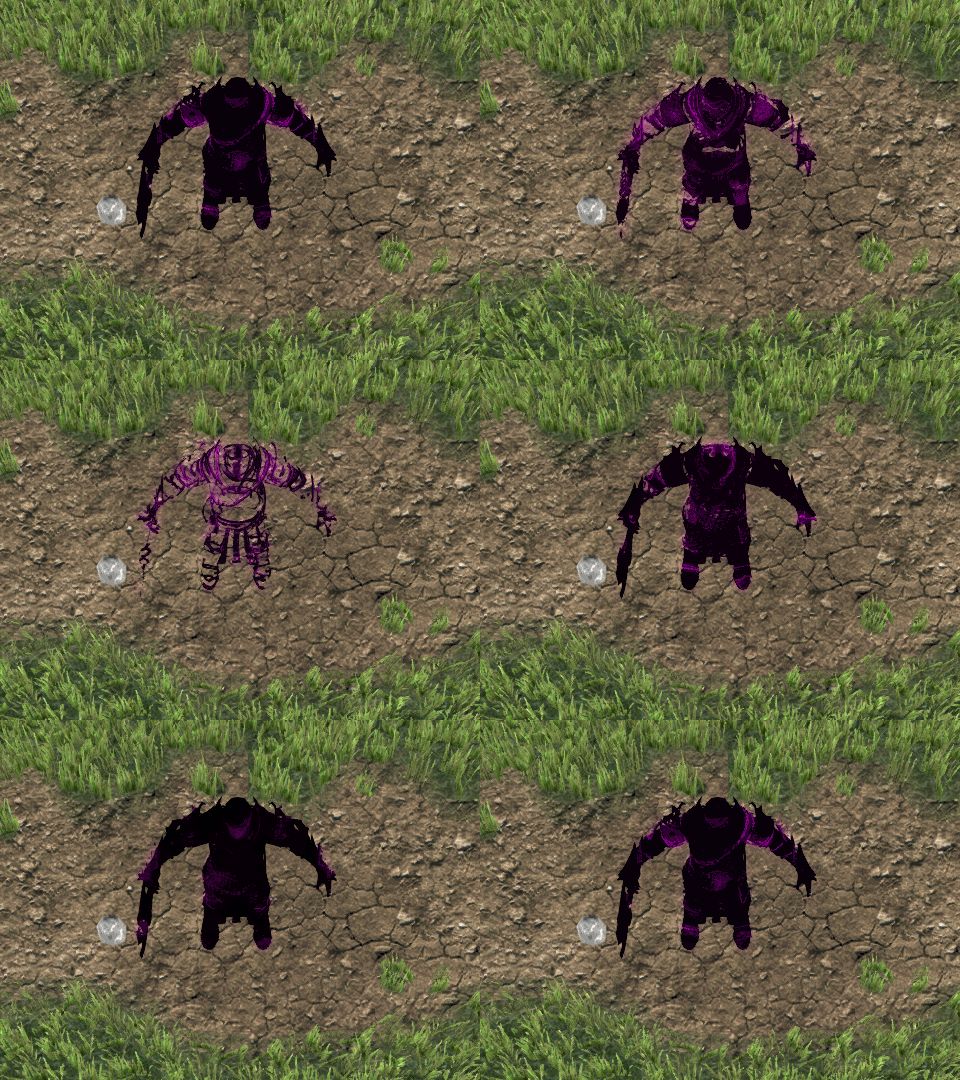
This brings me on to modelling the last standard enemy for the game. I still have all the bosses to do (cries into hanky), but the game's rank and file enemies are not complete. Having come up with a rather interesting shader of floaty goo a bit like a lava lamp, I settled on a spear wielding opponent that looked a bit Ninja-ish and called, for want of a better description, the Shadow Sprite. I added that triple eye motif that I see in a lot of Japanese stuff as a signifier of Buddhist mysticism - like that guy with the flour bag on his head with the triple eye motif on it for ... I don't know ... reasons I guess. Having a spear gives a longer than usual range melee attack but also has a narrower angle. Cue me having to go back create new code dealing with attack radius ... radiuses? radius's? radii?
Shadow Sprite surprise!
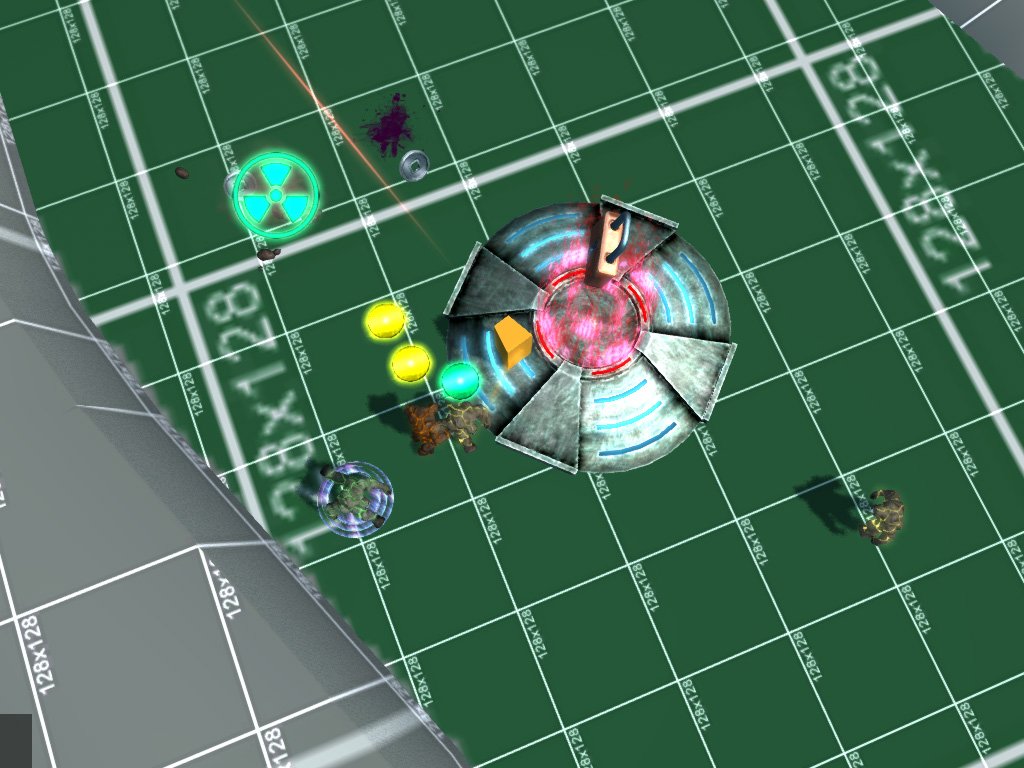
With the final mob enemy for level 10 completed I set about testing "extended play" aka "endless mode" and found that the difficulty level ramp up quite nicely so didn't really have to tweak my challenge code. I also added a visual effect for deceased radioactive enemies to make it more obvious to the player that there is danger. Some of the enemies spawn as "elites" of various kinds and radiation is one of these. Now when I radioactive enemy is killed they leave a warning sign that that area will cause damage if the player enters it. This only lasts for three seconds.
"Ra-di-a-tion. Yes, indeed. You hear the most outrageous lies about it. Half-baked goggle-box do-gooders telling everybody it's bad for you. Pernicious nonsense! Everybody could stand a hundred chest X-rays a year! They oughta have 'em, too." - Repo Man, dir. Alex Cox, 1984
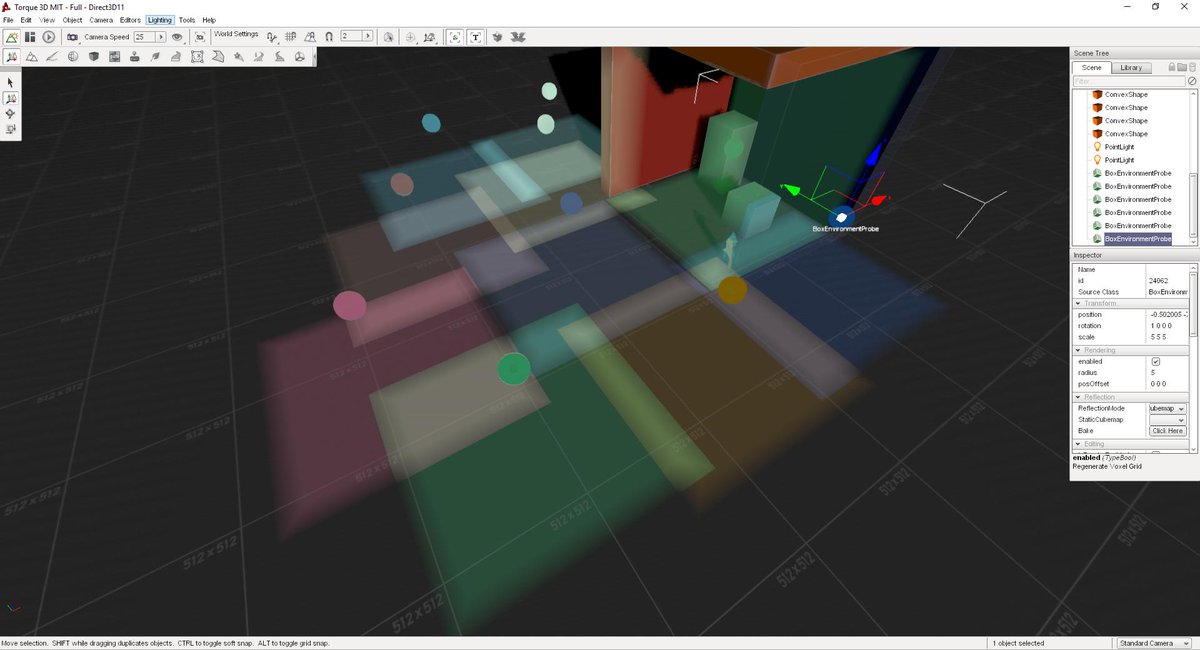
Having a break from modelling I had a look at how the PBR branch on github was doing. Rendering really isn't my thing and material systems probably even less, so I just nodded a lot ...
No idea what's going on but debugging does look pretty
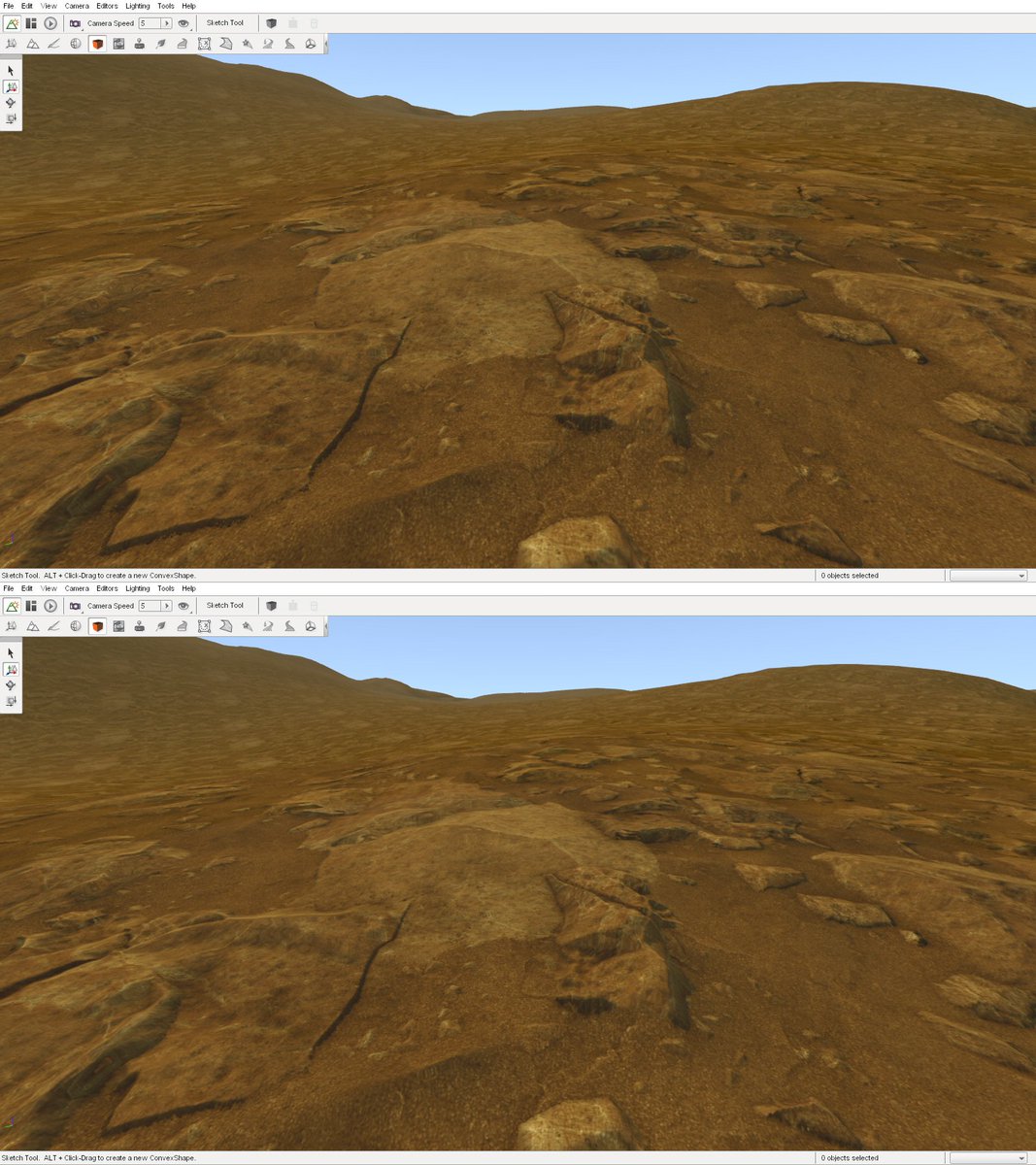
Having spent rather a long time on animation and characters and the like, I went back to trying to remember the work-flow for materials and in particular parallax. I found that a rather enormous 12.7mb 2K normal map texture with a heightmap in the alpha channel didn't seem to have much better quality over half the size which only weighed in at 2.4mb, which is quite the saving for VRAM.
2048px 12.7mb top, 1024px 2.4mb bottom. I can live with that.
Finally I got round to thinking about the yellow placeholder cube, who has represented the player for nth years of development. Filled with horror at the thought of actually having to paint armature weights and rig a character from scratch I booted up the medically resourced makeHuman with the intention of exporting a basic mesh character to work on in Blender. I quickly found that COLLADA export is not that friendly to bone angles with everything defaulting to just one direction rather than following the skeleton, but FBX preserved the bones correctly.
As a test, I had a play about with the sliders to see if I could make a physical match for the 2B model from Nier Automata. Surprisingly only the pinched waist being beyond the standard sliders from the model silhouette I was working from, and the only maxed out sliders were the butt ... which is kinda understandable, considering this is the robot with the highest polygon count arse in gaming.
All the polys ...
When you spend all the VRAM on polygons for the robots butt, and can't afford HD textures on the scenery ...
Anyhow, I gave the proportions I wanted to my base mesh, learnt a bit about exporting and then started customising it in Blender. I've started off with a fairly high poly mesh until I decide on what I actually want so that the high and low poly versions will (hopefully) look the same.
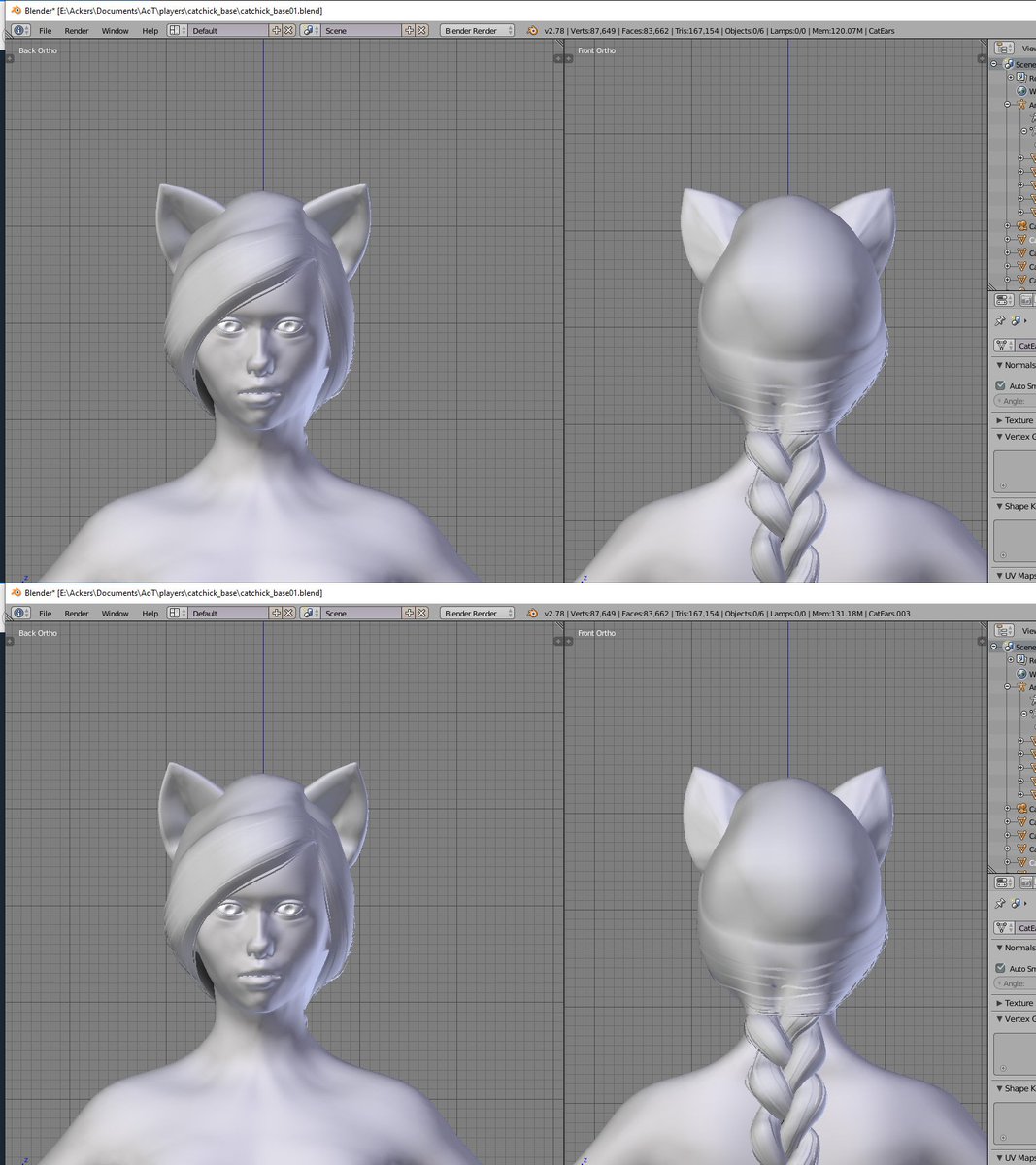
I seem to have spent an inordinate amount of time tweaking cat ears into just the right angle even though I am fairly sure it doesn't matter, but hey OCD and all that ...
So, that's a start on a base model for the player. The idea is to have a high poly model for intro and cut scenes, as well as an animated "Doom" style bust view in the GUI where placeholder banana currently is. However I do kind of think that it might be a bit small for an animated character to be pulling faces from. Once I finalise what the character needs to look like from the rather hazy description I have in my head and multiple character types required, I'll start on the low poly version that will actually be in the centre of the screen, under the player's control.
February has ended and it is officially Meteorological
Spring.
He is one of two Knight models which I customized into my Unstable Dimensional Knight enemies all the way back in summer (summer now a distant memory as I hundle under a blankie whilst freezing rain peppers the external windows). Dimensional Knights suffer from "instability", something most RPG and fantasy wargamers know affects inter-dimensional beings, and that's why parts of them kinda of warp in and out of existence. Whilst the models were good quality and rather (too) detailed - way more polygons than I need - I found that their animations were a bit lacklustre having not been based from motion capture footage. Not particularly seeing any mocap which I liked for a reasonable price commercially, to get some decent custom animations I decided to amalgamate their stock animations with some free mocap and rotoscoping - the latter being a horrbily time consuming animation but more exact than "best guess manual animation", at least for positioning large items like limbs.
And this is where total chaos ensued.
It didn't help that was now using three seperate armature rigs (skeletons and bones), what with the bvh format mocap files being different structure from the models' source files which were different from my generic animation rig. Now it's not too difficult to rename bones, animations and mesh vertex groups, except at some point quite early on, I changed the basic non-animated root pose - thus throwing all the rotations for animations off. Annoyingly I only realised my mistake towards the end, and with four variants of two models, ended up having to manually repose all eight enemy models individually by a mixture of copying coordinates and using the judgement of the old fashioned Mark 1 Eyeball. Between this and manually merging different animations together along with rotoscoping over other animated meshes and video stills created a huge gravity well which sucked in vast amounts of time and effort.
Eventually I had a two spawning animations were our Demonic Knight salutes or issues a challenge to the player, two idle animations with some weapon flexing, three attack animations, one leaping overhead special attack animation and various jump, fall, land and other animations.
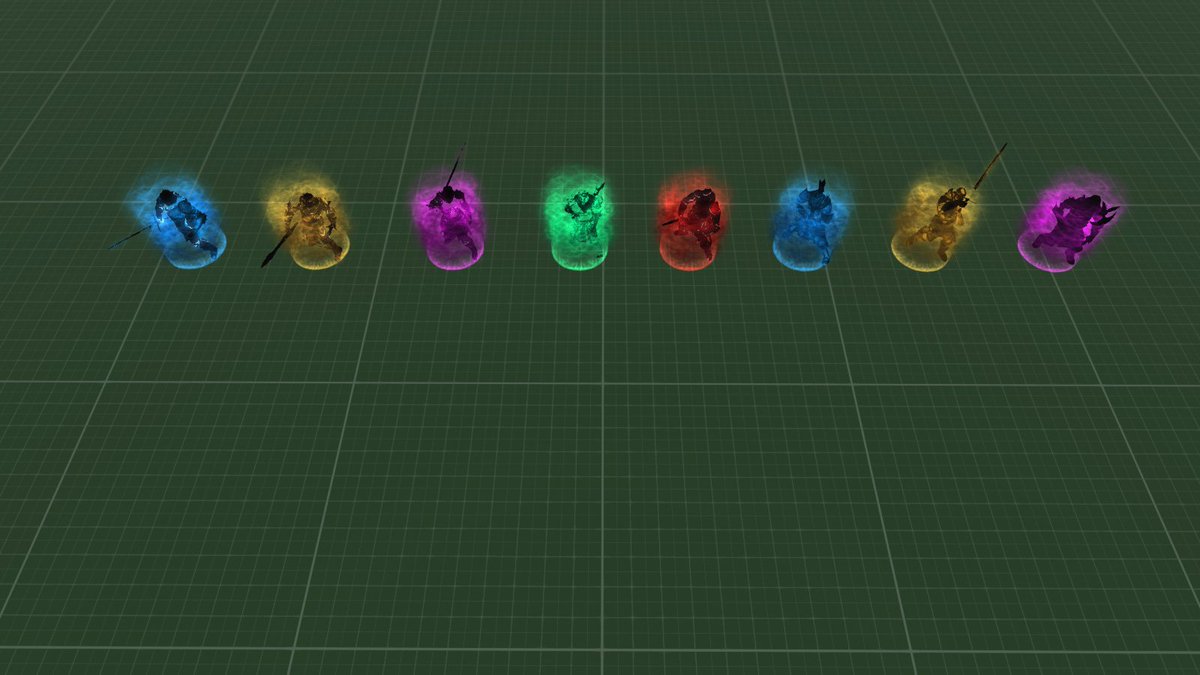
2 models, 2 idle animation poses, 4 colours
Then there was the slight issue of how to get this enemy type to move. If you are an "Inter-Dimensional Being" then walking seems like a rather mundane method of traversing the game world. Having them just ski along in their root animation made it look like I couldn't be bothered doing a movement animation so instead I created a floating animation. This also looked a bit unexciting at first, initially because the animation resembled the "T-Pose" that many models revert to when they are not animated. I changed this to create two seperate movement animations, one were the enemy holds their weapon in front of them a little like the holy pose that sculptures on the stone coffins of dead knights have, and the other were they are reaching out towards their target with one hand and raising their sword as a sort of challenge in the other.
To the models I added some extra effects to give them more of an other-worldly feel and an intimidating presence of power. One of these is a simple translucent cloud which looks like a particle effect but is actually just three rotating textures of differing intensity and colour. The other is an aura of power on the ground which is connected to the enemy's animations. This gently pulses when they are not moving, spreads and rises during their attacks, and shoots up to envelop the model when they move, making for a much more interesting floating animation. They model also elongates slightly when they move which makes them more intimidating. To the Knight's textures I added a bright animated outline to help with a shimmering glow around the edges and dropped the actual glow shader I had been using on the materials. This reduced drawcalls by a couple whilst reducing the need to draw an extra 27K mesh triangles. As one of the models was a 16K triangles, I decimated it automatically down to a more manageable 12K with no visual impact.
I created a new special attack for this enemy type which involves them teleporting close to a clear area near the player. They start their special attack animation of a jumping overhead axe swing and particle effects surround them and the position that they will teleport into to complete their attack. This gives the player 1 second of warning to get out of the way. Initially I also created an invisble collision shape into the area to block the player and other enemies from occupying that space but realized that it would interfere with how decals are positioned, so I swapped the collision mesh for a physics zone which keeps other enemies out of the area but can slow the player down if they enter it. This seemed to work rather nicely. Originally all of the Dimensional Knights had this special attack but as I based it off the movement phase rather than just the attack phase I realized that would cancel out directly hunting the player as an option to the enemy AI's thought cycle. Now only half the Knights have this teleportation attack whilst the others move as normal, either heading for the player's last position or following directly as a hunter.
Here's an early look at the Dimensional Knights in action before I had finalized their animations.
So that was the Unstable Dimensional Knights of level 7 completed. A tough slog which took far more time than I wanted ... but I say that every month when I write these blogs ...
So, what left? There are a few more enemy types I want to make. Going back to the old Monstrous Morris Men Wendigo style enemies, I want to add a nymph-liek character with a special attack that includes a dash through the player, however as they will share various animation characteristics with player characters, that is something to leave until the more monstrous monsters are done (rather than constantly going back and forth between things). So next up on the list of over nine thousand things to tick off are those of a more Cosmic Horror motif. Cue tentacles and Lovecraftian madness ... and Lovecraftian madness seems to be a good description of indie game development ...
Scorching heatwaves have faded into Autumn and the oversized fan I went to so much trouble to get hold of is now packed badly into it's box. At one point I was swarmed by the "Idea Fairy" for other game ideas.
Actually footage of me defending myself from new game ideas
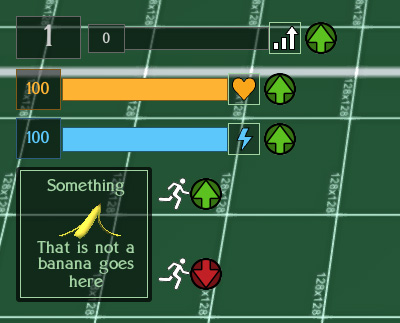
Back on the gamedev front, I added GUI markers to the interface for when the player gets a temporary boost or decline. Previously such events were heralded with an informative element saying what had just happened and how long it would last for, but there was no actual timed element to let the player know whether it was still on-going or had stopped. I decided to change that with a simple "up arrow" icon for boosts next to Experience, Health, Energy and a "running man up/down arrow" for temporary speed changes. Once the temporary change is over, the icon vanishes. Having a speed boost also now protects the player from slowing attacks.
Boosts!
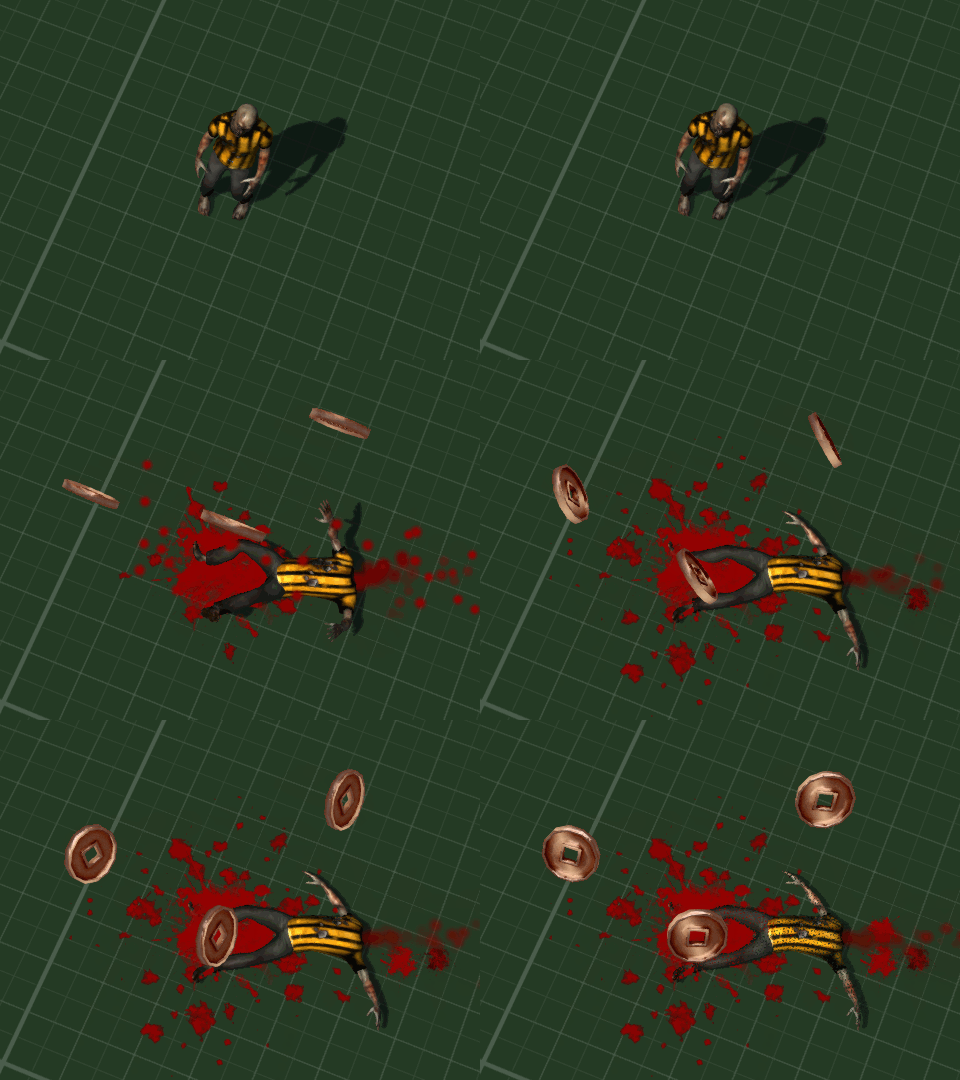
I also gorified the decapitations. Not only do head explode and blood splatter but now jugular veins spurt and throw extra splatter on to the ground near the neck when the corpse finally comes to a halt.
Boom! Headshot!
A long time ago in a galaxy far, far away I had coded some custom homing missiles. However they would cause a crash if their target was deleted - even though I had told them to reset and lose height if there was no target.The hacky workaround was simply not to have any deceased target permenantly delete faster than the lifespan of a missile. Recently I realized that I had failed to add a "isProperlyRemoved" for the target deletion check, and this fixed the crash.
Getting on with modeling and coding new enemies, I eventually found that Blender 3D has a csg style tool called "Boolean Modifier". This can slice, delete and merge two different meshes. Annoyingly I found all of this information out after I had been doing the whole thing manually ... (insert autistic screeching here).
Nobody Cared Who I Was Until I Put On The Mask ... and then beat the player to death ...
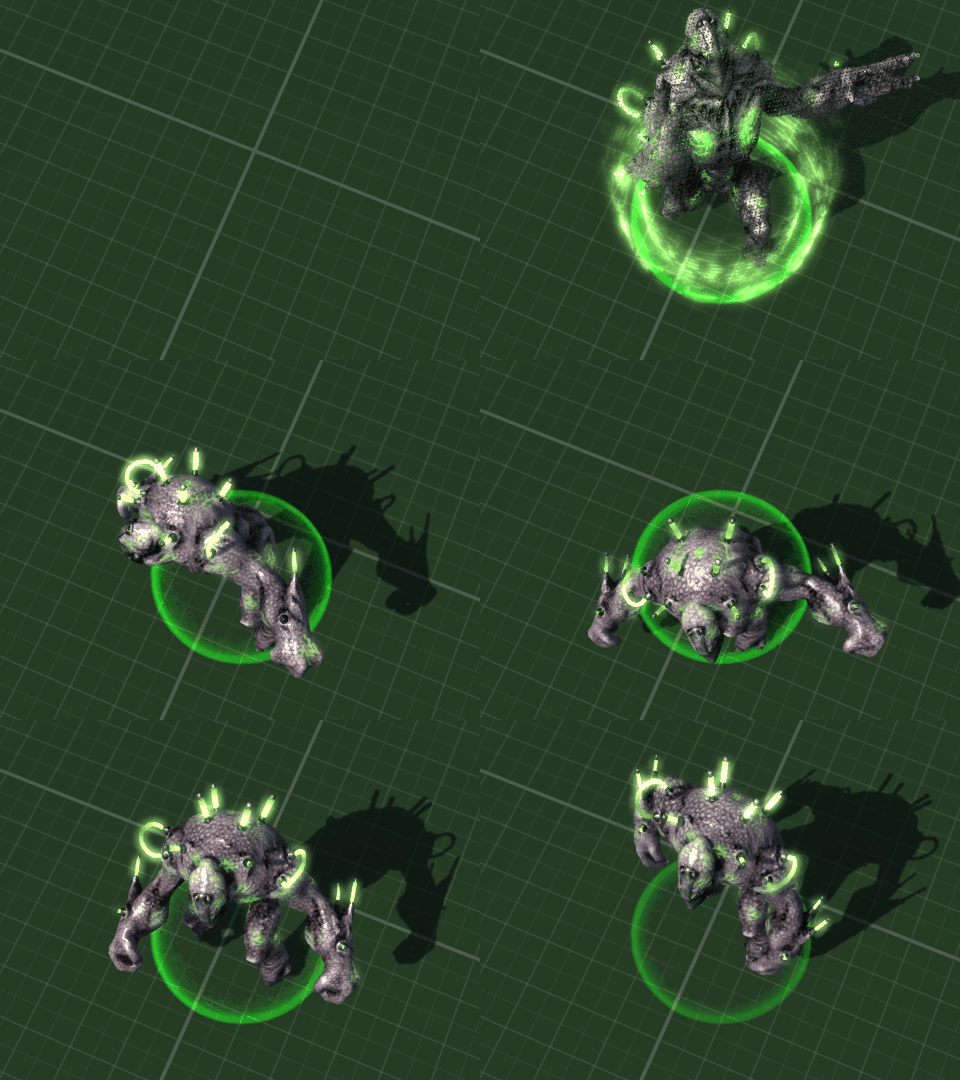
Previously I had modeled a plasma-rifle wielding alien based on the old Manits Man character, and named it the "Kralmok Warrior" after the name of the weapon it carried. This enemy has now been renamed again as the "Hive Warriror" - which is a little easier to say, never mind spell as I found "Kramlok" appearing in my code quite often. The Hive Warrior is a level 5 enemy and is now accompanied by an Engineered Brute.
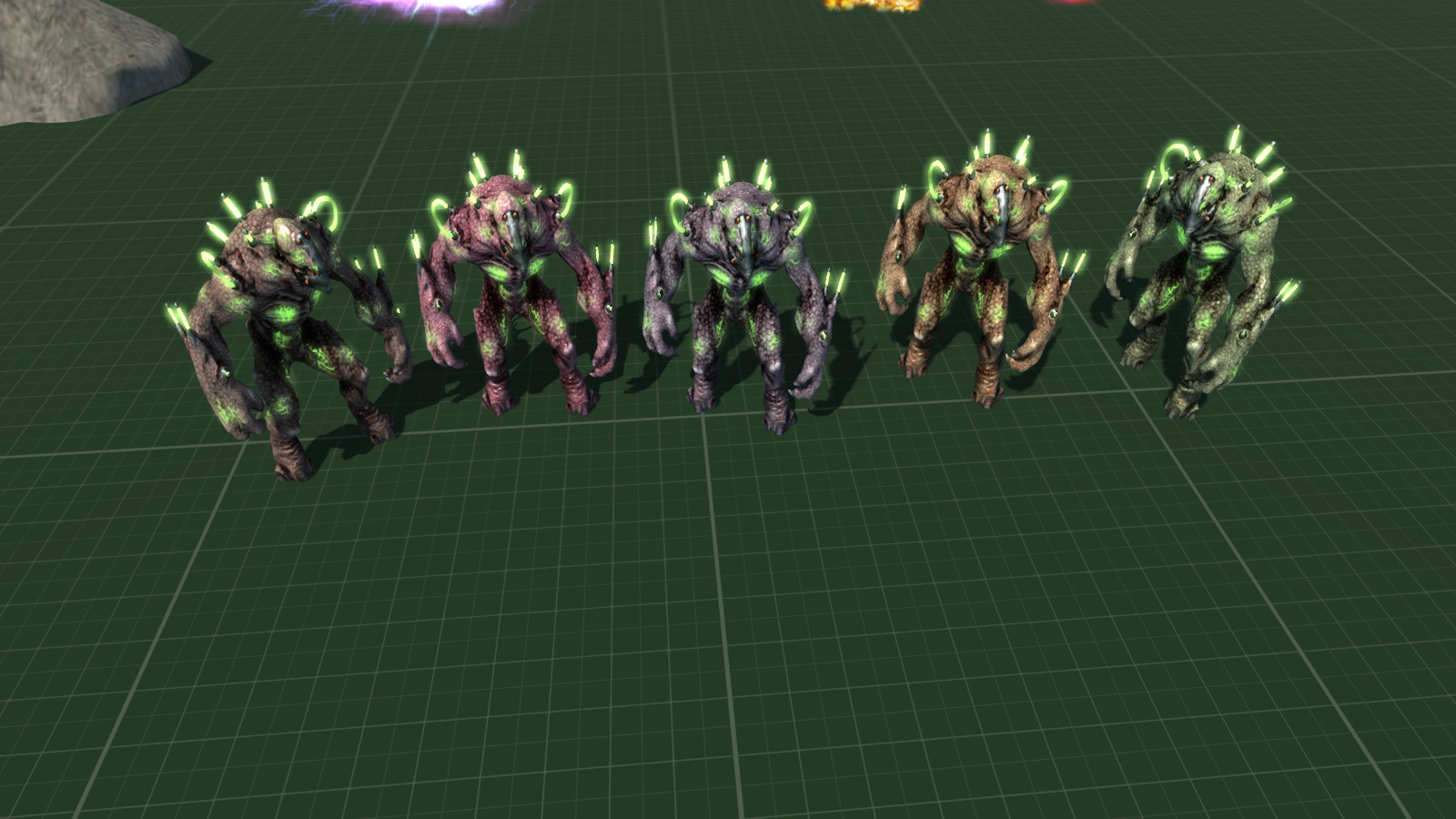
Brutes with a Hive Warrior and a human sized zombie for scale
The "Engineered Brute" is a genetically engineered ... er ... brute. A large and relentless enemy with a melee attack which whilst slow, recovers quickly. They are the sort of solid enemy which the player will find difficult to push out the way, especially the default ranged weapon (gun) based player character. It spawns by teleporting in just like the Hive Warrior and gives out a gutteral snarl to announce it's entrance in overly dramatic style.
Dramatic Entrance Is Dramatic
Now that I am at testing level 5 enemies all together I realised that I had not created an easy function for this and instead would have to play through the other levels first. Which is fine apart from the time taken - unless I get chomped on by giant spiders in level 3 and it's all game over and start again. To rememdy this I coded a little function which starts the game at the desired level with the player upgraded through typical experience leveling and powerup collections from previous levels.
My Face When I Didn't Do This Earlier ...
10 whole minutes of testing combat against Level 5 enemies. I got pwned in the 10th minute and never escaped the level.
So, that was the month that was. I fixed and tweaked loads of stuff, got level 5's enemies modeled, animated and working, and found a whole new and easier workflow inside Blender for modeling.
Spiderpig, Spiderpig, does whatever a Spiderpig does ...
Placeholder Cube under attack from (not very hairy) spiders ...
Variety is the spice of life ... allegedly ... anyhow, I am trying to have a varied and interesting range of enemies. As an easy introduction for the player I have started out with ye dull olde zombies before venturing into more interesting adversities such as velociraptors, strange deer headed Wendigo creatures and insectoid aliens. However they are all rather ... two legged. So I decided to get away from bipedal creatures and into more ... well, legs. Thus, spiders! Now as we all know spiders are complete bro's, and anyone who says otherwise is probably a fly or mosquito or something.
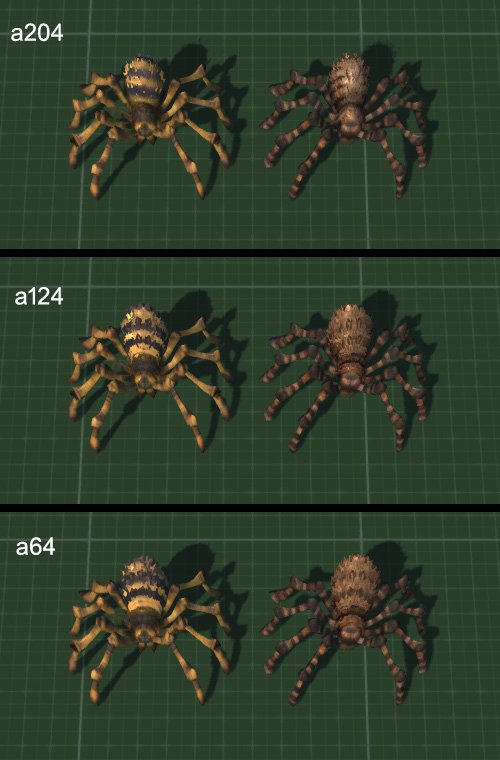
I wanted hairy spiders, but quickly found that sticking hairs all over them did not really show up very well, what with the distance of the camera, so instead ended up making the spiders more shaggy. The larger the spider, the shaggier. Making shaggy spiders ended up taking way longer than expected, just like everything gamedev related ... :/
Testing various levels of spider shagginess, before I added hairs to the legs
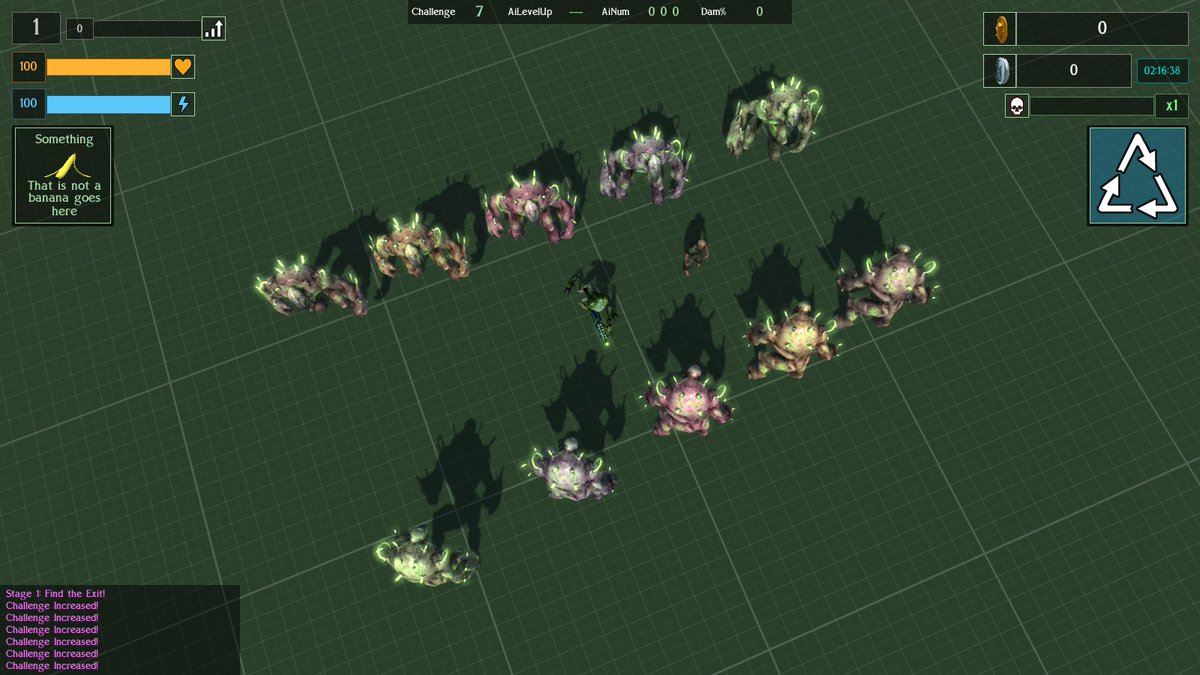
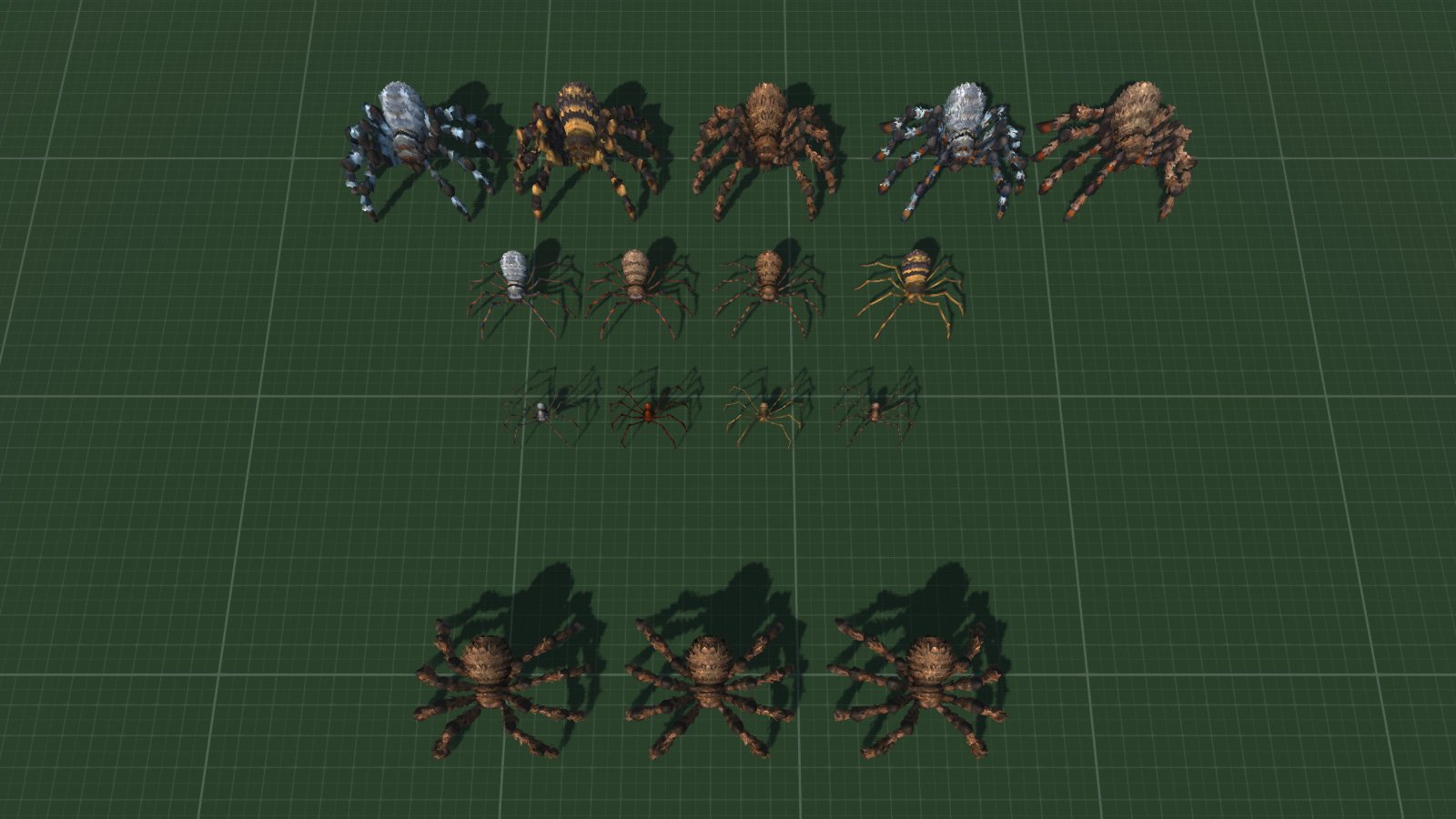
Having a spider level, I wanted a variation in spiders themselves, and chose 3 types with obvious visual differences to help the player understand what each type does. These are, rather unsurprisingly, small, medium and large.
Small spiders are thin, smooth and spindly, without addition hairs. Small and fast, they charge at the player with a toxic bite.
Medium spiders have hairy bodies. In addition to the standard bite attack, which is less toxic than the small, charging spiders, they have a spitting attack for use at range.
Large spiders are the hairiest and serve as damage absorbing tanks. They are also the heaviest, so trying to push them aside is difficult, especially for player characters with long range weapons who are the physically weakest - eg: default gun player character. Whilst I have coded a shotgun player character I have yet to design the data for melee based ones.
A range of spiders (and some test ones at the bottom)
Here is a good 13 minutes of testing the spider level in combat. I accidentally used the wrong model for the smallest spiders, and later also changed how the hairs cast shadow as they made the largest spiders look too dark from certain angles.
Action Spiders!
I also spent sometime thinking about general combat. First I created a "miss" effect for melee attacks which do not hit the player. For standard melee attacks this is a small distortion flash and some sparks, whilst for larger monsters there is an accompanying puff of dust. Attacks which do hit the player trigger an on-screen damage effect so there is no reason for additional effects.
I enhanced the blood decal effects too. Previously these had been a single, randomized decal. Now there is a splatter effect of blood going outwards. Standard deaths have a single additional splatter, whilst decapitations and full body explosions have considerably more.
New splattering effects before I honed and increased their randomization
All this and various additional and general gameplay tweaking - and some sun bathing because there was a heatwave - took up the whole of August.
So, what's up next. Good question. I've been rethinking my list of levels and extending it. Deer monsters level needs an additional enemy which are likely to be fast moving spritegirls with a ranged special attack. Insectoid/Mantis aliens need a melee based tank/brute. Interdimensional Shadow Knights have been modeled but are still in need of animations. There are a couple of planned levels with no modeled enemies, and all the level bosses and player characters are currently placeholder cubes. Several special attacks still require fancy models and of course all the actual levels are just the single test environment. Originally I was planning on creating whole levels out of meshes and lightmapping it all to save CPU/GPU load but now I am not so sure and might use the more "traditional" methods of creating the environments.