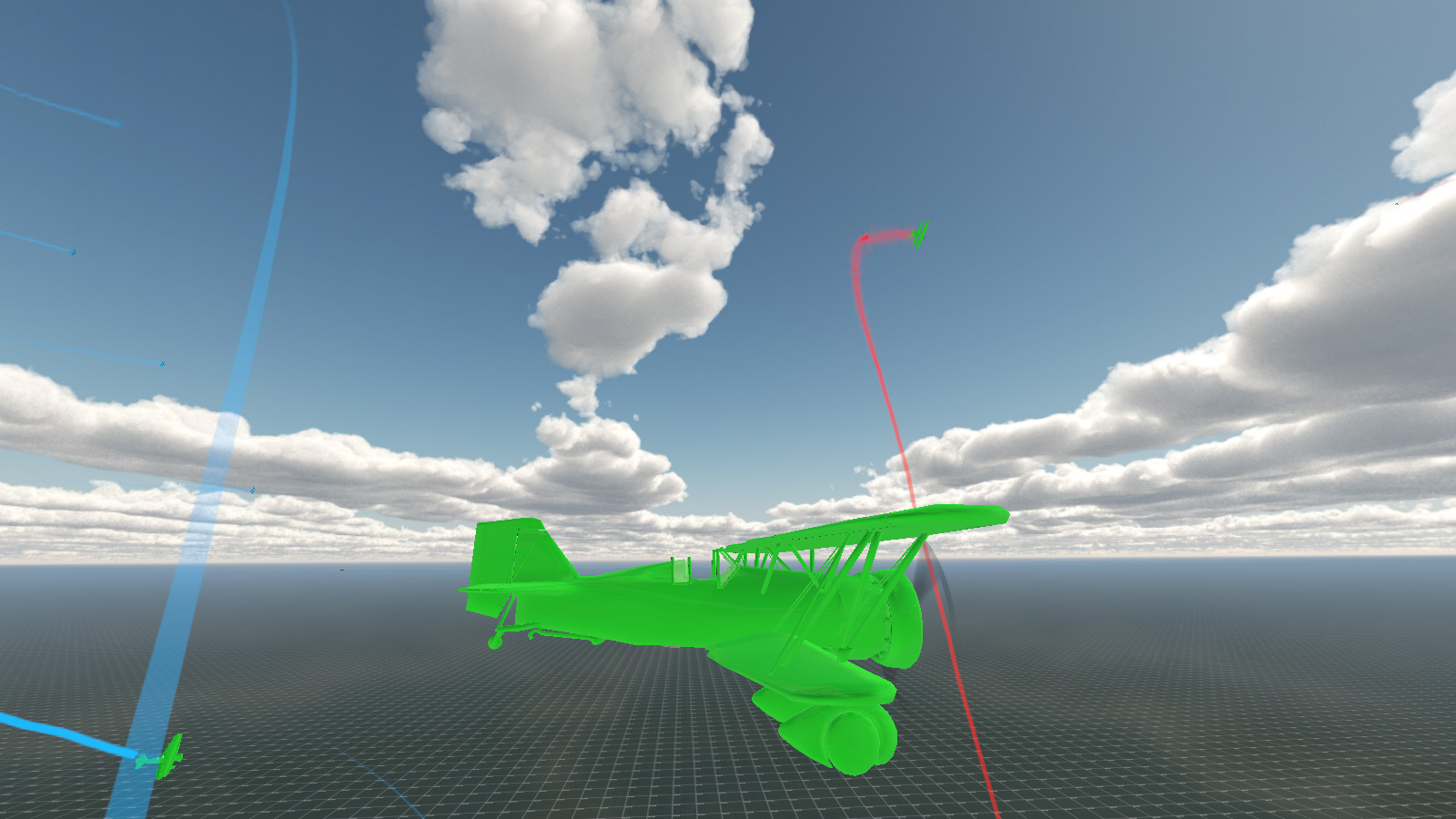
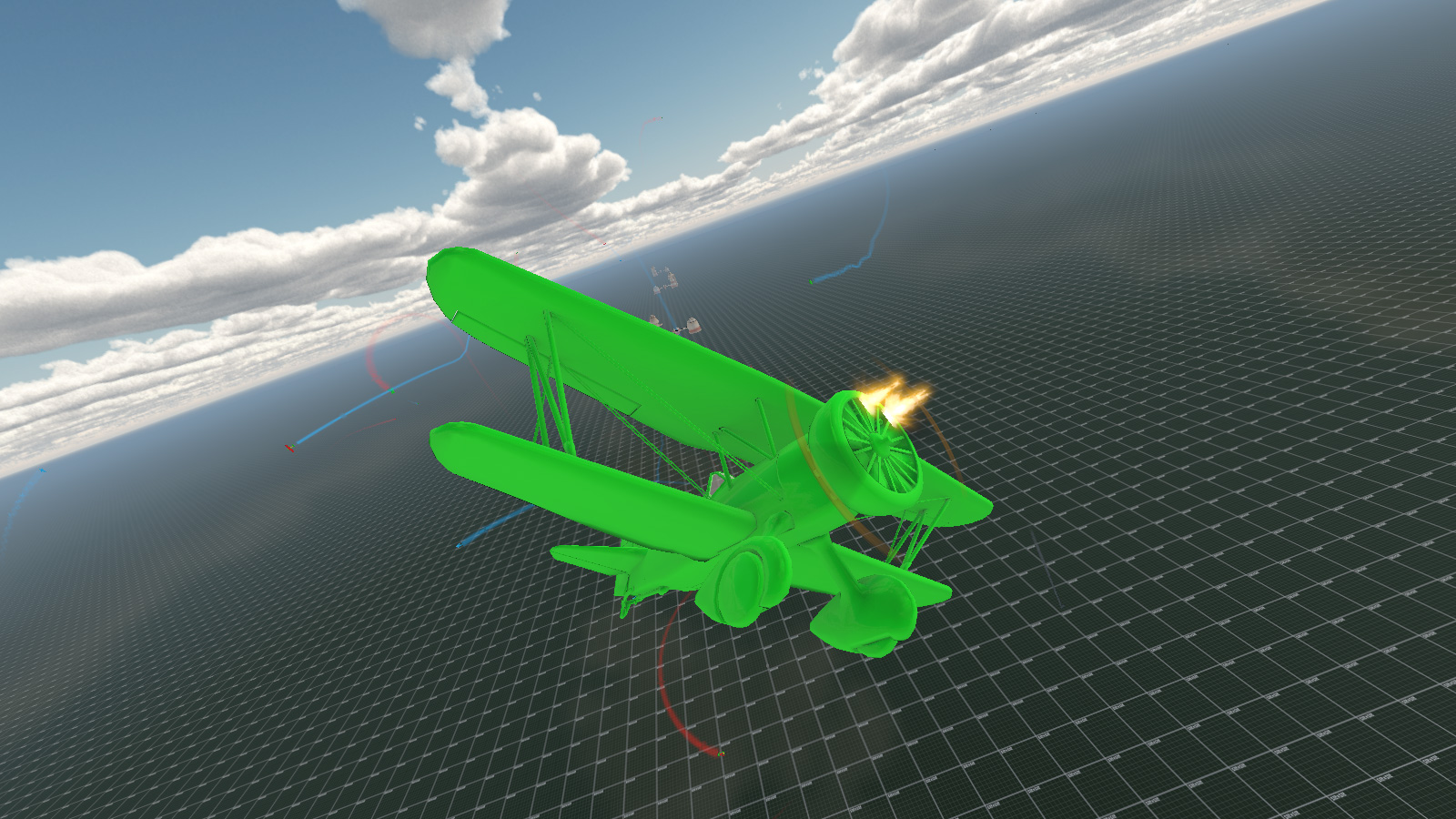
This month I have mostly been dealing with explosions.

And vapour trails and general special effect type stuff.
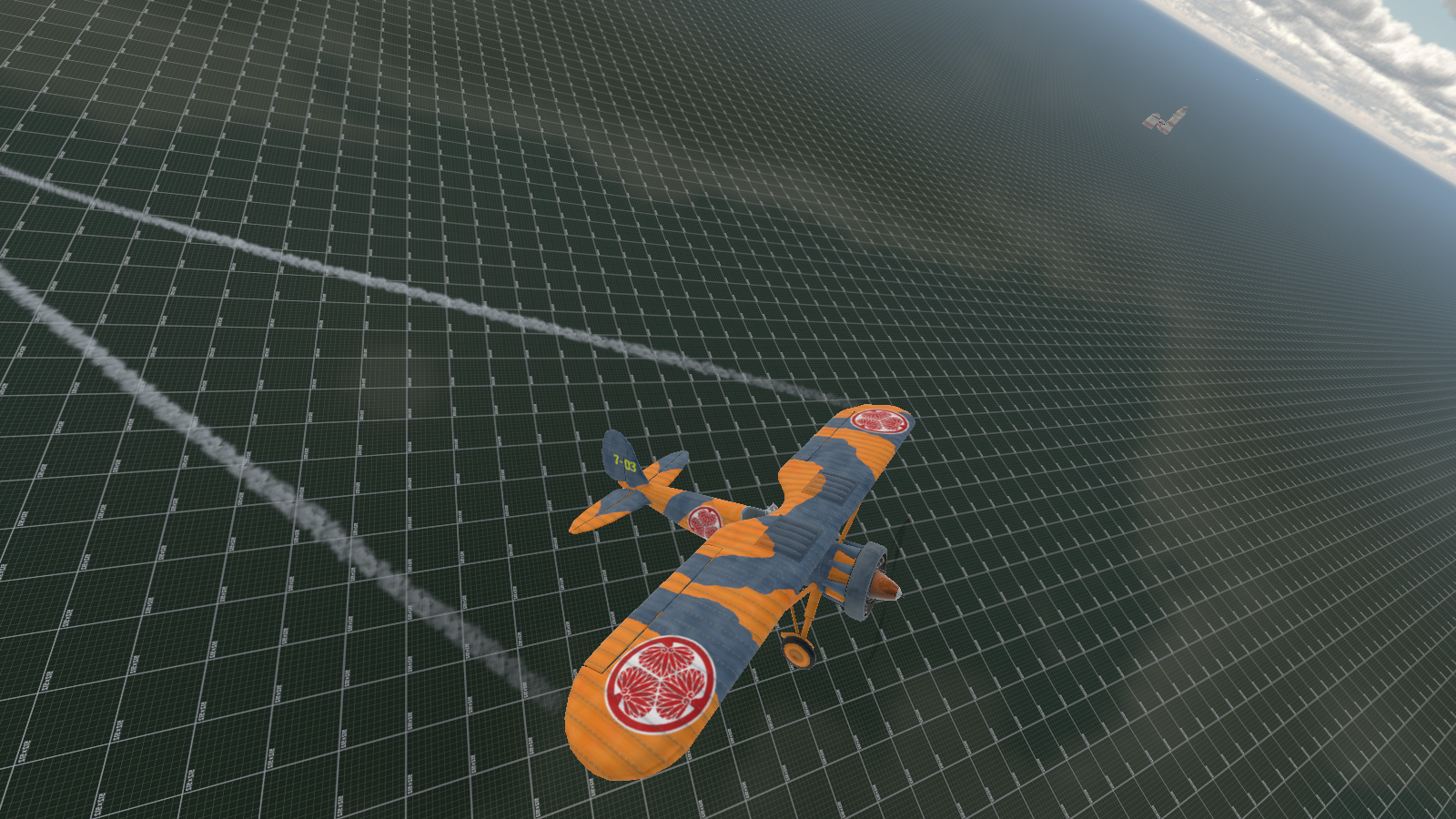
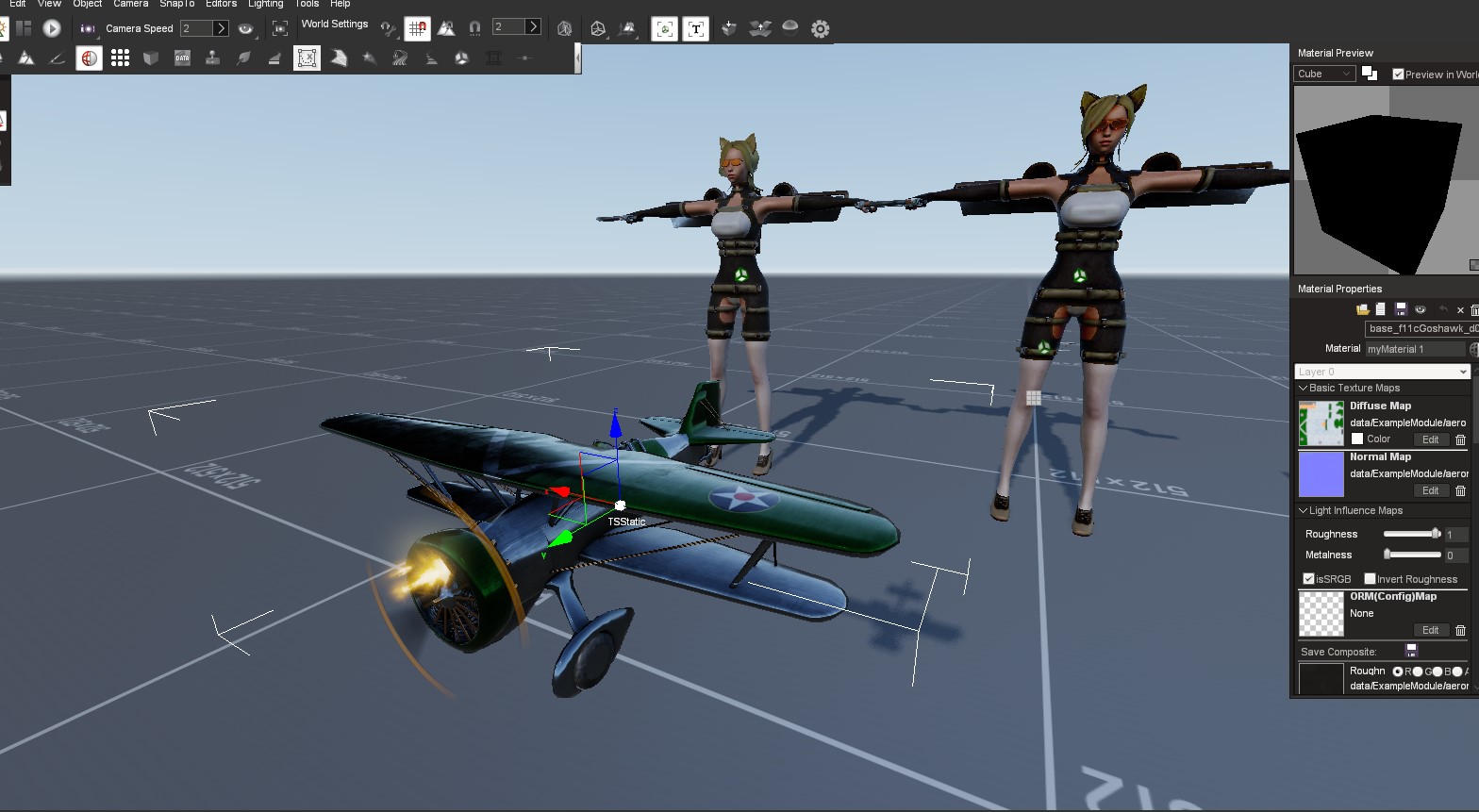
And I found out that the PBR I had been using had broken metalness which was fixed on a newer engine version, so I had to redo all my PBR maps again, after having to redo all my PBR maps again last month because I had Occlusion and Roughness in the wrong RGB channels ... but back to those explosions.
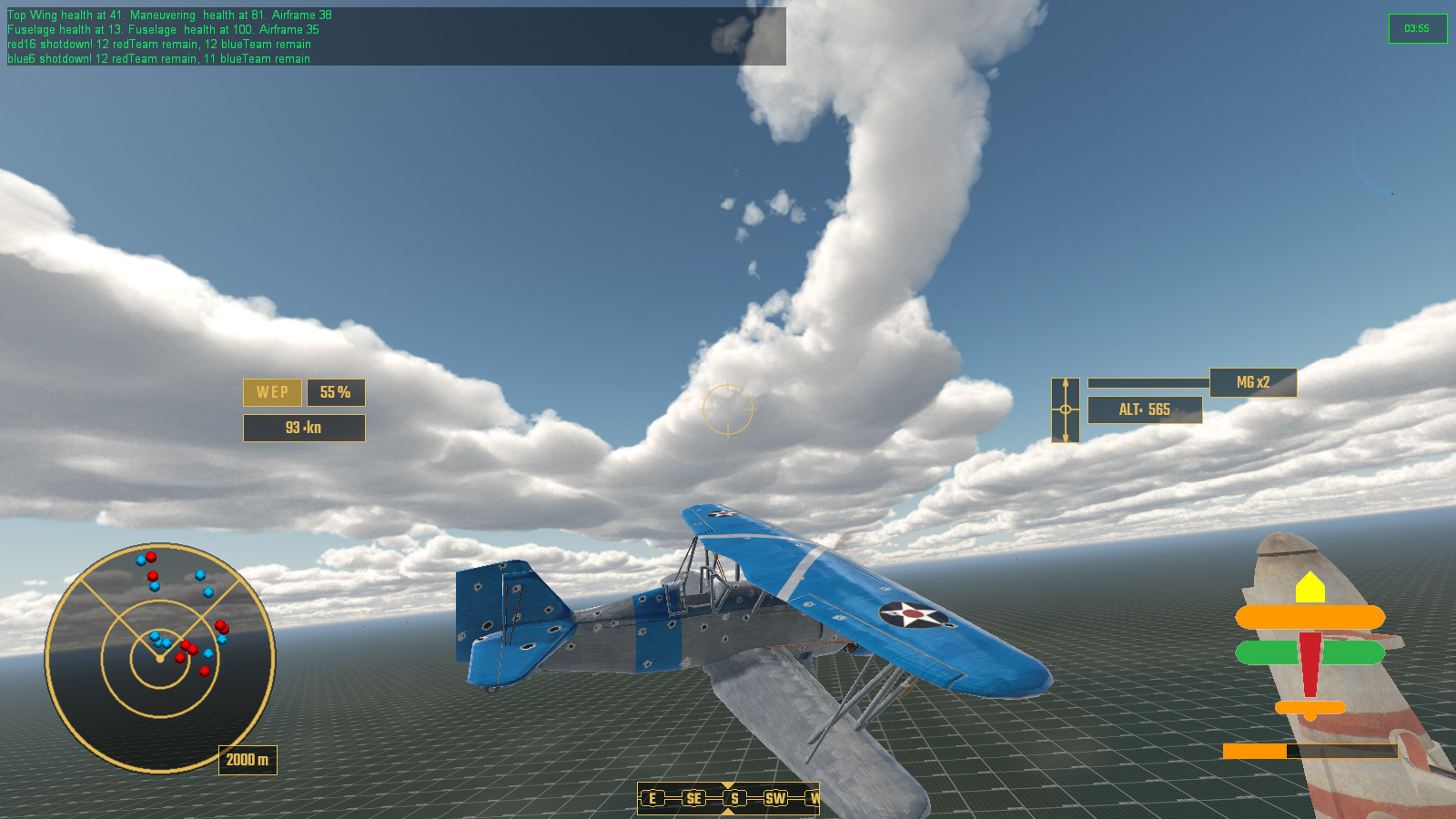
Right back at the beginning of Unnamed Victoriana South China Seas Dieselpunk Dogfighter I created a system of damaging individual aircraft parts, thus degrading performance related attributes like turning, speed, etc. Now I neeeded to actually make it look like something was happening when this actually happened. I threw in a small explosion with a nice little puff of dark smoke to let everyone see that a damage limit had been reached. When this happened a mesh element would be swapped for a more damaged version so that the player could visibly see their aircraft being steadily shot to pieces.
Here is test to show all the parts of an aircraft that can get blow clean off
I came up with a somewhat hacky solution of hiding the destroyed area and then spawning the blown off part of that area as a static object, so that I could use the same skin texture as the aircraft and give it a spnning animation, and mount that onto a projectile that was gravity heavy.
And of course if an aircraft takes way too much damage all over rather than having a single part get blown off, it just explodes. Whilst some of the debris is made up of model meshes, most is in fact animated sprites for small metal plates tumbling through the air.
I also made some Dazzle Camouflage skins for the three aircraft types I had previously modeled.
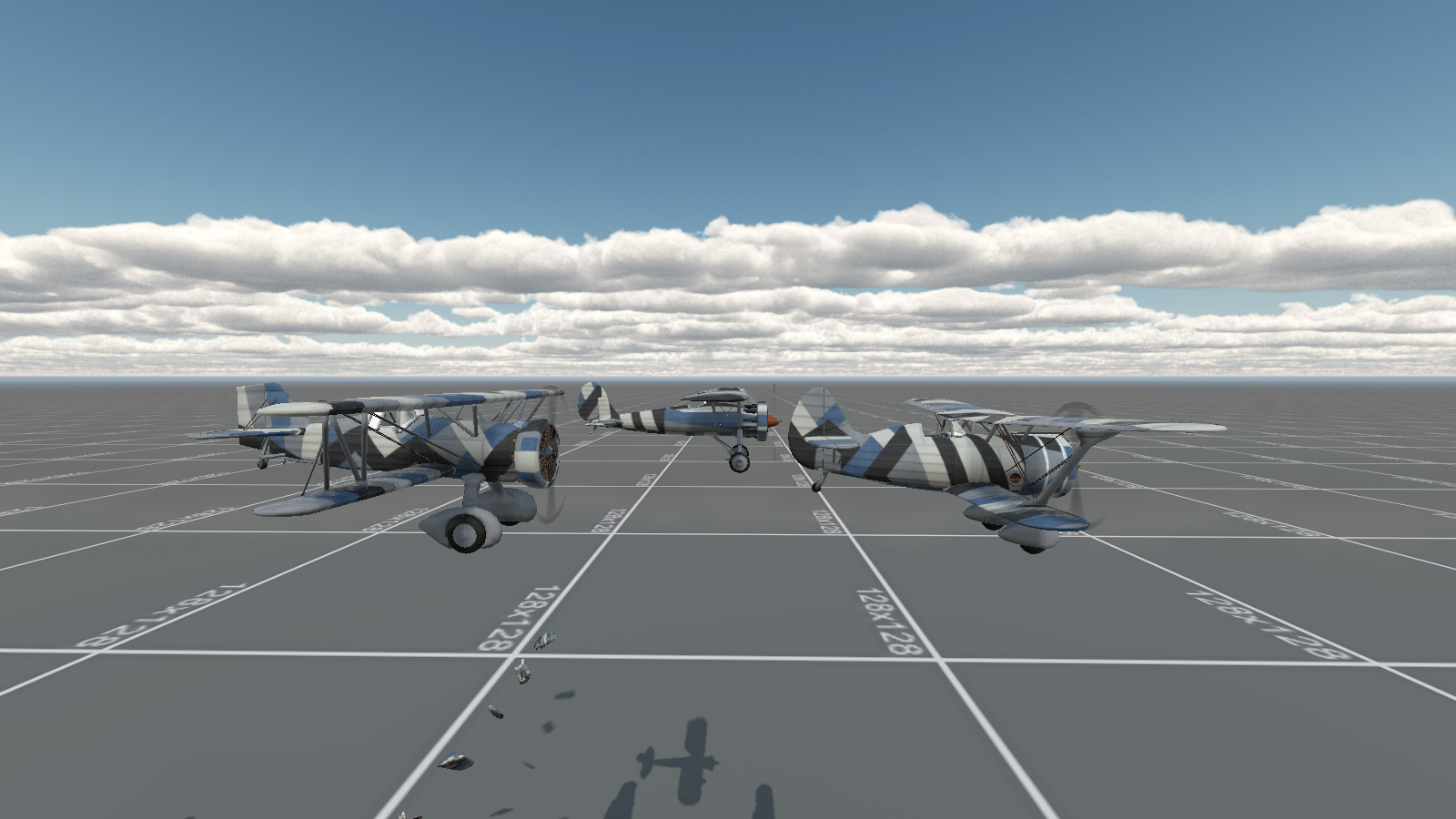
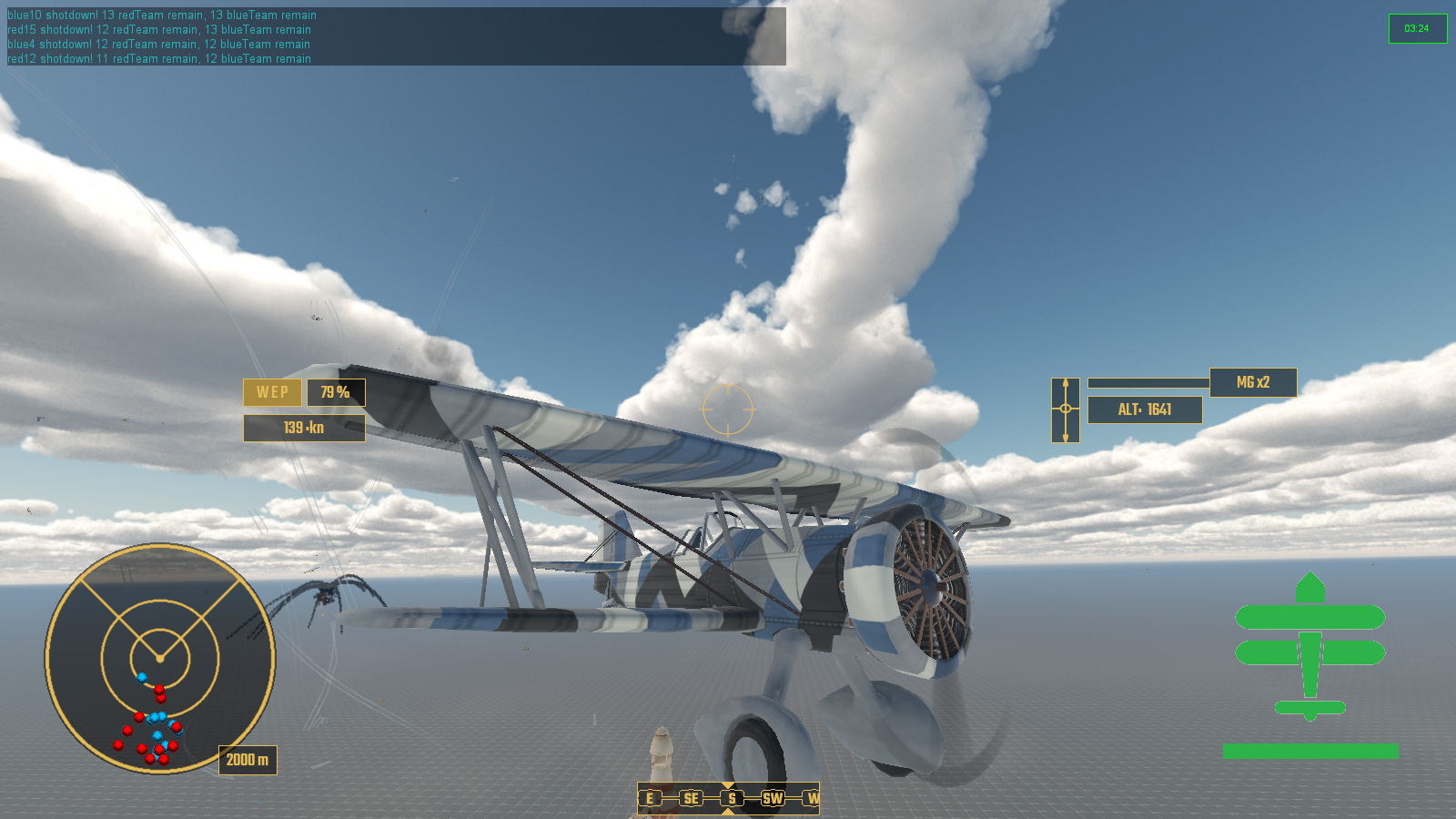
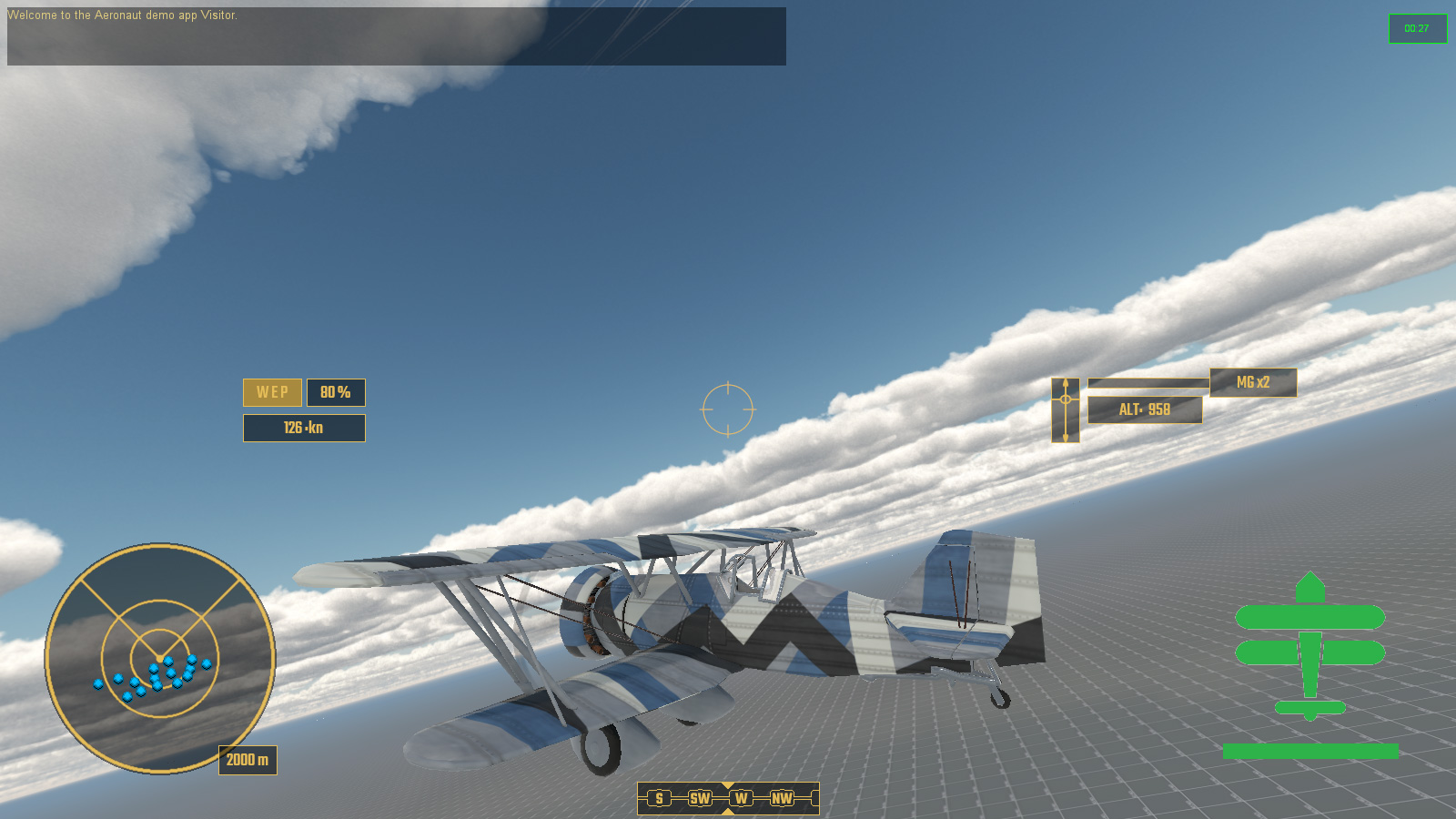
Dazzle Camo; The Rule Of Cool
This brings us to actually sorting out some sort of gameplay mission, and for that I started working on an Event System. I have been thinking of taking a cue from the old space shooter Freespace and FRED, FReepace EDitor, as to how missions are put together. It had a drop down editor for logical arguements which acted as cues for events, thus preventing someone from filling it with absolute gibberish. The premise is quite simple, if x happens do y. Most of this is about spawning new waves of enemies or ships as well as keeping a general tab on mission objectives.
I have come up with a system based on using scriptObjects in the mission for each aircraft or ship or active thingy, all stored in a named folder in the mission editor for ease of finding, which then accumulate to an array on the load game event, waiting for the events to be checked against array list and ticked off one by one.
The idea is that something occurs - eg1: player connects - the Event System looks to see if anything else needs to be done - eg1: enemy aircraft wing spawn 15 seconds later.
eg2: Enemy are down to 25% numbers, second enemy wing spawns.
eg3: Second enemy wing is destroyed, large enemy formation arrives. Timer starts for player to survive for 120 seconds.
eg4: 120 seconds later, allied wing of reinforcements arrives.
eg5: All enemy destroyed, mission accompished.
And so on and such forth. Minus timers the Event List is entirely passive and is just checked against when something happens that was stored in the array from the aircraft scriptObjects in the editor. This seems to be the best result for low overhead.
So, that was the month that was, and next month we will hopefully have a fully working Event System and actual playable mission which I intend to be a homage based on the first mission of Freespace: The Great War.