Finally, summer has arrived in the dreary part of grim northern climes, though July started as June ended, with weather best described as "crap", and a sudden return to wearing jumpers.
Game development-wise things have continued much as before, with the vast majority of effort being aimed at the third person melee project demo.
I had long wondered what the best way of getting different clothing and armours onto a model would be. Many moons ago there was a turn-based RPG there was a post-apocalyptic neo-Roman game ... who's name escapes me ... and they literally had to load every piece of armour that the player could wear onto a single model and use the "hide/unhide" commands.
Well many moons on from this and it looks like the only way to accomplish such things appears to be in the same manner, as you cannot just mount meshes and have them conform to the character's skeleton and mesh weight painting. Deciding that making a single model with EVERY PIECE OF CLOTHING that could ever be considered was not a great method for potential later updates, I delved into the engine to see how best this could be accomplished with code and script. The answer was to add a list of meshes to the character model's constructor, though this did mean it all had to be done at preload and was thus impossible on the fly, so once again, we are back to "hide/unhide" commands. However, at least this way it could be automated to search for all available meshes (and their LODs, which have to be added seperately per mesh), rather than sticking it all in the model and never being able to change it later.
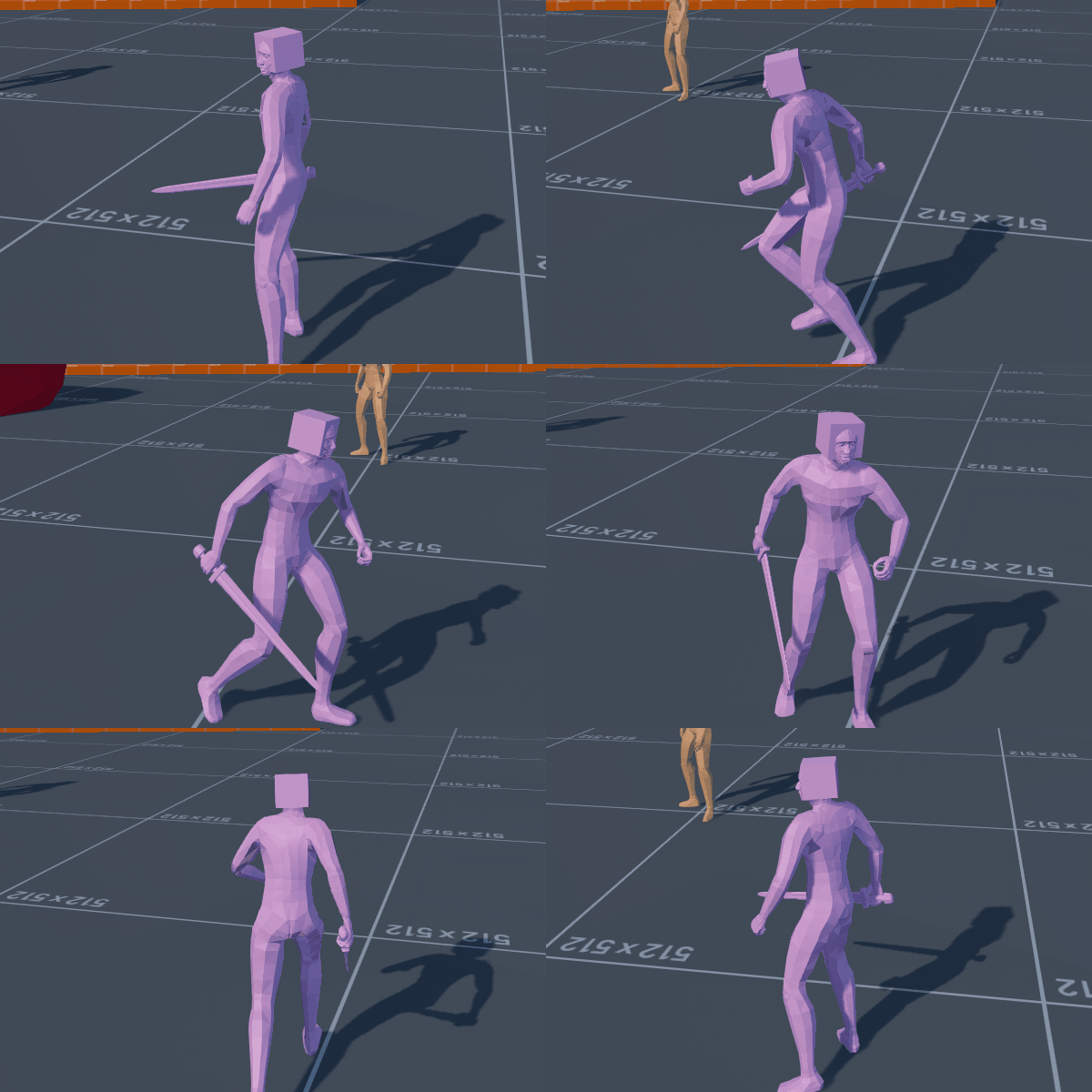 |
| Behold The Hat Of The Ages! |
The Shape Constuctor code for adding meshes was somewhat out of date and relied on directory locations, so I updated it to deal with the engine's asset system. I'm thinking it would be best to have a function look for all relevant assets - probably from a folder naming system - and then add them all at runtime preload to the character mesh, followed by immediately hiding the added meshes and then only displaying them on the model when specifically called for; eg: when the player slects clothing or armour. I am not currently certain what the limitations on numbers of meshes would be this way.
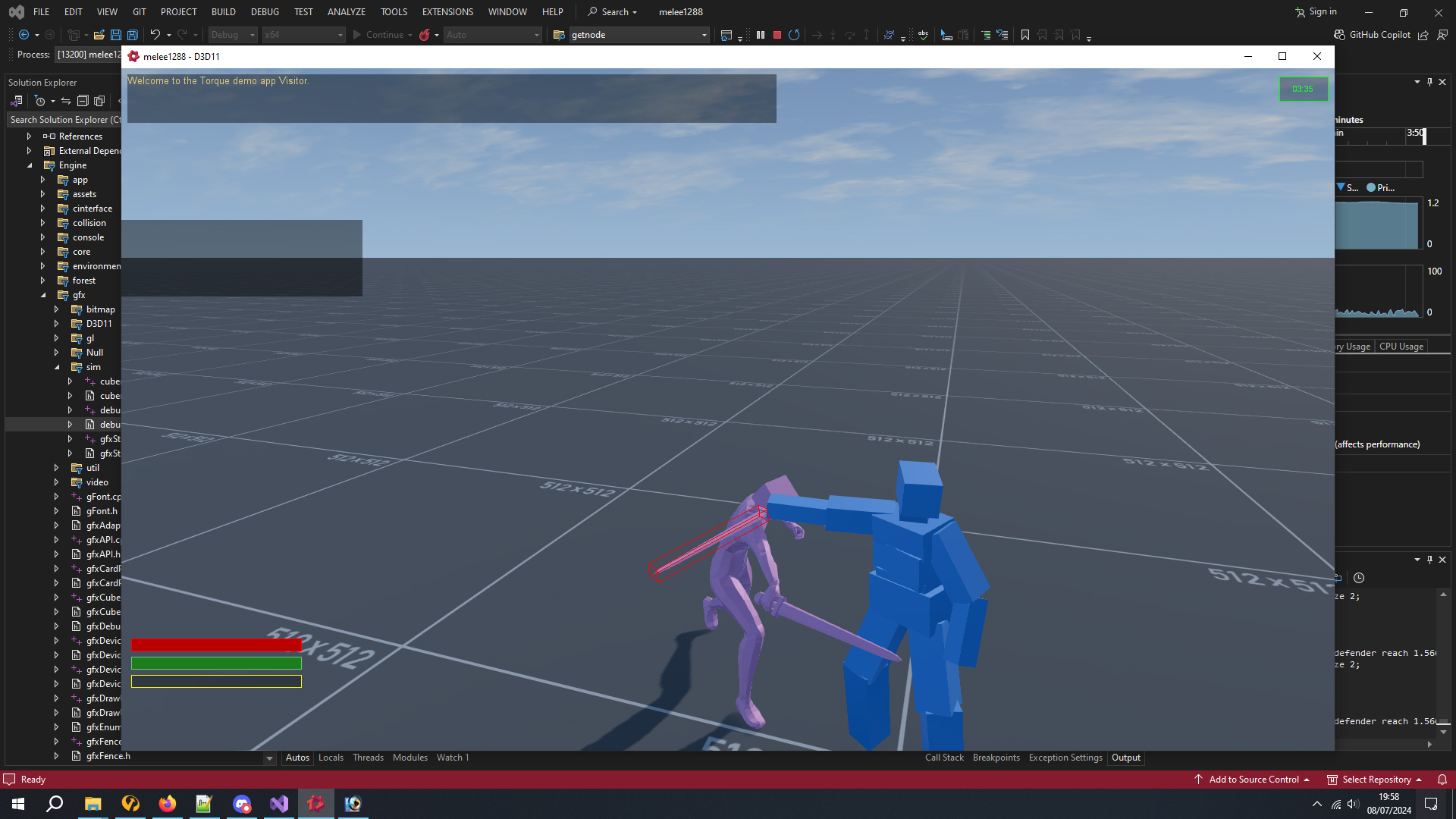 |
| Orientated Box Outline In WorldSpace |
Speaking of coding, it took long enough to get my custom code and the debug drawer to agree exactly how an oriented box works in world space. I had an idea for testing for blocking and parrying by using the actual strike/bounds box of an object, except weapons are not actually objects at all but are virtual due to the FSM system. After some testing I decided it was going to be difficult enough to make a successful parry this way and will probably go down the Dark Souls route of using animation frame timings - though unlike Elden Ring, I very much want to avoid this being tested on the client side as that appears to highly exploitable to hacks.
Whilst I had coded a lock-on target system a few years earlier, in practise at melee attacks it was not always easy to actually strike the target, regardless of it being screen centre, and quite often I could miss and my strikes would go just wide. I decided to code a toggleable "face target" system, thus allowing the player to decide whether they wanted to absolutely aim for the enemy at the loss of movement speed due to circling side to side or backing away.
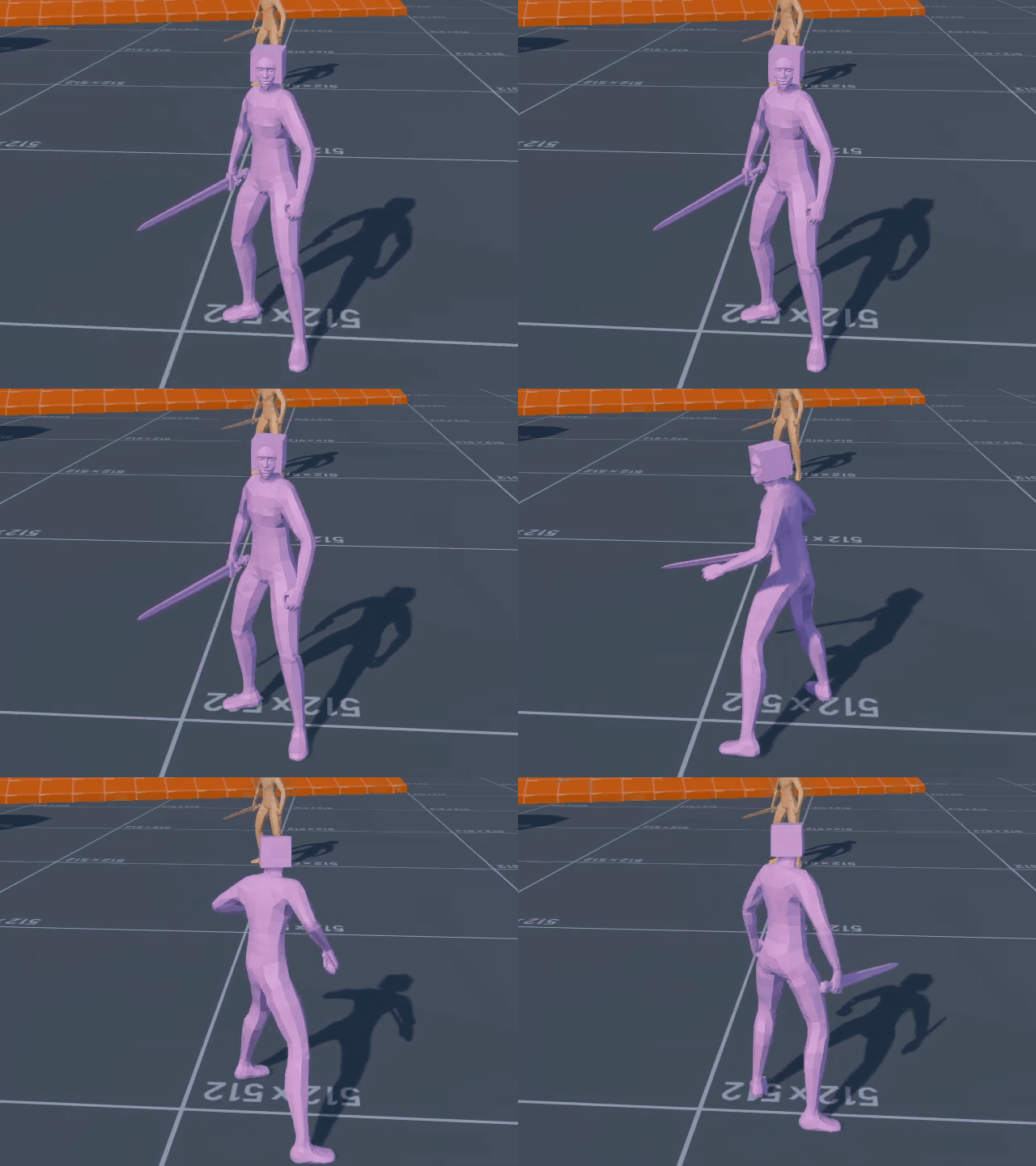
This worked fine but seeing the player spin in place to face the opponent seemed very 20 years ago, so I went back into the animation system and coded a speeded up sidestep when doing it.
 |
| Artifacting gif is artifacting ... |
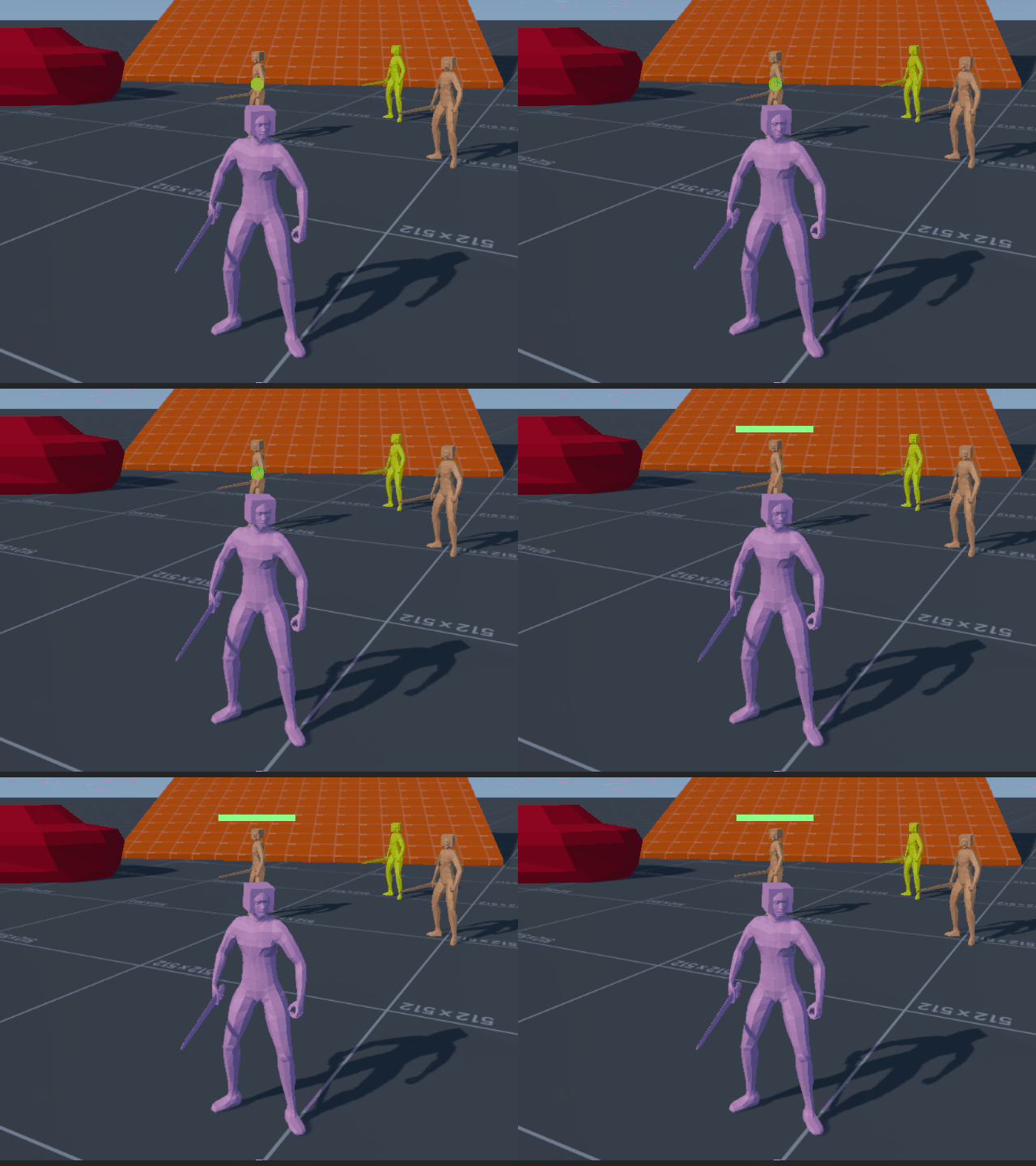
Whilst adding things to the lock-on system, I thought it might help to distinguish which target it was by having a health or status icon. I started off with a health bar over the target that reduced in size the further away, eventual throwing the lock-on off if the target was too far away. After this I thought I might create a central lock-on icon, for instance Elden Ring has a tiny white dot at the centerpoint of the target. I found this and the opponent health bar to be a little too busy on screen, so made the central icon a circle which changed colour depending on the target's health.
Whilst testing lock-on I discovered an issue with my original code from a few years back, I had always tested it with the player moving around the target, but not the target moving. This turned out to cause some nasty jitter due to the client being a tick behind the server. Rather than mess around in the depths of prediction I just took some old "target heading and velocity aimpoint" code from my old Aeronauticals air combat demo, and retrofitted it to have the client look 0.064 ahead, 1 server tick and 1 extra tick for the client being an engine tick behind. I added this code to my resource on the Torque3D website and slightly rewrote some of the original lock-on code to make sure that everything was using the render transforms that the client was seeing rather than the actual server positions of objects, something which I had previously noted in code about displaying names above objects whilst looking into coding the health bar for the target.
In other news some muppet crashed half the world's computers and offered discount pizza as way of apology. It turned out at some point other computer systems had been updated too, and Monsters Loot Swag no longer worked on Linux due to changes with Wine and so the DirectX driver needed updating ... but apparently no one mentions these things and you just have to use The Force to find out. Turns out there was a slightly larger D3dCompiler47.dll which needed to replace the slightly smaller one. Monsters Loot Swag now once more works on SteamDeck.
And that was pretty much July, numerous other things happened which I cannot remember, I got a tan when summer eventually arrived because you just don't know when the free vitamin D is going to disappear around here. After months of drowning in a seemingly perpetual deluge of rain, I am back to hoping for some wet stuff coming out of the sky as my water barrels are empty and the veg patch is parched.
Next month is the 10th anniversary of Airship Dragoon being on Steam. I thought about maybe doing "something" but the models were all exported using a system which doesn't exist anymore (pre-Collada), so anything new would not be compatible with older animations ... which is a bit of a bummer. The past is a foreign place where they do things differently ... so I think I will just let sleeping dogs lie on that one.