Having mostly been a single player player ... stops, rereads that, nah we're good ... the concept of networking multiple clients wasn't something that I had particularly much experience with. This was most obvious when reviewing my C++ code and seeing that I had literally packed/unpacked everything of my custom aeronautVehicle class regardless of whether it required it or not. On further inspection only rigidBody attitude and whether it should be emitting vapour or not really needed to passed around every frame the engine updated. This could probably explain the jitteriness of Ai and other client aircraft movements.
 |
| Debugging ... (don't @ me!) |
After quite a bit of faffing around I not only managed to get 4 player Co-Op mode working but had it so that other remote human clients could arrive after the mission had started, and replace the allied AI who had already spawned in their place. The Ai would smoothly disengage, move away and fade out before being deleted, hopefully out of view of other players.
Any later joining client would have to pick the remaining available flights/callsigns that human players were permitted at the briefing screen. Initially I had listed each and every callsign individually, but once I had the whole system up and running, I decided it would be better to simply list available wings and the number of taken and free roles within them. This would cut down on the possibility of scrolling through vast numbers of disabled buttons.
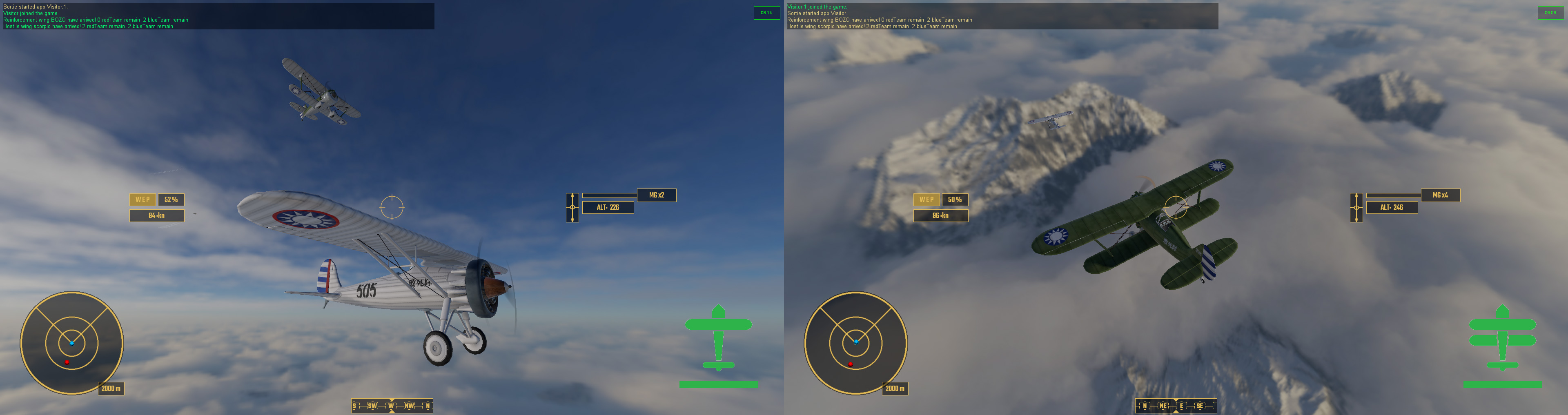 |
| Co-Op Mode! Player 1 and 2 look at each other during a flypast. |
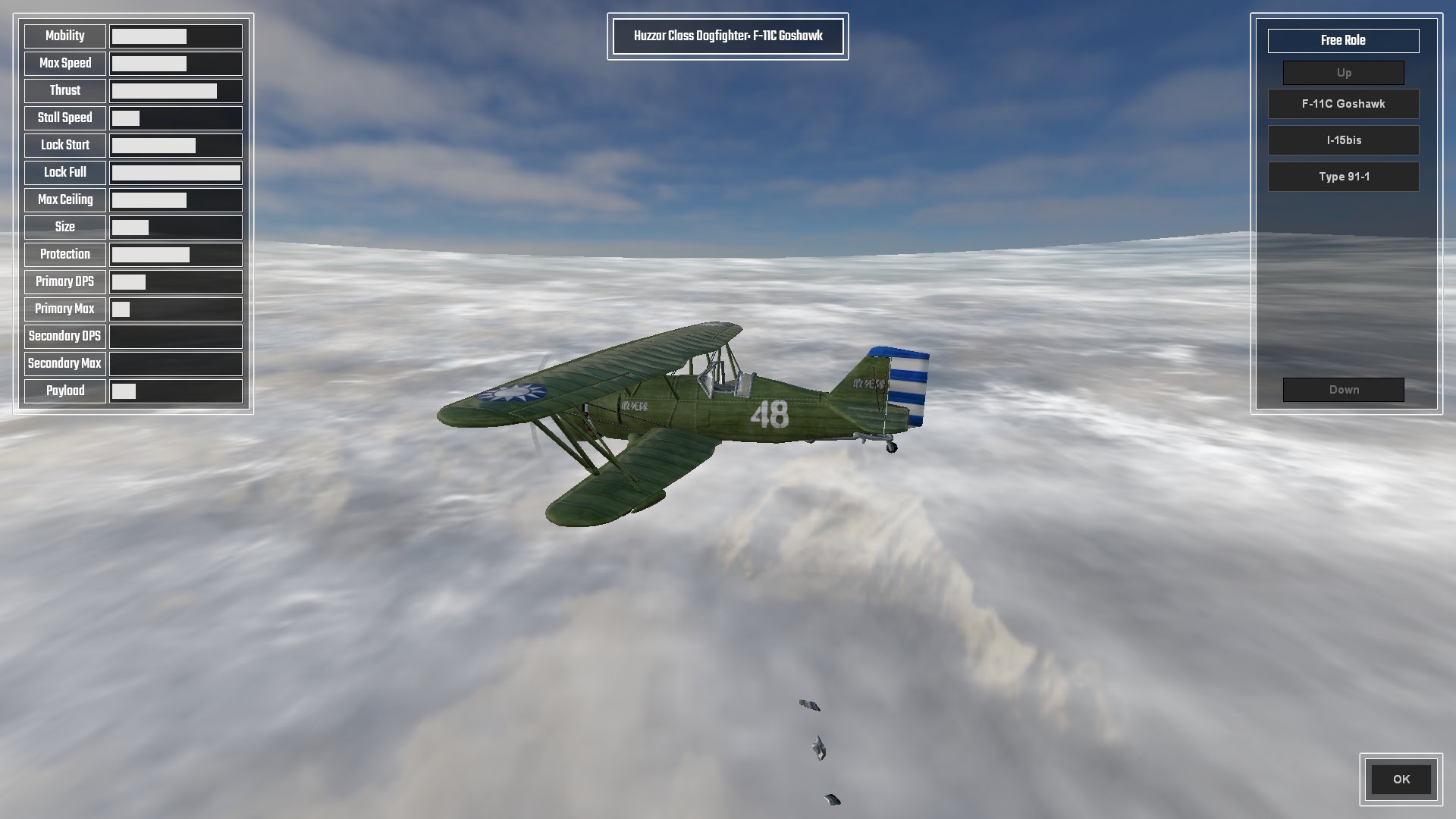
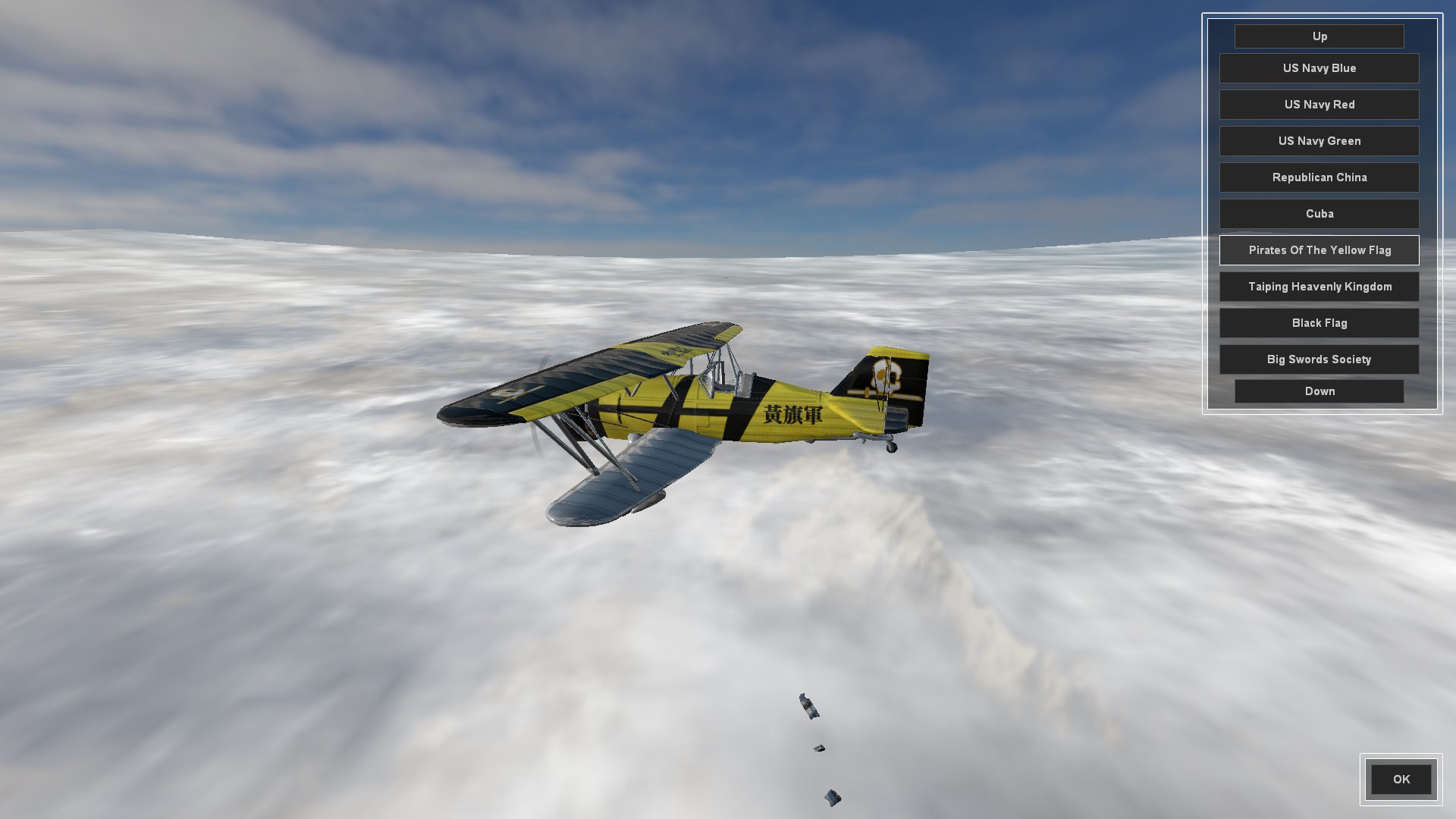
The briefing screen also acted as a rather rudimentary lobby. Players could arrive and choose their flight roles, aircraft and paint job, and then wait for the server to fill. Once two or more players had arrived and selected their aircraft and were ready to sortie, a countdown timer would start and automatically trigger the mission so they weren't waiting around for ever. A lone player, waiting on the server on their own could start the mission with Ai wingmen, and future arriving players could drop in and drop out as replacement, as explained above.
One of the things which had proven to be an issue with the networking was briefing. Sending huge amounts of text over a client connection seems like rather a bad thing and I have been desperate not to abuse seven shades out of the commandToClient. This is the reason that I haven't got a large and indepth mission briefing description working yet. I am considering creating it as a seperate GUI file and sending that directly to the player in the same way mission download should work. I do however have a quick description of mission objectives created, pulling them directly out of the mission file.
 |
| Lies, Damn Lies And Statistics |
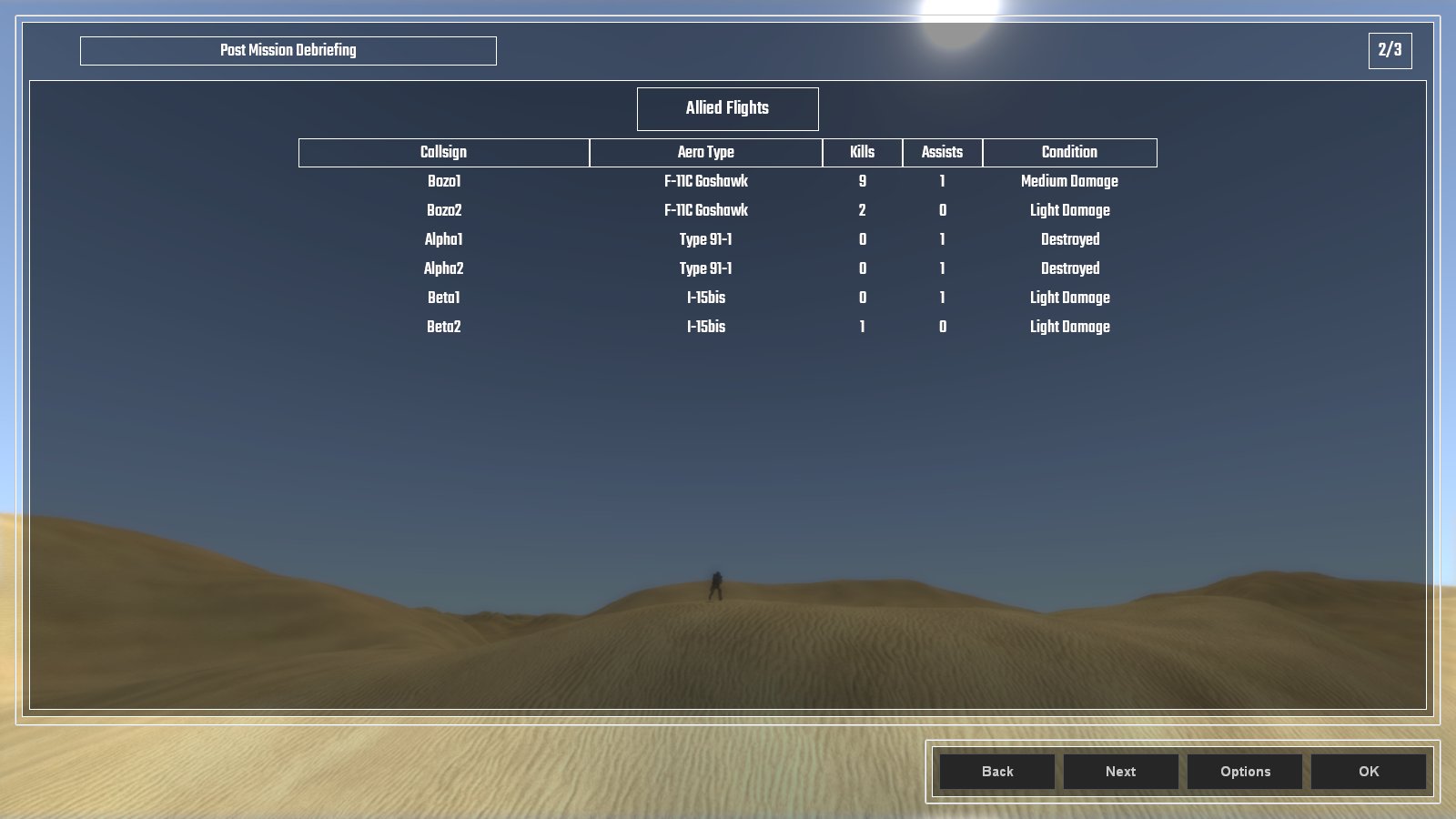
The post mission debriefing screen lists all the statistics that pertain to the player. All allied aircraft are listed as well as their victories, recorded as kills and assists, and their final state which descibes their damage. Added to this is the individual client's performance which ... when I iron out the bugs ... will list the types of kills and assists they scored as well as how accurate they were with their weapons. Right now ... it's a tad buggy ...
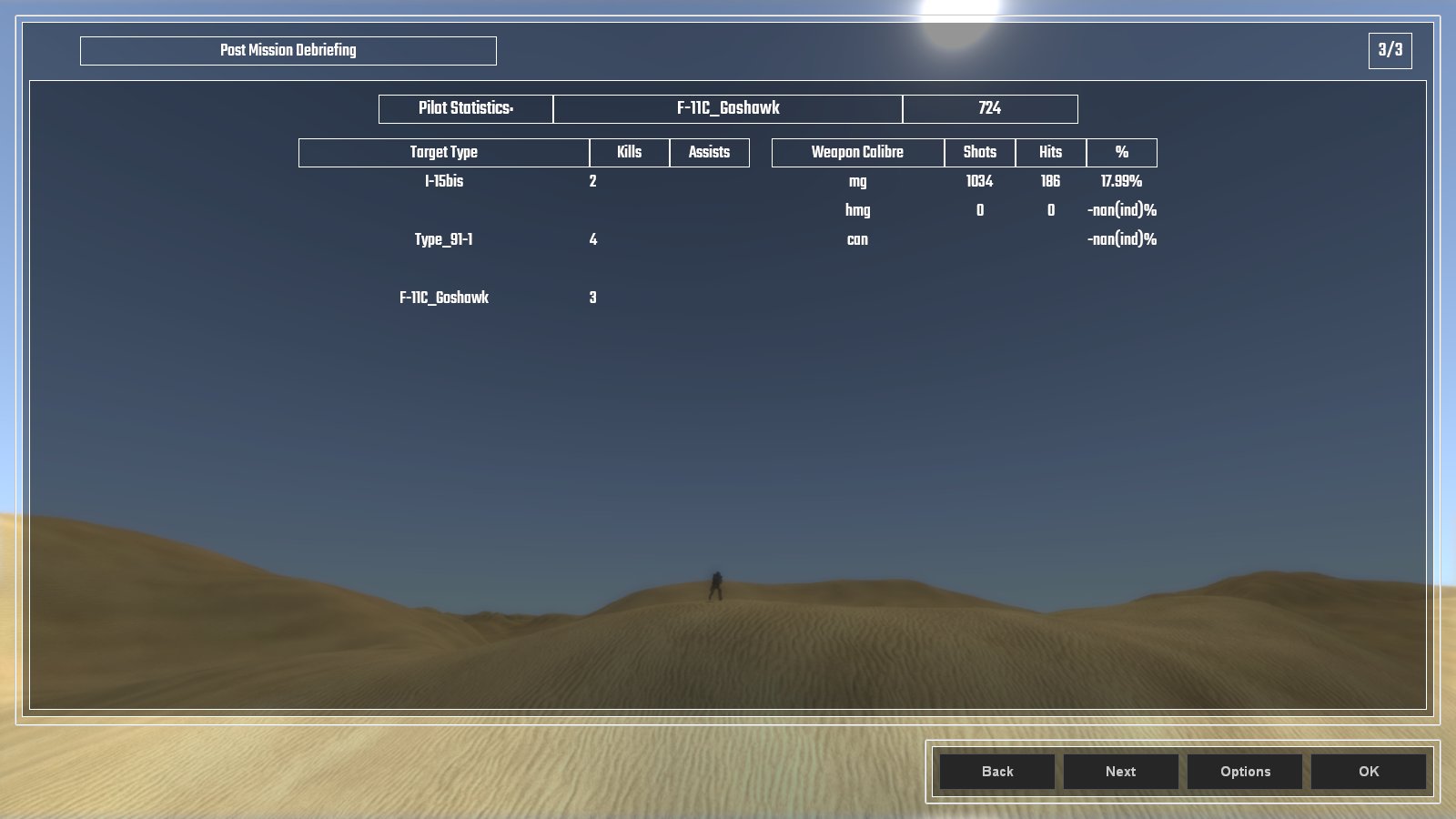 |
| More Lies And Bugs Than Statistics ... |
Here's a video of the old way I selected playable flights with the multiple buttons at the beginning, and shows how the briefing screen works for aircraft and paint scheme choice.
And so that was the month that was. August, it was wet and cold and not much of an end to summer. The summer fan is dismantled and stored for next year, and the Autumn duvet is already on the bed for maximum comfy.