Showing posts with label swag. Show all posts

Tuesday, 31 March 2026

Cute Warbands Doing Cute Warband Things


Smoke Signals, telling Yogi Bear the picnic table is occupied

So after much huffing and rather a lot puffing, and even more debugging ... warbands are running about doing warband things, in both day and night!

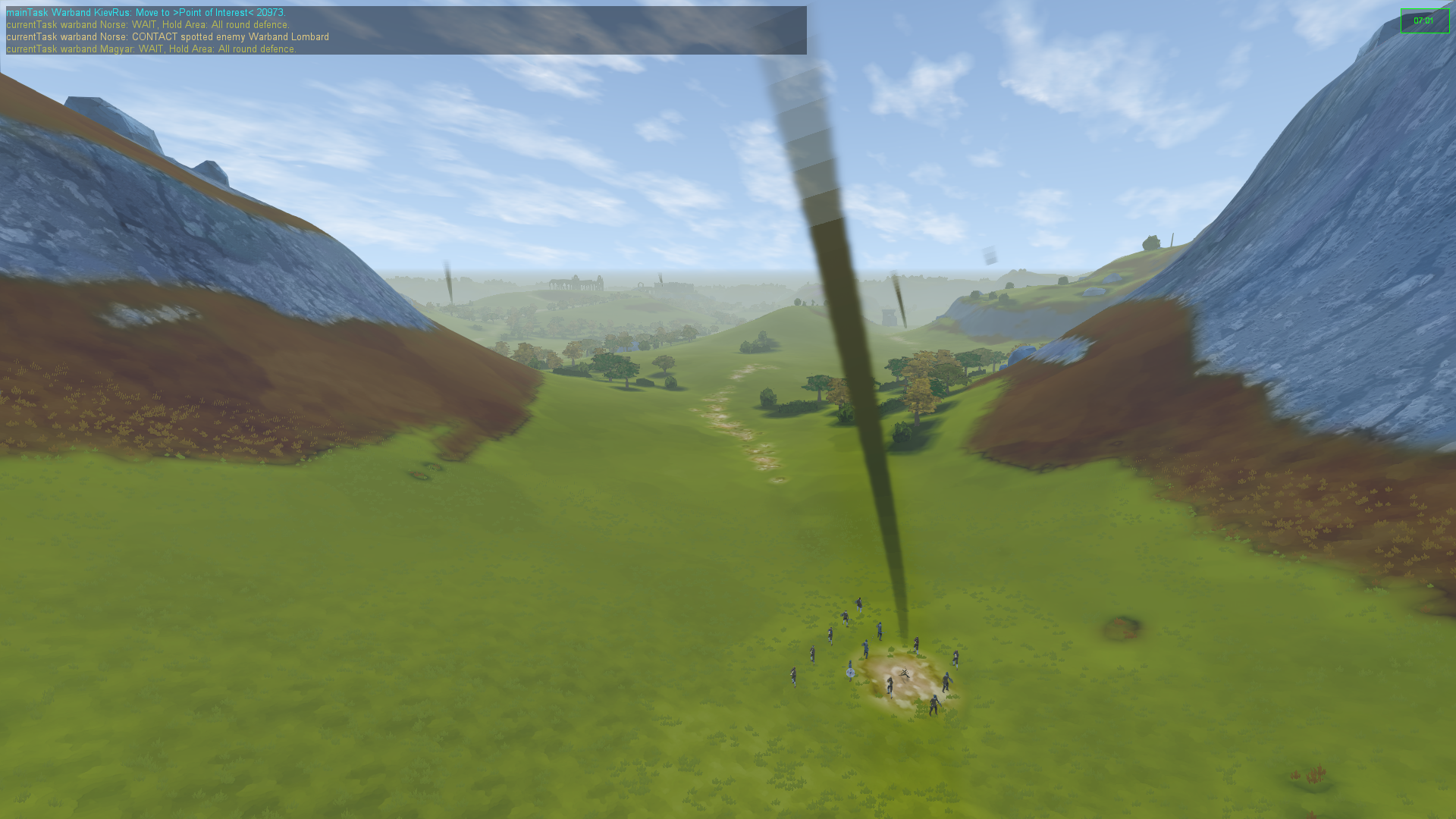
Warbands now move around from loot point to loot point, doing the lootening, as loot points suggest may happen, and light the bonfires on said loot points to signal to all nearby that the lootening is occurrening - and that this would also be a great time to raid that said specific loot point and try and slaughter all within to loot their loot.

Did I mention loot? 


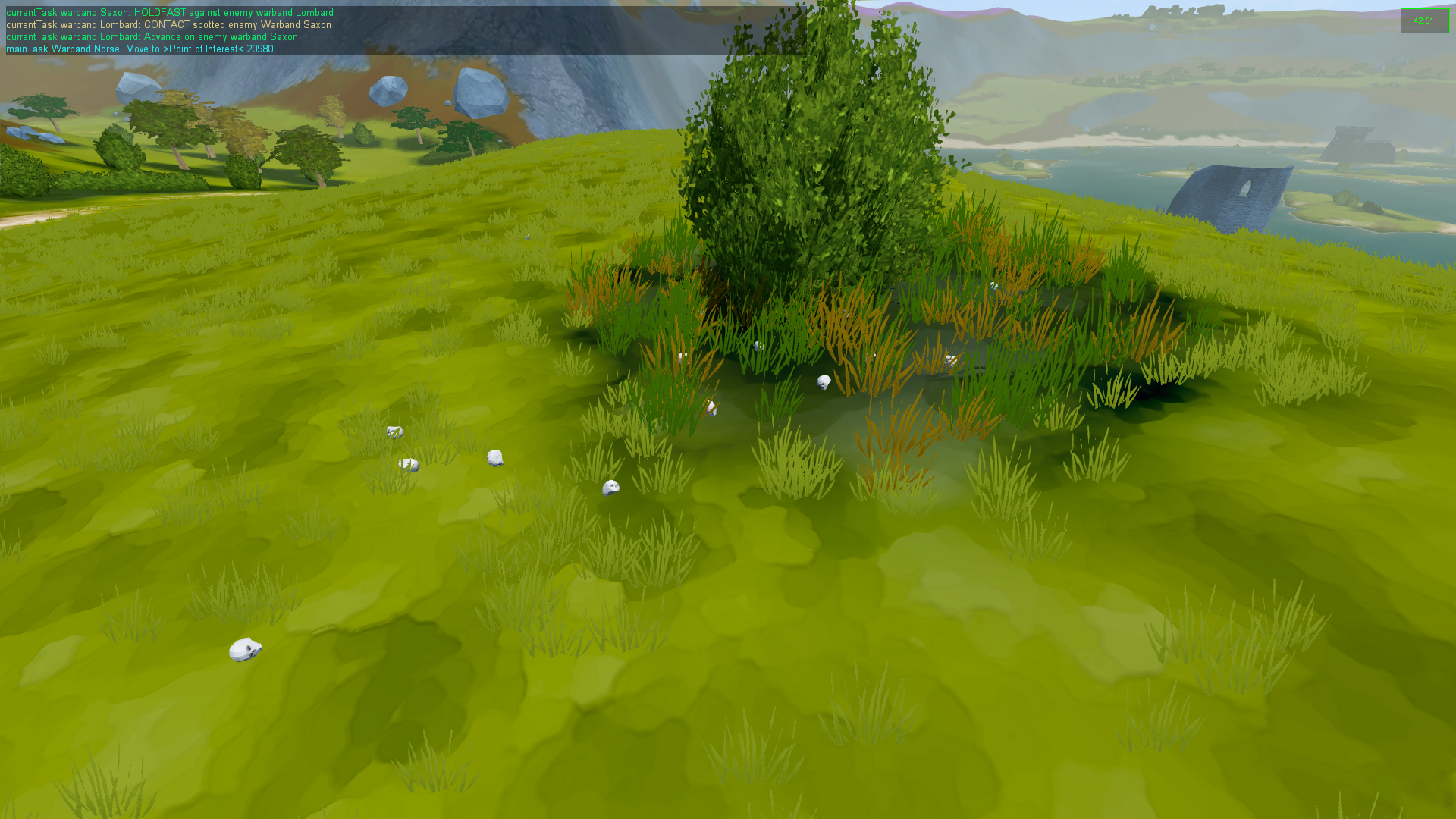
 Well the player can now loot corpses, which was a main aim of the gameplay, and not only can he swipe the swag that the fallen is clad in, stripping them down to their underpants, he also buries said unfortunate recently deceased, leaving a small gravemarker to mark their passing. Failure to loot and bury said dearly departed, results in their equipment being lost to eternity, and their corpses rotting away to leave a skull, marking their departure from this earthly plane.
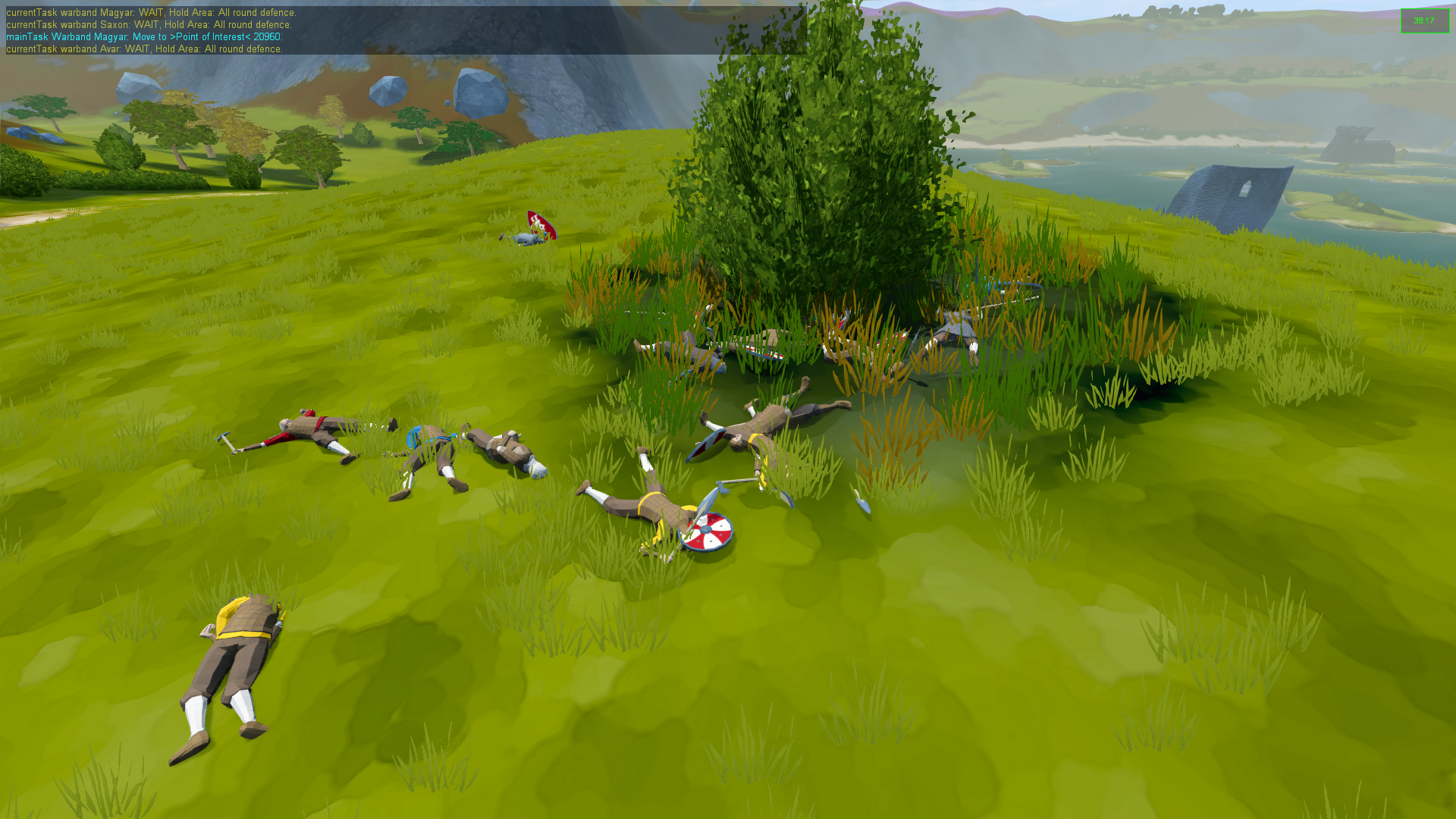

The Freshly Slain
 
The Not So Fresh After Remaining Unburied

I had a play around with the ScatterSky and TimeOfDay objects, and after some faffing in the code, decided the easiest way - at least in network overhead - to get really red dusks and dawns, was to use the built in TimeOfDay callback with a little custom C++ to change to change the rayleigh scattering and ambient colour. This callback also allows for the campfires to light up on sunset and extinguish at dawn, giving more markers as to places the warbands are likely to head. View distance for the warbands changes according to the time of day, and leads to some rather nasty surprise battles during the hours of darkness, when bands or burley warriors bump into each other in the pitch black.


 Archery now works rather nicely, though required considerable faffing due to the blending of animations for aiming, which threw off the IK animations which I had created for use with two-handed pole weapons (hello Dane Axe). After many huntings through C++ to try and find out WTF was going on (I still think it's all down to the laterally animation movement which the engine isn't expecting) it turned out easier to define a specific look/head arm animation for pole weapons and then manually alter the animation to get it to align to the IK by around -4 degrees on the XZ axis. Not the cleanest way of getting a working result but game development, and inface coding in general seems to be very much to be a matter of workarounds and use more duct tape. And duct tape fixes everything! (as long as you use enough)

Here's a test of leading aim with longbows at just short of 300m, which works a lot better on a flat surface than undulating terrain for obvious reasons of consistent direction and velocity.


 Currently all bows look like crossbows, due to this being the only model and animations I have currently made, whilst I decide on how best to animate traditional bows, with their hold in left and draw with right animations. As my current warband timeline only goes up the 11th Century at the moment, the English warbow/longbow has yet to appear, but researching some historical composite bows for the Magyars, it was interesting to  note that they used very light arrows on very strong composite bows to out-range their enemies at the expense of projectiles which were weaker in the strike, and would break when they hit the ground (which of course stops the guy you just missed from picking it up and shooting it back). To this result, the Magyar have by far the longest range (to be honest 400m is kinda pushing it but hey vidya gaemz), but with stopping power only marginly better than a 100m short bow.

Remember kids, when you see the horse archers run away, do not follow. 

 So, here's some edited highlights of archery, melee, point blank night battles, corpses rotting to skulls, and general AI powered gameplay in action.


 So all that leaves us with our not so heroic player, still running about in his underpants armed only with a Bollock Dagger.
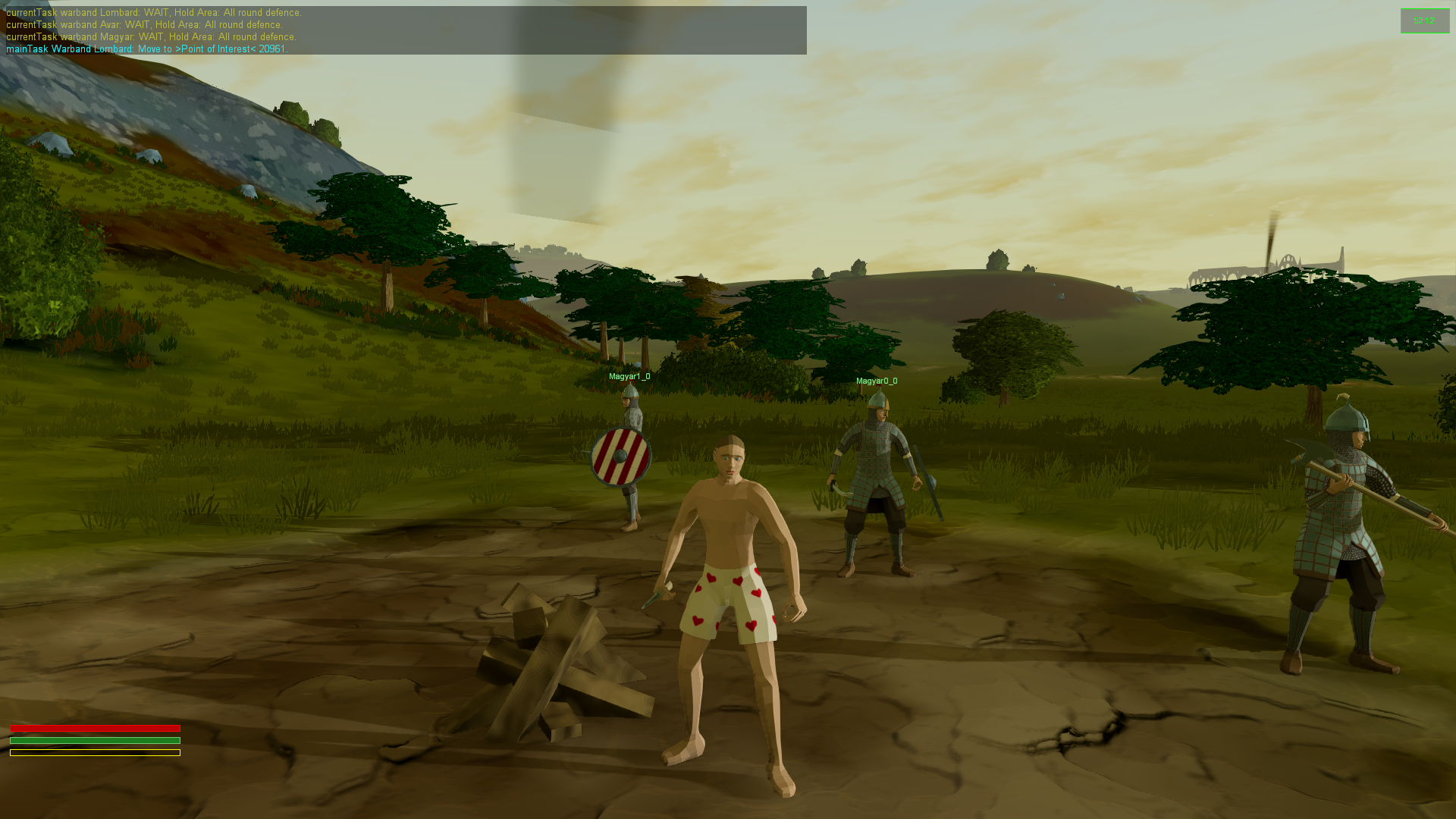
Nice lack of kit you have there oh level 1 noob

 But, as shown in the first video far above, the player can actually loot corpses of their equipment, armour and weapons. So the next major job is to come up with a Game User Interface (GUI) so that the player can actually decide what stolen swag they want to equip, to boost their avatar's chances of survival in a good old fashioned scrap. Alongside that, I need to create interfaces for the leveling system and career progression, all of which is already coded, but currently inaccessible due to lack of tailor made input screens.
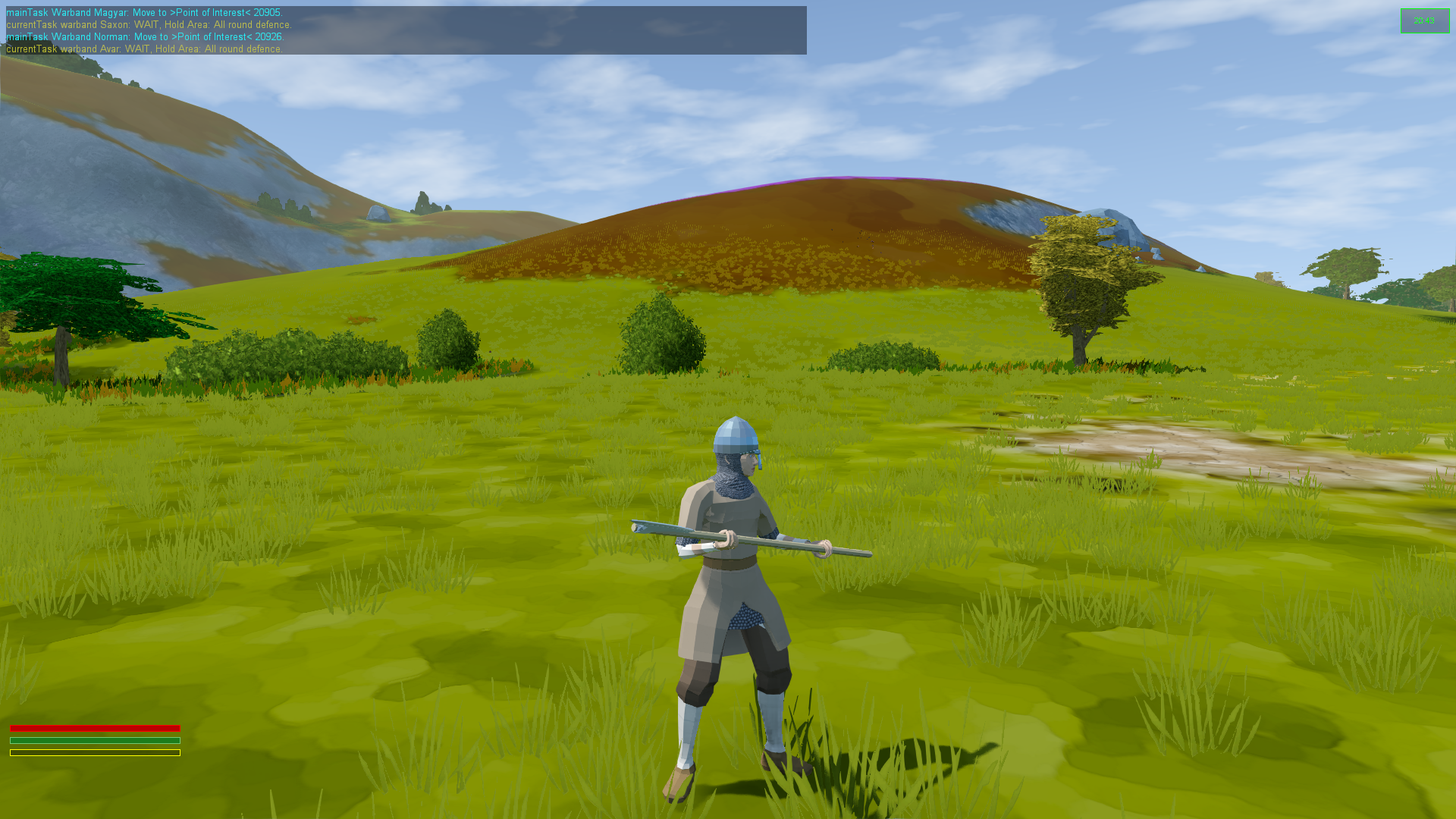
Behold, The Wonder Of Clothing! Coming Soon™
 

Speaking of input screens, I modified the visual performance settings, so things liek groundCover (that's grass to most people) not only increases and decreases in number, but also expands and ... er ... despans(?)  in range from the camera. I found that there was already a variable for this, originally created in mind to reduce the range, but with a little tweaking of code I could get the radius to which grass is drawn on screen to increase/decrease in line with element numbers.

In other news some dastardly swine stole an hour of my sleep in return for British Summer Time, so I sat out in the sun with a bottle of wine, and it was freezing cold and cloudy and I probably now have hyper/hypo-thermia ... which ever one involves a brass monkey dropping it's balls all over the place.
 

Tuesday, 28 November 2017

Test Tweak Twiddle

With a basic level blocked out, the past month has been mostly about testing, tweaking and twiddling with gameplay. This meant a lot of playtesting followed by minor adjustments to scripts and code, as well as the usual "let's streamline everything" followed by the equally usual "oh god everything is broken now", followed by fixing it. None of this makes for particularly interesting pictures of videos.

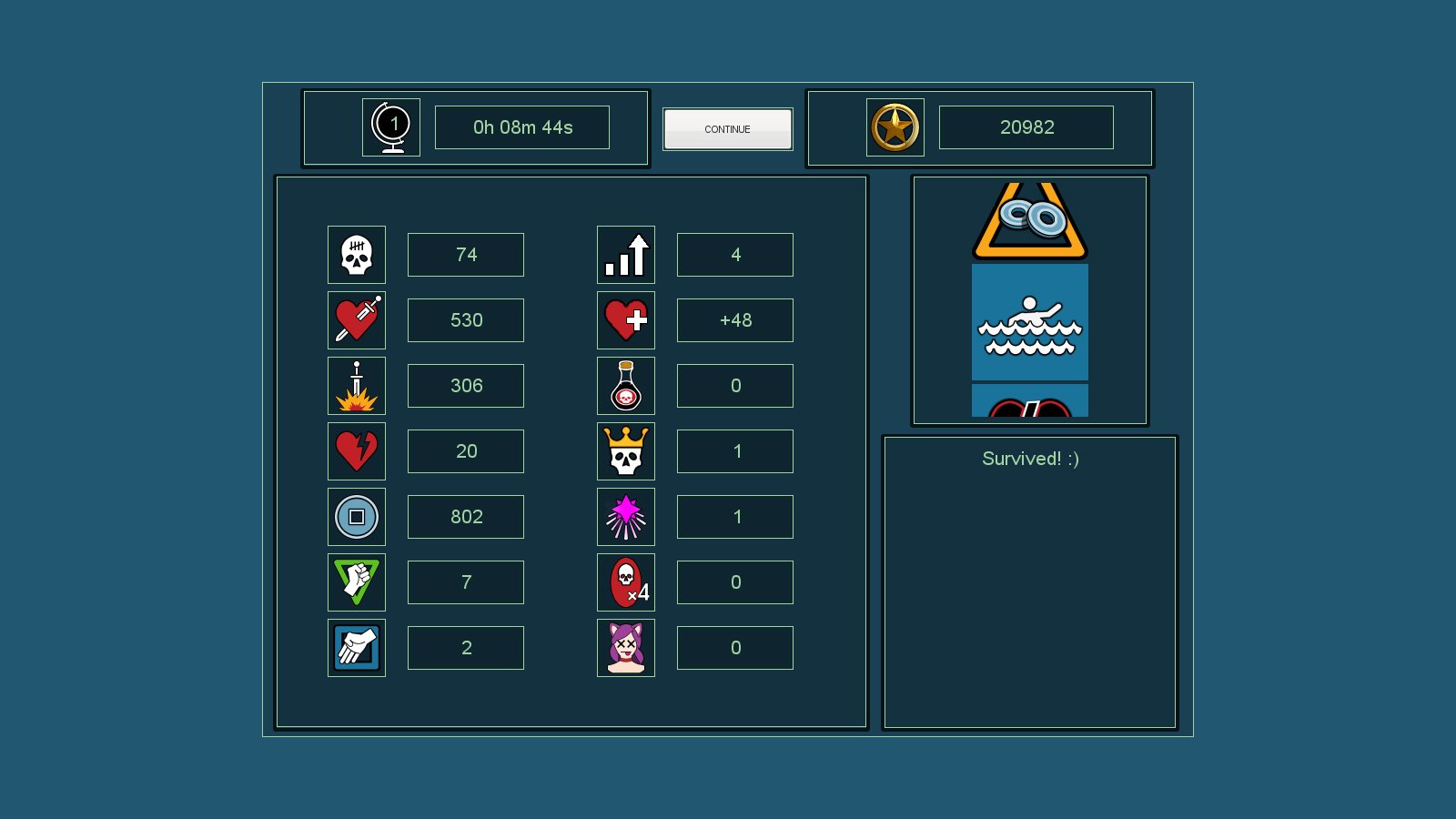
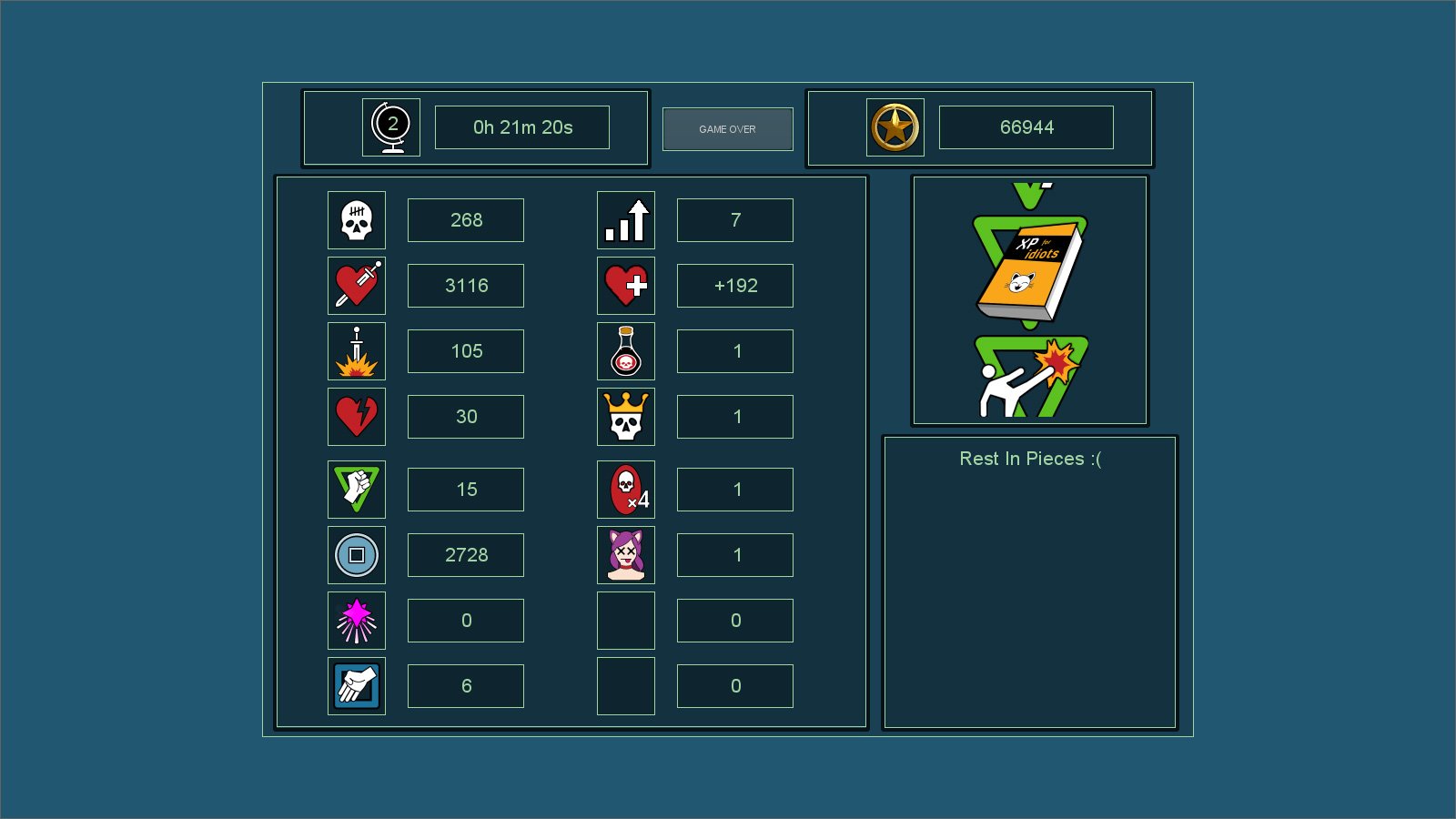
One thing which is "screenshotable" is the new level based statistics screen which now pops up at the end of the level. Previously at the end of each level a continued game progress screen would display, giving various statistics on the player's progress that run. Now a minor version detailing statistics from the previously completed level displays with information and percentages relating to player activity.


From the top; time taken to complete level (or die a horrible death, whichever comes sooner), score for that level, swag parcels opened, cash looted, enemies killed, overall percentage for that level/world and finally the pre-existing, remaining cash on exit converted to points. Once art and animation are the priority "something interesting" will fill the left side of the screen too - probably the players character with a celebratory animation corresponding to level completedness.

This level statistic interface then fades into the standard game progress screen which gives a more indepth view of statistics which the player has achieved.


I had also started to list the various types of enemy and player characters and abilities which I want to feature in the game. Variation is the nemesis of repetition and thus a wide assortment of enemies and capabilities is something to strive for. Currently in the way of hostile attacks I have a simple melee enemy, a charging enemy and projectile shooting one. These are certainly the main themes for the opposition which can feature good variations. On top of this I have already coded "elite" enemies who have special abilities ranging from contact based damage to temporarily slowing the player for a few seconds. These elites carry a certain colour and aura to distinguish themselves to the player as extra inhospitable. They also carry more hit points.

Hit points carry cash which is used to open swag parcels for the player to gain powerups and useable items. Each level the cost of powerups increase, but as the player becomes more powerful and enemies more numerous the amount of lootable coins also increased rather too fast. I have had to reduce the amount of cash enemies drop in later levels as a result of this.

The entire system for usable items has had an overhaul. Previously the player could collect items and be able to use the current highlighted one on screen. Every three seconds thecurrently  sclected item would advance to the next. This became incredibly infuriating when in the throes of combat to try and time using the right item at the best time and often led to the wrong item being used. This has now changed to allow the player to manually cycle through the list of useable items with a simple button press to choose which will be active.

So there we have it. I am continuing to list enemy types, and their abilities in prepartion of when they become actual models. Until then, huzzah for placeholder cubes!

Friday, 29 September 2017

Loot Crates And Swag Parcels

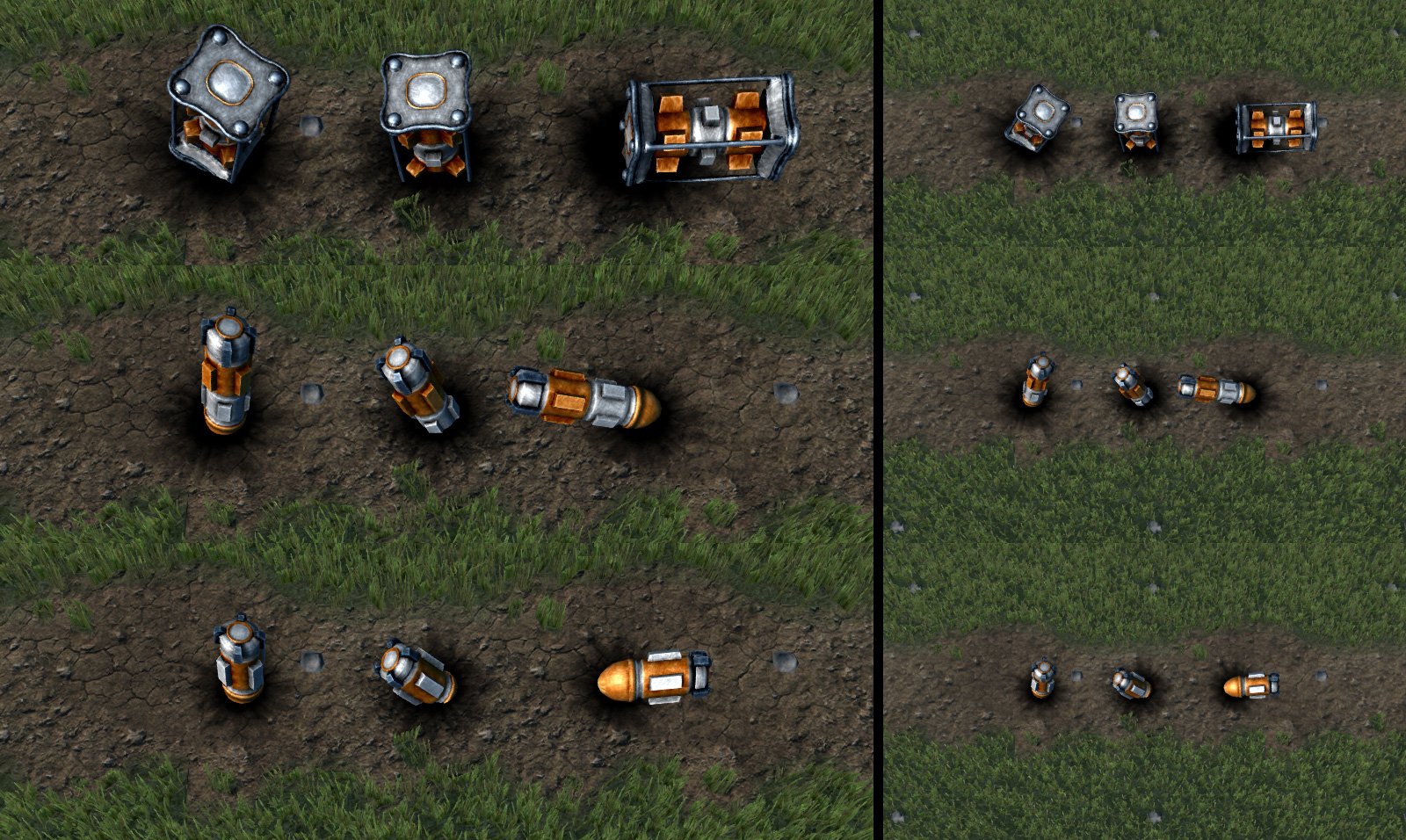
Loot Crates and Swag Parcels ... are actually the same thing. Previously they were just placeholder grey cubes, but now they have a final form.
Top row Large crate (rare swag items), middle row Medium crate (uncommon items) and bottom row Small crate (common and useable items). Each crate type has three models which are placed with a randomized rotation.

When the server loads the level, Loot crates are randomized throughout the game world. Initially I added an impact decal with each crate but realized that previously spawned decals do not get passed to new clients when they join unless they are first saved into the level's decal file. This seemed a bit of a faff, so I simply modeled the impact texture into the actual loot crate mesh.

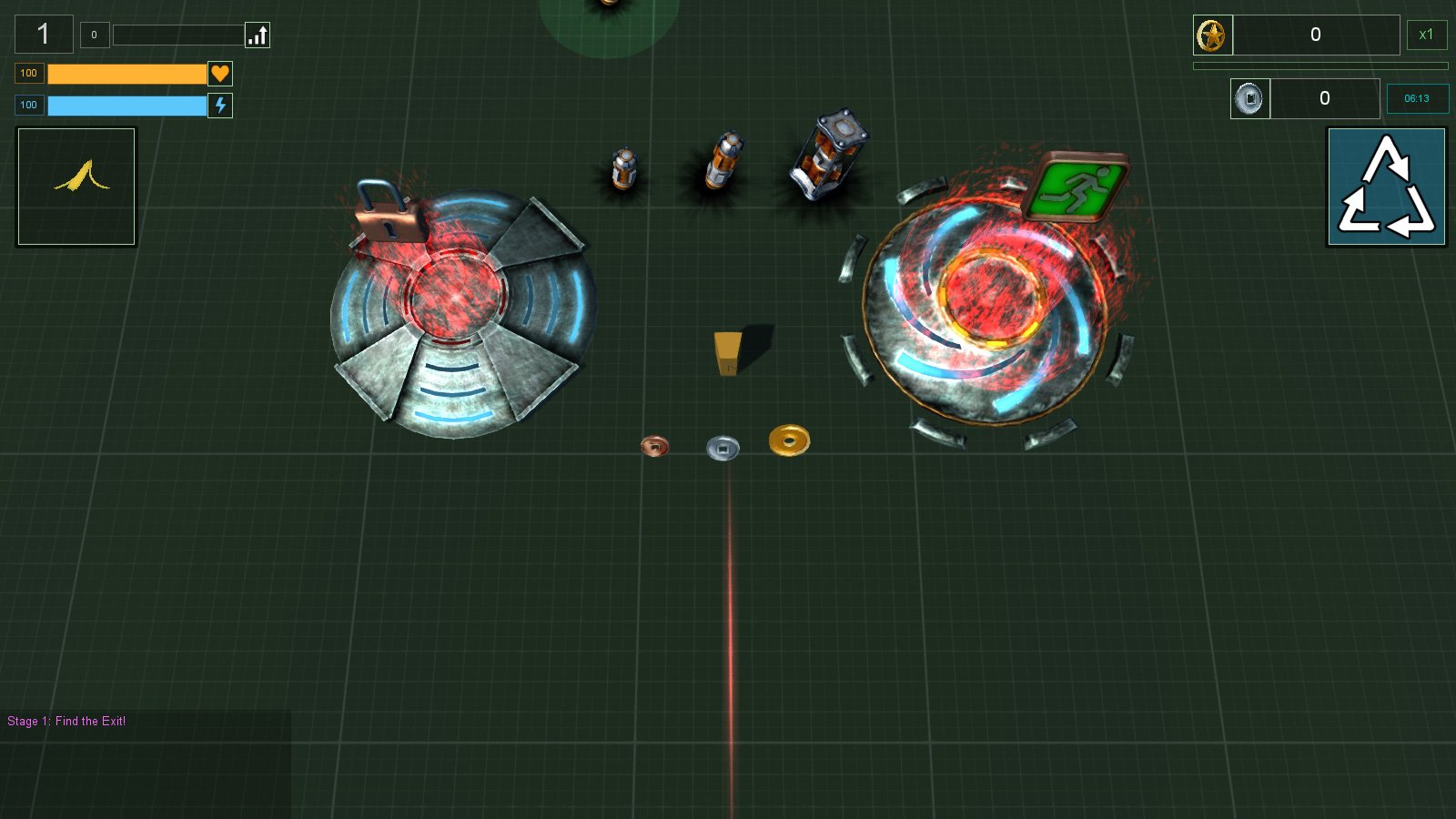
I also replaced the Level Exit Node (which up until now had been just another Activation Node) with it's own model and updated the on-screen prompts to reflect this.

The post-level status screen has also got (yet another) change, replacing the text with icons though text explanations will pop-up via using mouseover. I was hoping that the icons would be fairly self-explanatory but decided to include the pop-up text for safety's sake. Nothing worse than a player wondering what the hell they've got 30 somethings of.


And here's how it all looks in the demo level I use for testing when the Exit is unlocked and the boss fight against Placeholder Huge Cube Boss begins.


Next up, either start to flesh out the remaining models for powerup special attack events - which will lead onto creating characters and the like, or it will be time to start creating some actual game levels - all of which will no doubt start out as whiteboxing.

Decisions, decisions, the pressures of command ...

Sunday, 16 July 2017

Paved With Good Intentions

Puts on gravely voice.

This is road ... to hell.

So, so much for making a development blog every month as I completely forgot during both May and June. Anyhow, here's July's.

SPARKLES! Everything is better with sparkles, and now sparkles are better than ever before! They're now an animated bitmap texture which changes colour and work along a complimentary colour scheme - eg: opposites, red/green, blue/orange, etc


There have also been some serious improvement in AI. Enemies now come in a variety of flavours.
Red are ranged based enemies who shoot projectiles. Light blue are dumb/zombie melee enemies (and thus carry a white stick to denote that they are melee based class) who stalk the player. Purple/magenta are melee class hunters who follow the player. Black are melee class chargers who rush at the player to attack and go flying past if the player can dodge out of their way.

On top of these enemy classes there are also special types of attacks. These are Radioactive Fire who have a green glownig arua and leave a green fire in their path, who do damage on contact; Electricity who can stun the player for a second and thus reduce movement at close range; Retardant which is a yellow falling aura who stun and slow the player for several seconds on contact; and finally Homing missiles, which come in two forms, one which is semi-accurate and can be dodged without too much difficulty and one which is both fast and accurate and very difficult to dodge.


There is also now a game over screen which lists various statistics for the player such as enemies killed, damage absorbed, cash picked up, etc, and also displays a list of swag collected by their icon's. Currently it's only a game over screen for when the player dies but it will also double as an end of level screen once I get level progression coded - and coding level progression is what I am currently working on.

My thoughts on level progression are as follows. Player needs to get to the exit, but the exit requires unlocking from a separate node. The higher the level, the more nodes there will be to unlock. Currently I am in two-minds whether to have the node activated with cash the same way swag collectibles are purchased, or whether to have them activated by having the player stand in the area for a certain amount of time like base/point capturing in an First Person Shooter (like planting the bomb in CoD multiplayer - though I've not played CoD since number 5 WaW, so what are they up to now? CoD 9000?). Either way, when the level exit it unlocked an enemy Boss appears and must be defeated to open the exit. I think that only defeating the end of level boss will be neccessary rather than cleaning out the whole level (like in say, Risk of Rain).

So that's how things are shaping up on the still untitled Swag 'Em Up!

Sunday, 30 April 2017

Power-Up Death March Volume 9000: The Death Marchening

Whoopsie, almost missed the monthly devblog!

So I am still hammering away at the final few power-ups. They are all much more complicated in models and animations and have been taking longer than expected ... which should not really be unexpected as everything always takes longer than expected which is thus ... er ... expected?

Everything looks better with sparkles! Desu!

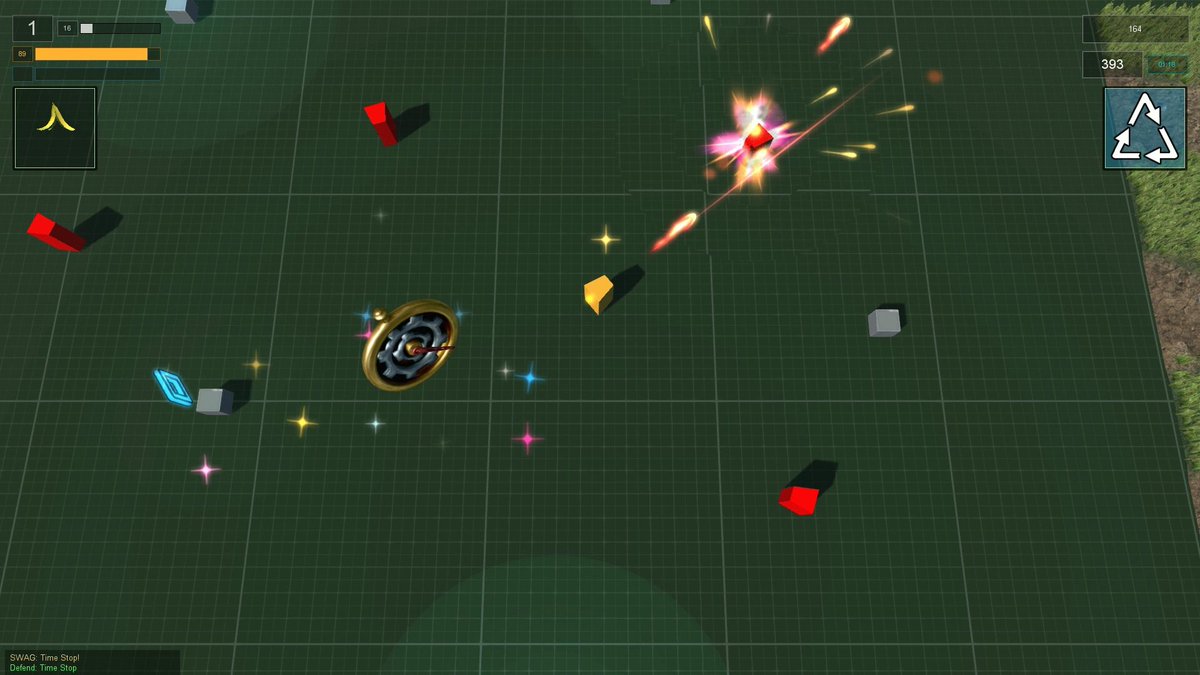
Time Stop, special defensive item. When activated it stops all enemies from attacking the player for several seconds. There is also a joke about Japan in there. ;)


The original version of the animation had the watch spinning around. However this made it difficult to see the actual movement of the watch needle and the spinning of the internal gears. In the second version I took the spinning out and made the whole object a BBZ, that is a billboard which always faces towards the camera whilst also orientating vertically (the Z axis).

One thing which I discovered was that mesh models of the explosion class object do not use LOD, so the highest level of detail always shows.


And here it is in action against the AI enemy red cubes.

Still more complicated modeling and animations to do for further power-ups before I can get started on actual world building and level creation. Death march onwards ho!

Wednesday, 22 March 2017

Collectibles Continue

Developing collectible power-ups, bonuses, and general work on creating 108 pick 'em up swagables continues.

I'm in the final stages of creating the events for using special items, where the remaining objects are consist of more complicated models and animations. Much of the audio for special events has been done. I ended up buying a couple of huge audio packs from ImphenziaAB which took some time to wade through as there was several thousand unique sounds and a further several thousand tweaked audio tracks. Many of the sound effects I wanted for in-game events needed multiple sources mixing together.

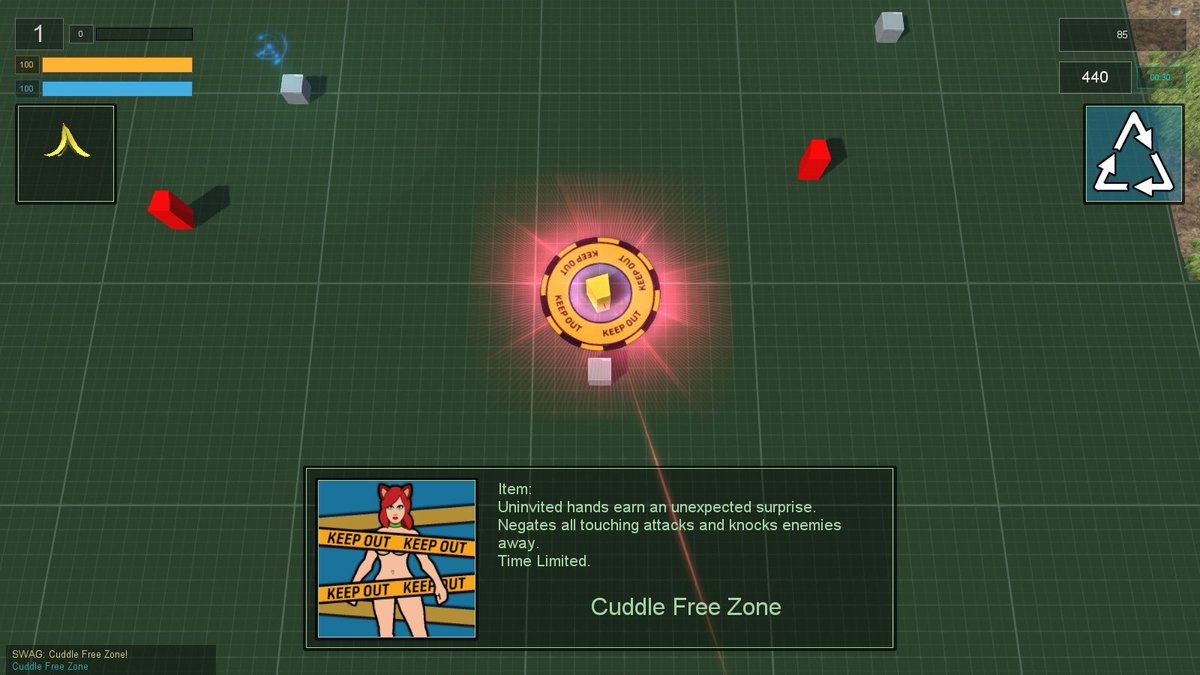
The following images and videos should give somewhat of a flavour of the special events and power-up collectibles I've been working on, with the whole thing not taking itself overly serious, as can be seen from the description overlay upon picking up the object.

Cuddle Free Zone featuring the "Keep Out" yellow tape from certain Japanese "entertainment"

Rebound Attack which sends the damage back against the attacker

The Floor Is Lava being an old children's game

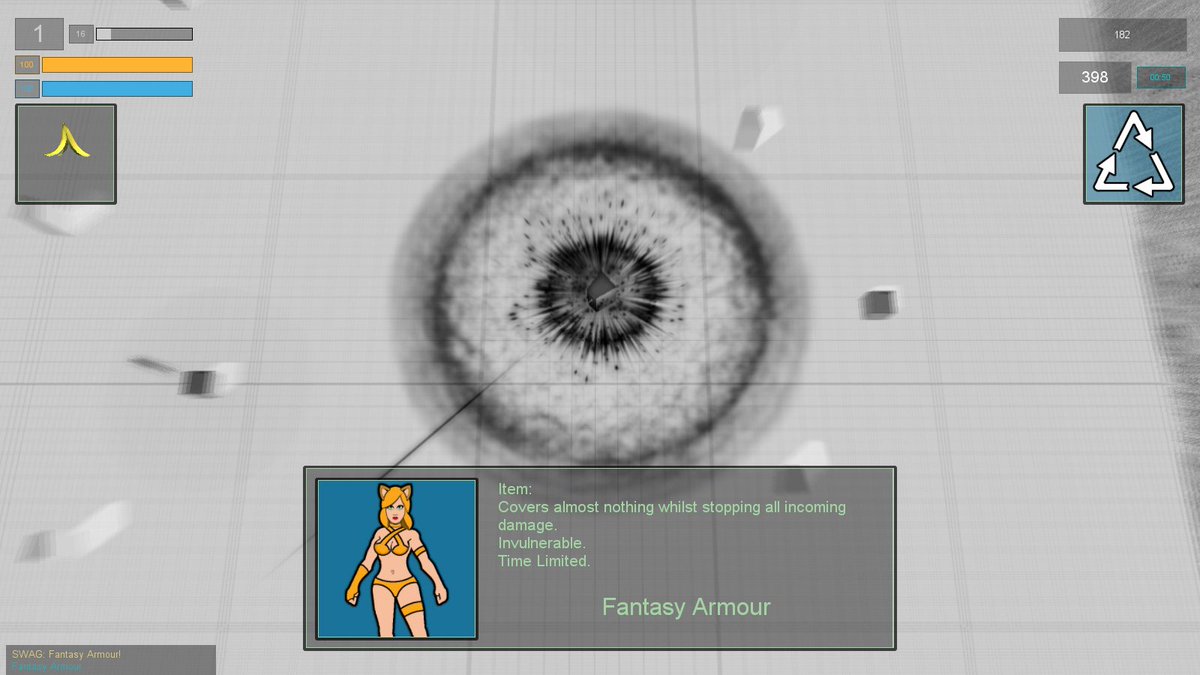
Fantasy Armour works pretty much as you would expect ... and features a reference to the old Doom invulnerability shader

Ban Hammer - when the enemy gets reported to the mods

Amongst all of these collectibles I've added the randomized chance for a "Swag Dispensor" (I'm gonna need a btter name than that, maybe just "parcel") to drop a poison bomb. The player gets an audio and visual alert of the danger which gives them a small opportunity to get clear.

Poison Trap

 There are only several more special events to finish off, though these require somewhat more complicated animations and modeling than all the previous ones which have been completed - which is why they were left until last. There are around a dozen others which still require audio adding to their events. However the code has already been completed for all 108 special items. Hopefully after this I can finally get on to designing some levels, and seeing which of the design conecpts for building environments work best.

Tuesday, 21 February 2017

Swag Test


Not going to be much of a Swag Em Up without making sure that the Swag drops.

With 108 power-up collectibles I needed a way of distinguishing the type of object that would be collected from each drop point - without having to resort to making a model of every single one. For this I decided to go with the class value of the item, as used in the image displayed.

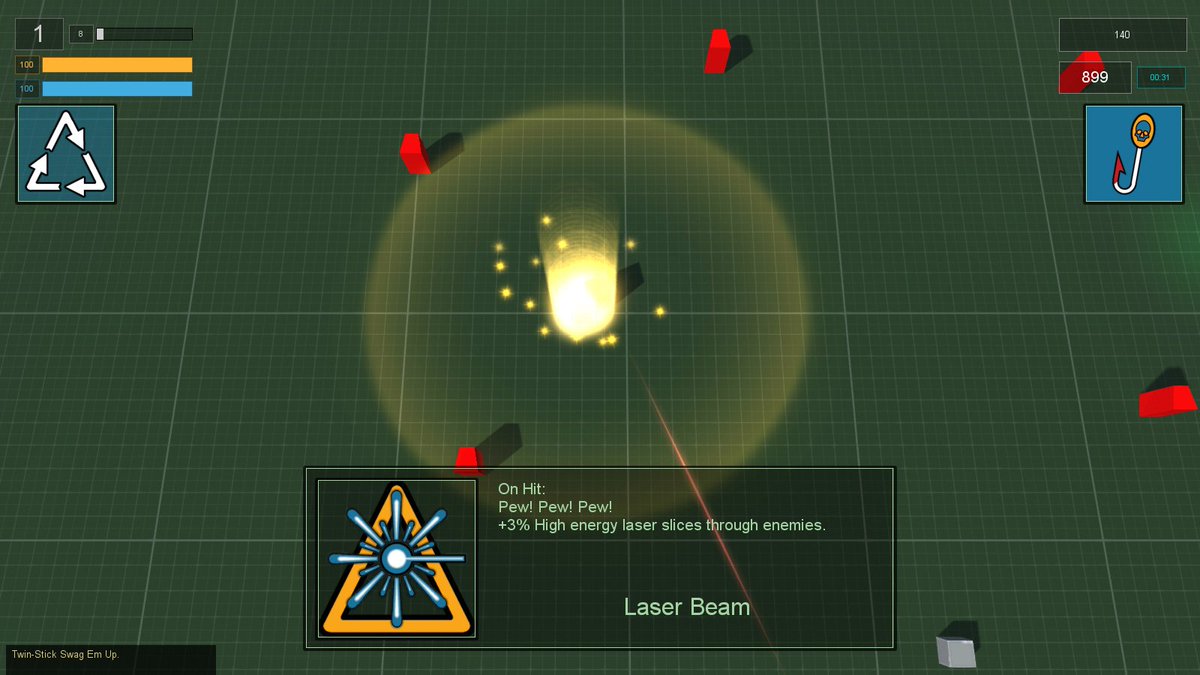
Laser Beam - Uncommon Item, Amber Triangle

On top of Common, Uncommon, and Rare upgrades, I also have Use items and added a Hidden/Mystery indicator which hides the class of the collectible. There are also Gradius style Follower "options" which increase firepower and are hidden from displaying in the Mystery category. These Follower objects have their own upgrade system which runs through the colours of the rainbow - influenced from the security clearance levels of the old pen-and-paper RPG Paranoia: ROY G BIV(U).


Gradius Style Follower Weapon Platforms In Action

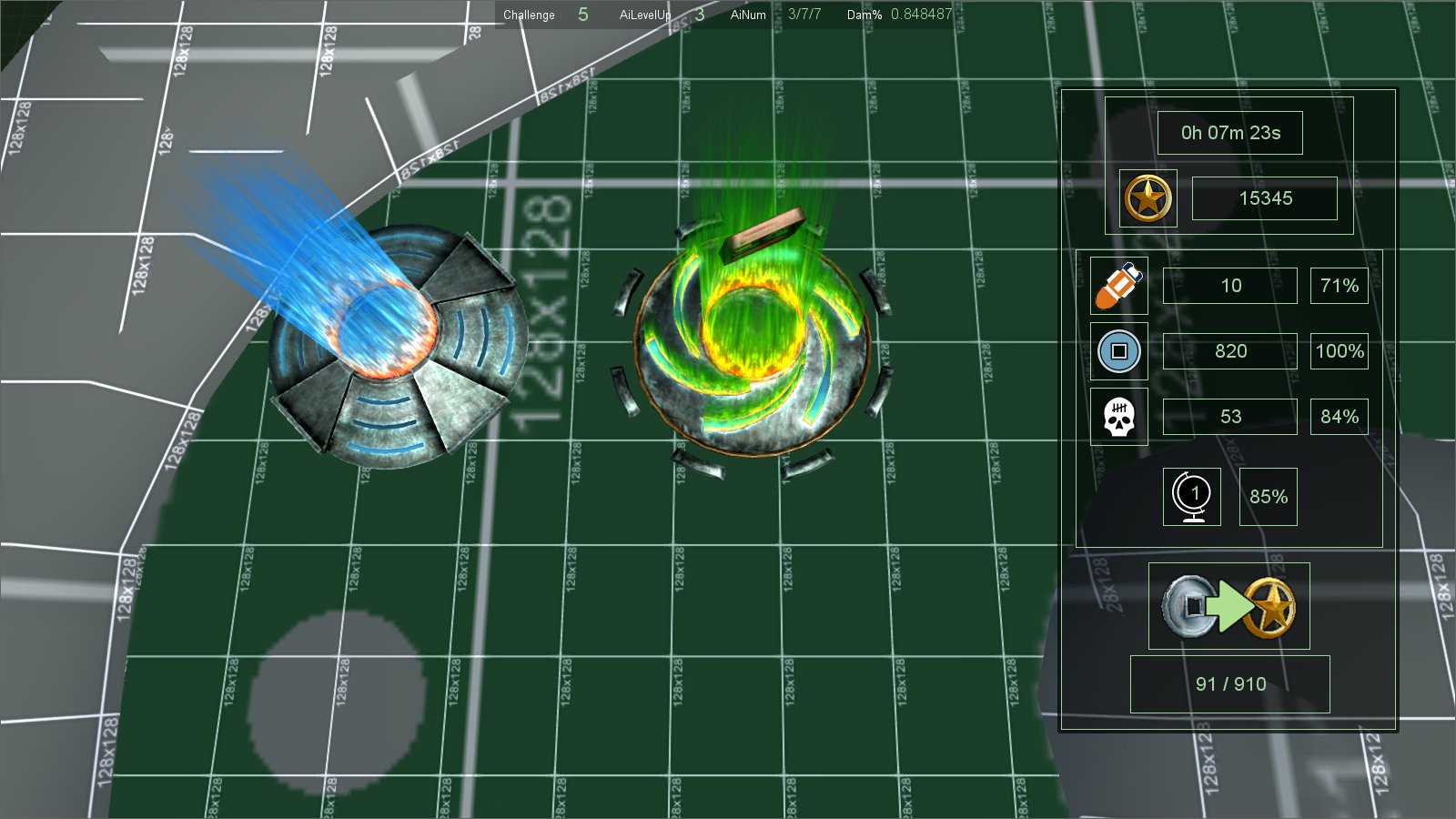
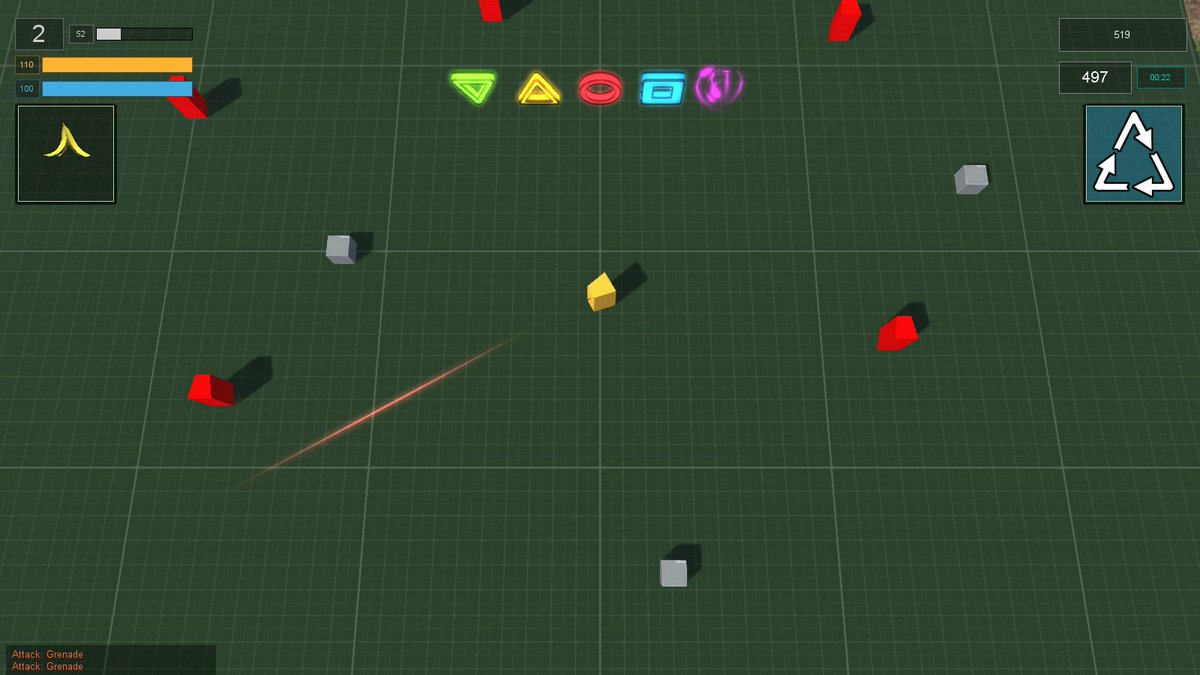
So I ended up with the following visual indicators for what type of Swag might be dropped. Unknown collectible is a swirling animated vortex, whilst all others use the same class value symbol as displayed on their image when picked up. I might extend this to show the type of power-up available such as on Attack, Defend, Temperory, Permenant, etc.

Swag Value Indicators

To test if all my code and math was in working order, I created a test zone and heavily populated it with repeating terrain meshes and Swag drops. Having previously learned that 1 30x30m mesh produces far fewer drawcalls than 9 10x10m, I used 1,190 meshes to cover roughly 1km squared. Placing Swag Drops 40m apart over a 300m area, meant that I ended up with 272 Drop points for Power-Ups. Each dropPoint (think Swag vending machine) consists of the rotating, non-colliding item for the value indicator (heavier load than the previous static mesh I was using), a placeholder cube for the dropPoint, a pulsing light - categorized in colour to the class value, and some particle and sound emitters for charging the point, and also for dropping the Swag. The last thing was to add some LOOT in the shape of bronze, silver and gold coins.


Swag Em Up!

So that works nicely. I've been recording the value quantities spawned and it all seems to work well with my mathematics formula which is based on difficulty/level progression. And it's beginning to feel kinda like a game now.

Friday, 4 November 2016

Devblog: The Devbloggening: Devblog Harder

I haven't made a devblog post since April ... boy, do I suck at devblogs ...

But game development does progress, honest guv'.

I'm making a twin-stick SWAG 'EM UP, for which I need swag ... lots of swag ... so I've got 108 special attacks/defences/abilities/upgrades/buffs and stuff ... stuff which I shall now collective refer to as "POWER-UPS". These power-ups come in 3 levels of usefulness known as the now somewhat classic (thanks to uncle gaben) Common, Uncommon and Rare. Currently Common has an inverted green triangle, Uncommon has an amber triangle and Rare has a red circle ... though this might all change to bronze, silver and gold yet - which is the visual hint for the worth of coin loot dropped by slain enemies by which the player buys swag.

Whilst that's a hell of a lot of code to come up, the real workload has been in presenting it as a visual representation within the game. In fact the functionality for wasn't very difficult to code, regardless of the occaisional code comment which says something along the lines of:
//works for now but make better code later
 So here's a flavour of some of those, said power-up effects - cue a glut of youtube videos.

 
Knockback sends enemies flying whilst Shunt shoves the player out of harms way

 Banana Slip is the canned laughter of comedy gold, complete with lame sound effect

Magic Bullet bounces from enemy to enemy causing damage


Invulnerability uses full-screen postFX shader as a reference to classic 1993 Doom

Wrath Of The Gods sends down lightning strikes on Heaven's behalf

And of course it's not just explosions and fancy flashing particles and lights, each power-up requires an icon. Sometimes these icons are part of the actual visual effect to let the player know what has just happened.

Hamstring permenantly slows a wounded enemy 

BloodDonor heals the player when causing damage to an enemy 

Zone Of Comfy slows enemies whilst Hypnotism stuns them

Animated auras give off a nice effect in general

I've still got around 10 more complex effects to create. These will feature more complicated animated 3D models, plus I've some 90 icons and various sound effects to come up with. Hopefully after that I can finally start on actually creating game assets like levels, environments and characters. Until then, it's time to continue plugging away at the power-ups which underpin the gameplay of this Swag 'Em Up ... and hopefully remember to not wait 7 months between development blog updates ...

Tuesday, 2 February 2016

Swag Em Up - 100 Collectable Power-Ups

It took some doing, but I managed to design and code, a full 100 collectable power-ups. Most of the artwork is still placeholder but all bonuses, attributes, special attacks, etc work in practice.

They come in 6 flavours:
  • ATTACK - bonus event on striking an enemy. eg: critical damage, exploding attack
  • DEFEND - bonus event on being hit. eg: shield stops damage, retribution attack against enemy
  • TEMPORARY - boost to attributes for x seconds. eg: for 8 seconds speed x2, increased healing
  • PERMANENT - attribute increments. eg: increment health, speed, healing
  • PASSIVE - works passively. eg: cause damage on touch, enemies drop more loot
  • ITEM - Items are single use and player can use any item that they have collected when they wish. Can be good for getting out of trouble when your back is to the wall.
So here's some pics and videos of a few of more of them being tested. See last blog for previous ones.


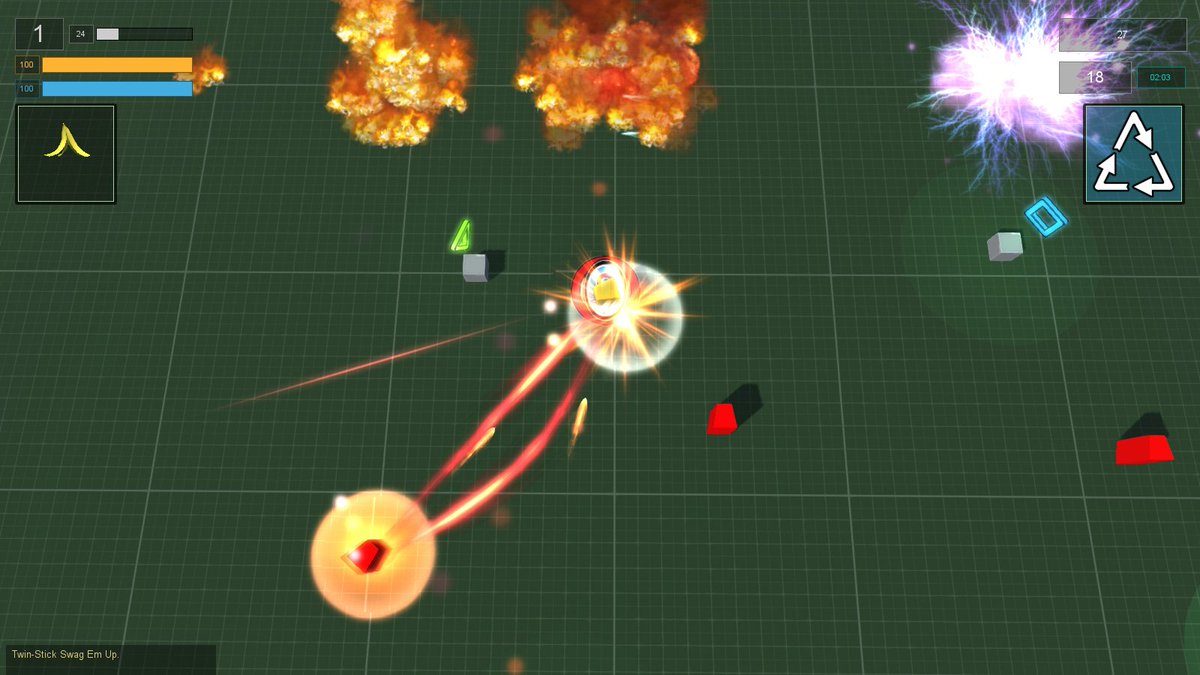
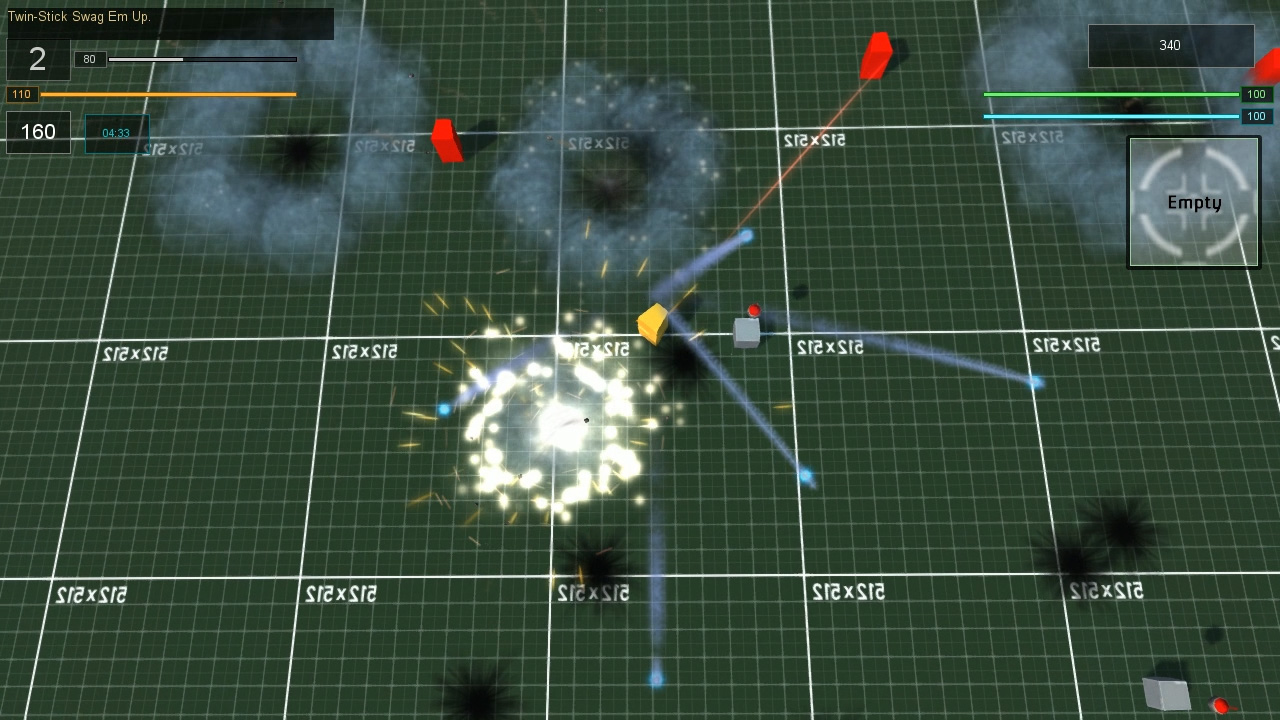
 Bonus offensive machine-gun and grenade spam attacks.


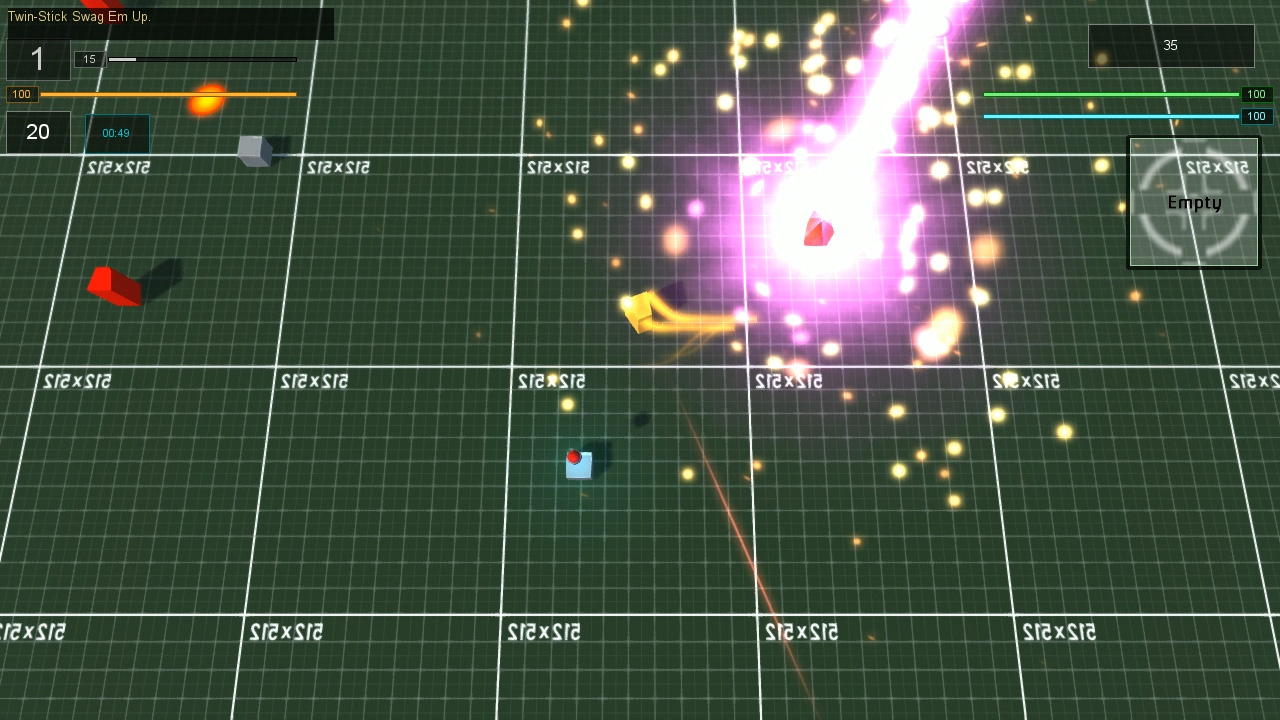
Super Orbital Laser (anyone guessing the source of the name wins a free internet)


The Zone of Brass Monkies - slows all enemy who enter it.


Napalm Strike (need to work on those particles, not entirely satisfied with those flames)


And a quick test of shields in various colours.

I also spent some time reading through the code (this is why it's important to leave comments people!) and found a few things I didn't previously know about explosions - such as you can tie animated meshes to them. This help save a bit of overhead on things as in Airship Dragoon I had spawned "concussion blast spheres" seperately. So I decided to make the basic impact attack a little more interesting.


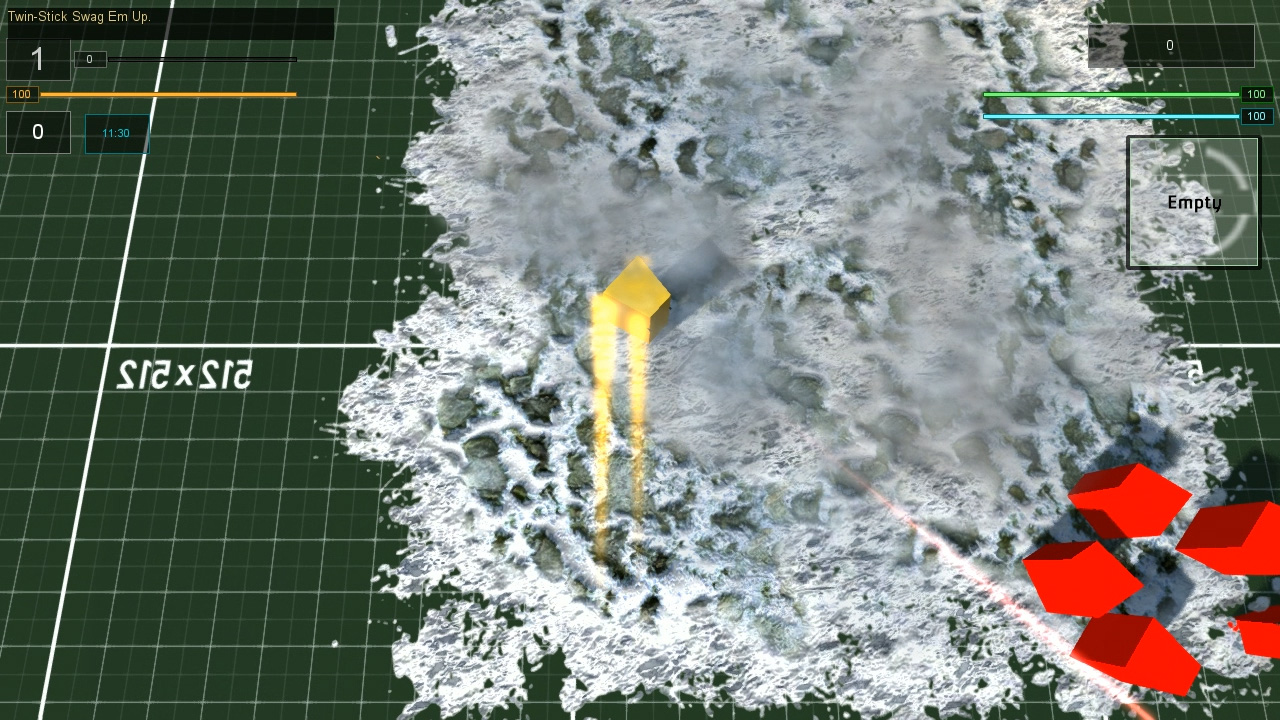
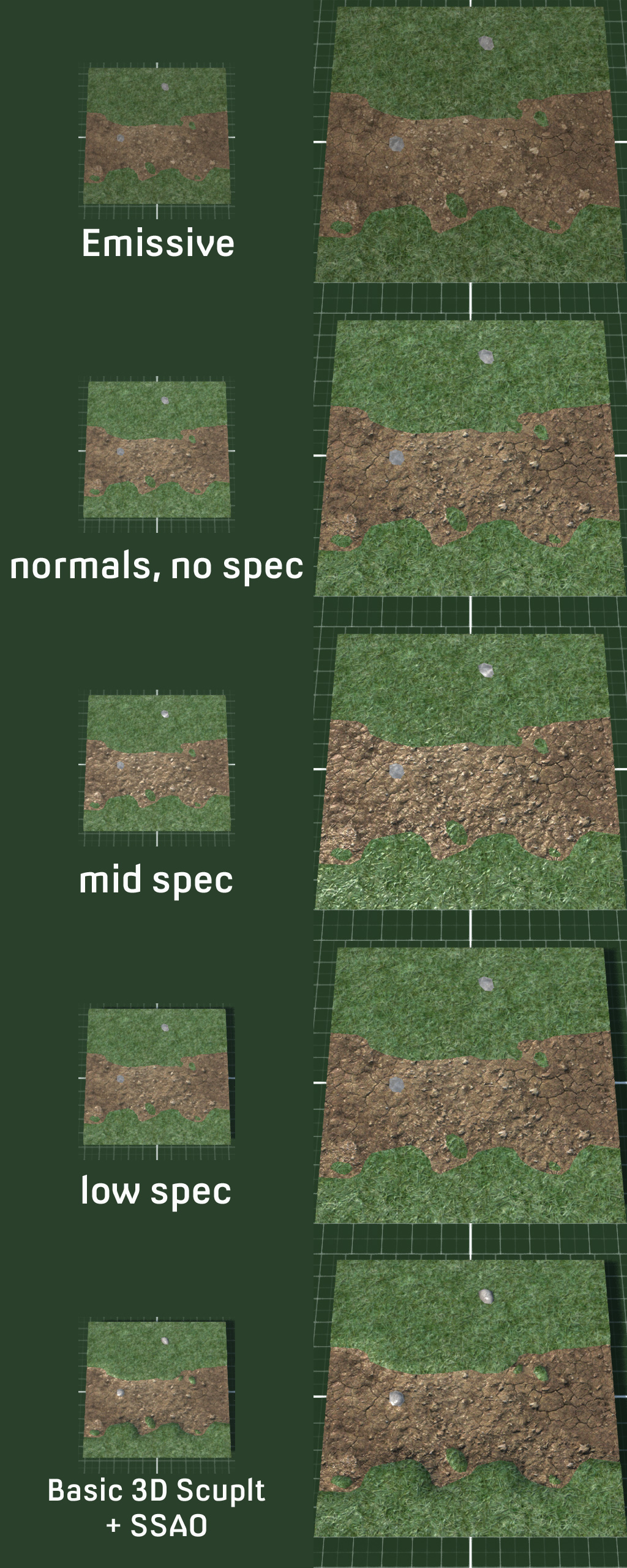
With the swag collectables coded if not modeled, next up is to test my ideas on how to actually model the environment and levels. And it looks something a little bit like this:


Thursday, 26 February 2015

Swag Em Up

New project: Swag 'Em Up.

I had been umming and ahhing about what to do as my next project. I had toyed with the idea of another strategy game, albiet less niche hardcore and more casual, but fancied putting my skills to the test elsewhere with something a bit more fast and furious with an infinitely shorter development period. Hence the Swag 'Em Up was born.

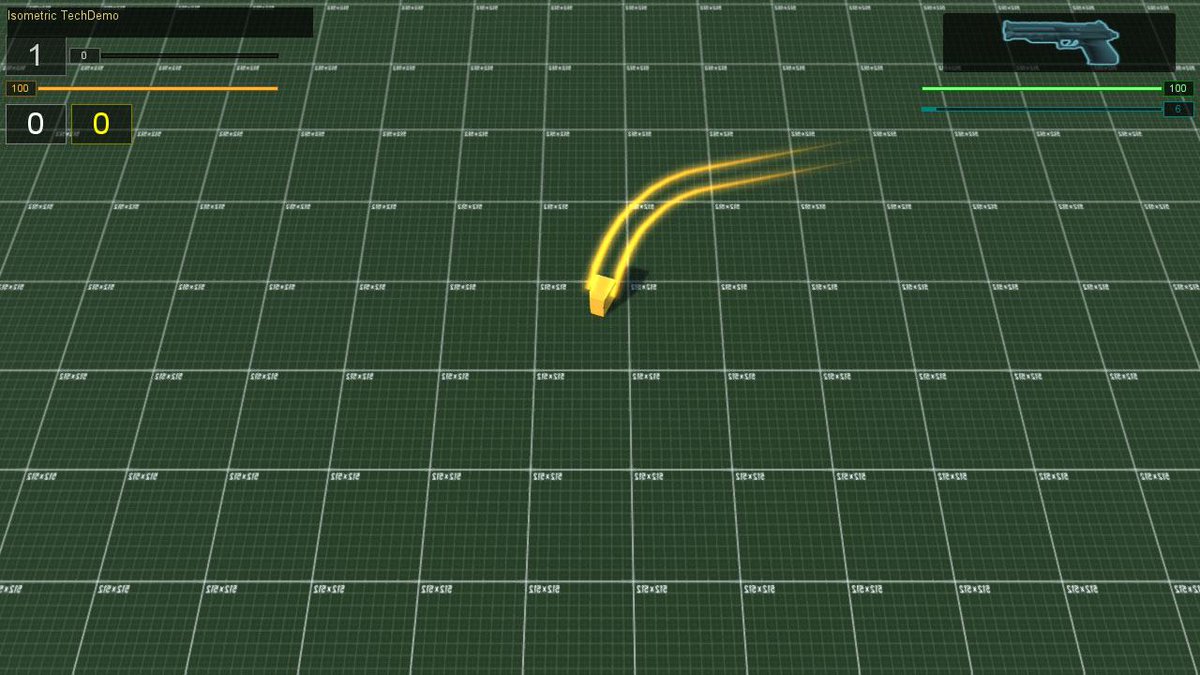
 Boxxy placeholder with ribbon trails

Swag 'Em Up as a gameplay genre revolves around rushing about, blasting enemies, and unlocking items and collecting powerups and upgrades which form the swag question. Rogue-like or possibly rogue-lite seems a good basis for this as randomizing items, placement and enemies should lead to varied challenges and unique replayability with new unlockables being available dependant on how previous play-throughs went.

Initially I'd toyed with the idea of a top down view but immediately found it rather boring visually, so I switched to a rather high isometric view of around 70 degrees. This showed off models better and gave more depth to the scene. Here's a quick visual explanation of the differences.


After deciding on my camera system I created a screen relative movement system. When input says up and right, the player's avatar moves up and right relative to the camera/screen. This works especially well with gamepad controllers which can increment the rotation of the control stick.

I coded a new cooldown system for weapons and sprinting So that abilities take a few seconds to recharge. My thoughts for player abilities were thus, light attack with no cooldown, heavy attack, evade (in this case sprint) and special object use. I created a few new systems to allow for permanent upgrades as well as temporary time based ones and a whole experience gain and leveling system which adds health and regen bonuses. Originally I had considered a cash system alongside score and XP to buy unlockable items but instead have opted for trading experience for them. This method involves the player deciding whether they'd like to spend their hard earned experience on powerups or let it accumulate for leveling, which grants upgrades of it's own.

And here's a little demonstration of what I've got after a month of coding featuring our very own cube placeholders. Camera relative control system, light attack, heavy attack, evade, cooldowns, experience gathering and leveling.

 Now it turns out that there is a minor issue with the control system - it's bloody difficult to shoot at anything accurately. This is not really helped by being a placeholder cube with no obvious centre of facing. I might add some sort of laser aiming object to help alleviate this, or I might split movement and direction into two seperate states, like in a twin-stick shooter.

In the meantime, there it is, the start of my new project: "Action Rpg Mecha Musume Catgirl Rogue-like Swag 'Em Up".