Showing posts with label torque3D. Show all posts

Friday, 30 June 2023

Flaming June Raining June

June started with a jumper, June ends with a jumper

 June ends as it started ... wearing a jumper. Thankfully the bit in the middle was scorchio and I took advantage of the free vitamin D and got a nice tan. My veg patch also got a good soaking and the emergency water barrels filled up.

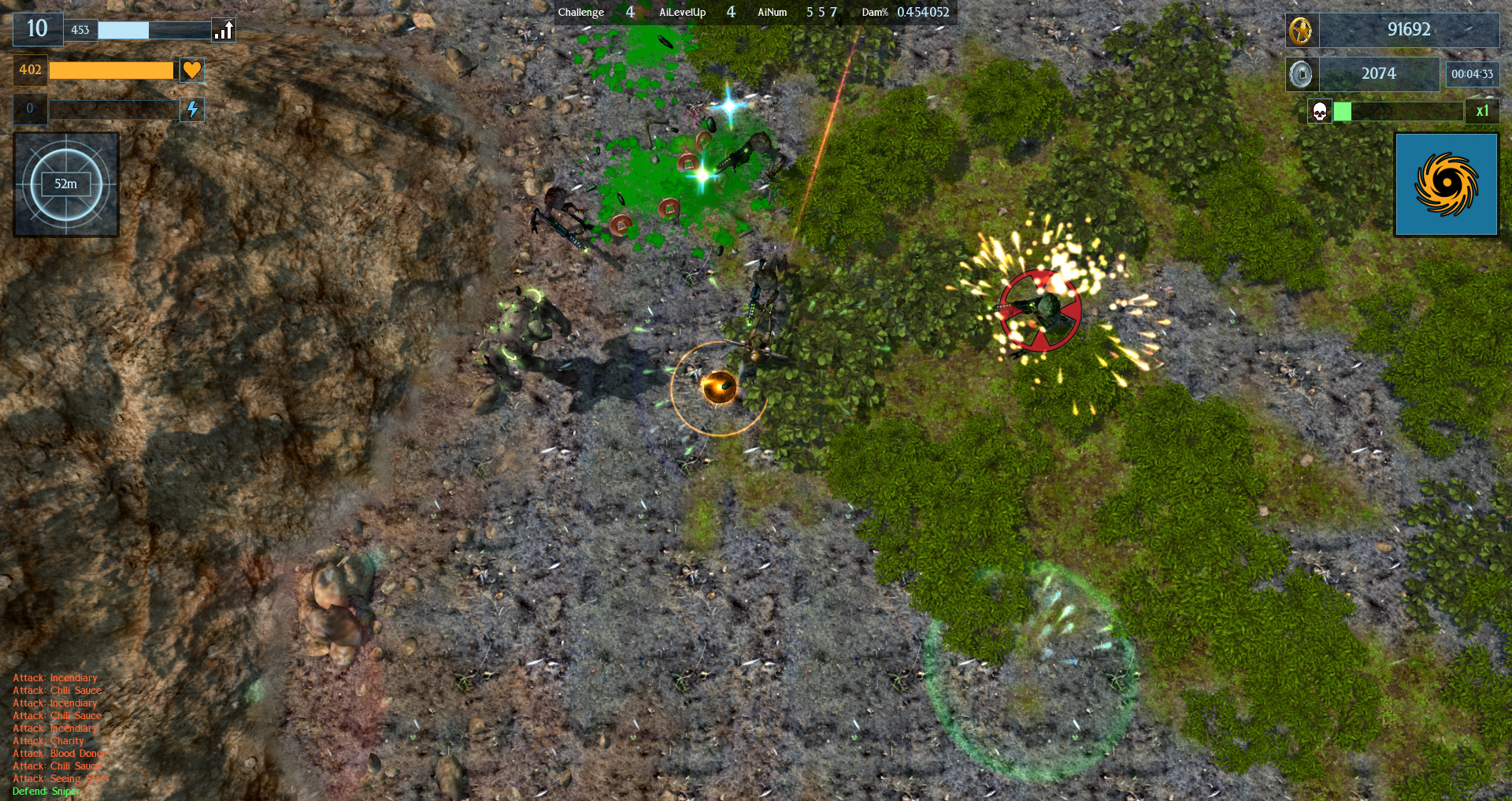
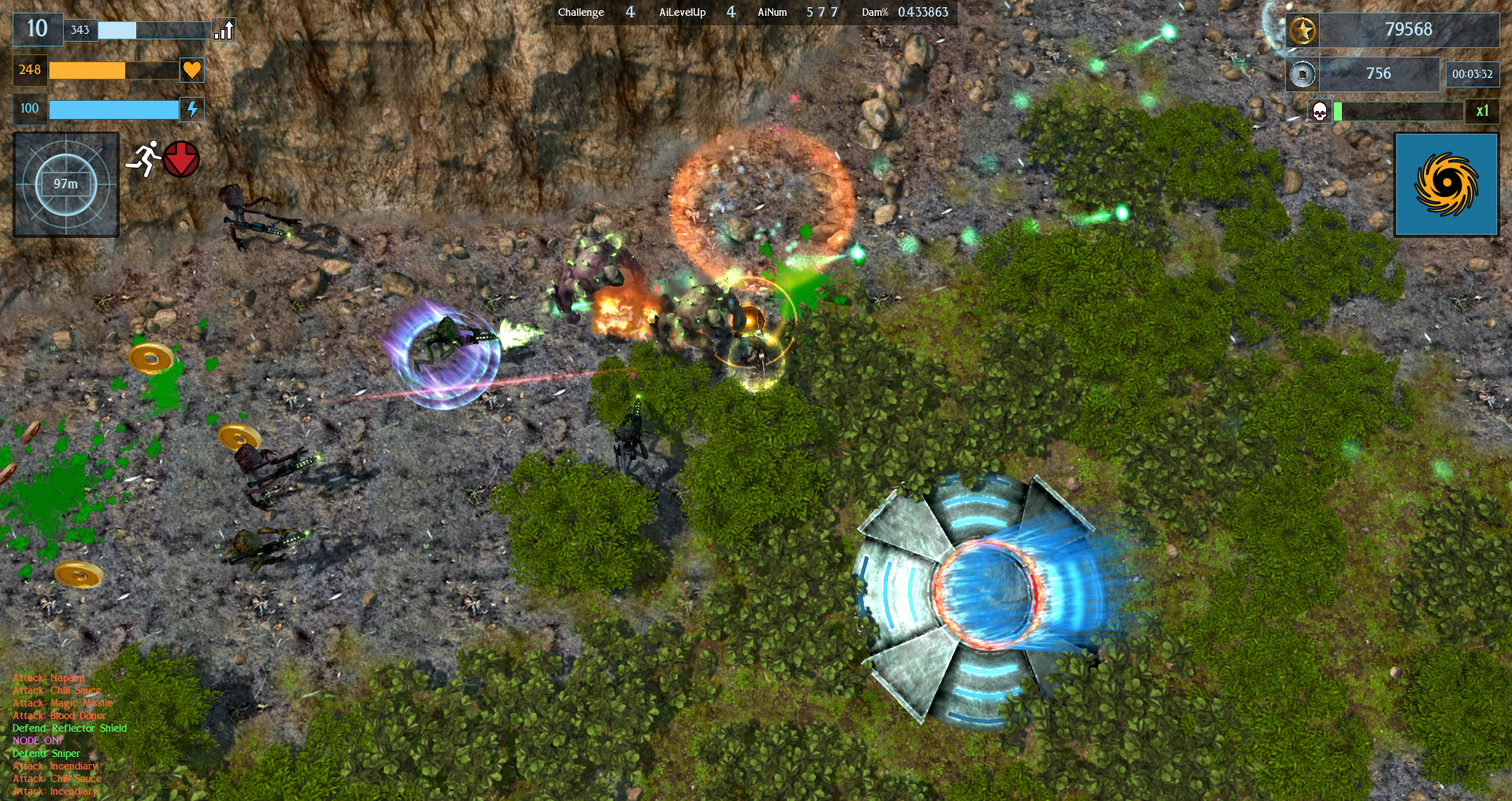
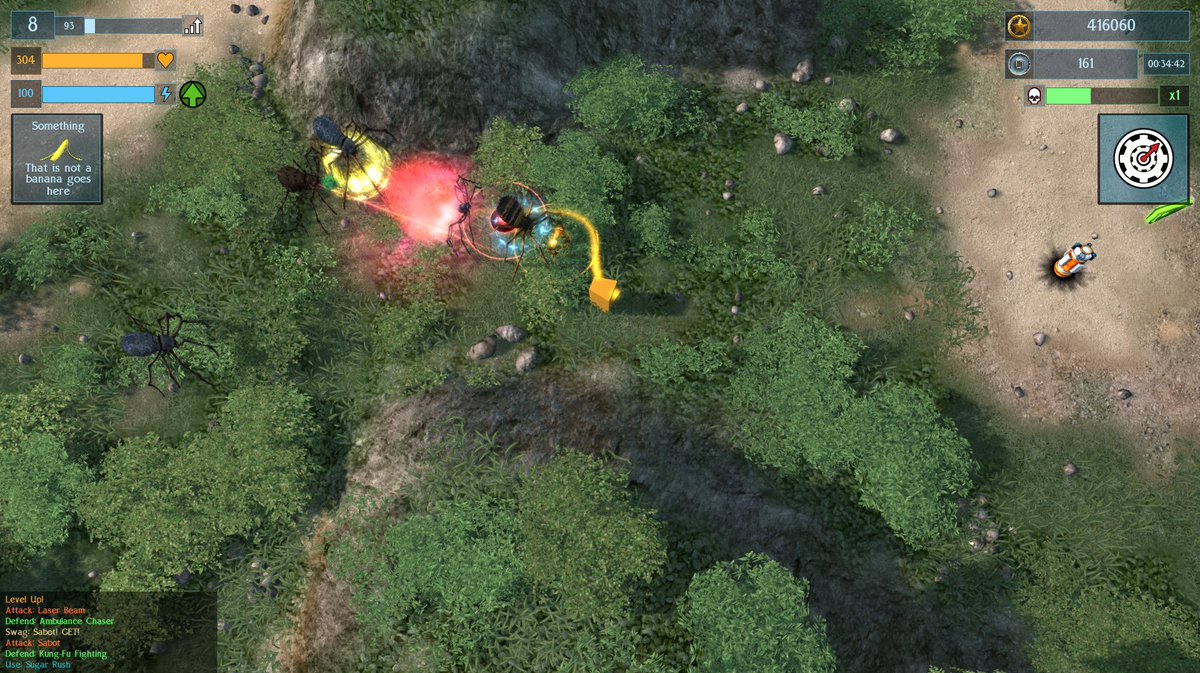
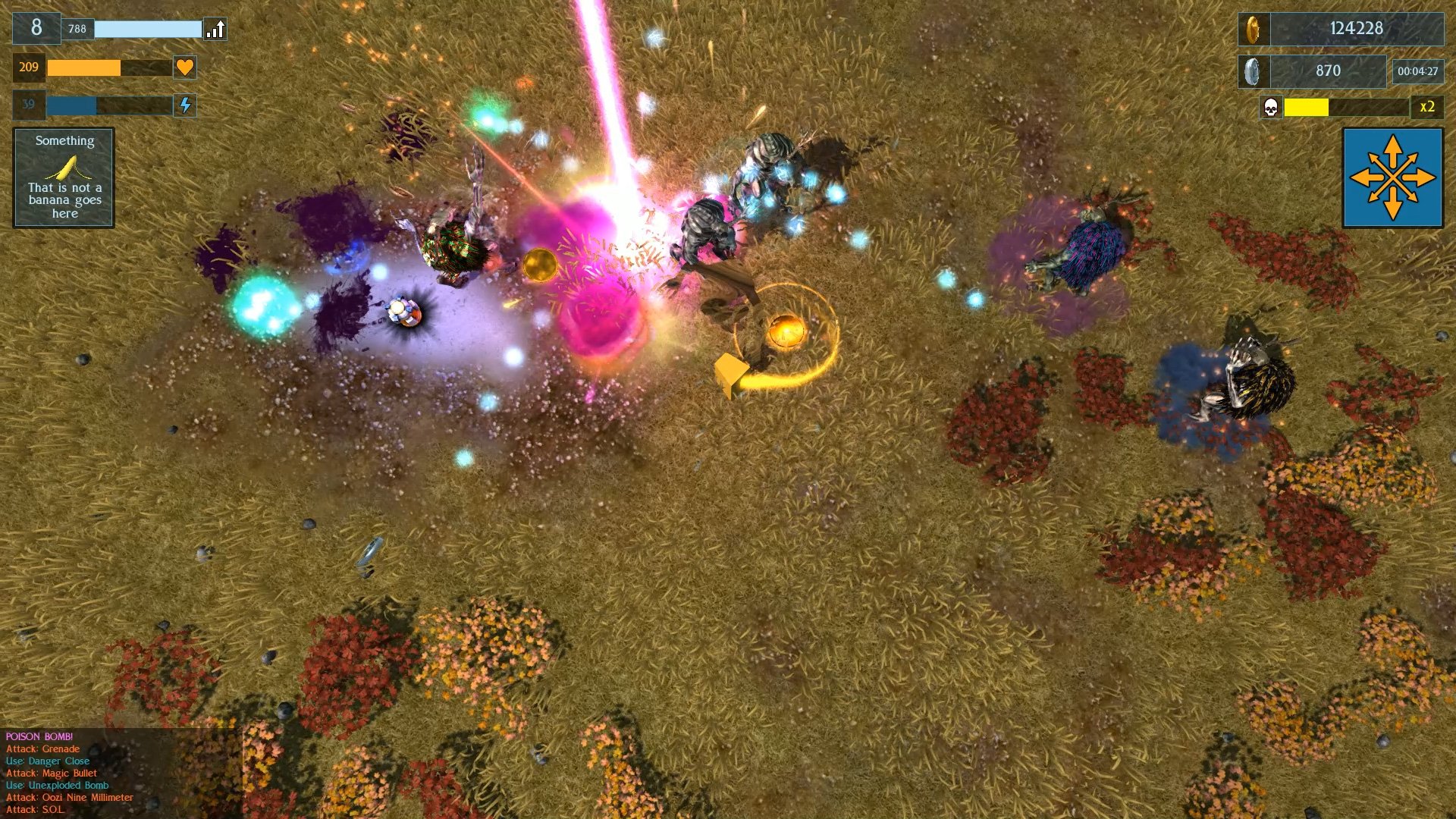
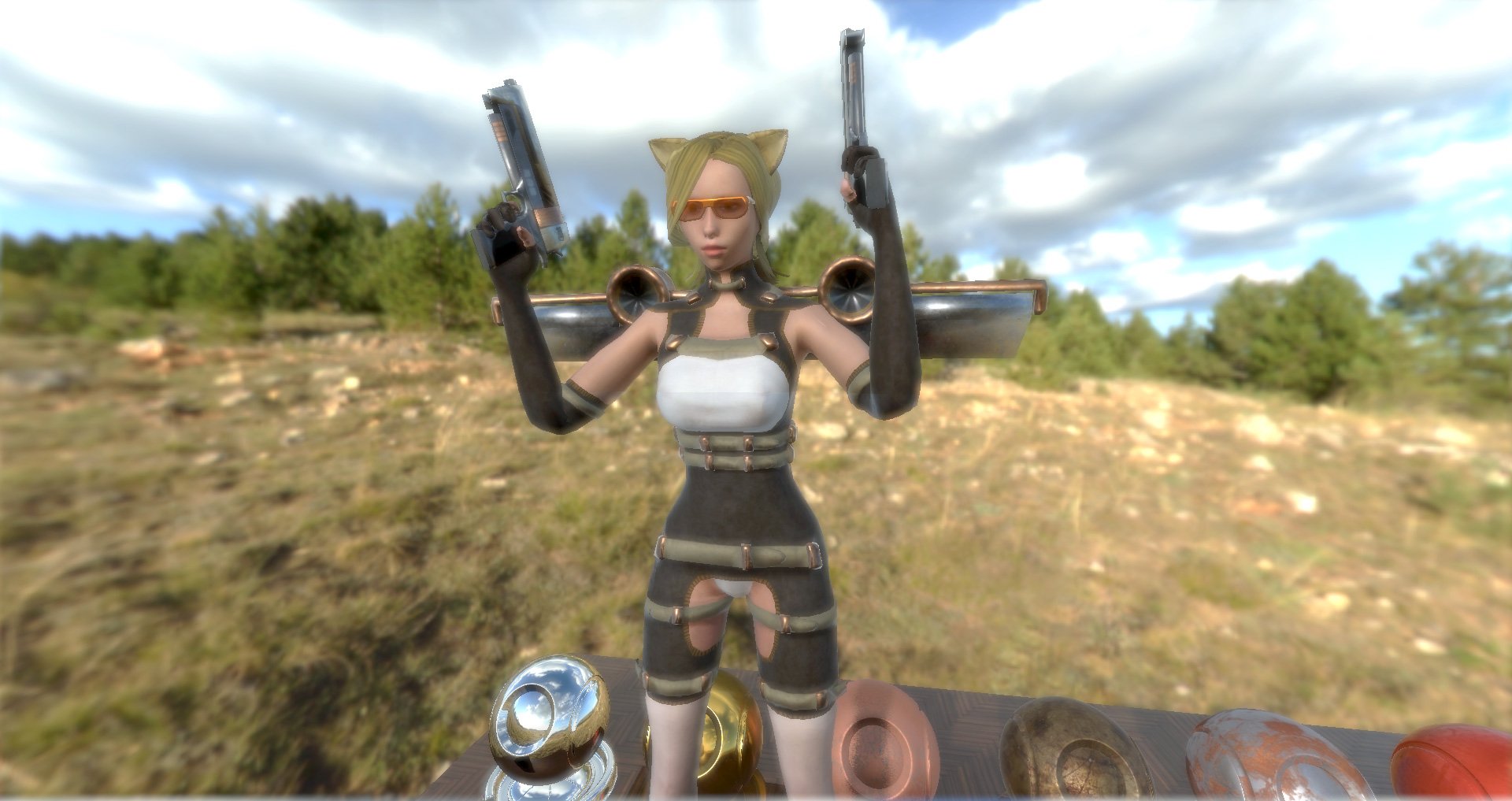
June has primarily been upgrading Monsters Loot Swag to a new engine build. This requires me to change all the materials from Diffuse/Spec to albedo/ORM for all of those fancy PBR reflections... and that means updating all 693 of them ... (note to self; next game go for flat shading).

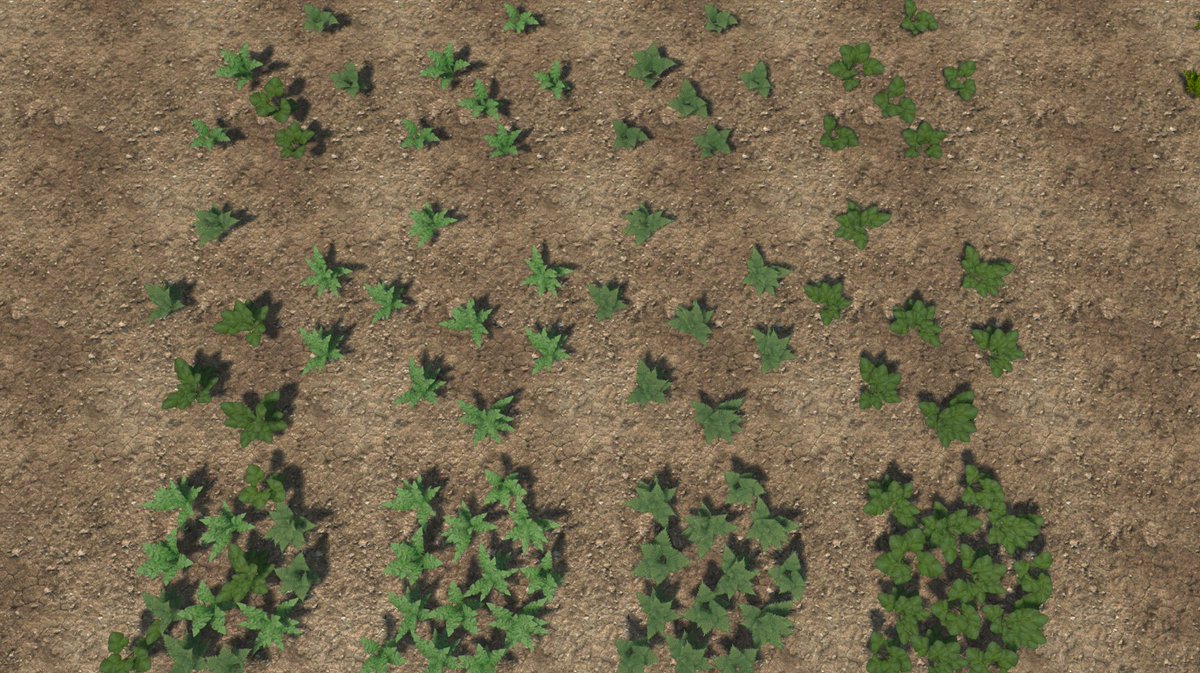
Player Characters and bushes get the PBR treatment

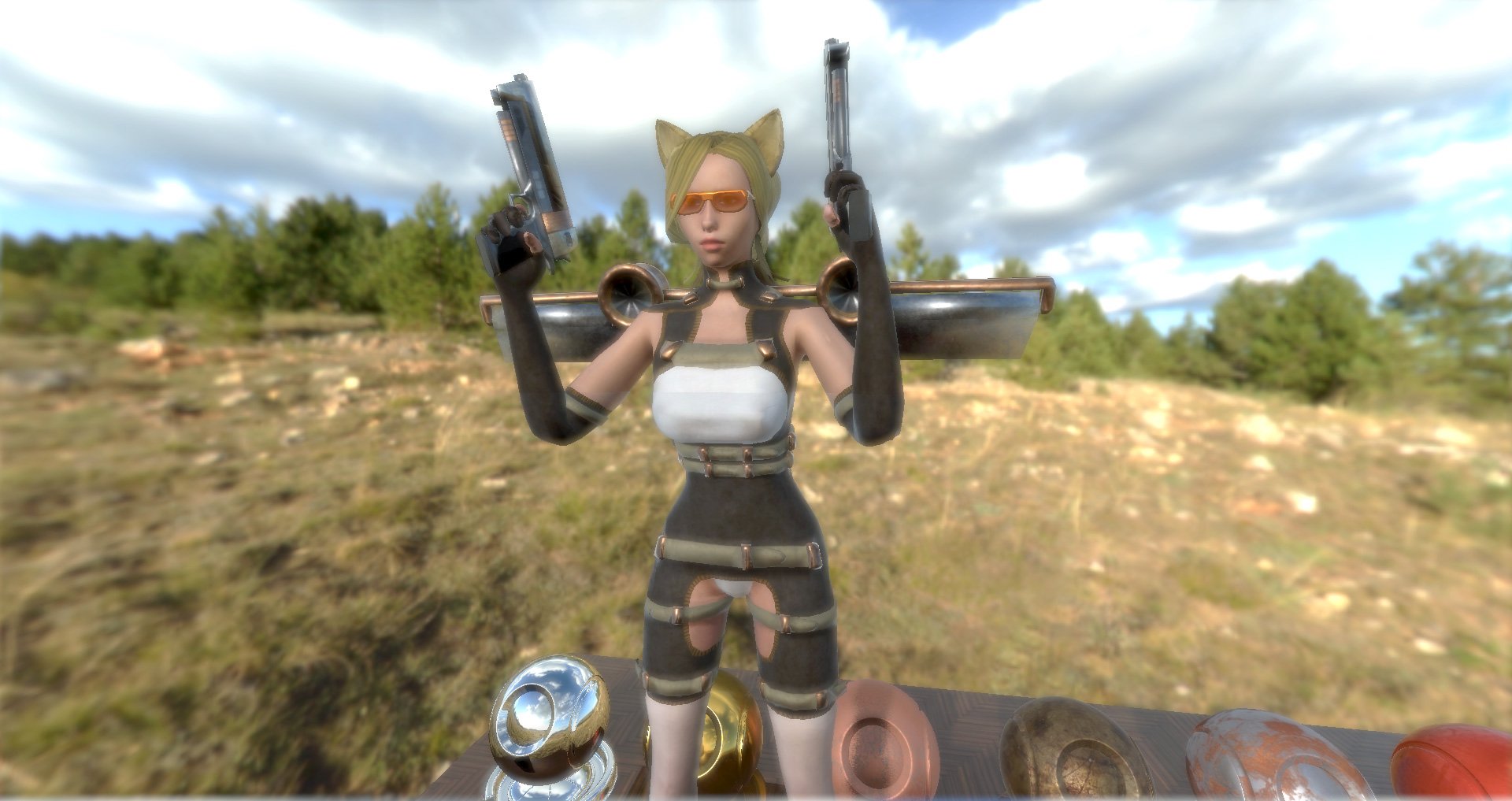
Catgirl T-Poses over the nettles to assert dominance

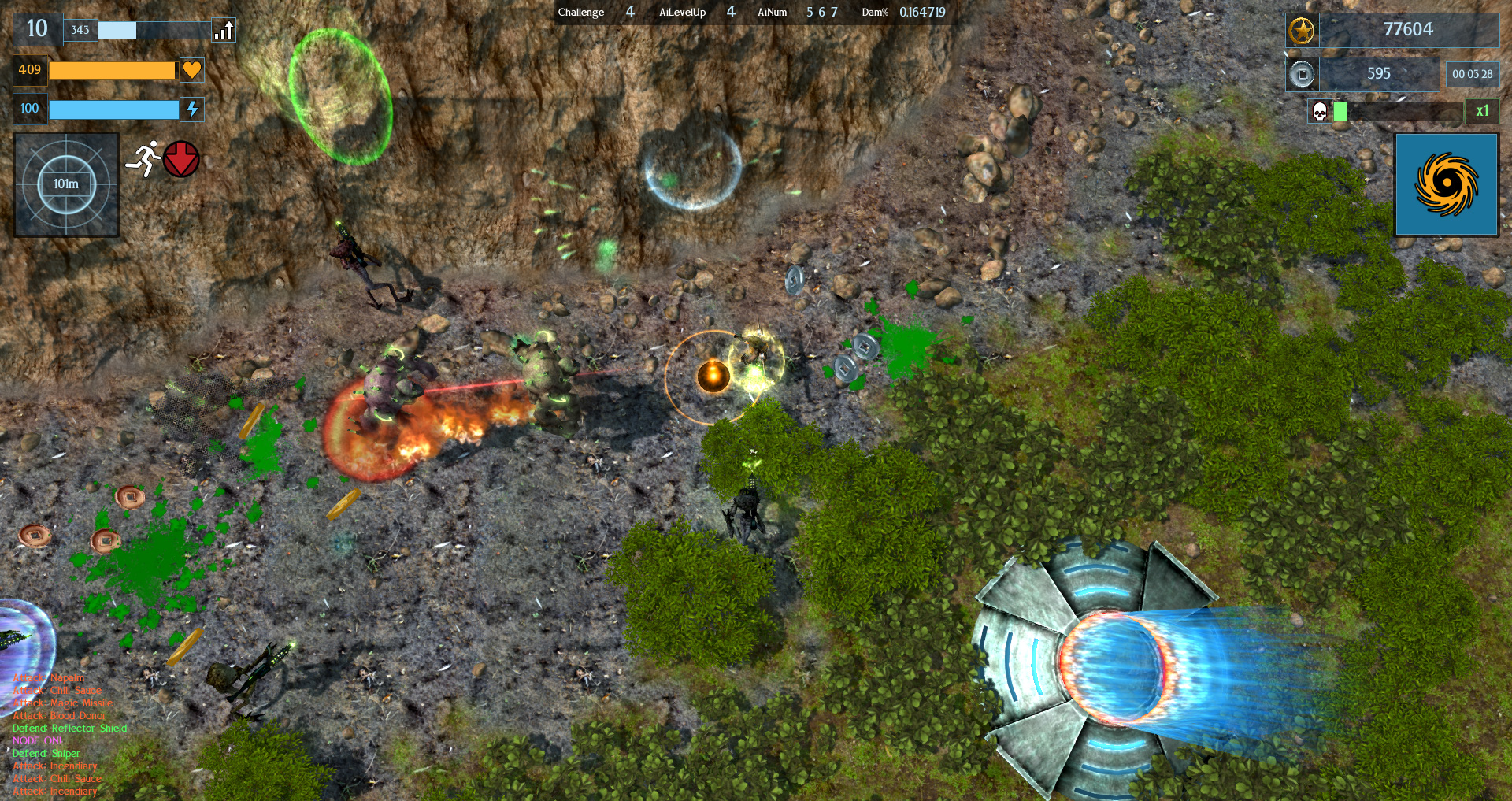
HDR has proven to be somewhat of an issue in all of this - initially because I didn't realized that it was switched on by default, having not used it in previous version of the game or engine, and is now on as default. This led to some awkward automated changes in exposure for filmic tonemapping based on camera position.

Eventually, after a little fiddling with sliders and values I settled on an interpretation of ACES filmic tonemapping.

Stock ACES tonemapping with auto-Contrast - pass the light blub

Manually defined auto-contrast values for a sunny day

Whilst all of this was going on I ended up helping out with a new implementation of parallax mapping.

Old parallax mapping

New parallax mapping

Yes but actually no!

This is the start of a change in how parallax mapping works in the engine, with the original version being replaced with a brand spanking new Parallax Occlusion Mapping. And this is what that looks like! (minus the occlusion casting it's own shadowing).

Definately not the same picture ...

 The POM version required a total change of art pipeline where the alpha channel receeds from maximum height of white, downwards to lowest area of black, whilst the original parallax mapping built up and outwards from the lighter values.

So far I have the characters, bushes, trees, general vegetation, all of the level objects such as rocks completely transformed into PBR mode. So, still to do are the dynamic objects, animated explosion effects, most of the terrains and all of the monsters - and as it's a game about monsters, there are rather a lot of them ...

All that to do in Flaming July - which is not a painting by Lord Leighton.


Saturday, 29 February 2020

Leap Year Because Time Is Not Constant Enough

It's a Leap Year, which is a thing that happens every FOUR years, apart from every FOUR HUNDRED years, when it doesn't.

Can I get a quick rundown of the month?
 
I continued to hike at least one half marathon a week but the bit between my ribcage and stomach still has the consistency of a water balloon.


Everything is flooded and there is a constant gale coming off the Atlantic Ocean.

My Valentine's date could have gone better.


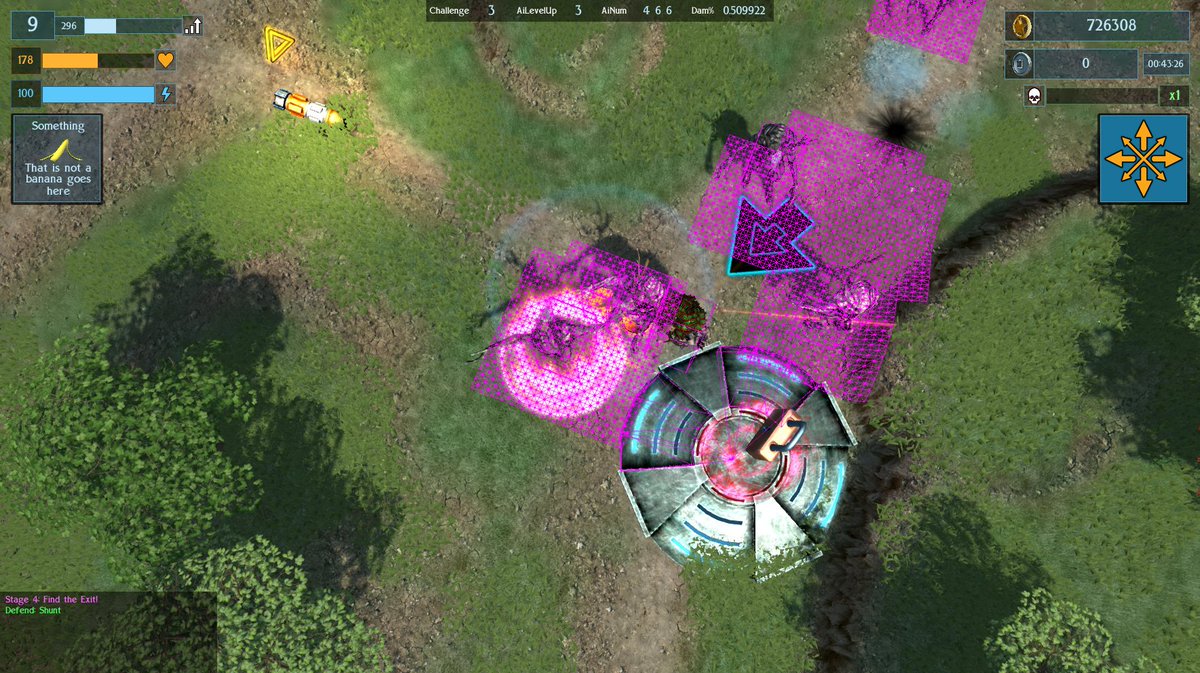
I wrote some code to automate the currently selected boss to display health on the player's HUD and made it network safe. Then someone told me a method which did the same thing whilst using 90% less code lines so I used that instead.

I redid my "terror tower" special item to now look like a pile of skulls because feedback said it was hard to tell what it was before.


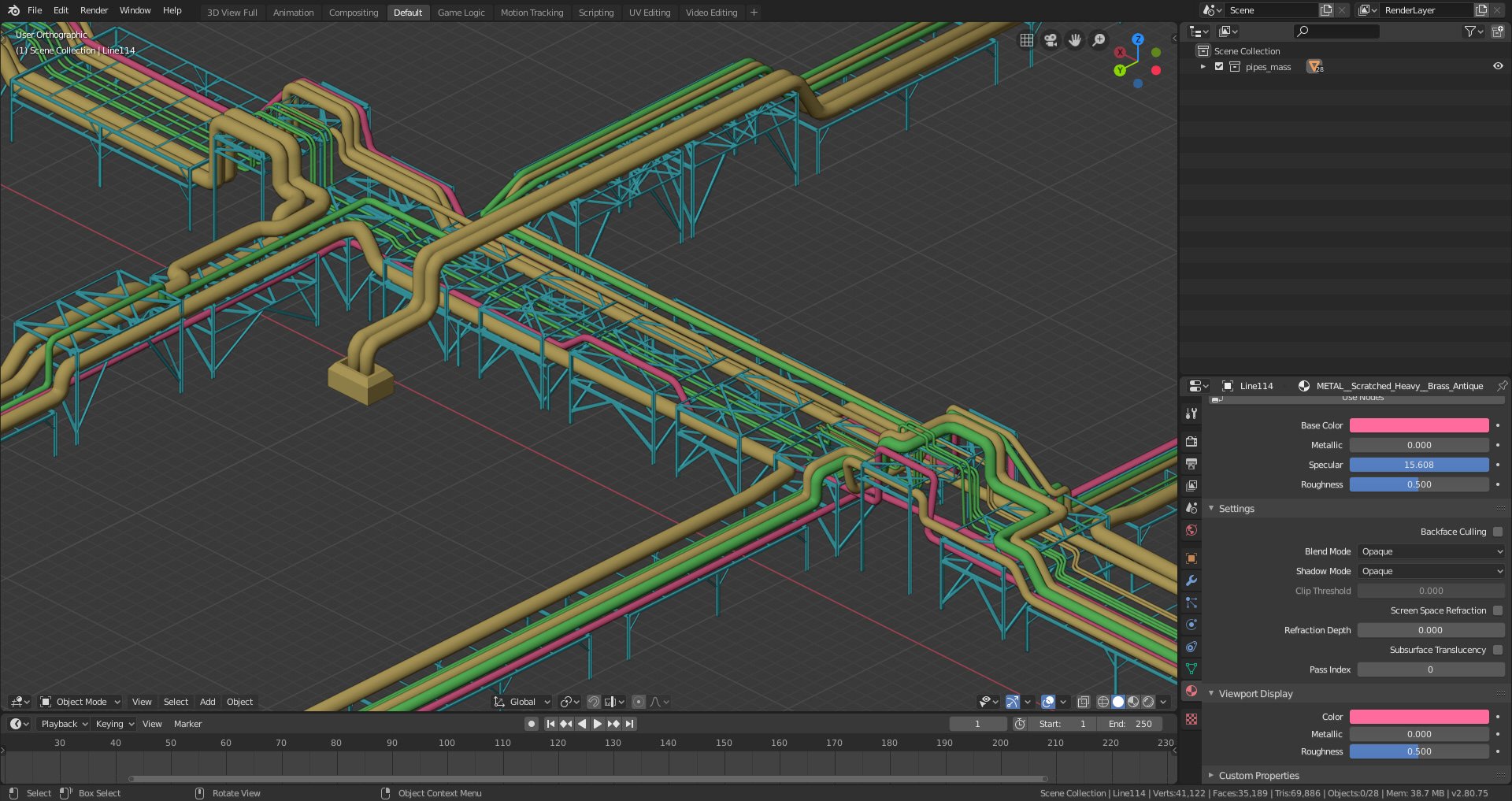
I started work on level 5, which is going to be  an ruined and overgrown industrial complex. So far I have the level layout, textures of mud and the foliage, whilst still working on the actual industrial ruins, expect lots of pipes.


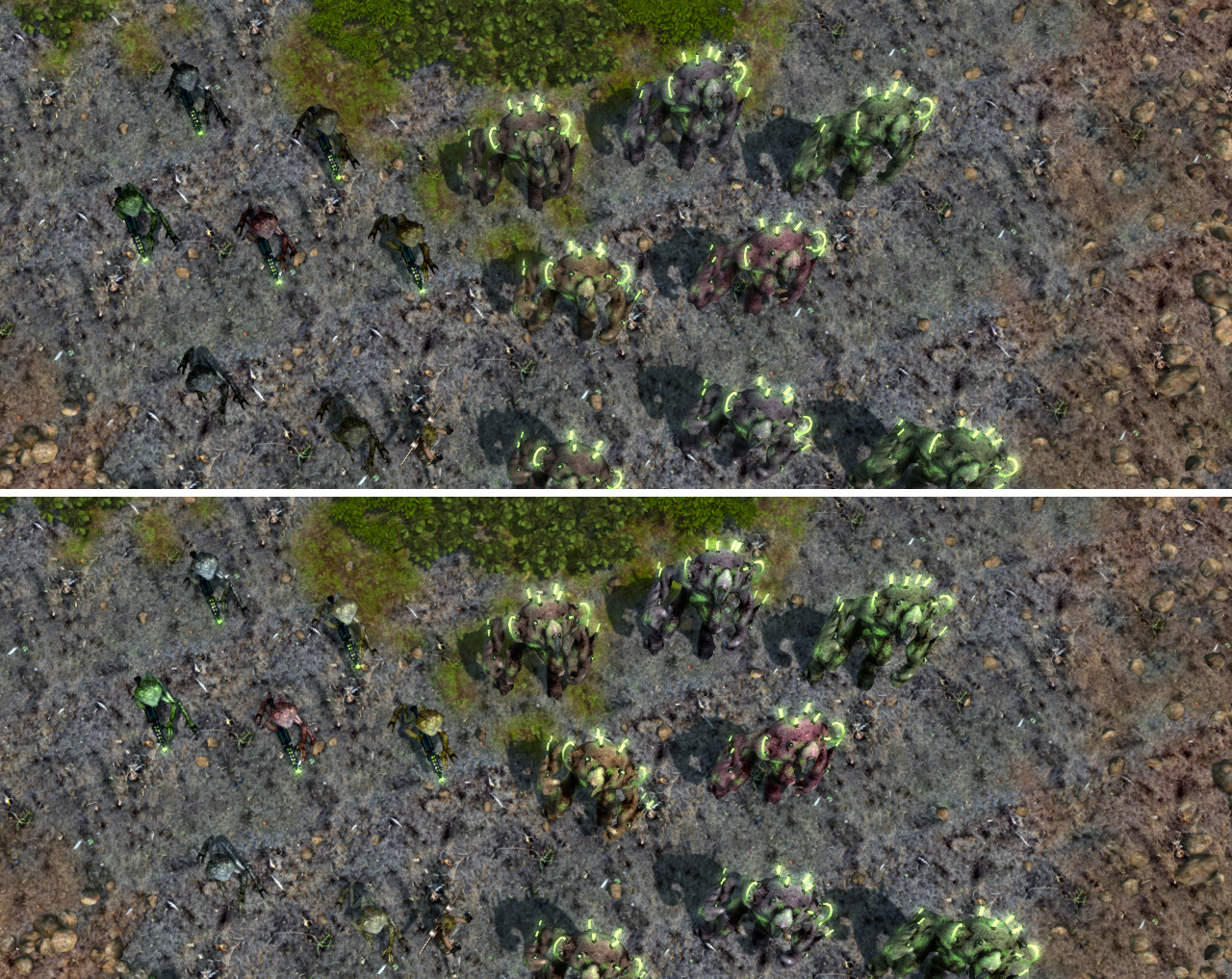
I have previously finalized the enemies for this level, who will be plasma rifle wielding "Hive Warriors" and their "Genetically Modified Brute" slaves. However after running through a live fire test of the half finished level, I thought that the colour difference between the monsters did not make them look distinct enough, so I boosted the colour saturation and contrast somewhat.

Before and After ...

Apparently some other things happened too but I can't remember them all - save Valve introduced another Steamworks SDK update just 2 weeks after I installed the previous one for Airship Dragoon. I took this opportunity to try out their new announcement system which now allows small patches for changelogs.

So that was the month that was and it is still blowing a gale and the fire brigade are still pumping out floodwater downtown.

Tuesday, 31 December 2019

The Boring Look Back Episode Nobody Likes

It's the end of the year highlights show - which I am fairly certain no one likes. So first, here's what happened in December.

I got PTSD from Christmas shopping. Shopping is a terrible thing at any time of year but when the entire country is in panic mode over a certain approaching date this gets amplified even more.

I put on half a stone (that's 7lb or 45grams in new money) in 4 days, and the amount of nibbles that I still have lying around doesn't look like it's going away anytime soon.
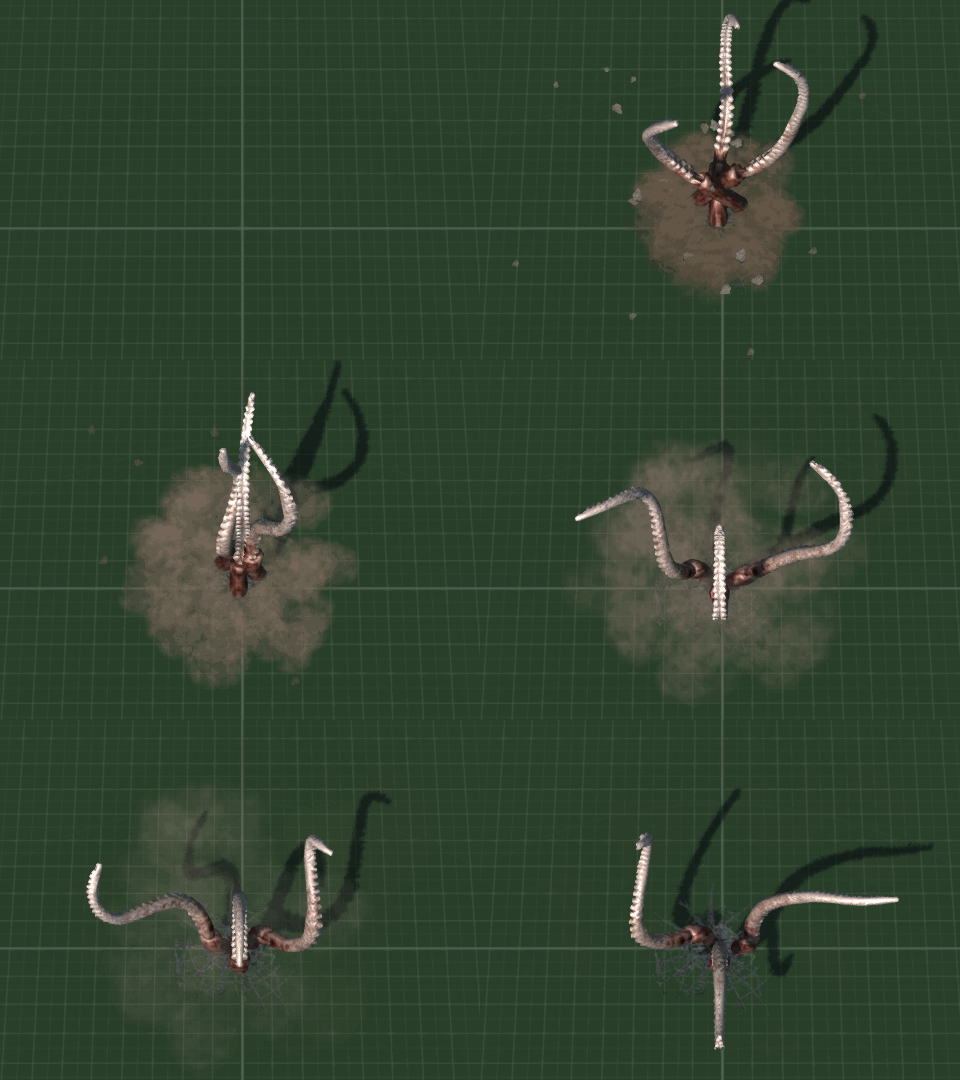
I got back into modeling - you know, that thing that I am actually supposed to be doing - and created an animation for the defensive airstrike powerup.


Here's an animated gif, which has been converted into an mp4.

And here's a video of it all in action. It's a defensive powerup so it has a chance to be triggered whenever the player takes damage.


So onto the boring recap.

With the addition of tentacles, I finally completed all the basic enemies and their various special attacks, finally relegating the need for the red placeholder cube enemies which had been the standard for x years too many.


Levels started to get designed (I am about half way through them) and the flat grid world was finally relegated to history.


I eventually upgraded to the latest version of Blender 2.8, after having previously been using the 2007 version which I had found more than adequate for the last 12 years - read as; I don't like unnecessary change for it seems to be a right old faff around.

This change was partially enforced as it deleted another Blender version 2.7 I used for editing normals when v2.8 installed and then it was a simple case of "oh bugger, no going back now".

Thus I was forced by circumstance and the slings and arrows of outrageous fortune to get with the 21st century and learn how to export models and animations anew.


The good thing about upgrading to the latest version of Blender was that PBR suddenly became available, though it was another thing to learn on-top of everything else. Whilst I work on PBR related materials and design, my main test engine is still Dx9.0c for the time being, but will be updated later to brand new fancy Physically  Based Rendering capable Dx11.

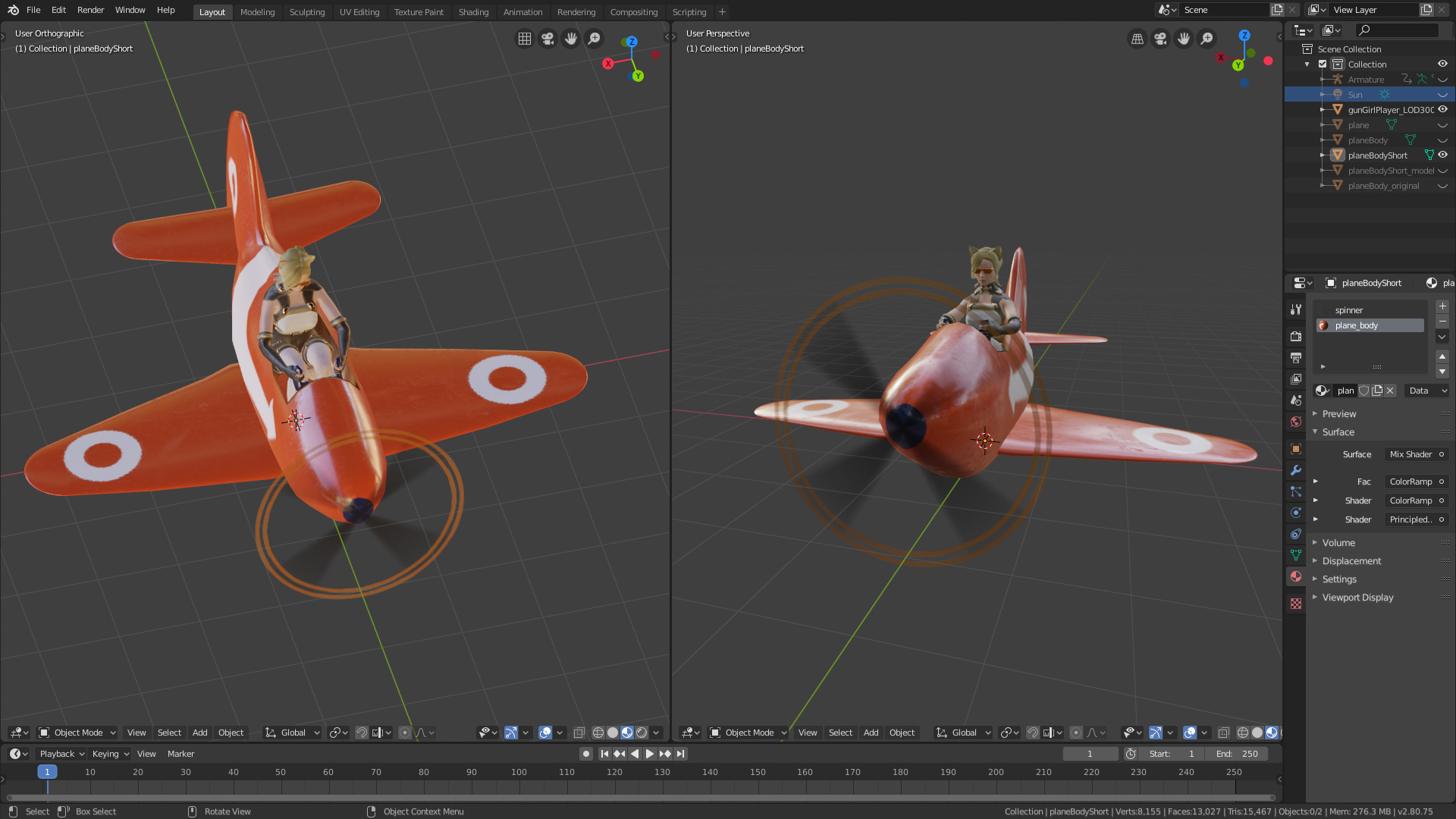
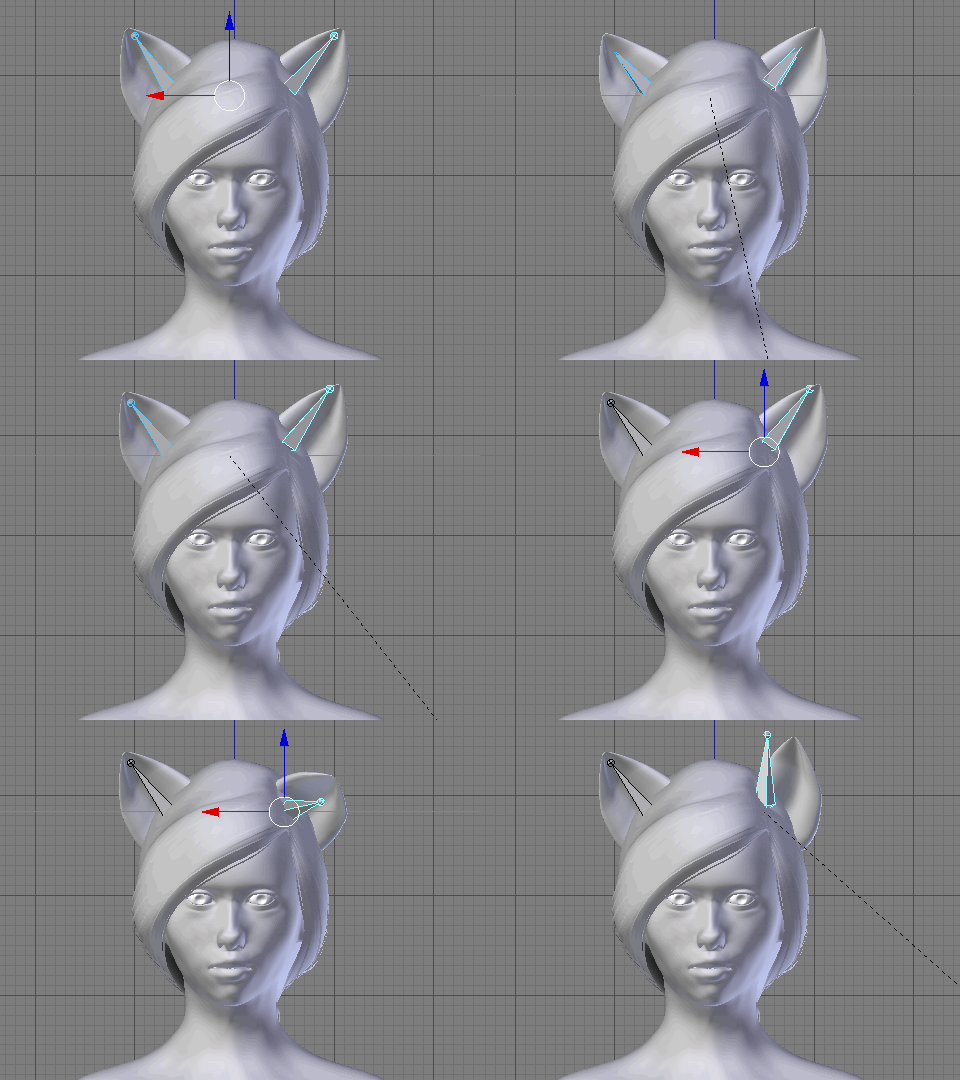
Ears go up ...
 
Ears go down ...

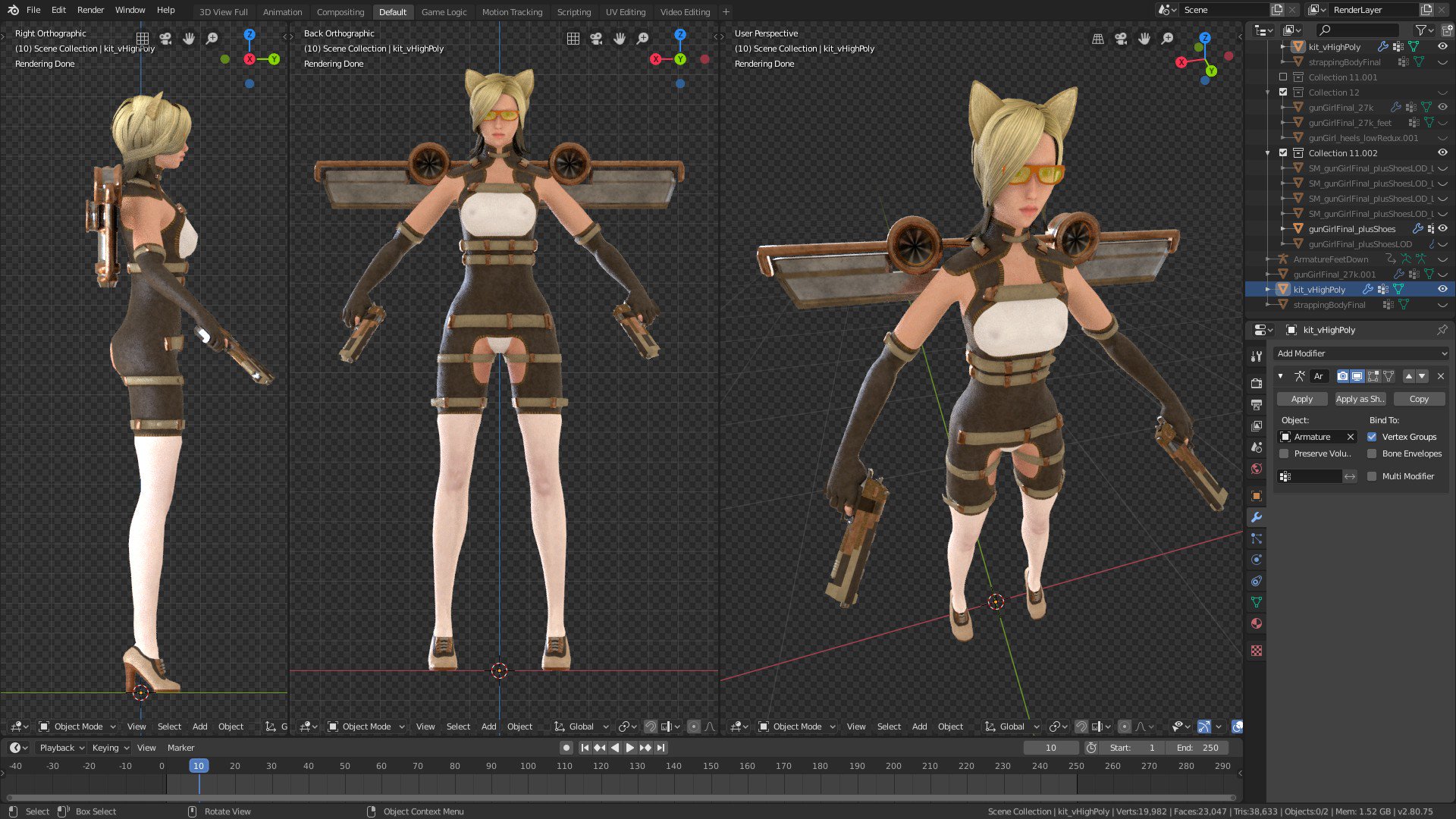
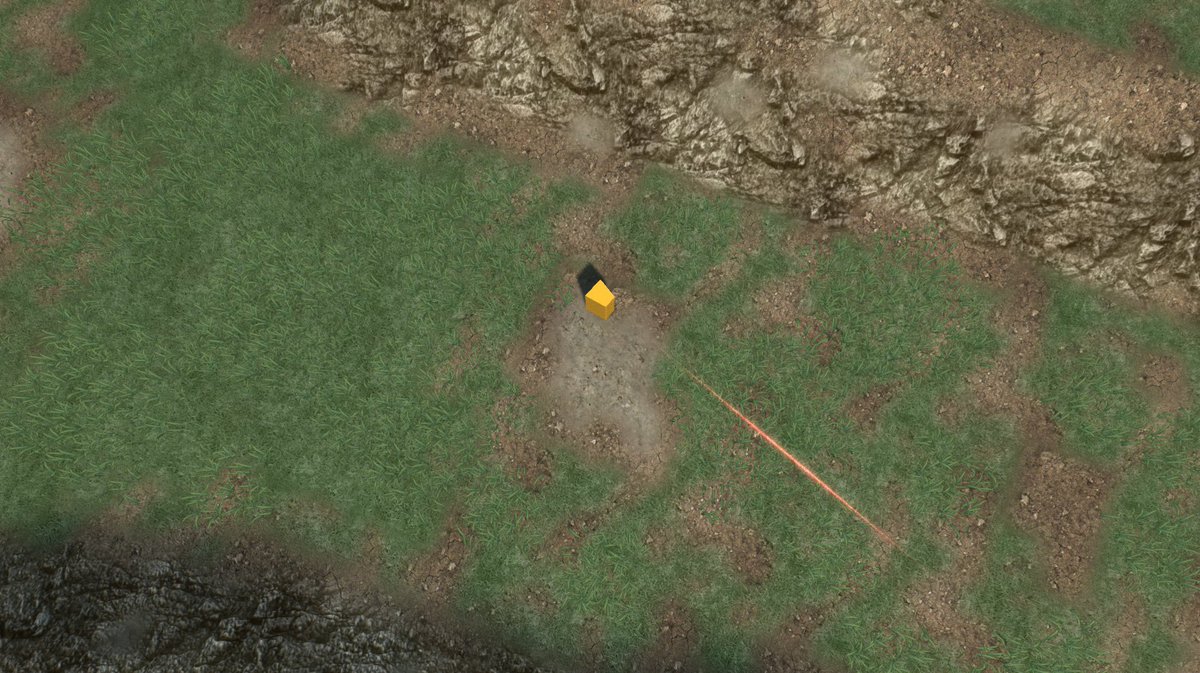
Placeholder Player yellow cube was also retired, and replaced with what will hopefully be the first of several playable characters. It's GunGirl, leggy catgirl strapped into a propeller driven harness.


I made a start on boss monsters for each level.


And that was the year that was. Somehow doesn't seem enough. Progress continues next year.

I've made one ...

tl;dr Some things happened, something didn't.

So onwards and upwards. Can't wait for the Olympics next year.


Thursday, 31 October 2019

Spooky Day: Space Year 2019


It's All Hallows Eve ... want to see something truly terrifying?

http://www.nationaldebtclock.co.uk/

Are you OK? Have you recovered? Take a few deep breaths, I know it was a terrible sight ...

In other news I have mostly been injured ... from doing nothing as usual ...


My neck went, then my shoulder went ... and now my neck has gone again ...


Okidoki, that's enough sniverling - back to the blog ...


I was testing a new binary of the PBRtastic Torque 4.0 version 5.0 build when I noticed many things were amiss. After much wailing and nashing of teeth and complaining to other people at the otherside of the planet that it was everybody elses fault ... I concluded that I was using the wrong branch ...

 Ahem ...

After this I managed to get some PBR catgirl with working transparency on show.

 Ears go up, ears go down ...
 

I also managed to break everything horribly by mistake ... but that just tends to be one of those things I do ... at least this time I knew how I did it so I can avoid doing that again ...


I tried to delete all of the shaders and ended up wiping out the ones which controlled the GUIs in the editor so none of the text would show up. Next time, delete the internal shaders manually ...

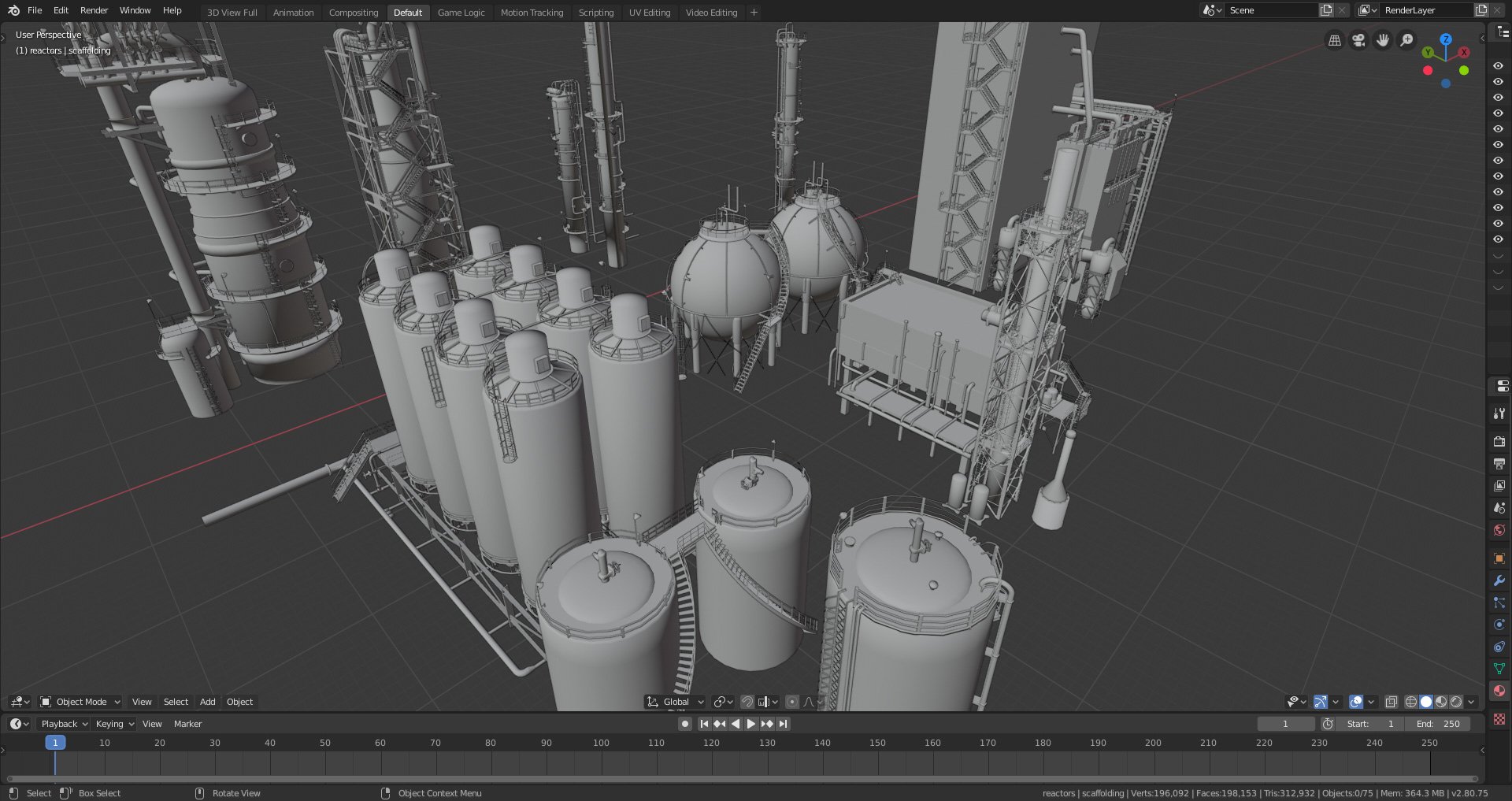
I had been planning on doing more on creating a new level featuring an abandoned and overgrown industrial site, but only got as far as stripping high density models down to a more workable poly number.


Pipes, need lots of pipes for industry ...

So, that was the month that was ... which ended up as a bit of a wash-out ... normal service shall hopefully resume November ... which incidentally, is the date in which Blade Runner happens ...


Monday, 30 September 2019

Big Boss Battles


The Big Lad

So after the joy/struggle/despair/awkwardness* (*delete as applicable) of learning how the new Blender3D works and then creating an actual character to replace the player's Small Yellow Placeholder Cube, it was time to go after the remaining Big Red Placeholder Cube which had been standing in for the level boss character.

As ever things went horribly wrong for seemingly know apparent reason other than the entire universe having it in for me.


I had split up animations from the actual mesh - that way it keeps loading times down whilst changing things on the fly during development, and means that multiple models with the same armature skeleton can share animation data and thus reduce file sizes - when suddenly everything stopped playing nicely and went back to mutating into a horrendous mess of twisted limbs and multiplied rotations.

The reason this time turned out to be because I was exporting the mesh model in the first frame of the root animation - which is what you would want for blended animations - but I should have exported it out in a copy of the rest pose ... regardless of the fact that this had previously been fine with another model ... which meant that the solution was far down my list of things to test to see if it worked ...

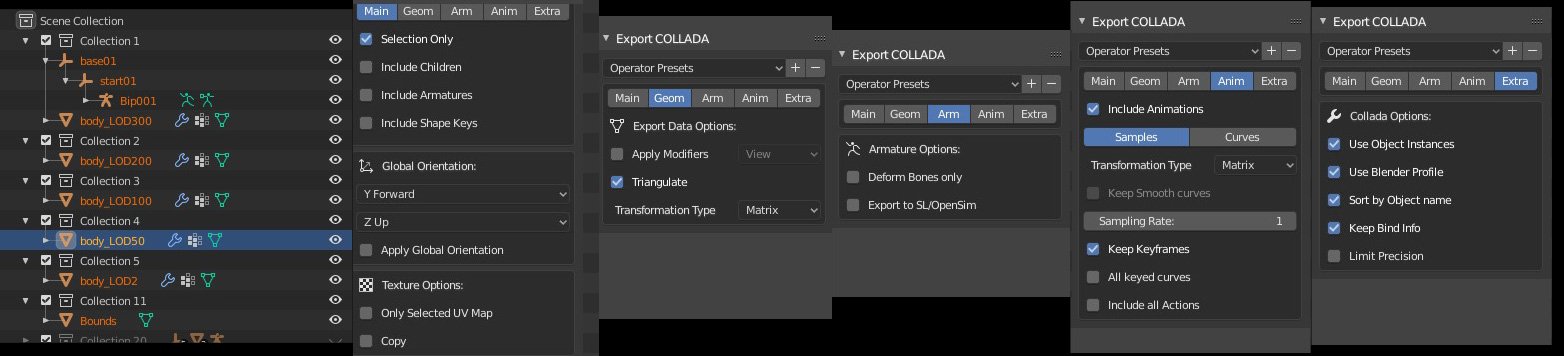
Exporting COLLADA/DAE format from Blender to Torque has become even more specific in Blender 2.8, mostly due to there being a huge number more options available and thus a huge number more things to possibly go wrong ...

https://pbs.twimg.com/media/EDtDhZyXoAApzaI?format=jpg&name=large
I before E except after C ... Also Hierarchy which breaks the rule, and hierarchy is very important ...

I ended writing a little explanation of Blender3D to Torque3D Collada exporting and the importance of hierarchy over on the forums.

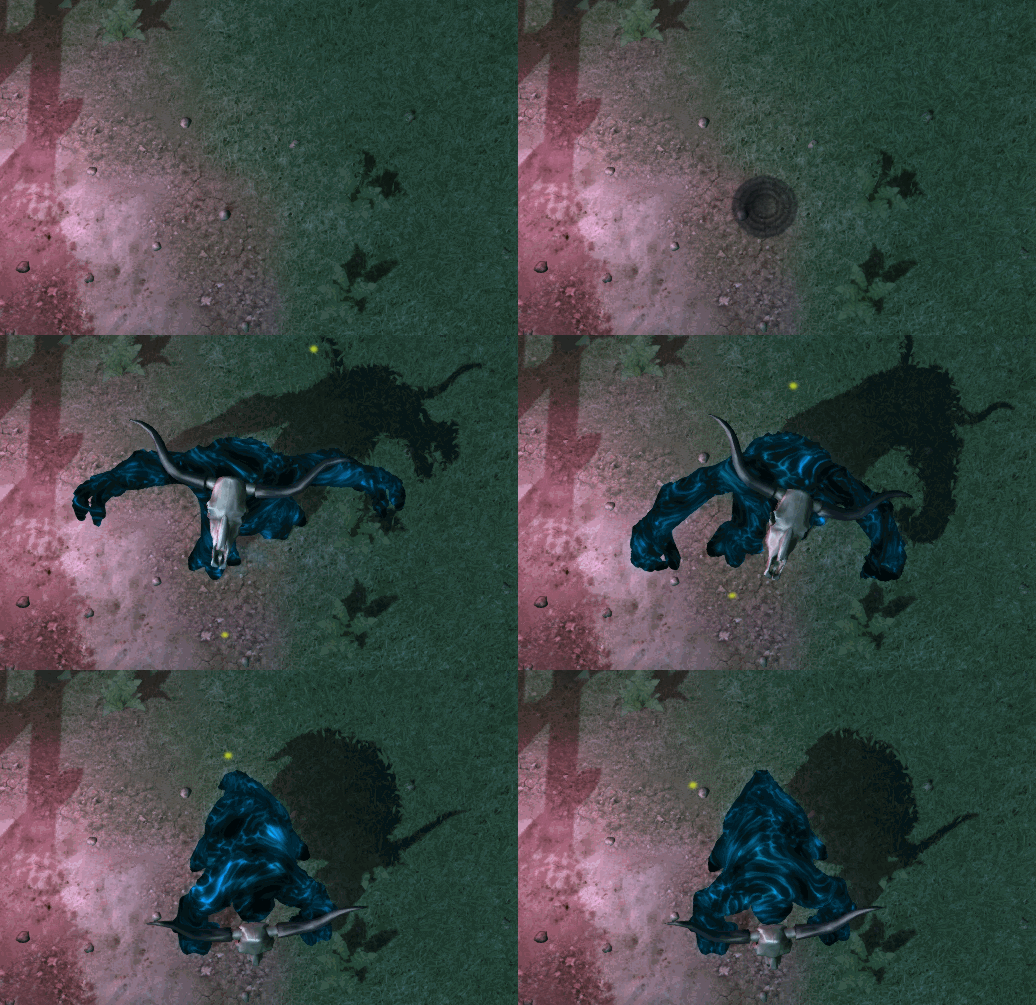
Eventually I managed to get "The Big Lad" - as he is currently known unless I can think up a name later - into the game and working. Here's a quick look at him in action. I say "quick" because he squashed me in not too much time. Select quality 720x60fps manually or youtube's autoHD says it's selected it but it's telling fibs.

I fearsome foe! Especially as I end up as pate ...

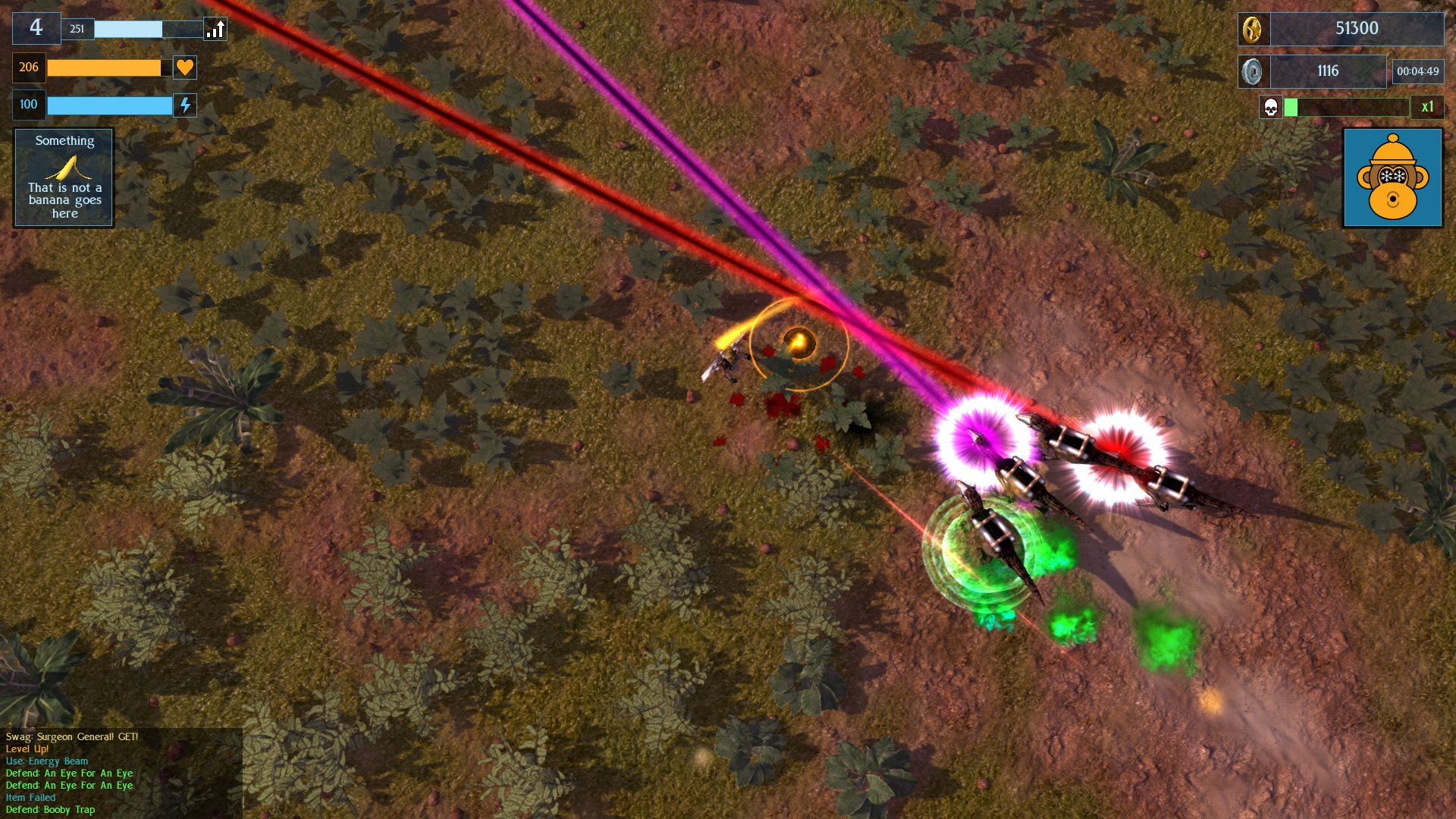
Apart from that, I modified my laser-beam-wielding veclociraptors by adding helmets and power-packs to them so that they now look different from the other dinosaurs which just bite.

Sharks Dinosaurs, with frikken laser beams on their heads!

I also spent some time modelling industrial scenery, lots of pipes and stuff for a forthcoming level. This will be the fifth level in the game, out of a total of ten - though they will loop for long play. No actual pictures of that yet as it is still all in bits.

So, that was the month that was. It got really warm and now Autumn has truly arrived and I've put socks on. Lot's of other things happened game development-wise but I can't really remember them. Next up is the Overgrown Industrial Level which has been reclaimed by nature, and more boss monsters.

Sunday, 31 March 2019

Goodbye Green Grid, Hello Darkness My Old Friend

I took a break from worrying about the minutiae of cat ears to do some level building. It's been a while - in fact around 4 years - of having a basic and rather blank grid for level 1. This has now been replaced with an actual level 1, containing ... you know, level 1 stuff.

 Old And Busted: Not Exactly Grey Box as Green Grid Box


New Hotness: Actual Art Assets 
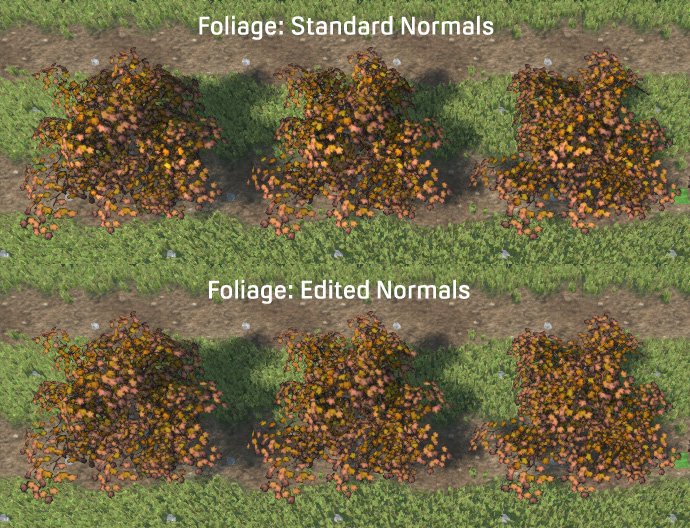
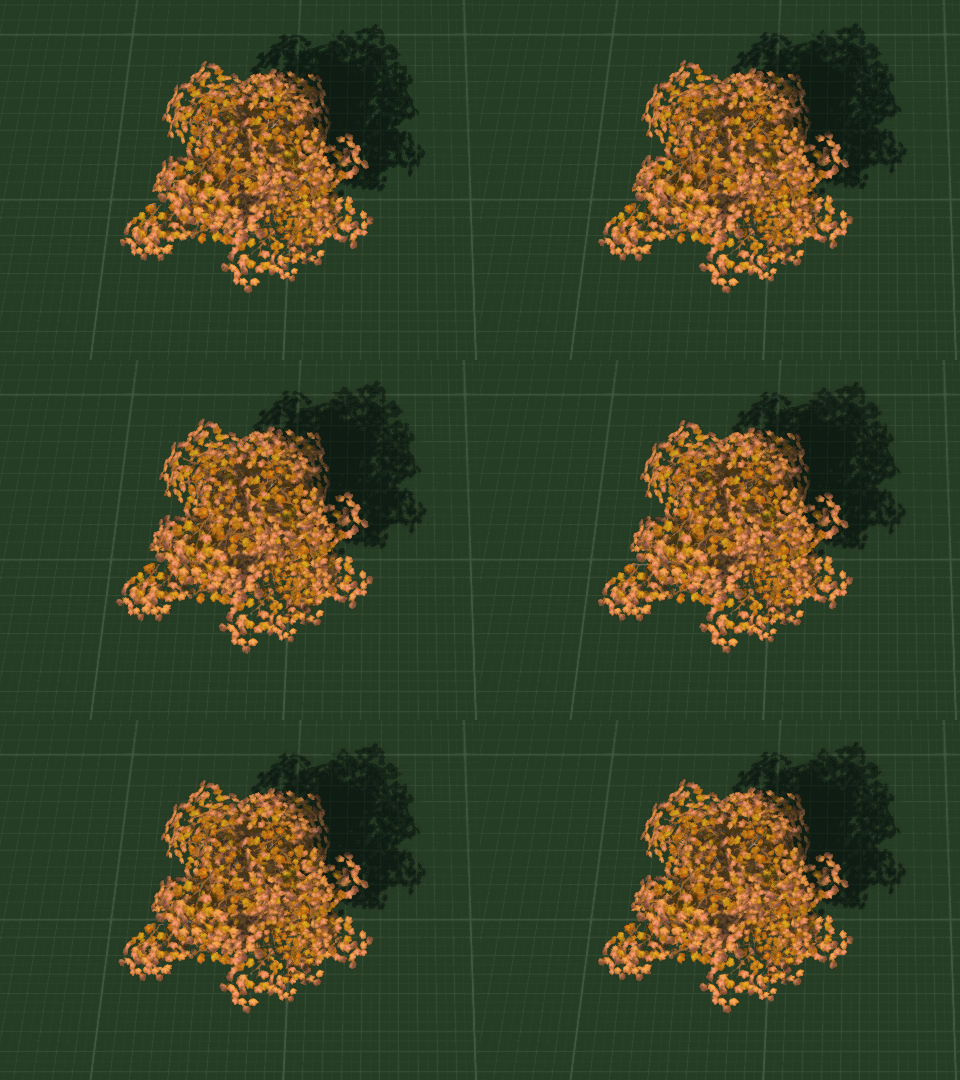
This required actual models and textures and stuff, so I opened the long dormant folder of 3D models and 2D texture images which I have collected over the last nth years. One thing which I did get years and years ago was Forester Pro - a procedural tree and plant creator. Not only can you create a ton of different types of trees but create variations with a single click of a button. It automatically adds vertex paint which is then used in-game to add the shader effect for the wind. You can also add or remove elements like branches and leaves, though I did find that the save file dies horribly if you go too much off template. Never mind, just export out as DAE format that the Torque3D MIT Open Source Game Engine that I use, and of course can also be imported into Blender3D for making changes to the model more easily. Here I used the normal editor so that the foliage planes face upwards to avoid bad shadowing artifacts. I added an empty high above and had the normals aim for it using Directional mode, that way each plane gets a unified but still individual shadowing.


Wind Effect


Also good for grass 

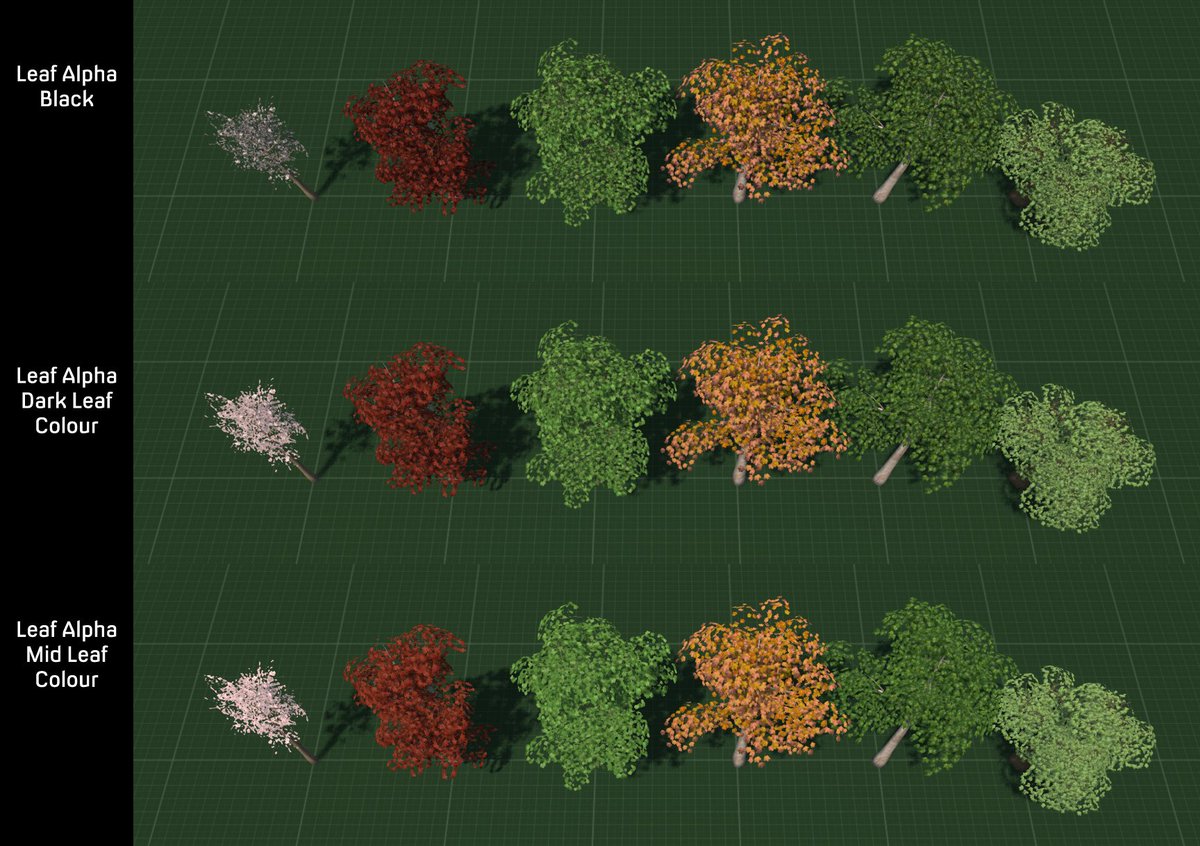
 I have 10 levels planned, and the enemies all modelled and animated, though not the bosses. So I figured that I would need a few trees. One thing that I found was that the standard black alpha on textures didn't look very good. There is a free demasking tool which writes in colour information but instead I tried using different colours of the image to see what effect they had.

It transpires that alpha colour is important ... even though you can't see it ...

I also had a plant pack for Forester Pro and after exporting a few plants I amalgamated the textures into an Atlas texture to save on drawcalls, and created multiple plant objects to save on instancing.
Not seen here, mixed plant meshes

My next issue was lag. The first reason was some terrible maths which I had written and my code was attempting to spawn 1700 enemies all at once when it really only want 7. Yeah, that sort of thing is going to bring the computer core down to a shuddering halt. Next up was collision. I had set the size of terrain squares down to 0.25m which created a rather high 1568 collision calls per player, Ai and dynamic object. I played around with different settings and finally settled on a square size of 1, which seemed to give good definition visually to the terrain and only cost 128 collision calls which was a rather saner amount. SquareSize 2 would have only cost 32 calls but I preferred the look of 1 square per metre.
When you attempt to use ALL THE COLLISION CALLS

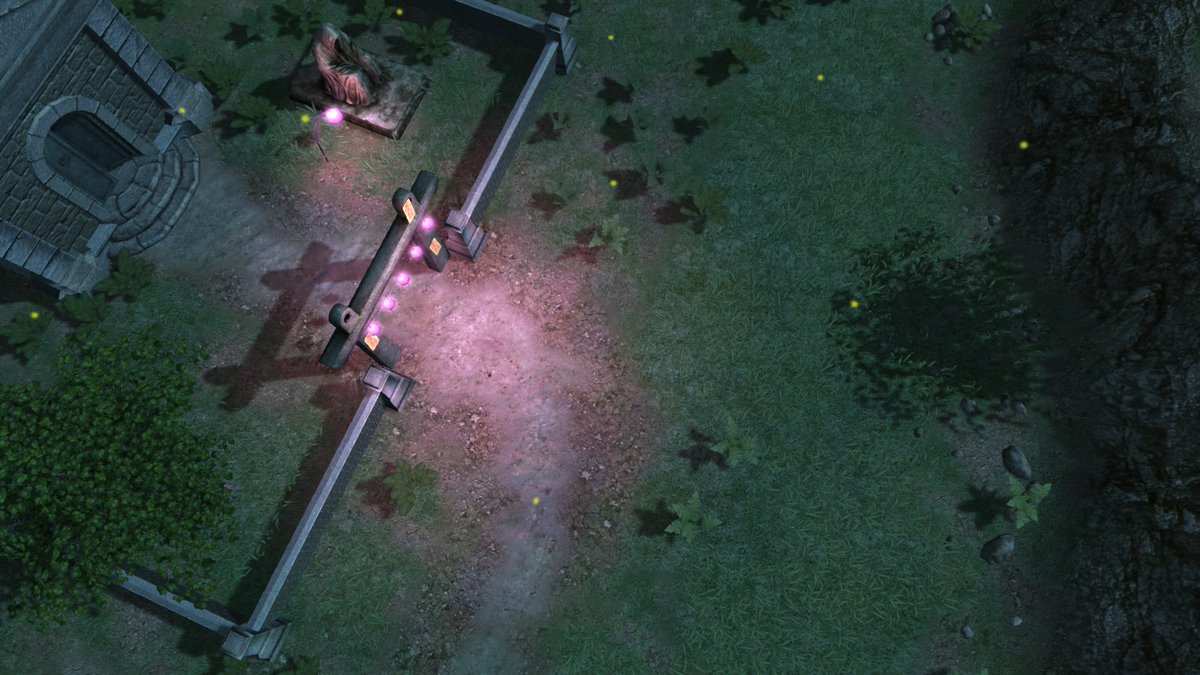
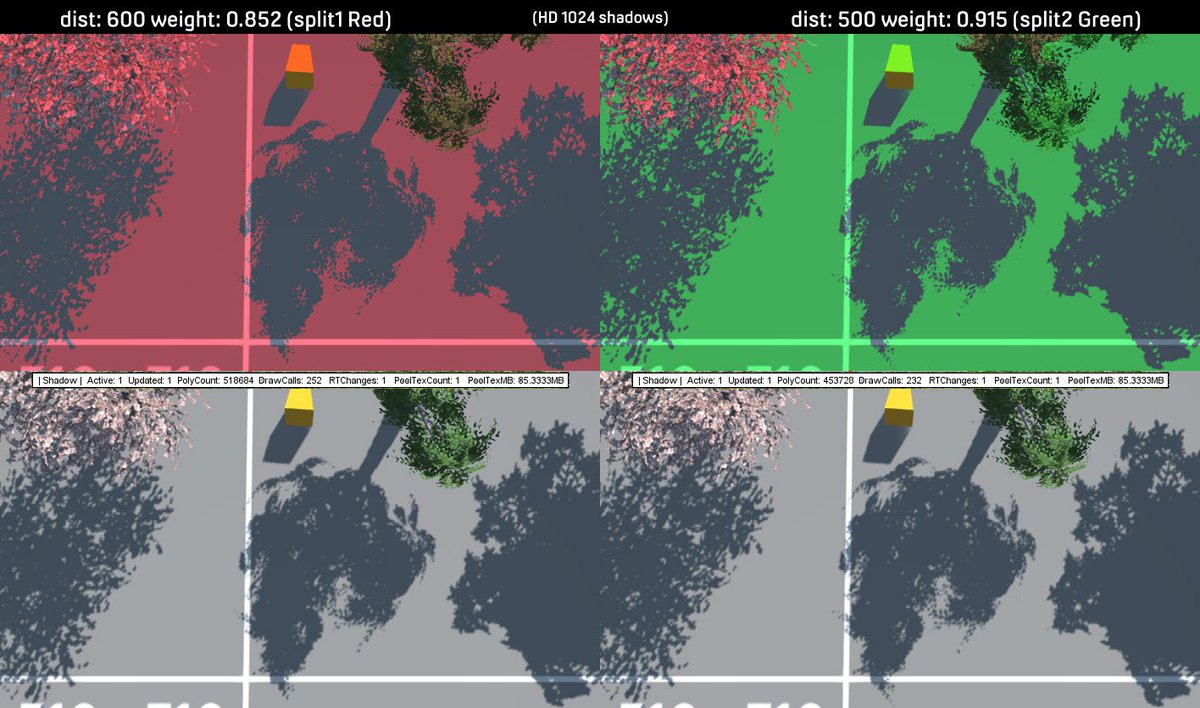
One thing which I had not previously thought about was the lighting and shadowing. Normally the camera looks through the environment and the shadows fade and lose clarity the further away they get. However using a top-down/isometric(ish) view meant that I could see shadow splits drawing across each other. A lot of fiddling with shadow settings later I finally got something that looked decent and transitions between shadow map splits were not really noticeable.
The joys of trial and error shadowMap creation with the helpful PSSM Cascade Visualizor debugging tool

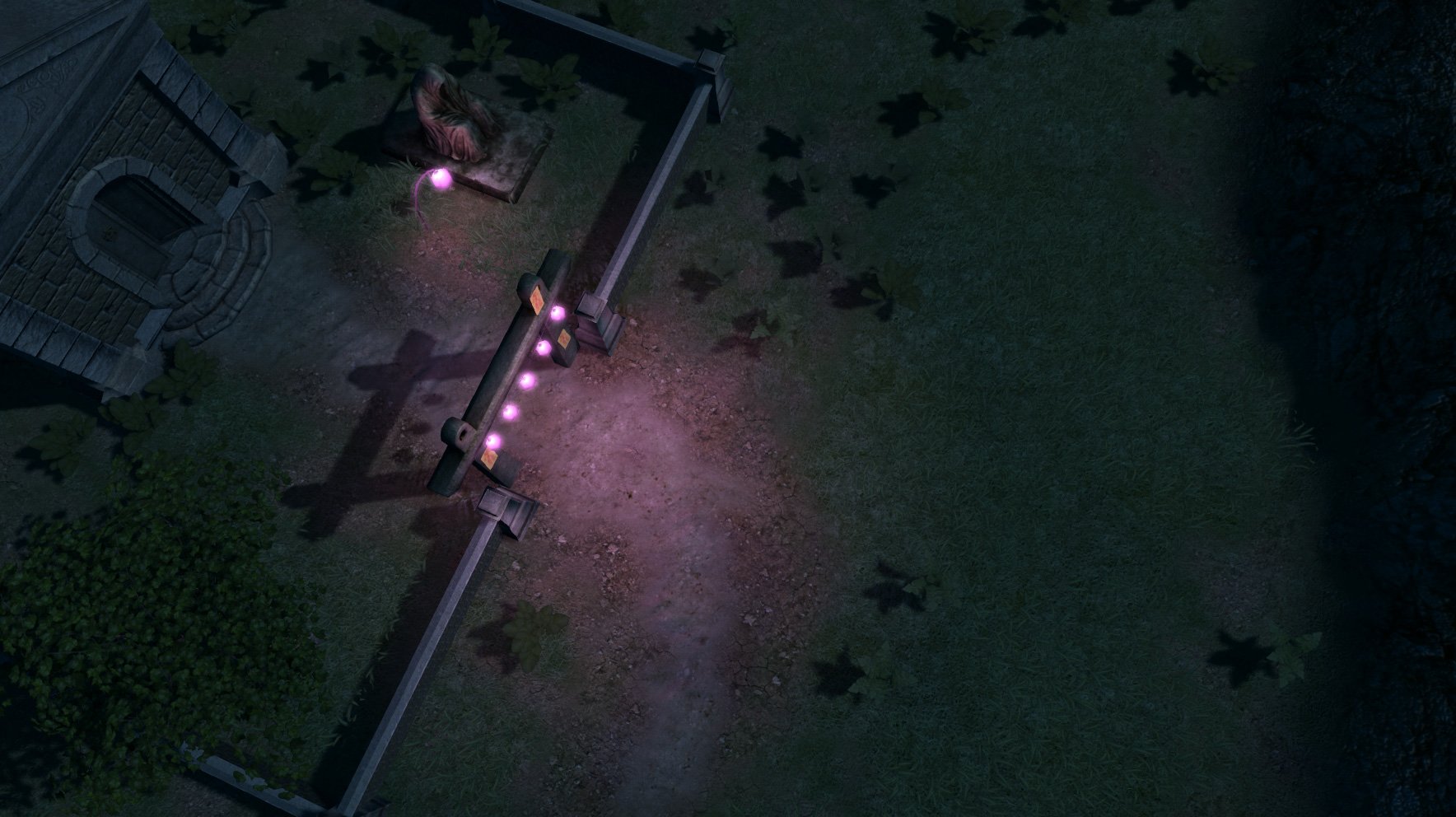
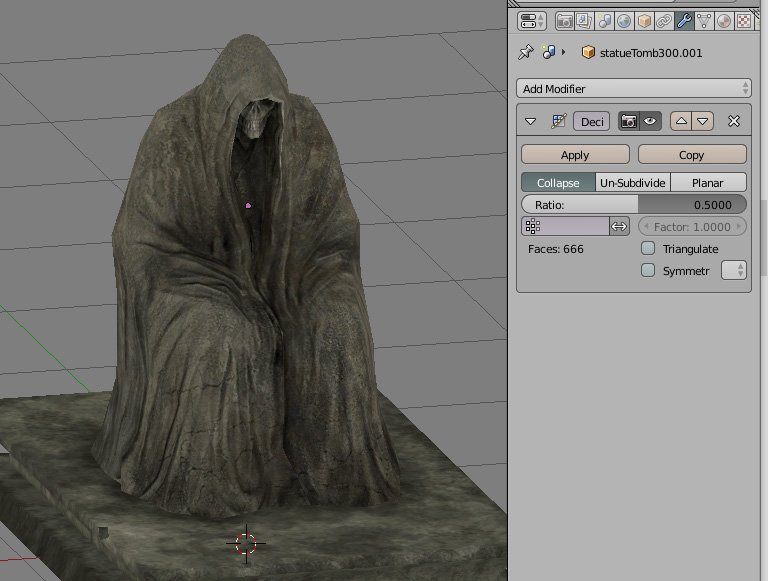
As my first level is a graveyard featuring a very lazy mouse who is supposed to be the caretaker but rather neglects her duties in keeping the place tidy for her customers - level 1 enemy, the dead (DEEPEST LORE!) I opened up the old graveyard art pack which I bought years ago. Some of the model seem to have been rather hurriedly put together with a lot of opening faces - which is the sort of thing my OCD really doesn't like, so I spent a fair bit of time fixing them and amalgamating the textures into single Atlas textures for those big savings on drawcalls.

Blender3D's decimation tool got into the spirit of spookiness

I had noticed an issue with the terrain becoming washed out when the level reloaded. After much hunting around for bugs in the code I discovered that I had accidentally changed the file format for saving the terrain main texture to a low definition jpeg of only 90Kb. The default is a high quality DDS image so I must have been playing around, not noticed the difference in texture because it only updates on reloading the level, and then just forgot about it. Whoopsie!

Adding grass meshes that sway in the wind make the flat texture look a lot better

So, next up is furnishing and finalising the rest of the level and making it playable. The either on to the other levels or back to modelling catgirls.
Head pats!