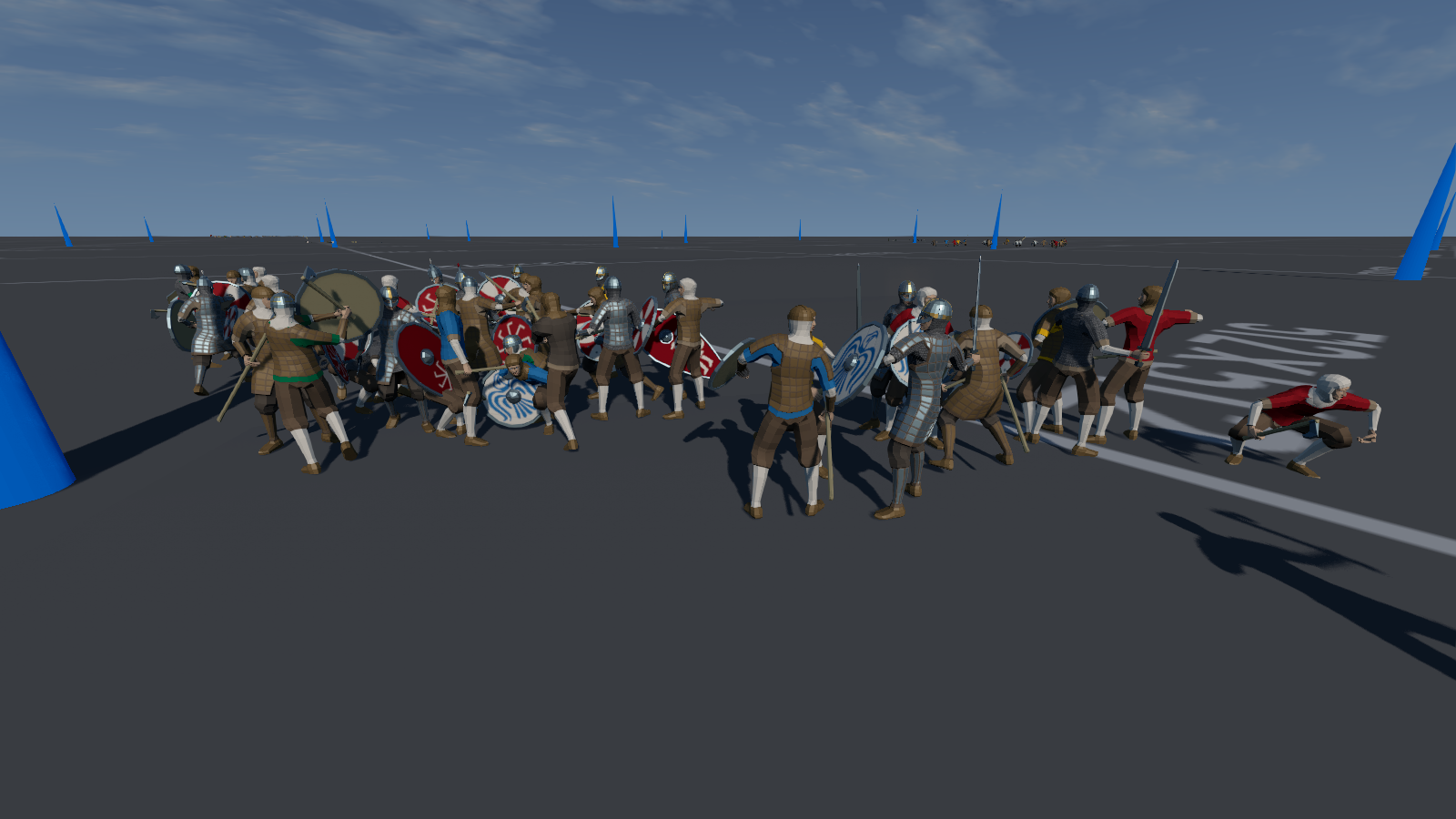
A melee of Norse versus KievRus versus Saxons at the back
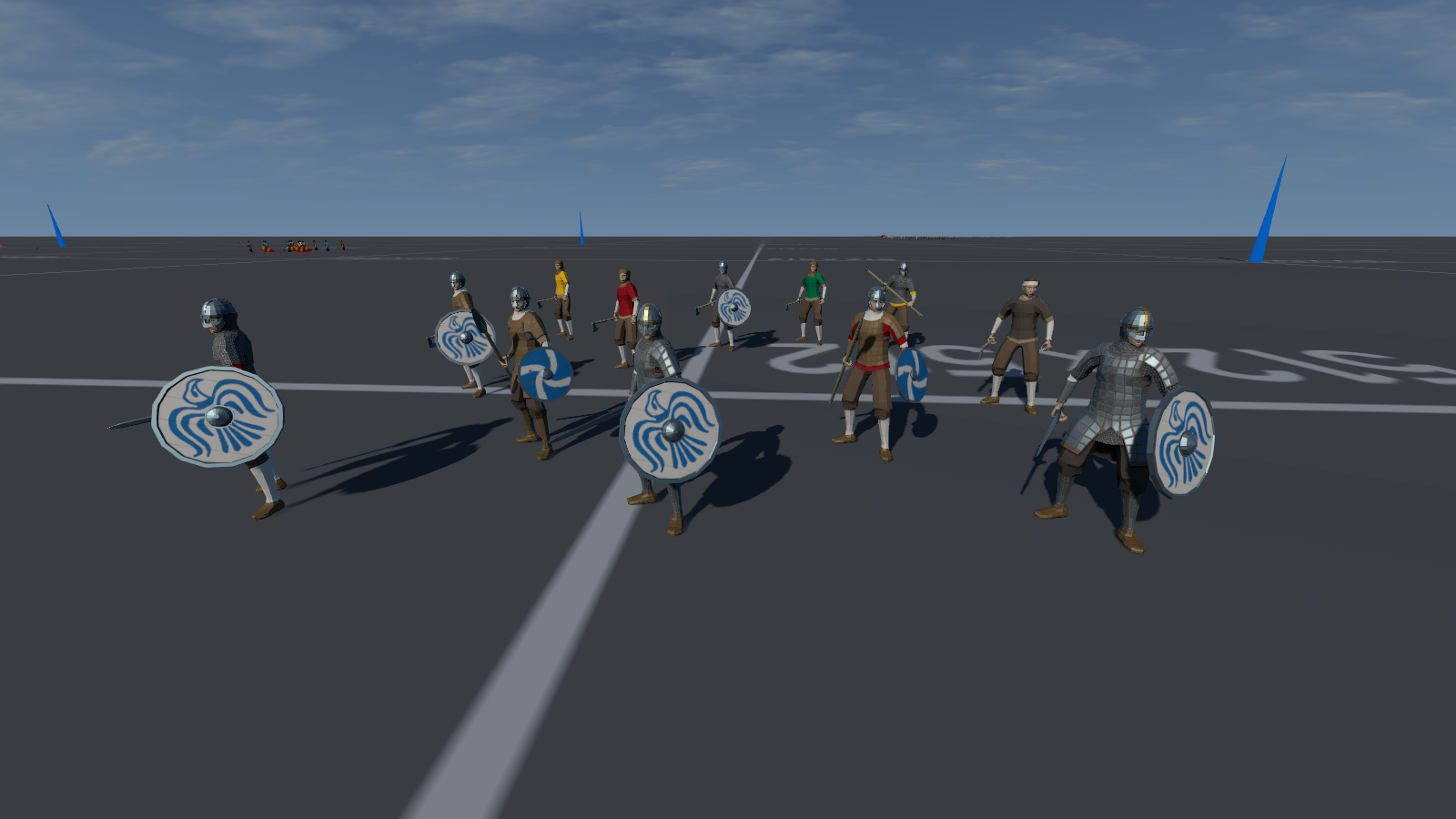
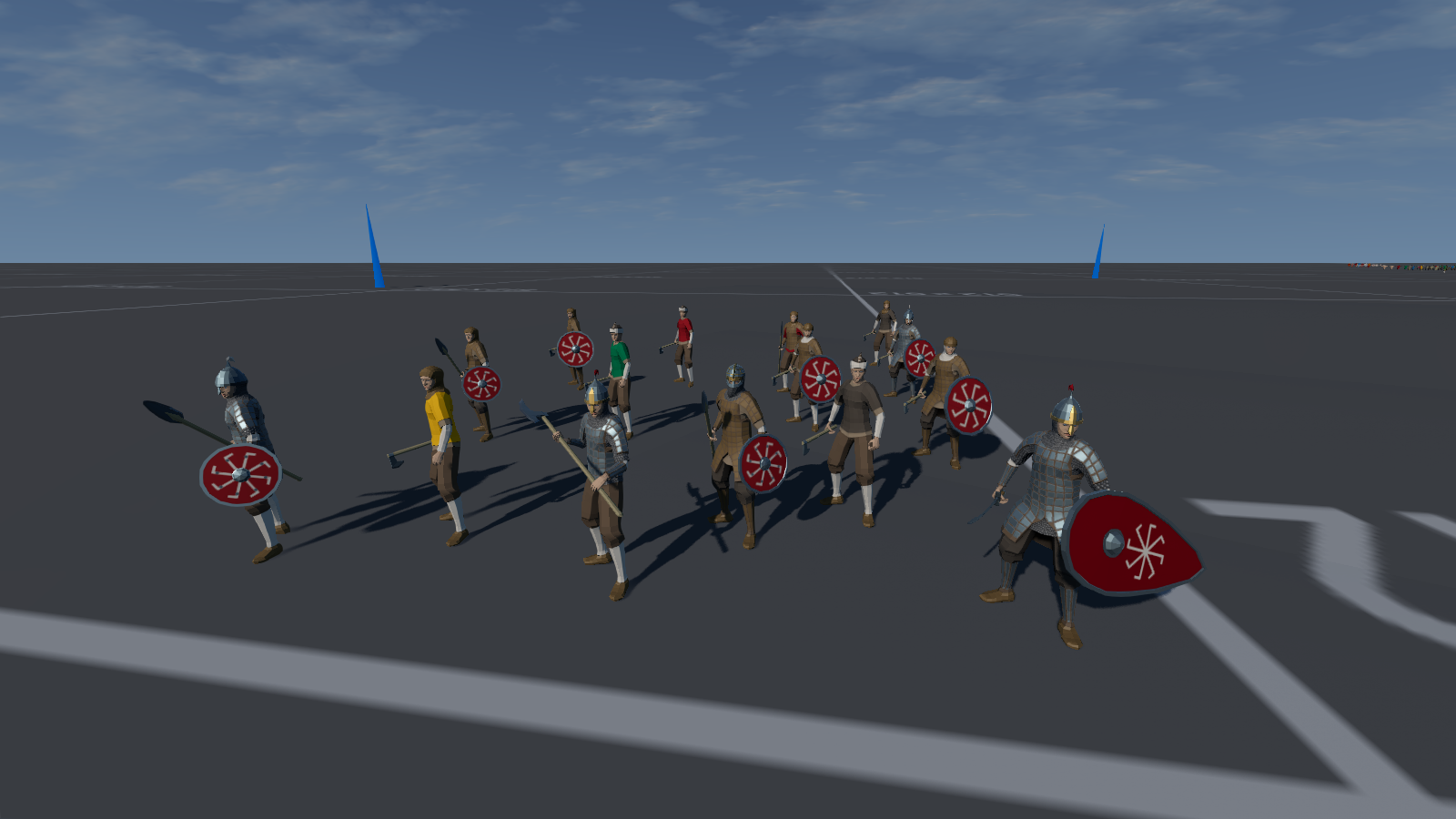
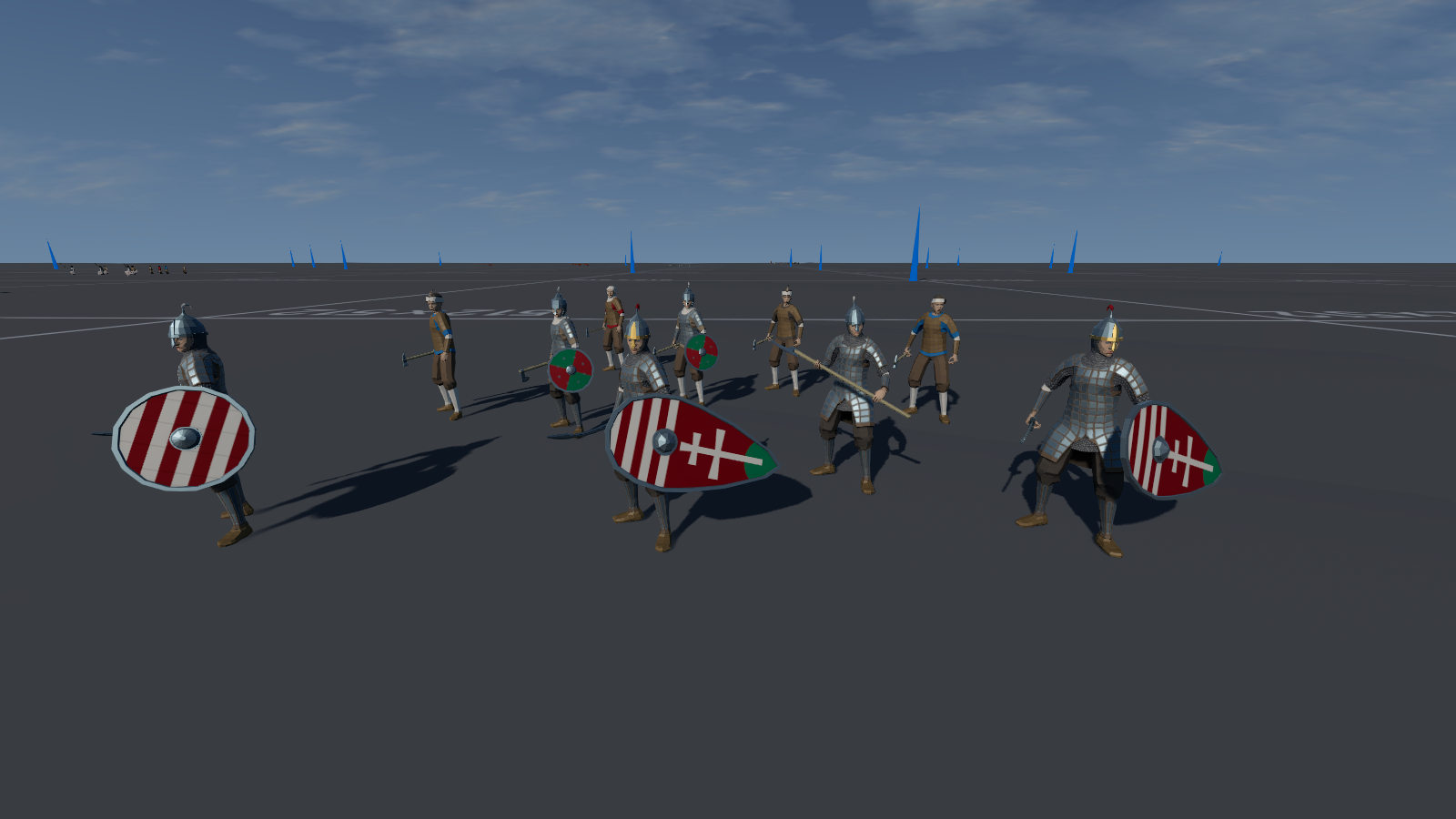
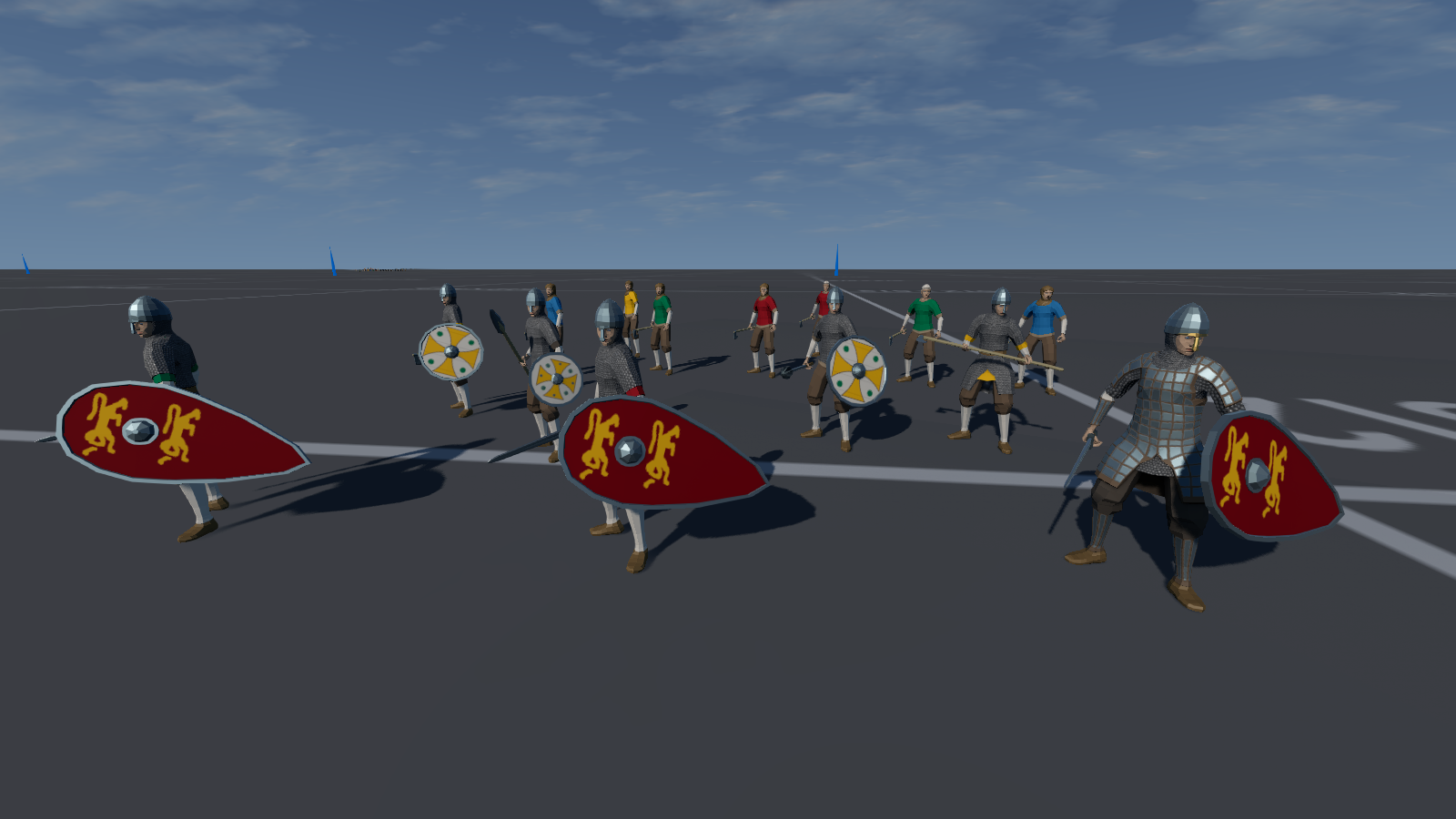
Warbands now look the part, with each individual faction having it's own style and shield markings, because in the middle of a disorganized melee it's not always easy to tell who the hell is who.
So, without further ado, let's have a quick rundown.
Avar Warband
The Lombards - could have been the Franks but France features more later on
The Saxons, featuring the cool Sutton Hoo helm
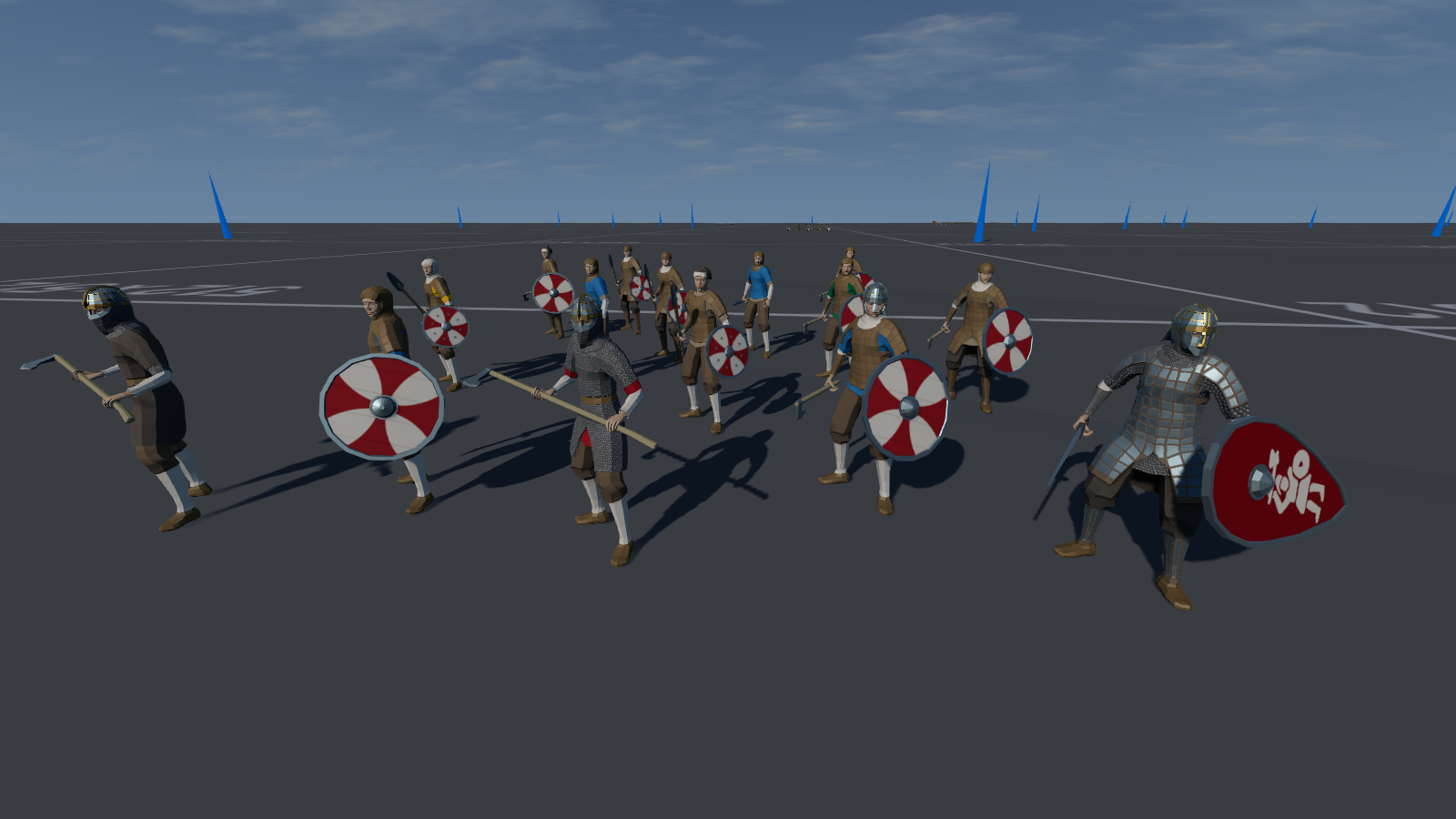
The Norse, not a horned helmet in sight thankfully
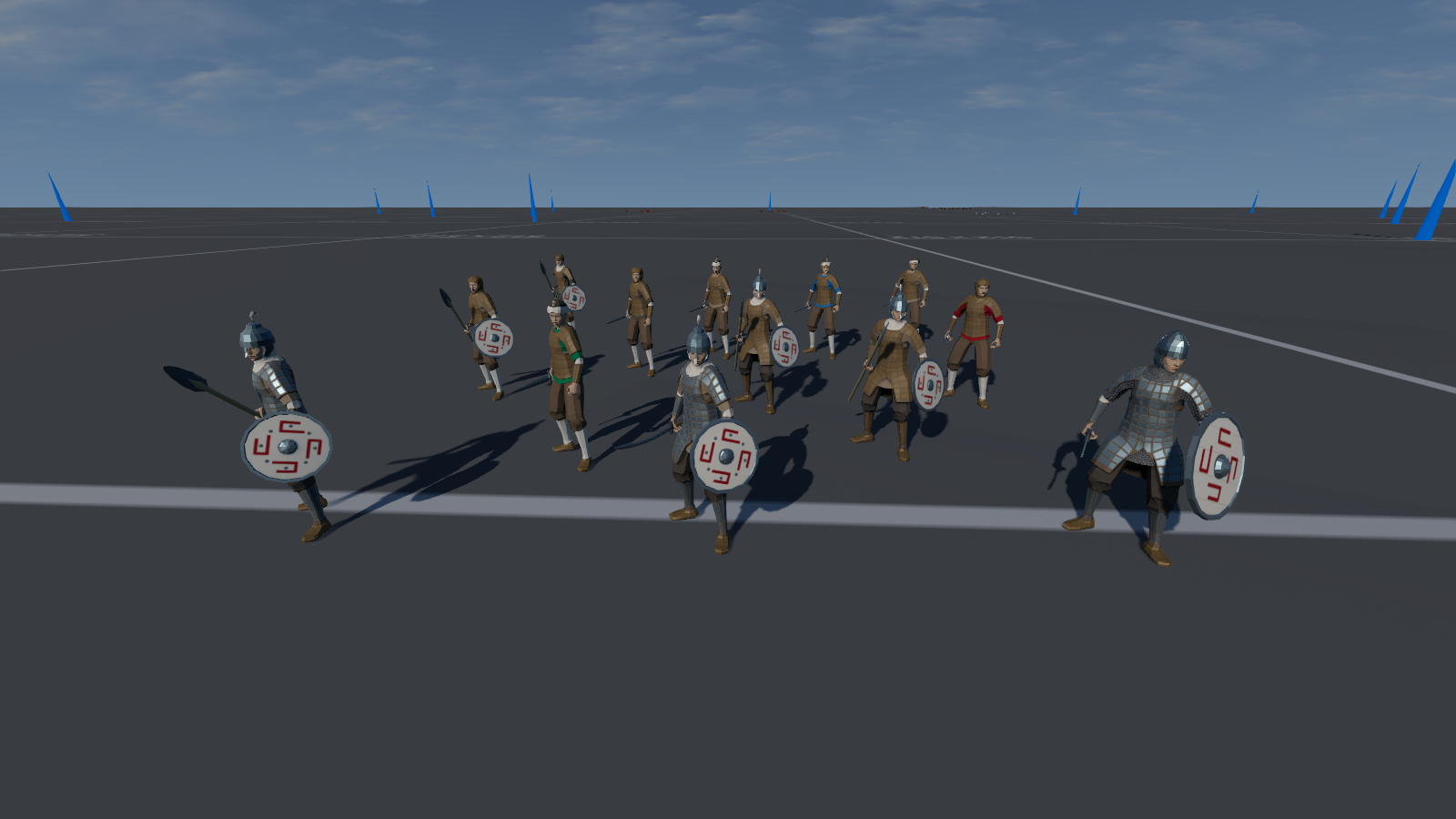
KievRus
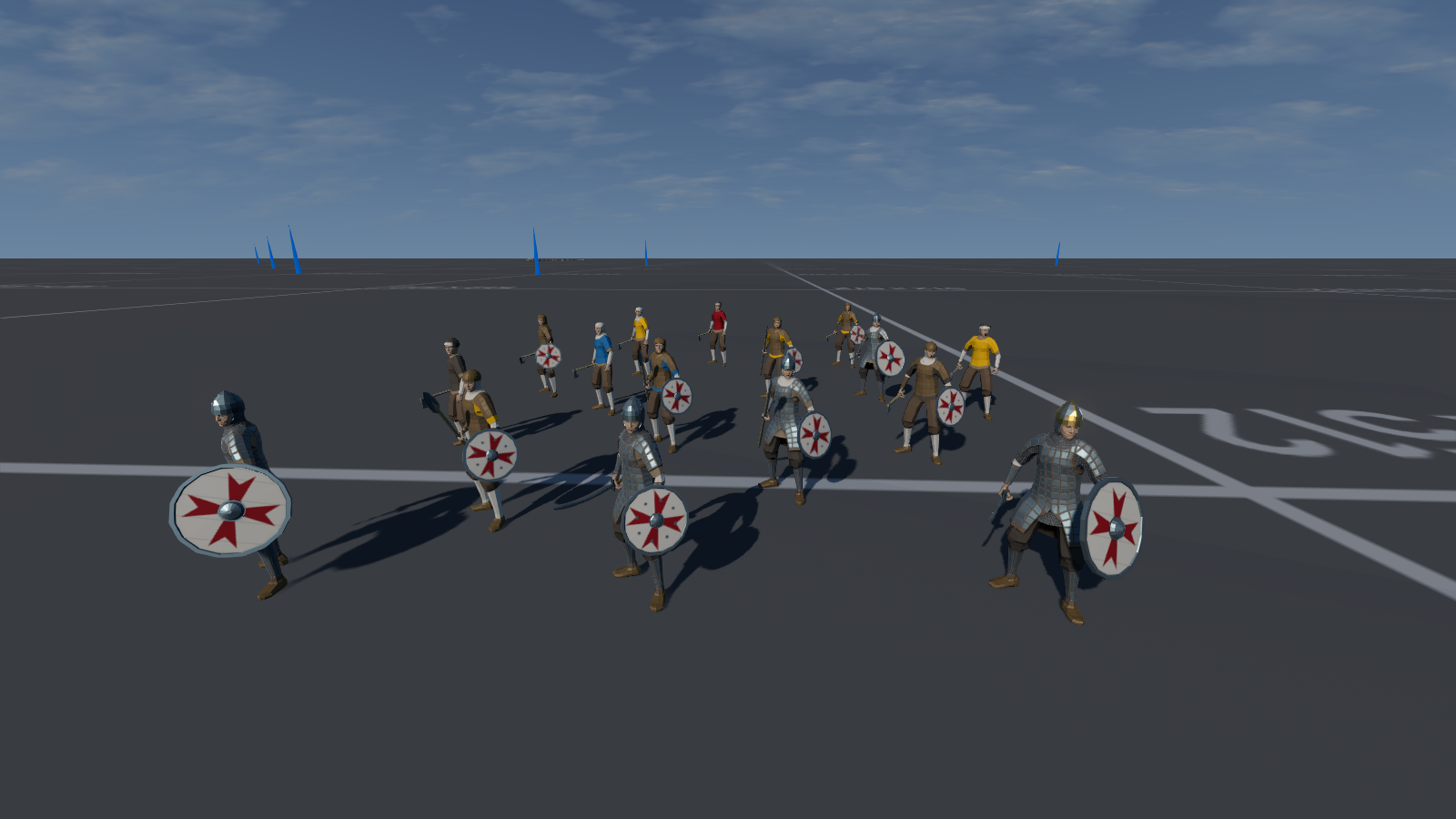
The Magyars, pre-paprika
The Normans (boo!)
And so we have our initial warbands, and I am only up to the 11th Century. Whilst shields and helmets tend to be unique to each faction, the lower ranking peasant levies do tend to rather look the same, so I might have to add warband specific patches. Back in the days of the Anglo-Scot Border Reivers warriors would wear the cross or saltaire on cloth pinned to their armour ... usually with the other flag on the back incase they wanted to swap sides mid-battle ...
With all the warbands now equipped - at least except for bows as I haven't out the code needed for archery just yet, but it is coming - I needed to bring home the awesomeness of hitting someone with a poleaxe. For this I hunted around for some of the old death animations which I had got for Airship Dragoon and modified them for the new rigging system which my current models use.
And so the whole thing comes together with slashing sounds, the ring of parried metal, fountains of blood and the screams of the mortally wounded!
Pumpkin!
And of course it has been All Hallows Eve. Can you believe that there are some folks who carve a pumpkin but don't scoop all the food out? That was 1.5kg of seasonal veg going waste! I bag it up into portions and stick it in the spare freezer ... which turned out to still have last year's pumpkin in it because I'd forgotten all about it. More pumpkin on the menu now!
Next up for Untitled Medieval Warband Game - a land fit for heroes! Time to make an actual level with terrain and points of interest for looting, to give raiding parties something to raid.
Scorching heatwaves have faded into Autumn and the oversized fan I went to so much trouble to get hold of is now packed badly into it's box. At one point I was swarmed by the "Idea Fairy" for other game ideas.
Actually footage of me defending myself from new game ideas
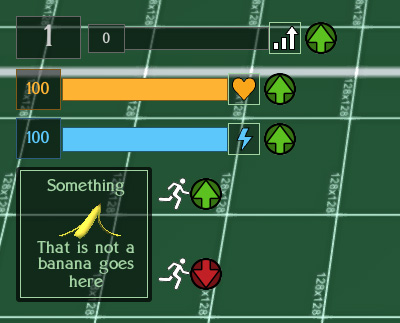
Back on the gamedev front, I added GUI markers to the interface for when the player gets a temporary boost or decline. Previously such events were heralded with an informative element saying what had just happened and how long it would last for, but there was no actual timed element to let the player know whether it was still on-going or had stopped. I decided to change that with a simple "up arrow" icon for boosts next to Experience, Health, Energy and a "running man up/down arrow" for temporary speed changes. Once the temporary change is over, the icon vanishes. Having a speed boost also now protects the player from slowing attacks.
Boosts!
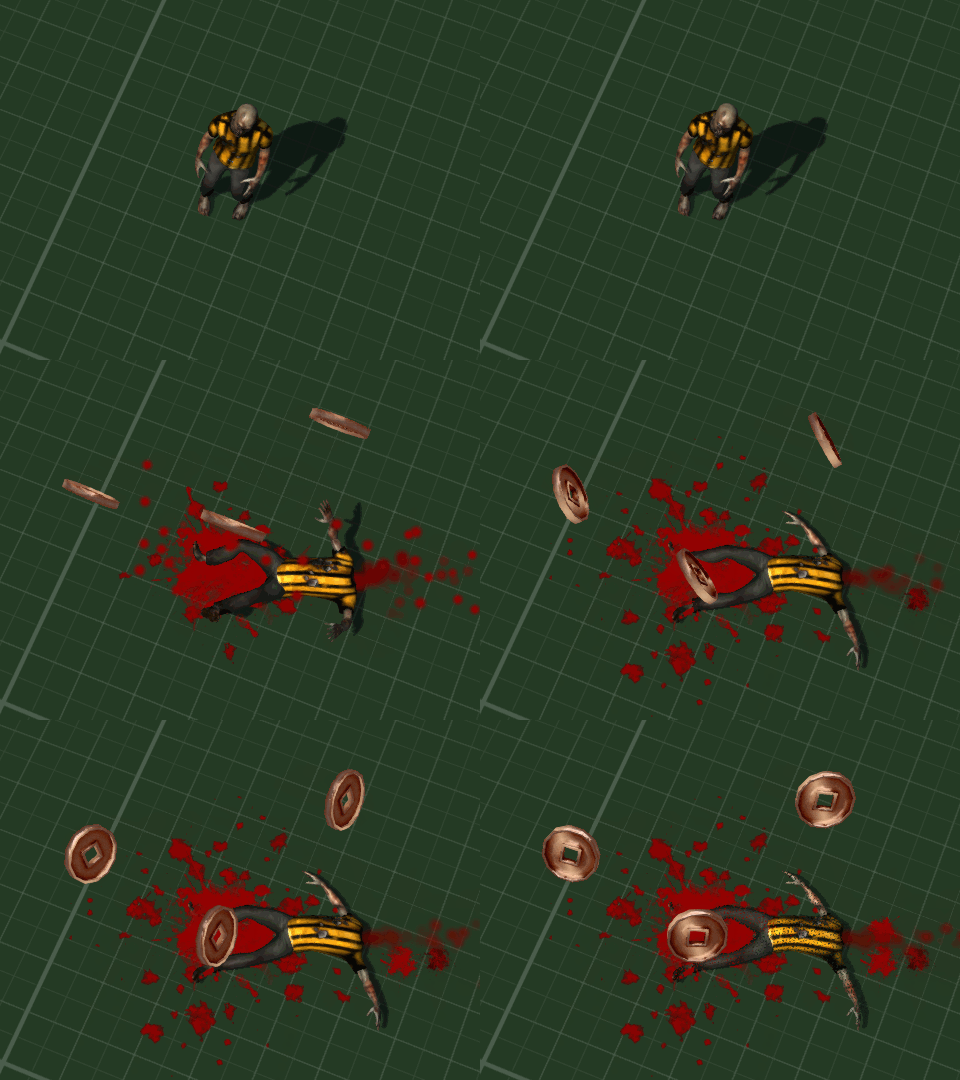
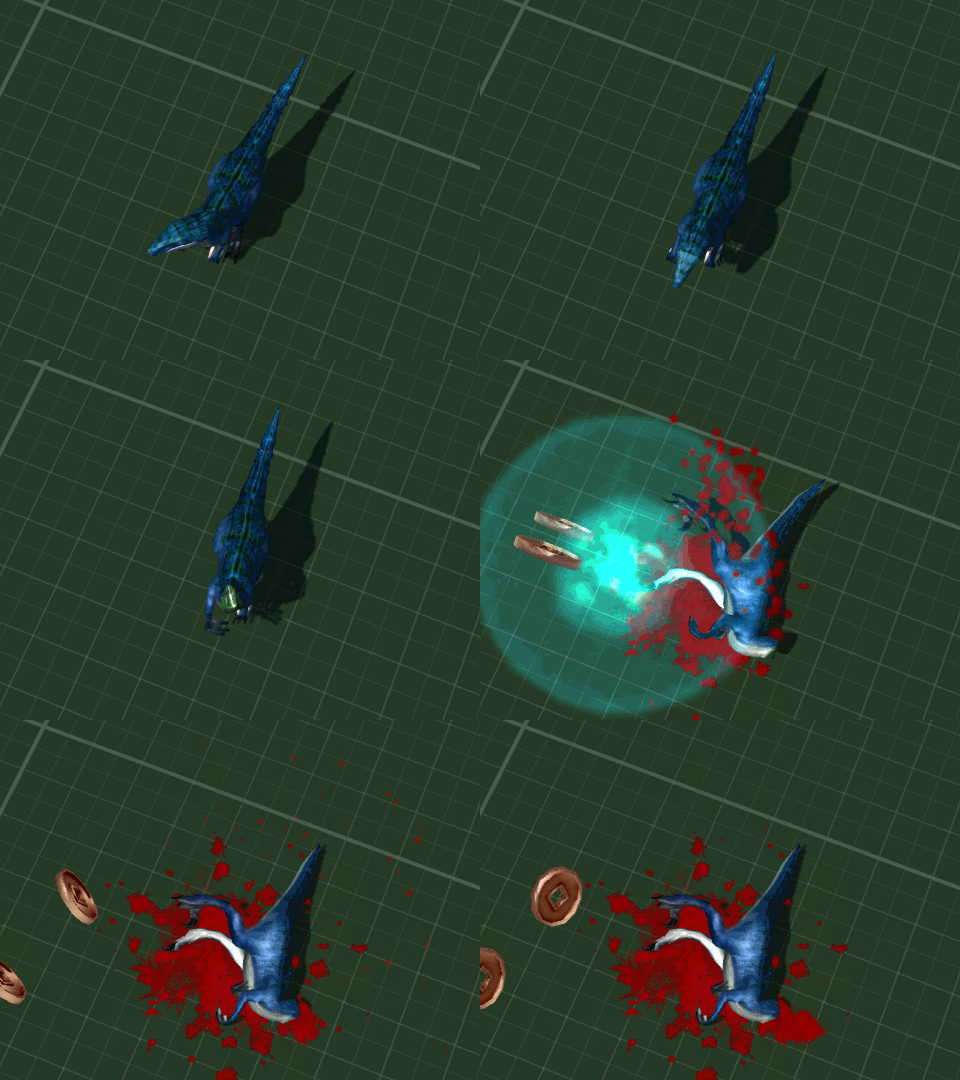
I also gorified the decapitations. Not only do head explode and blood splatter but now jugular veins spurt and throw extra splatter on to the ground near the neck when the corpse finally comes to a halt.
Boom! Headshot!
A long time ago in a galaxy far, far away I had coded some custom homing missiles. However they would cause a crash if their target was deleted - even though I had told them to reset and lose height if there was no target.The hacky workaround was simply not to have any deceased target permenantly delete faster than the lifespan of a missile. Recently I realized that I had failed to add a "isProperlyRemoved" for the target deletion check, and this fixed the crash.
Getting on with modeling and coding new enemies, I eventually found that Blender 3D has a csg style tool called "Boolean Modifier". This can slice, delete and merge two different meshes. Annoyingly I found all of this information out after I had been doing the whole thing manually ... (insert autistic screeching here).
Nobody Cared Who I Was Until I Put On The Mask ... and then beat the player to death ...
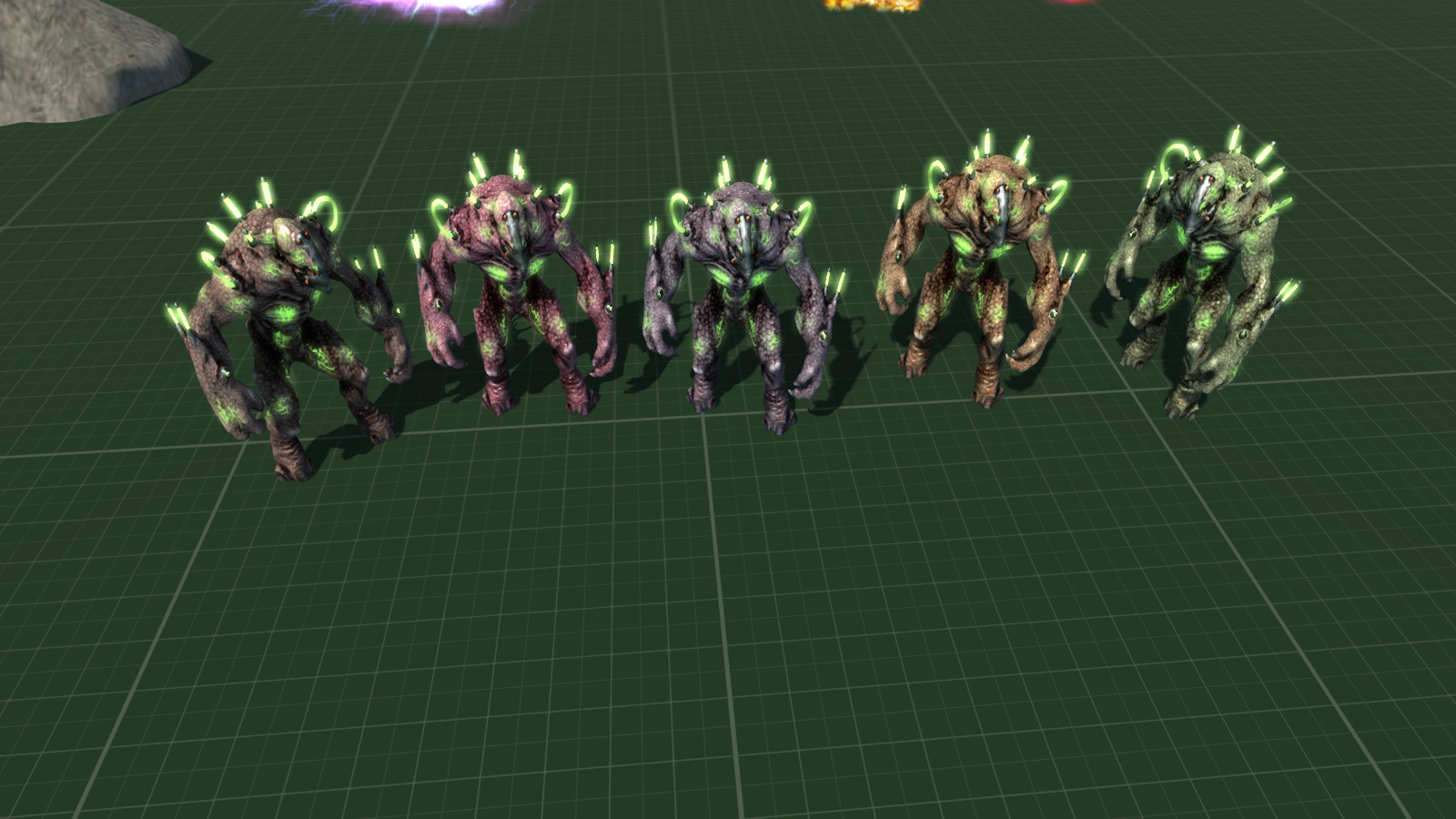
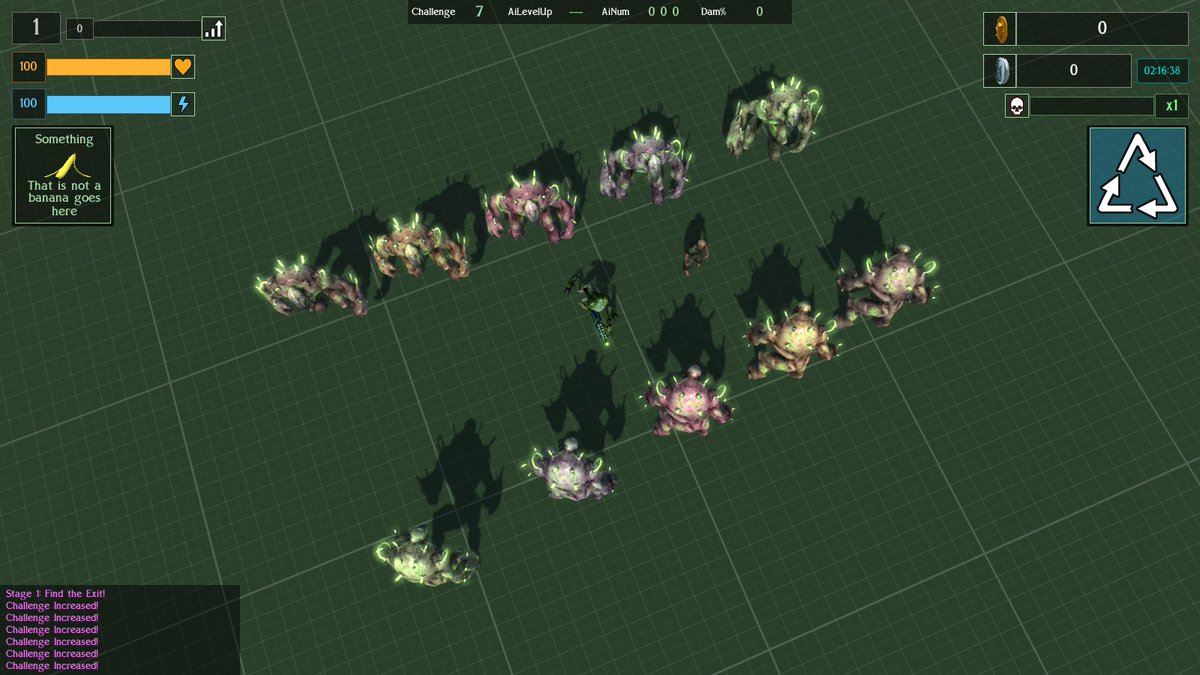
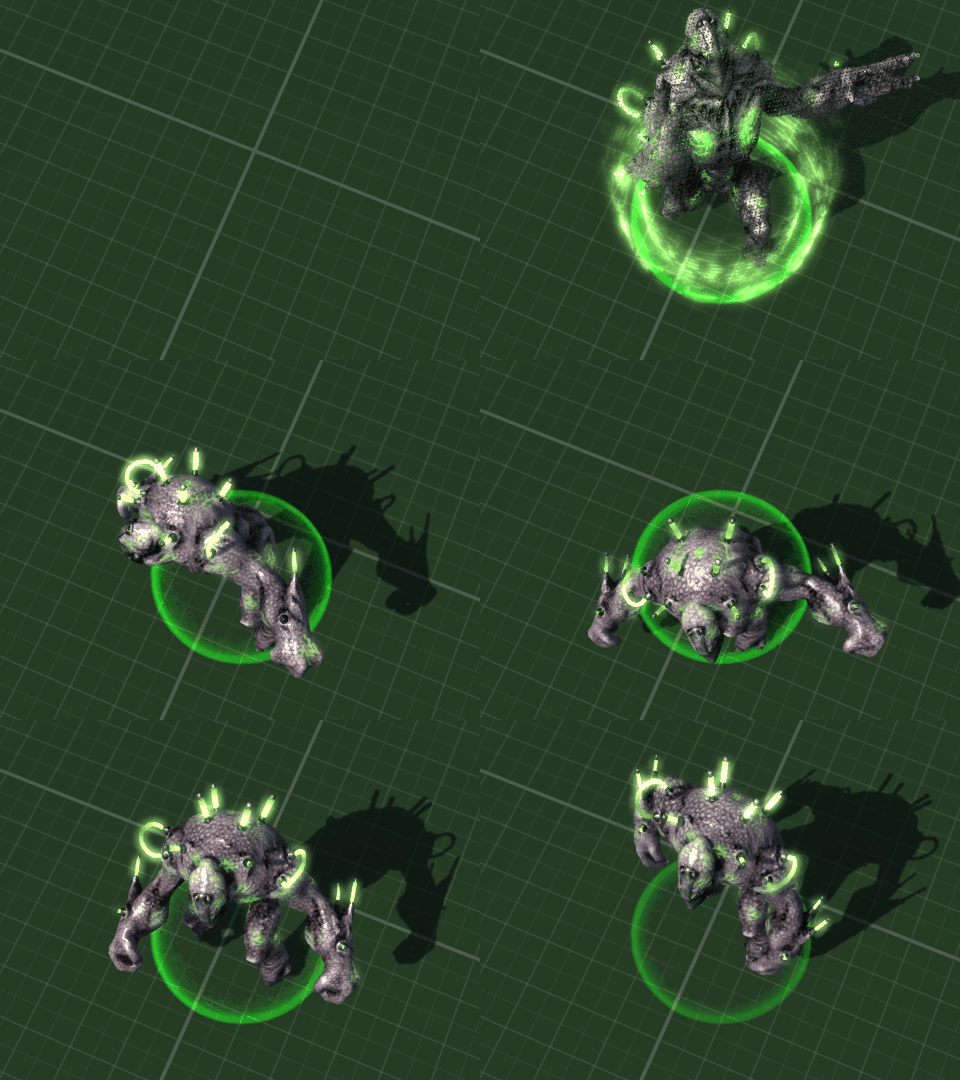
Previously I had modeled a plasma-rifle wielding alien based on the old Manits Man character, and named it the "Kralmok Warrior" after the name of the weapon it carried. This enemy has now been renamed again as the "Hive Warriror" - which is a little easier to say, never mind spell as I found "Kramlok" appearing in my code quite often. The Hive Warrior is a level 5 enemy and is now accompanied by an Engineered Brute.
Brutes with a Hive Warrior and a human sized zombie for scale
The "Engineered Brute" is a genetically engineered ... er ... brute. A large and relentless enemy with a melee attack which whilst slow, recovers quickly. They are the sort of solid enemy which the player will find difficult to push out the way, especially the default ranged weapon (gun) based player character. It spawns by teleporting in just like the Hive Warrior and gives out a gutteral snarl to announce it's entrance in overly dramatic style.
Dramatic Entrance Is Dramatic
Now that I am at testing level 5 enemies all together I realised that I had not created an easy function for this and instead would have to play through the other levels first. Which is fine apart from the time taken - unless I get chomped on by giant spiders in level 3 and it's all game over and start again. To rememdy this I coded a little function which starts the game at the desired level with the player upgraded through typical experience leveling and powerup collections from previous levels.
My Face When I Didn't Do This Earlier ...
10 whole minutes of testing combat against Level 5 enemies. I got pwned in the 10th minute and never escaped the level.
So, that was the month that was. I fixed and tweaked loads of stuff, got level 5's enemies modeled, animated and working, and found a whole new and easier workflow inside Blender for modeling.
Spiderpig, Spiderpig, does whatever a Spiderpig does ...
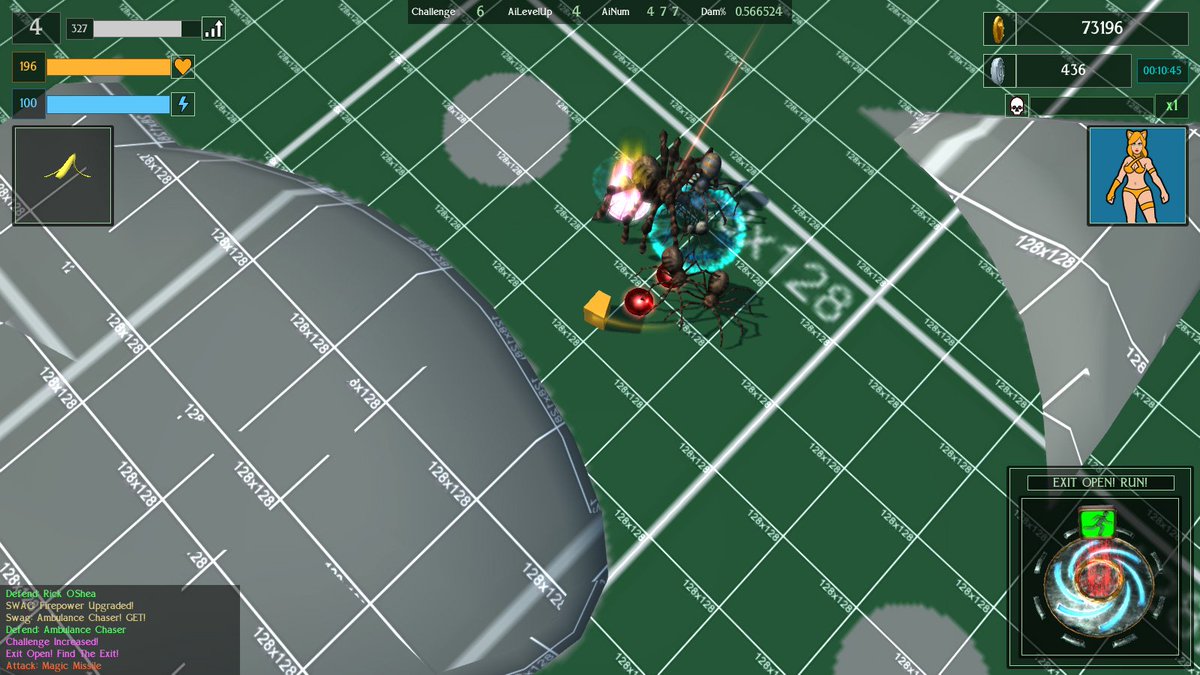
Placeholder Cube under attack from (not very hairy) spiders ...
Variety is the spice of life ... allegedly ... anyhow, I am trying to have a varied and interesting range of enemies. As an easy introduction for the player I have started out with ye dull olde zombies before venturing into more interesting adversities such as velociraptors, strange deer headed Wendigo creatures and insectoid aliens. However they are all rather ... two legged. So I decided to get away from bipedal creatures and into more ... well, legs. Thus, spiders! Now as we all know spiders are complete bro's, and anyone who says otherwise is probably a fly or mosquito or something.
I wanted hairy spiders, but quickly found that sticking hairs all over them did not really show up very well, what with the distance of the camera, so instead ended up making the spiders more shaggy. The larger the spider, the shaggier. Making shaggy spiders ended up taking way longer than expected, just like everything gamedev related ... :/
Testing various levels of spider shagginess, before I added hairs to the legs
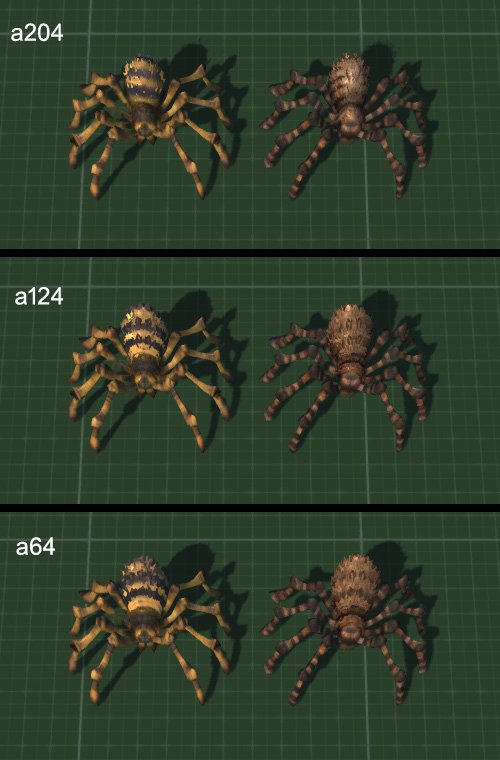
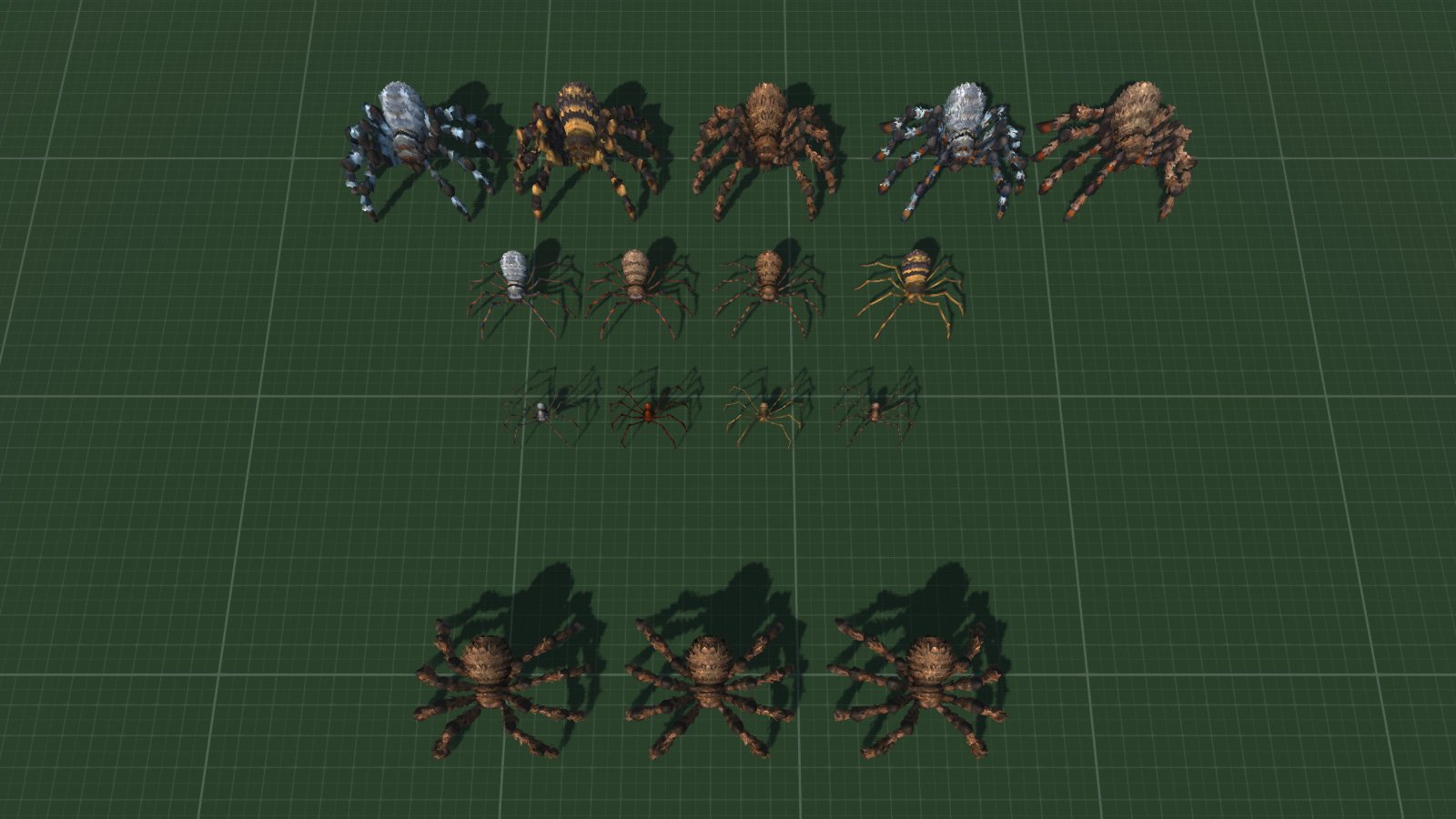
Having a spider level, I wanted a variation in spiders themselves, and chose 3 types with obvious visual differences to help the player understand what each type does. These are, rather unsurprisingly, small, medium and large.
Small spiders are thin, smooth and spindly, without addition hairs. Small and fast, they charge at the player with a toxic bite.
Medium spiders have hairy bodies. In addition to the standard bite attack, which is less toxic than the small, charging spiders, they have a spitting attack for use at range.
Large spiders are the hairiest and serve as damage absorbing tanks. They are also the heaviest, so trying to push them aside is difficult, especially for player characters with long range weapons who are the physically weakest - eg: default gun player character. Whilst I have coded a shotgun player character I have yet to design the data for melee based ones.
A range of spiders (and some test ones at the bottom)
Here is a good 13 minutes of testing the spider level in combat. I accidentally used the wrong model for the smallest spiders, and later also changed how the hairs cast shadow as they made the largest spiders look too dark from certain angles.
Action Spiders!
I also spent sometime thinking about general combat. First I created a "miss" effect for melee attacks which do not hit the player. For standard melee attacks this is a small distortion flash and some sparks, whilst for larger monsters there is an accompanying puff of dust. Attacks which do hit the player trigger an on-screen damage effect so there is no reason for additional effects.
I enhanced the blood decal effects too. Previously these had been a single, randomized decal. Now there is a splatter effect of blood going outwards. Standard deaths have a single additional splatter, whilst decapitations and full body explosions have considerably more.
New splattering effects before I honed and increased their randomization
All this and various additional and general gameplay tweaking - and some sun bathing because there was a heatwave - took up the whole of August.
So, what's up next. Good question. I've been rethinking my list of levels and extending it. Deer monsters level needs an additional enemy which are likely to be fast moving spritegirls with a ranged special attack. Insectoid/Mantis aliens need a melee based tank/brute. Interdimensional Shadow Knights have been modeled but are still in need of animations. There are a couple of planned levels with no modeled enemies, and all the level bosses and player characters are currently placeholder cubes. Several special attacks still require fancy models and of course all the actual levels are just the single test environment. Originally I was planning on creating whole levels out of meshes and lightmapping it all to save CPU/GPU load but now I am not so sure and might use the more "traditional" methods of creating the environments.