Showing posts with label import. Show all posts

Sunday, 30 June 2019

Assimp Does Magic Stuff And I Get Distracted

This was a bit of a surprise.

 That says Blend file that does

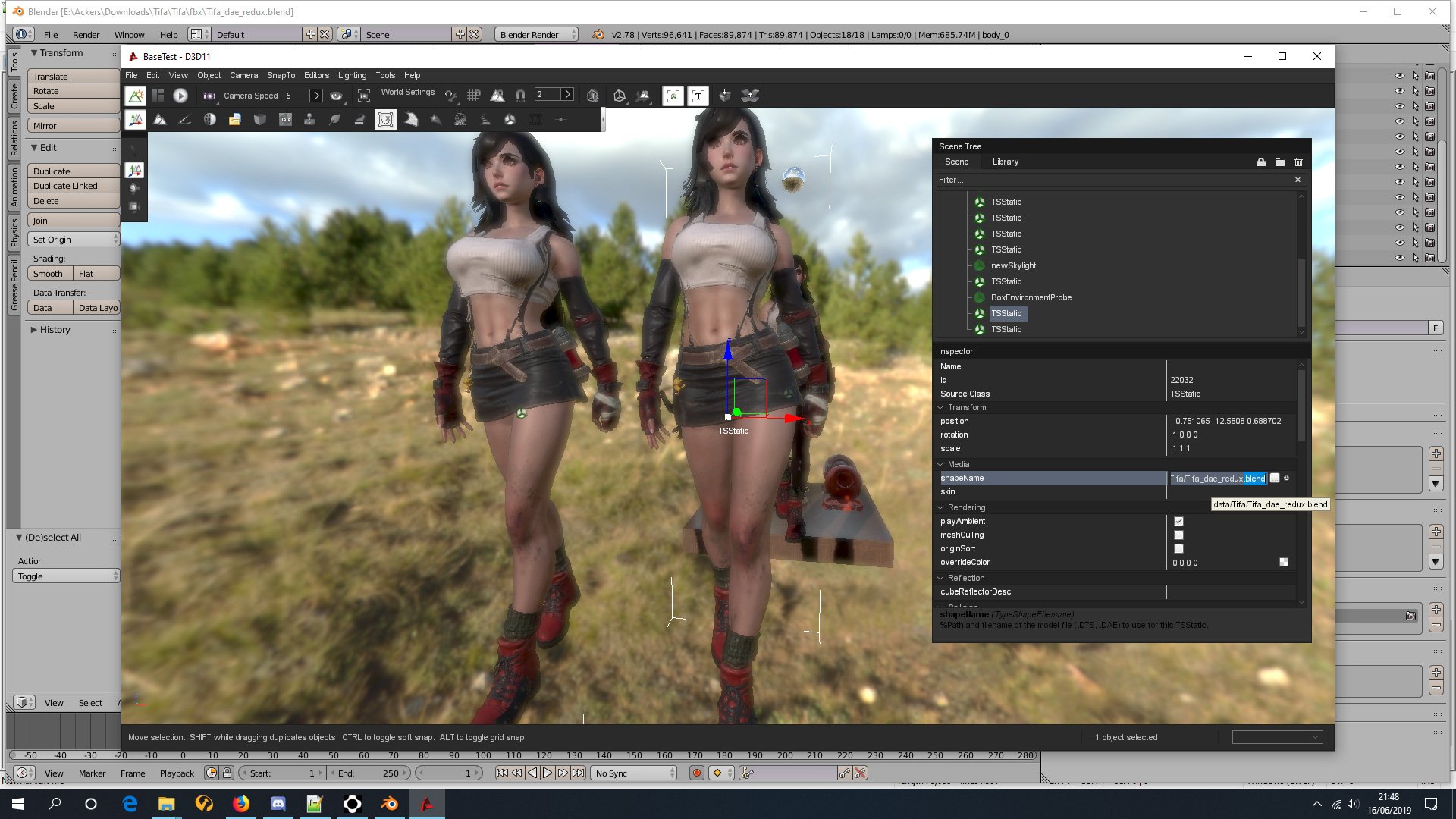
Whilst playing around and looking for bugs in the latest beta of open sourced Torque3D game engine, I accidentally imported a BLEND file from free open source(ish) Blender3D modelling program. Obviously this by accident, because I would never have thought that it would work.

I had found some ripped game models and other sculpts (see Tifa above) and was looking at them in Blender3D for modelling reference. I had experimented with various export options and was loading them into the engine when I accidentally double clicked the Blend file rather than the exported DAE file. Et voila, it actually loaded with all materials correctly mapped.

This is due to the new Assimp importer which appears to be able to read pretty much anything and import it because magic.

Literally my understand of how Assimp works ...

Assimp also comes with a metric ton of options - none of which I really understand so I just kept using the defaults except for maybe rotating the up axis to Z when needed - and it kept importing models fine as long as I had multiple mesh objects set to be read as a single sized LOD.
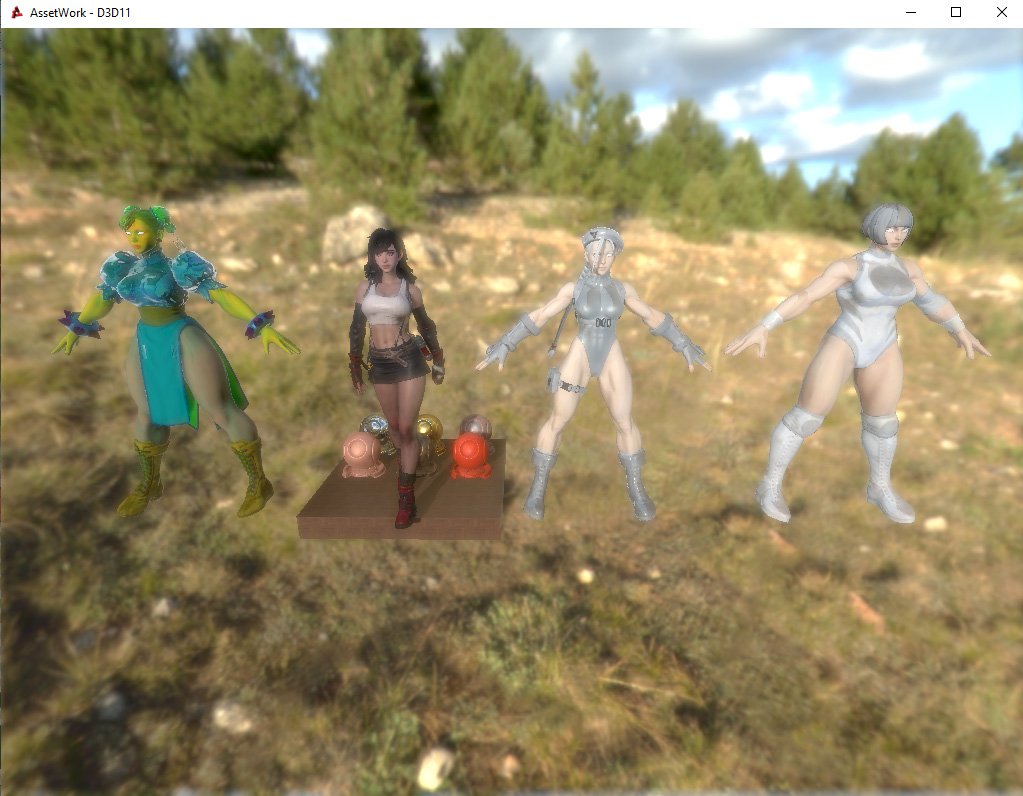
When the Beat-Em Up waifus are extra thicc

I had tried various other model formats and found FBX and BLEND to be the easiest at automagically loading the corrects textures into the material slots. Amusingly - or not as the case may be - the original DAE importer was the worst and created the most hassle. Not all the models I had found on the internets had their textures setup for a standard PBR material, hence the rather off colour Chunners.
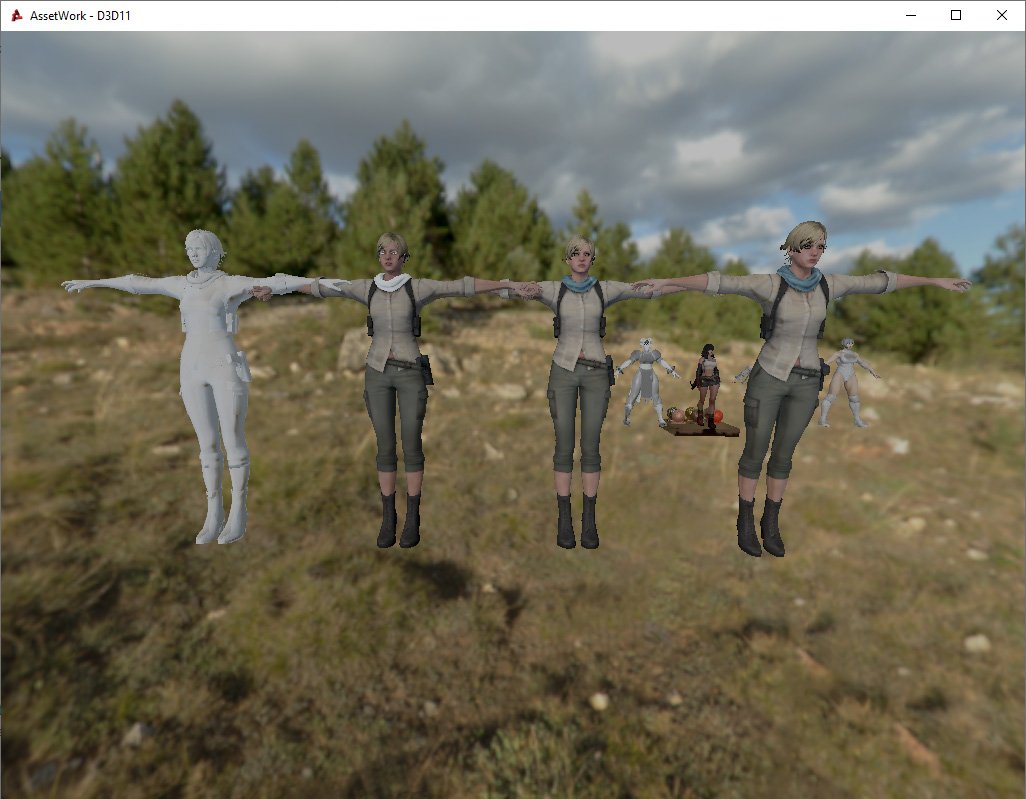
DAE->OBJ->FBX->BLEND

I had also seen someone using the normals editing tool in Blender in a way that I had not thought of before. For foliage and tree leaves they had placed the mesh inside of a huge sphere object and then targeted it. This made the leaf faces orient outwards to the nearest sphere point. For my current project all leaf and foliage mesh faces are orientated nearly vertically upwards, targeting a node high above, because that's pretty much where the player's camera is for a top-down perspective.
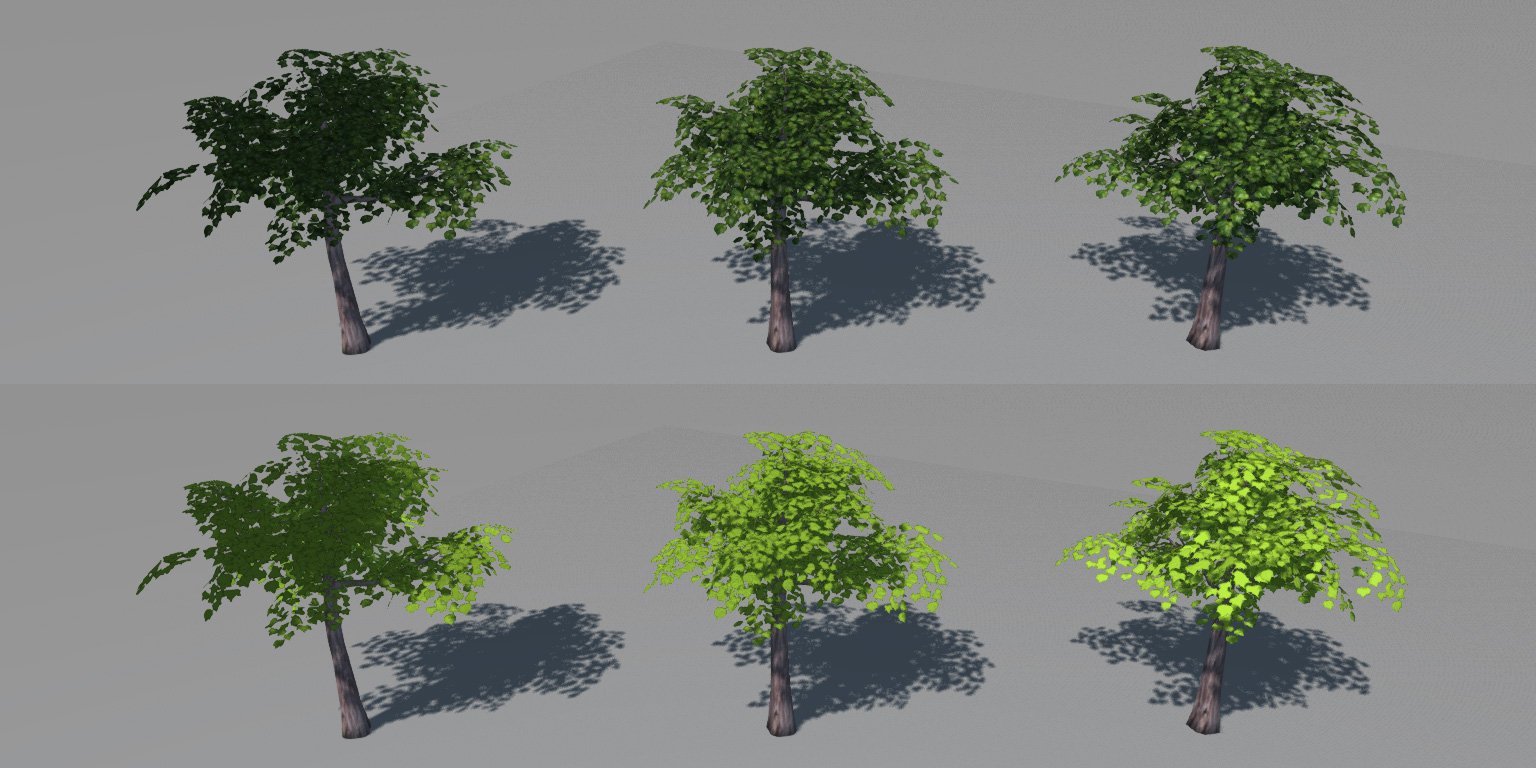
No normal editing target->Vertical target->Spherical target

Did I mention distraction? Yes I did. I had been harassed by "The Idea Fairy" and suddenly had the urge to make a Dieselpunk Ace Combat style game. I ended up writing up a design document and fairly in depth statistics of how the whole thing would play, utilising real world 1930s and 1940s aircraft. I imagined it would play rather like the old Freespace space combat simulator, only in high altitude clouds rather than space. Aircraft would ... well, aircraft, and airships would make up an equivalent of a real world navy. I also ended up playing through Freespace 2 and the original Freespace mod for it. For the first time ever, I have a state of the art gaming PC and use it for playing 20 year old games.

This thing needs keeping on a short leash ...

So that was the distraction that stymied this month's progress. I did however get some work done on the current project, the one that I am supposed to be working on, by transferring some heavily used scripts for targeting to C++ code to take a bit of weight off the processor when they are called so often. I also added went mad for statistics and added rankings for player performance on to the already percentaged data. I went for the Japanese obsession with S which may or may not mean SPECIAL, so the highest rank is SSS, SS, S before getting into a more standard alphabetical descent, and it goes down all the way to F for FAILED MISERABLY.
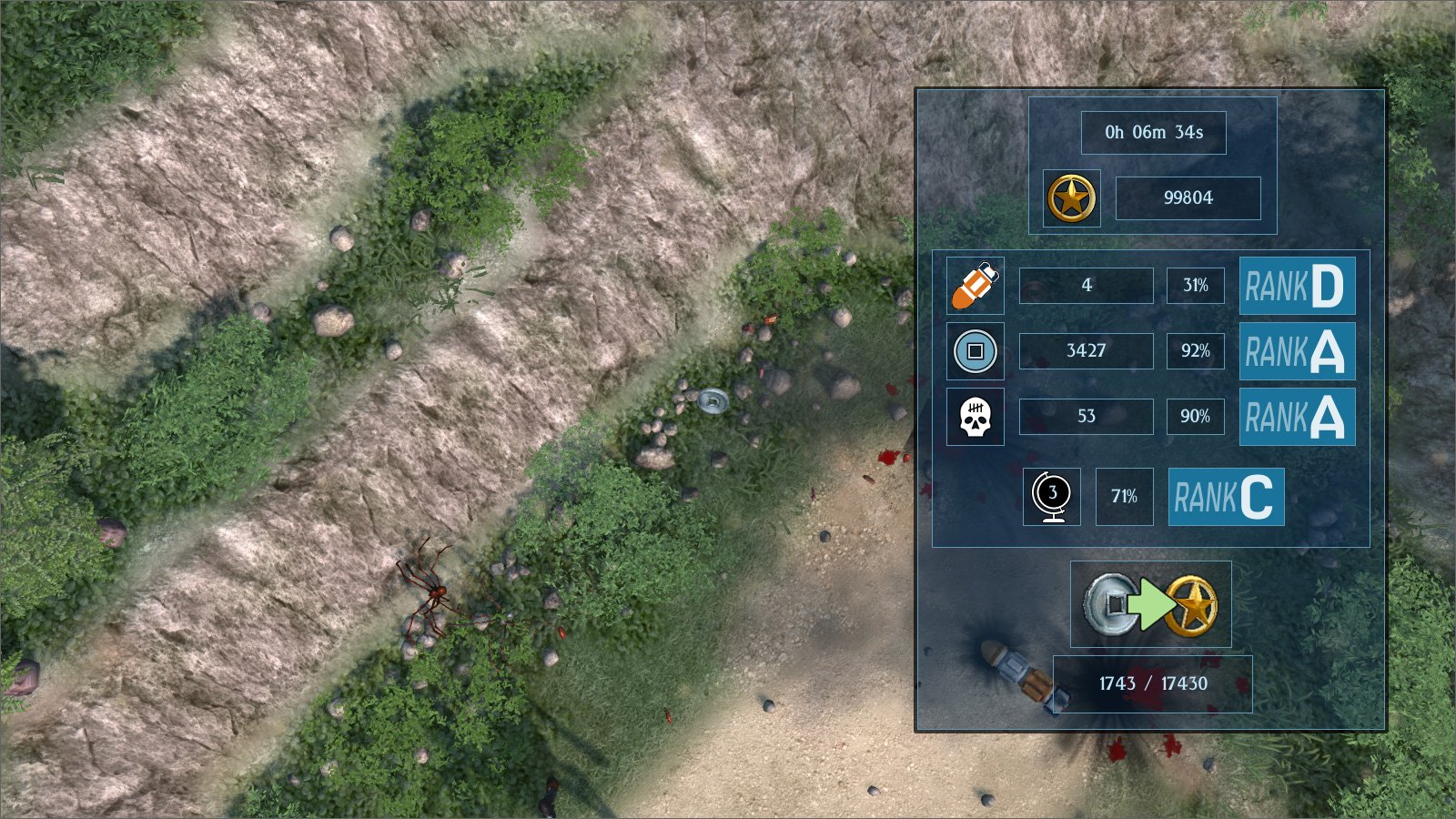
Yo Dawg I heard you like Statistics ...

Of course the real reason I did all of this stuff was simply to avoid having to model 3D hair because it's boring. Yep, that was it. An entire month of obfuscation to not doing something that is time consuming and dull. I also got poisoned with a chemical gas leak for two weeks having had an engineer out to investigate a gas leak, then getting a methane detector thinking that it was a gas buildup in the drains before eventually finding the source leaking out of a vat, and I was also immobilised with a back injury for another week, which was caused by just bending over the sink. So not a great month in general.

Next month, getting back to what I should have been doing this month ... allegedly ...

Friday, 20 April 2018

How To Import FBX Into Blender3D Using Visual Studio

FBX is a popular format, mostly because Autodesk have spent the last 100 years ruthlessly (look at how many companies they've bought out over the years) pushing 3DS Max as the industry standard for 3D modeling. This means that a lot of 3D artists use it, which in turn means that a lot commercially licensable models are FBX. Autodesk are well known for jealously guarding the source code of the format like some ancient sacred text - which to be honest, it probably is, as it's made them a fortune and cemented them as the standard format/app for the whole video game industry. This completes the circle of life where they become king of the hill, are anointed with their gold crown, and have peasants throw money at them to use not just their 3D modeling app, but also their propriety format (which they bought off someone else in 2006).

 How I imagine Autodesk

This means that they don't let any Tom, Dick or Heinrich have access to import/export code of the format, especially free software like the plebs over at Blender3D (though recently they have partnered with Epic for UE4 integration. Epic wanting UE4 to be the game engine equivelant of 3DS Max - cue KA-CHING sound!). Blender has a lot of things going for it. It's free, it has on going development, it's free, it has a somewhat strange and awkward interface compare to commercial modeling apps, it's free. People can and do write their own import/export scripts in Python (hello whitespace!). 

Blender does have an FBX importer on the Blender Wiki, but it mangles the hell out of bone transforms. There is a custom amde importer created by a Blender user which brings through everything correctly ... everything except animations. Not too useful if you've got a shop bought character model and want more than just a static mesh.

Autodesk do have a free FBX Viewer and Converter. This sounds great, right up until you export as a COLLADA DAE format (something Blender3D likes) and the resulting file comes out empty. (T-thanks Autodesk). This leaves OBJ format, which again, is just a static mesh, leaving all weight painting, armature, animations, etc behind.

And then I discovered a new way which actually works ---- completely by accident.

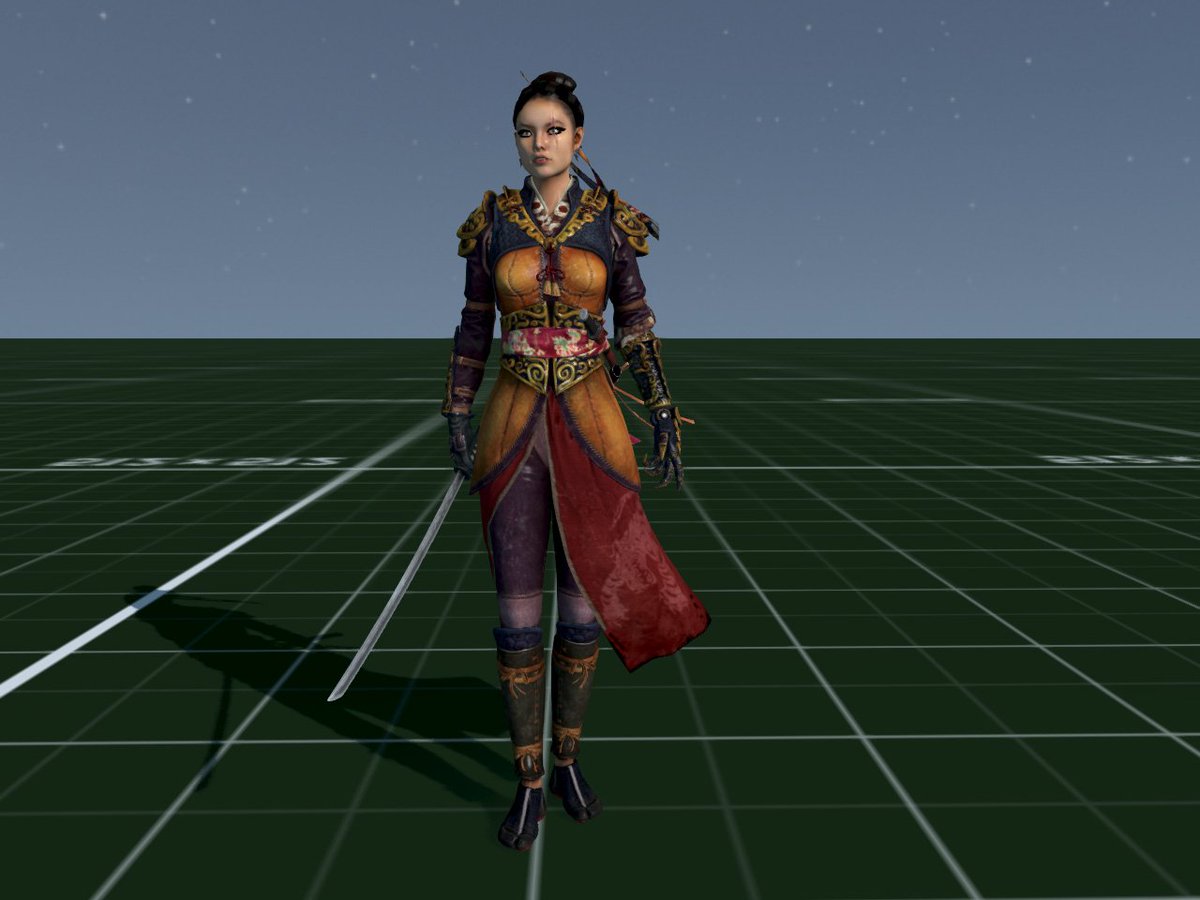
Whilst making a list of enemies for my current Twin Stick Swag 'Em Up, I started going through the models which I already have to see which matched the descriptions of enemies in the list I was making. Now I had previously licensed some shop bought FBX format characters. Having forgotten what they looked like I wanted a quick glance at them in Autodesk Viewer/Converter. So I double clicked the FBX file and was rather annoyed when Visual Studio 2013 booted up instead. As I hovered my mouse in the screen corner ready to close VS, I was somewhat surprised to see the model displaying. I had no idea Visual Studio had a 3D viewer. I checked export options and was intrigued to see "export as DAE" available - so I did, then booted up Blender3D 2.78b and imported the DAE file leaving all import options set to the default off. 

And there it was, sitting with correct transforms and rotations, parented correctly via weight paint to the armature skeleton. I pressed right cursor key to cycle through key frames and was ecstatic to see the animation play correctly. The one thing to note is that diffuse and specular for the material default to black rather than white, but that's easy enough to change.

 FBX to DAE (via Visual Studio) to Blender3D and Torque3D

So I imported it into Torque3D as a static mesh to see what it looked like in-game, and set up the engine material file. Lo-and-behold it even played the ambient animation correctly. After a bit more quick and dirty testing, I got an AiPlayer character set up - note: the jerky animations are because I didn't bother blending or movement settings for this quick and especially dirty test.


Quick and dirty test - accidentally recorded SpaceX launch audio in background :P

After this success I went off searching for other models to try this FBX-VS-DAE conversion with. There are plenty of free (and usually quite poor quality) models available on the interwebz, but I found this rather nice one at TurboSquid (though it was made of like 20 meshes, each with their own material when surely just 1 or 2 would have sufficed, but hey it's free and looks great).


There you go. Maybe someone else knew that you could get Visual Studio to convert FBX into a Blender3D useable DAE format with correct rotations and full animations, but I haven't found it on the internet - so here it is now!

To recap:
  1. Load FBX file into Visual Studio
  2. Save as DAE (COLLADA)
  3. And that's it, loads perfectly into Blender3D