Saturday, 31 July 2021

Selection Screen: Aircraft and Insignia

 What's a plane game without a pre-mission briefing and selection screen? Lacking that's what. So here it is.
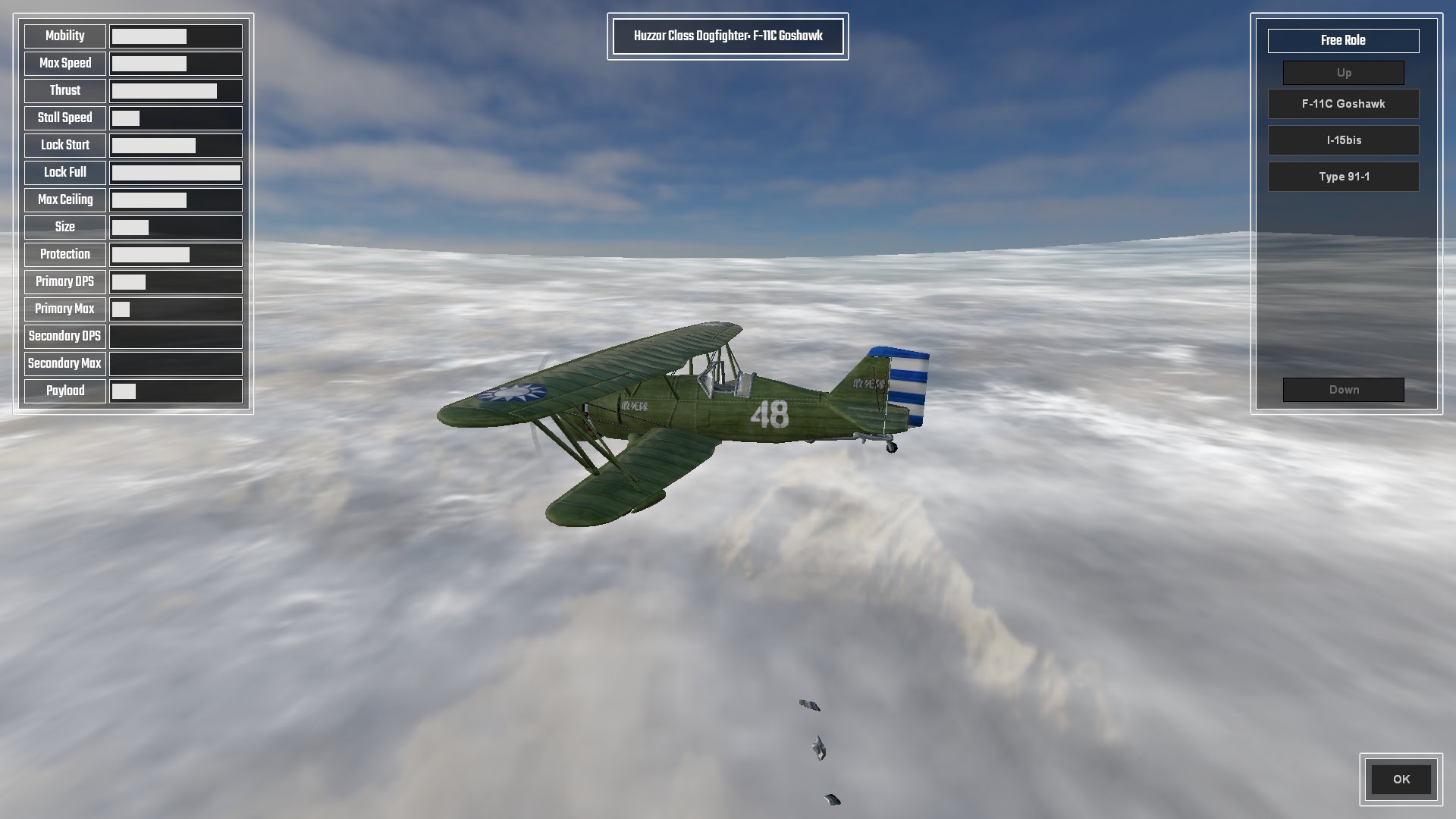
Choose Your Fighter! Literally in this case ...

Here is where you get to choose stuff for the forthcoming mission. The overview screen is where the menu is, as well as a reminder of the mission objectives and the important specifications of the currently chosen aircraft, which boils down to maximum level speed, stall speed, and at what speed the ailerons completely lock-up and you wish you weren't in a 90 degree vertical dive whilst holding down the turbo button.

The aircraft selection screen details all pertinent statistics of the aircraft, displayed as a percentage bar based on the min-max of all other aircraft; 

(range max - range min) * (value - min value) / (max value - min value) + range min = percentage

All except, that is, for Lock Start which is based on percentage of Max Speed, and Lock End which is based on Max Speed * 2.
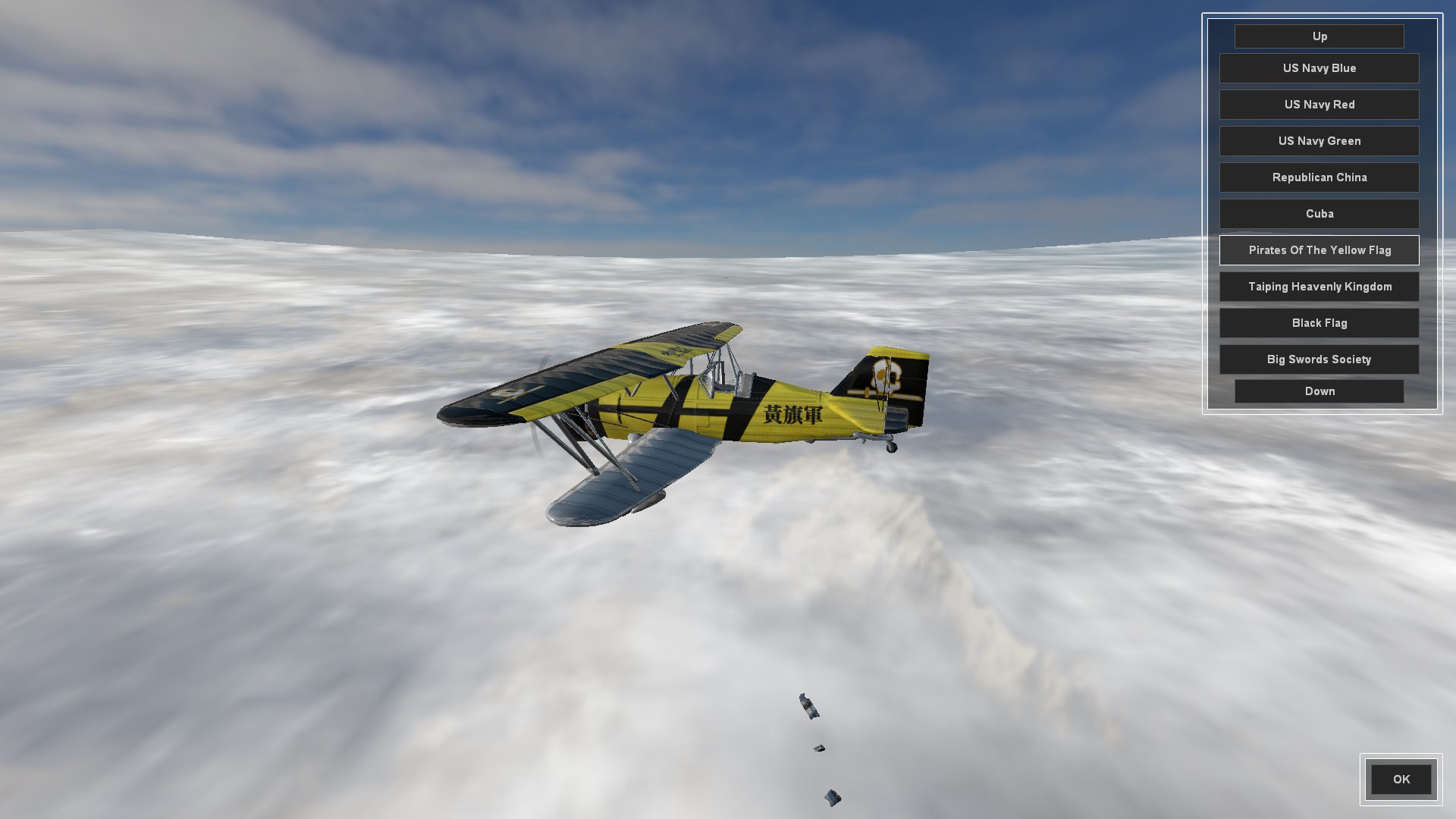
The Fastest Paint Job Changes In The West

The Insignia screen is where the player can choose their aircraft skin. I was going to call it Paint Job but insignia seemed more fitting. In fact I had a good trawl through the thesaurus for flag, badge and logo before deciding on insignia.

Any skin which can be carried over to other aircraft will be added to newly selected aircraft back in the Aircraft Selection Screen, or default to Dazzle Camo if not.

I am splitting aircraft up into distinct roles (fighter, interceptor, striker/bomber) which have differing effects for lock-up, turbo (WEP; War Emergency Power), stall turns, etc, and am naming these after cavalry units.

So, still to do for the pre-mission screen;

  • Create a Briefing overview where the player can select which aircraft they want to conduct the mission as. Different wings of aircraft will have different roles as mentioned above. Really hate escorting strike aircraft to attack a target? No problem, fly the strike aircraft and have the Ai do the escort mission. This style of play also lends itself rather well to online multiplayer co-op mode.
  • Create a Payload Selection screen that allows aircraft that have external hardpoints to fit bombs and rockets. Also need to create a system for the use of bombs and rockets, as we only have primary and secondary guns coded at the moment.
  • Integrate all of the player choices into the actual mission when it starts.

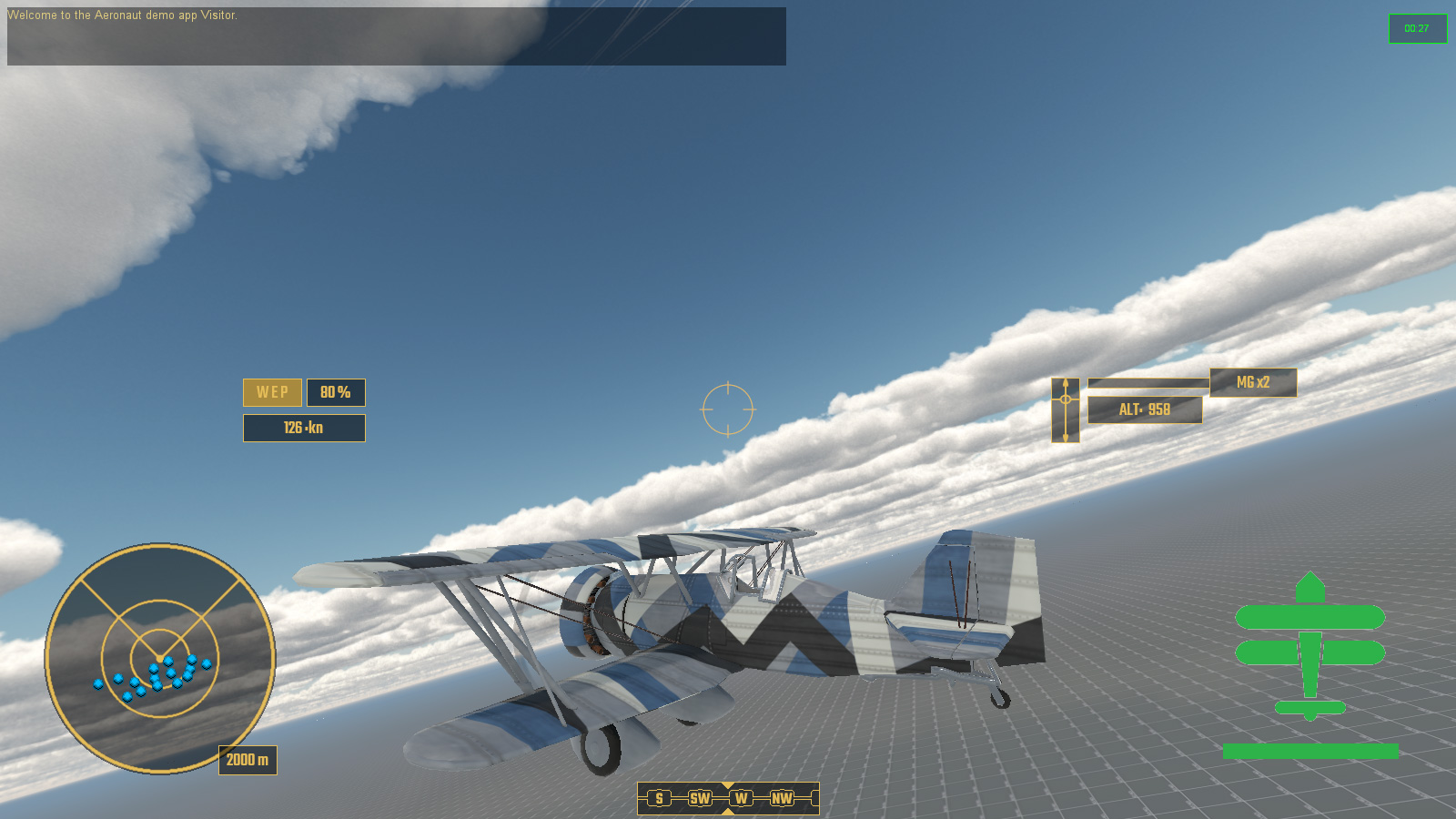
And here is the whole thing as it currently stands in video. There are three aircraft and about ten skins each.


And that was the month that was. It started with me in shorts getting sunburnt and has ended with me soaked to the skin and wearing a jumper. Classic British summer.

Wednesday, 30 June 2021

Events Dear Boy, Events

 So this month I have been coding a "Mission Events System" loosely based on how Descent: Freespace did it.

Chief amongst this creating a system that read all of the spawnPoint data which held all the info for various events, and anything inside the mission's own custom event file, then tried to organize all of that into something which wasn't gibberish.

I can give you a quick rundown ...

   //this is where the mission relevant data is started
   //all missions related events are controlled from here
   //before we spawn the player we need to load the MissionEventFile (MEF) and all it's functions
   //to do this we need to find out how many players we have
   //treat this number as 1 for single player game and start the mission with the first client joining
   //MissionEventFile holds the missionEventList (arrayObject) and all mission event functions
   //spawnPoints inside the missionEvents folder are for spawning and events
      //spawnStart;
         //1 timed or immediate spawn from player arrival; 1 = spawn immediately
      //spawnNear;
         //object that we should spawn near, if spawnDistance > 0; this overrides our spawnPoint location; defaults to player
      //spawnDistance;
         //distance from spawnNear object in kilometers;
      //dataBlock; <<<<< spawnDatablock
         //literally datablock name for player; eg: F11Goshawk, etc. Never AiF11Goshawk though, Ai gets added later
      //dataType; <<<<< spawnClass
         //type of datablock; eg: aeronautVehicle, etc. Never AiAeronautVehicle though, Ai gets added later
      //startingThrust;
         //starting engine setting as F32, default 0.6
      //team;
         //0 greenFor(neutral); 1 blueFor(ally); 2 redFor(enemy); 3 yellowFor(aggressor);
      //skillLevel;
         //Ai skillLevel 1-10; modified with difficulty
      //callsign;
         //name for vehicle or wing of aircraft based on wingNum and isWing number;
         //eg: solitary isWing0 "bob"
         //eg: isWing 2, wingNum 3 "bob3_2"
      //isWing;
         //0 = no not a wing only 1 vehicle or was a wing which has already been reduced to 0
         //1+ = is a wing, this number goes down everytime the wing is destroyed
         //wings respawn with wingDelayMin/Max time when reduced to wingMin number of remaining aircraft
         //a new arrayObject is created for the wing and all aircraft are added to this from that wing
         //eg: callsign "bob", arrayObject "bob_wing"
      //wingNum;
         //number of aircraft in the wing
      //spawnedNum;
         //number of the aircraft spawned in a wing, ++ until > wingNum then back to 1; this is set by scripts not editor
      //wingDelayMin;
         //minimum number in seconds for the wing to wait before spawning another wing and reducing isWing value by 1
      //wingDelayMax;
         //maximum number in seconds for the wing to wait before spawning another wing and reducing isWing value by 1
      //wingMin;
         //number of surviving aircraft when a new wing will spawn with wingDelayMin/Max. Default is 0, but best set to 1;
      //mainTask;
         //mainTask; 0 do waypoints; 1 dogfight anything; 2 strike target; 3 escort;
      //mainTaskTgt;
         //object for mainTask, can be vehicle, arrayObject list of targets, waypoint or path
      //eventTrigger#;
         //type of event to happen
            //onArrive - has spawned
            //onDepart - has departed
            //onDamagePercent - damage has gone below threshold
            //onDestroyed - uses callback onDisabled and onDestroyed for second check
            //onWaypoint - has moved to waypoint position
            //onPathComplete - has completed the total path
      //eventObject#;
         //object id; eg: onWaypoint = waypoint id; default blank/0/"" is spawnDatablock's object
      //eventDelay#;
         //delay in seconds from the eventTrigger# being completed
      //eventResult#;
         //result of the eventTrigger# occuring
            //script name; function to be activated from missionEventFile (MEF)
      //eventTarget#;
         //target of the event to do something, specifically used for spawn;
         //if no target then it should refer to a local wing or aircraft
         //eg: scorpio wing now spawns in 10 seconds due to eventTrigger1 "onWaypoint", eventObject1 "player", eventResult1 "spawn", eventDelay1 10, eventTarget1 scorpio wing
So that's my own comment notes in the file, though some of that has since been changed ... probably.

Part of this is "wings"; groups of aircraft that spawn together and can respawn in "waves" when their number has been depleted to a certain amount.

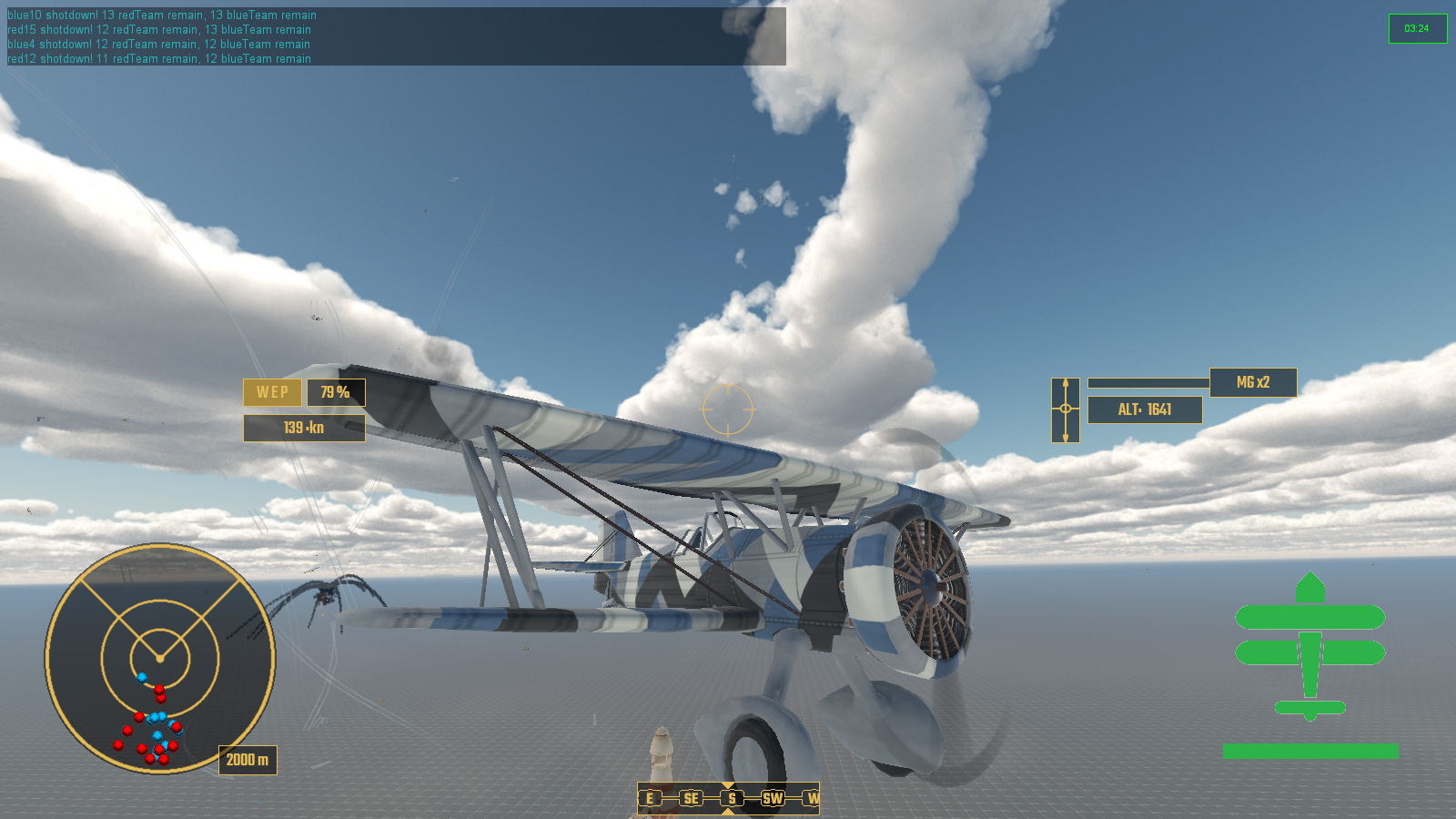
Contextual Messaging about Events in the top left

And what are events without victory and defeat conditions? Not very interesting that's what.

Events - hurray you didn't bugger it all up!

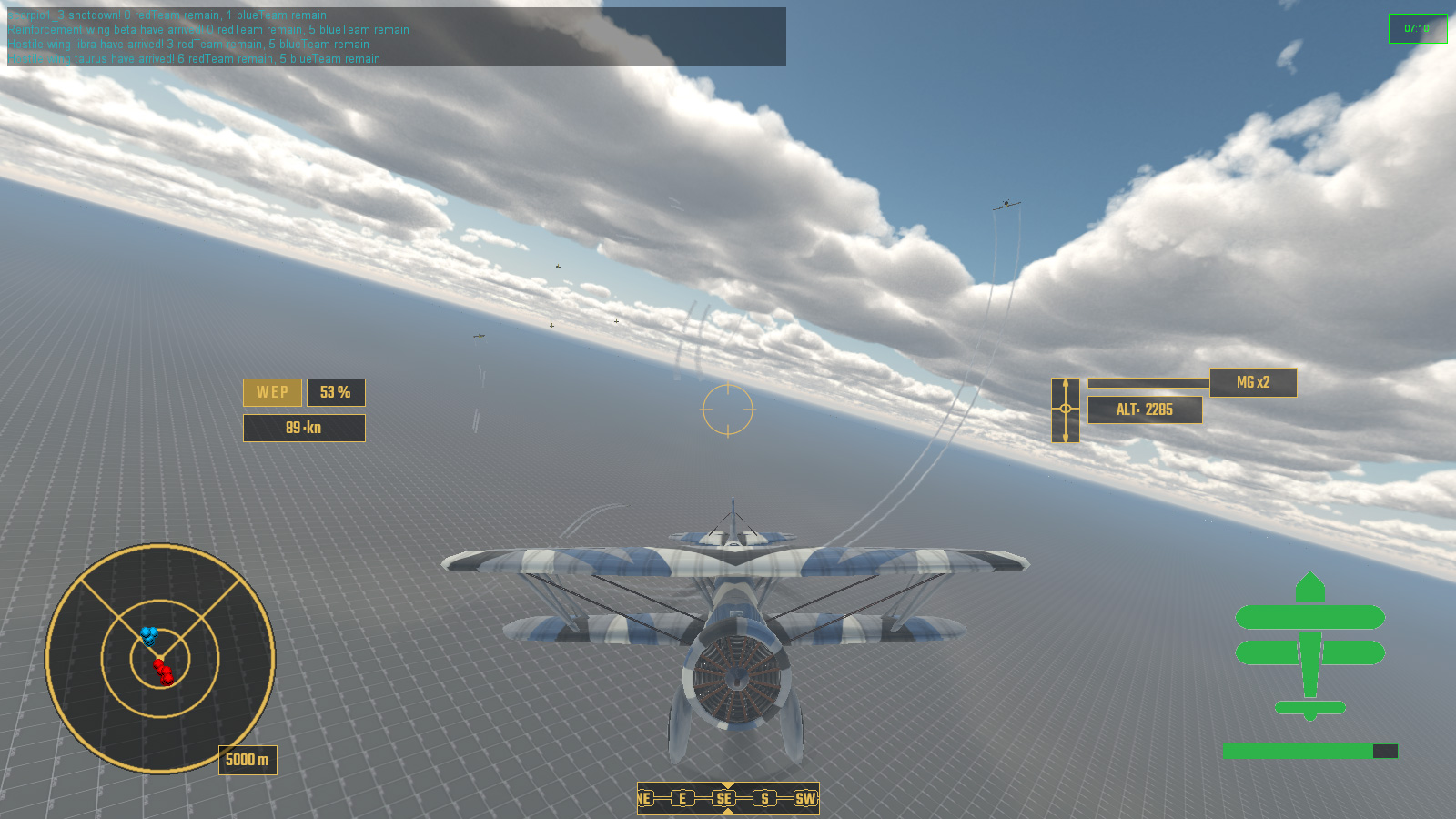
So with all of this in place it was time to create something which looked like a proper game mission. And here it is!

Here's a quick overview of what happens:

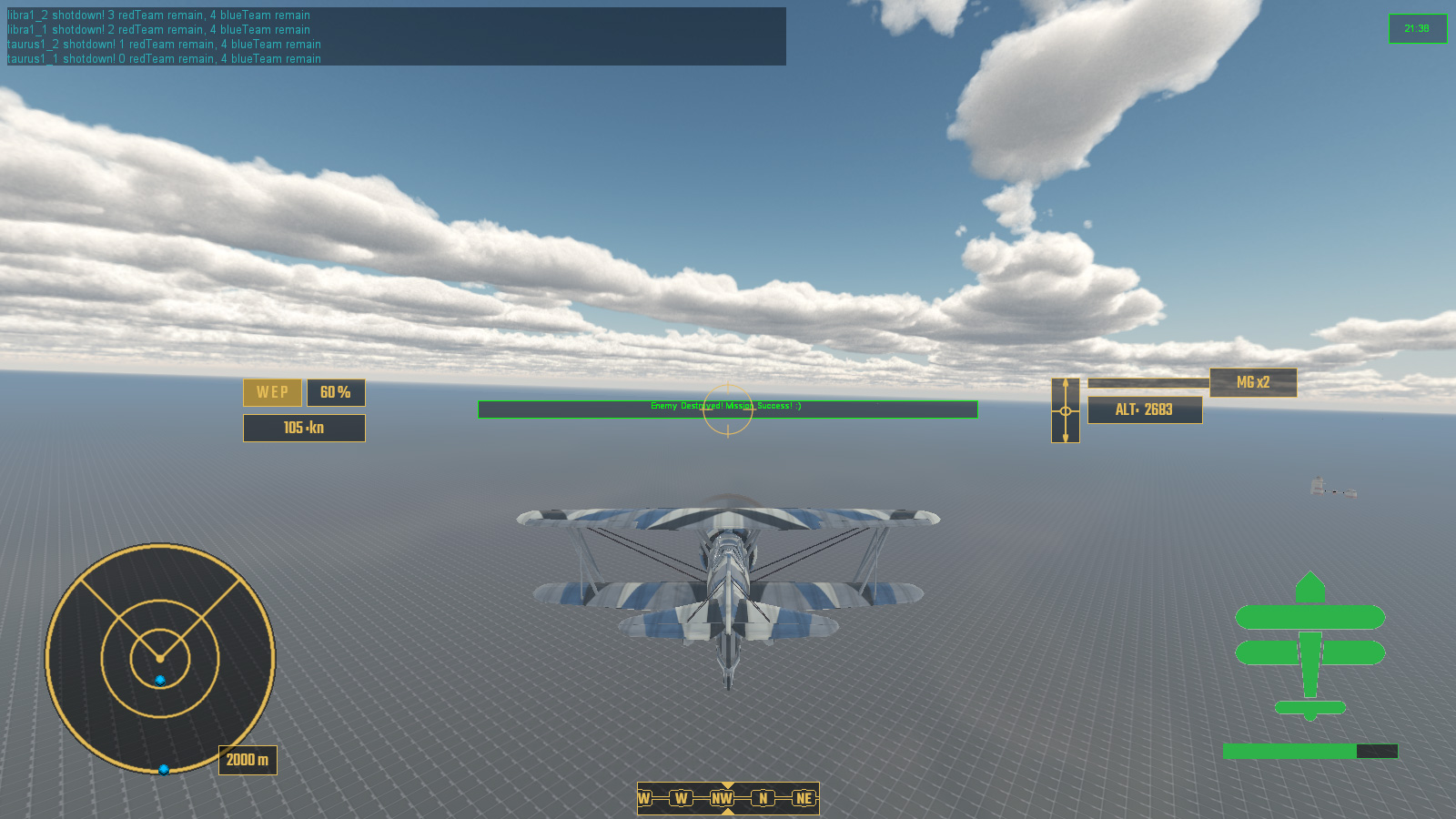
  • Victory Condition: All enemy are destroyed
  • Failure Condition: All allied reinforcements are destroyed
  • Player Spawns Event
  • First enemy wing SCORPIO spawns with a delay in response
  • Enemy wing SCORPIO is destroyed
  • Allied wing of reinforcements spawn in response to SCORPIO onDestroyed
  • Enemy wing LIBRA spawns after delay of reinforcements arriving. Also enemy wing TAURUS spawns with an even longer delay, near reinforcements.
  • After losing 3 out of 4 reinforcements I go and help out the last one before completing the mission.

In this playthrough the reinforcements were not very effective and got pounced on early by the enemy fighters, in other tests they accounted for some kills and assists.

When the mission is over status of all aircarft is printed to the console, detailing kills, assists, damage and the such. Eventually this will be part of a debriefing screen.


So that is the month that was. Roll on July.


Monday, 31 May 2021

One Spell Pony Says Explosion

 This month I have mostly been dealing with explosions.

And vapour trails and general special effect type stuff.

And I found out that the PBR I had been using had broken metalness which was fixed on a newer engine version, so I had to redo all my PBR maps again, after having to redo all my PBR maps again last month because I had Occlusion and Roughness in the wrong RGB channels ... but back to those explosions.

Right back at the beginning of Unnamed Victoriana South China Seas Dieselpunk Dogfighter I created a system of damaging individual aircraft parts, thus degrading performance related attributes like turning, speed, etc. Now I neeeded to actually make it look like something was happening when this actually happened. I threw in a small explosion with a nice little puff of dark smoke to let everyone see that a damage limit had been reached. When this happened a mesh element would be swapped for a more damaged version so that the player could visibly see their aircraft being steadily shot to pieces.

Here is test to show all the parts of an aircraft that can get blow clean off

 I came up with a somewhat hacky solution of hiding the destroyed area and then spawning the blown off part of that area as a static object, so that I could use the same skin texture as the aircraft and give it a spnning animation, and mount that onto a projectile that was gravity heavy.

And of course if an aircraft takes way too much damage all over rather than having a single part get blown off, it just explodes. Whilst some of the debris is made up of model meshes, most is in fact animated sprites for small metal plates tumbling through the air.

Explosion!

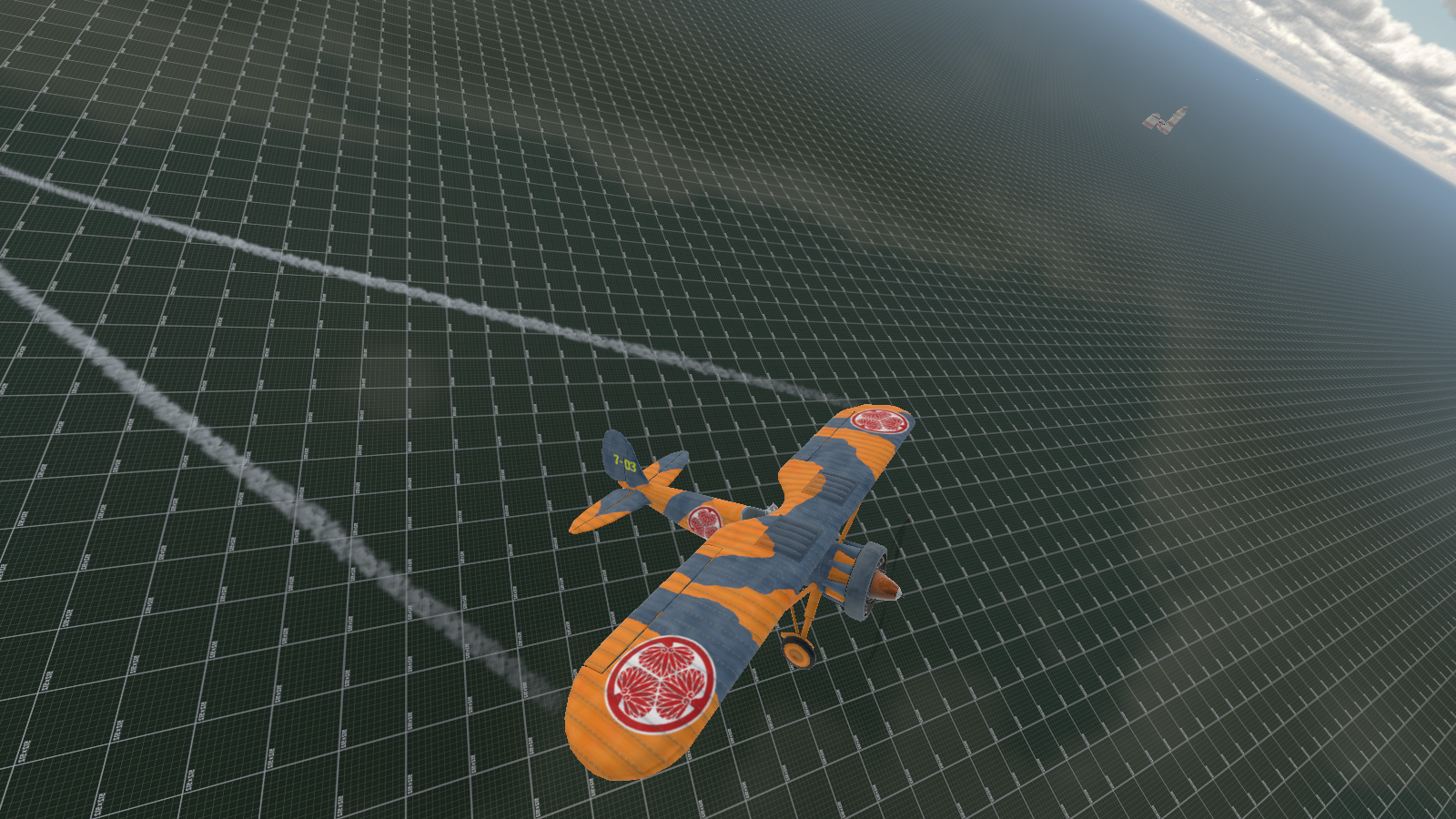
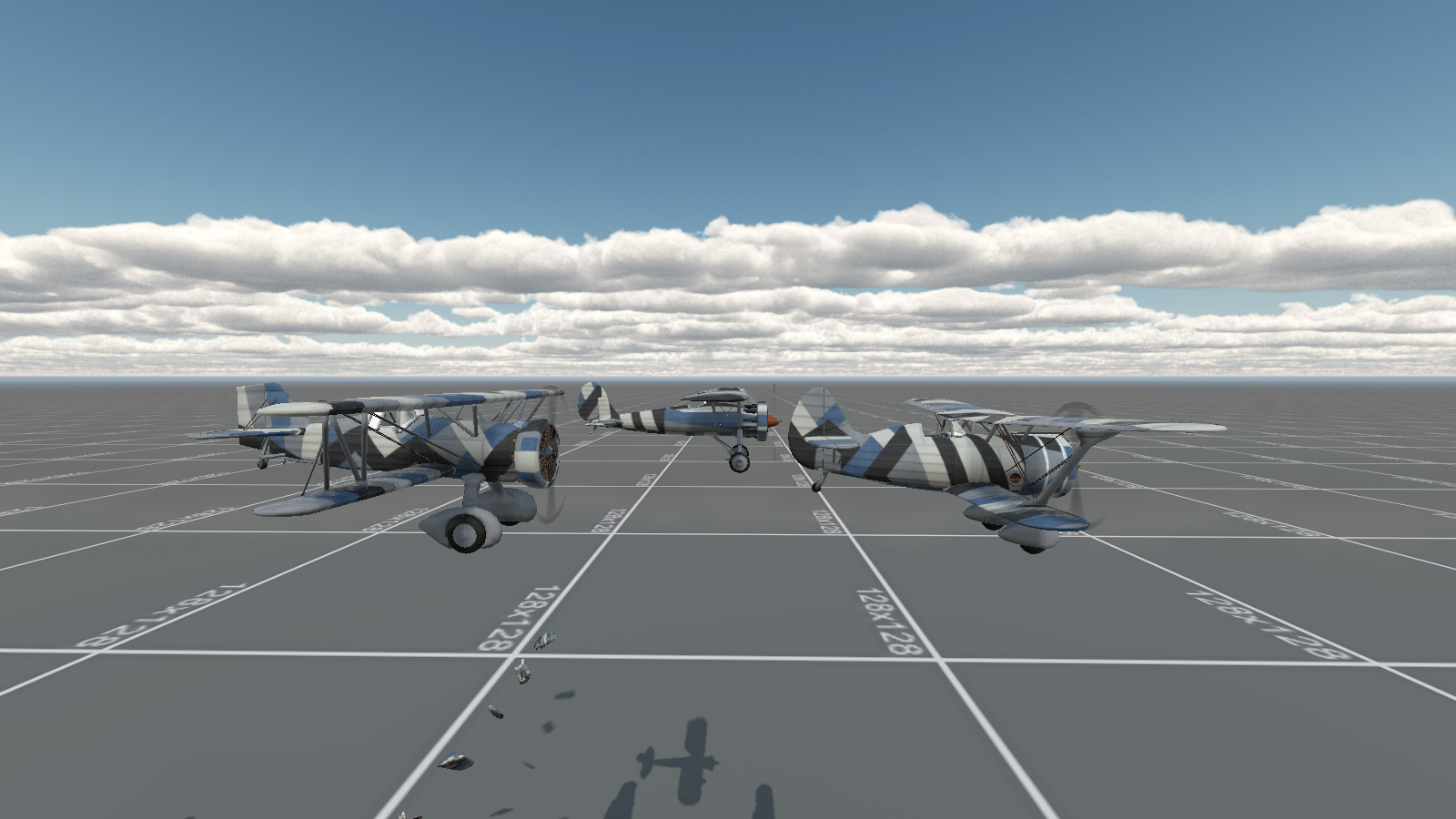
I also made some Dazzle Camouflage skins for the three aircraft types I had previously modeled.

Dazzle Camo; The Rule Of Cool

This brings us to actually sorting out some sort of gameplay mission, and for that I started working on an Event System. I have been thinking of taking a cue from the old space shooter Freespace and FRED, FReepace EDitor, as to how missions are put together. It had a drop down editor for logical arguements which acted as cues for events, thus preventing someone from filling it with absolute gibberish. The premise is quite simple, if x happens do y. Most of this is about spawning new waves of enemies or ships as well as keeping a general tab on mission objectives.

I have come up with a system based on using scriptObjects in the mission for each aircraft or ship or active thingy, all stored in a named folder in the mission editor for ease of finding, which then accumulate to an array on the load game event, waiting for the events to be checked against array list and ticked off one by one. 

The idea is that something occurs - eg1: player connects - the Event System looks to see if anything else needs to be done - eg1: enemy aircraft wing spawn 15 seconds later.

eg2: Enemy are down to 25% numbers, second enemy wing spawns.

eg3: Second enemy wing is destroyed, large enemy formation arrives. Timer starts for player to survive for 120 seconds.

eg4: 120 seconds later, allied wing of reinforcements arrives.

eg5: All enemy destroyed, mission accompished.

And so on and such forth. Minus timers the Event List is entirely passive and is just checked against when something happens that was stored in the array from the aircraft scriptObjects in the editor. This seems to be the best result for low overhead.

So, that was the month that was, and next month we will hopefully have a fully working Event System and actual playable mission which I intend to be a homage based on the first mission of Freespace: The Great War.